Photo Blender Double Exposure PC
Videovibez
Download Photo Blender Double Exposure on PC With GameLoop Emulator
Photo Blender Double Exposure sa PC
Ang Photo Blender Double Exposure, na nagmumula sa developer na Videovibez, ay tumatakbo sa Android systerm sa nakaraan.
Ngayon, maaari mong laruin ang Photo Blender Double Exposure sa PC gamit ang GameLoop nang maayos.
I-download ito sa GameLoop library o mga resulta ng paghahanap. Hindi na tumitingin sa baterya o nakakadismaya na mga tawag sa maling oras.
I-enjoy lang ang Photo Blender Double Exposure PC sa malaking screen nang libre!
Photo Blender Double Exposure Panimula
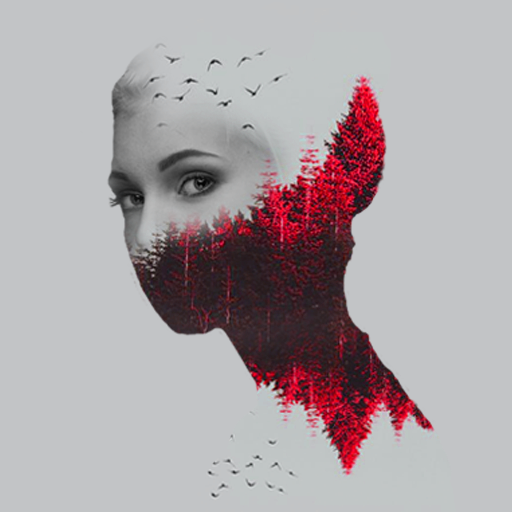
Photo Blender double exposure is a fantastic photo editing app through which you can make some of the most stunning collage. A variety of collage templates and pictures are here to combine your images in different ways. Moreover, you may customize your templates. For sure, this is far more exciting than a conventional photo mixer/ image blender.
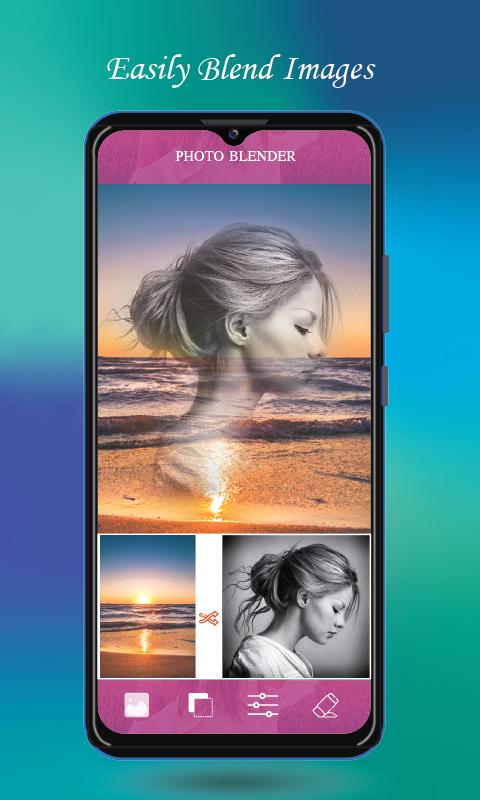
The photo merger is a straightforward but most compatible app. It efficiently merges two of your pictures in one frame. Hence, with a photo mixer, you can create a very adorable photo collection by blending them into one.
Try to create professional photo influence with state-of-the-art tools like double exposure, multi exposure, overlap photos, blending, mixing, effects, overlays, and many more. With the help of a Photo mixer, you can get the power to create a fantastic collage of your photo by gathering them with a few clicks only.
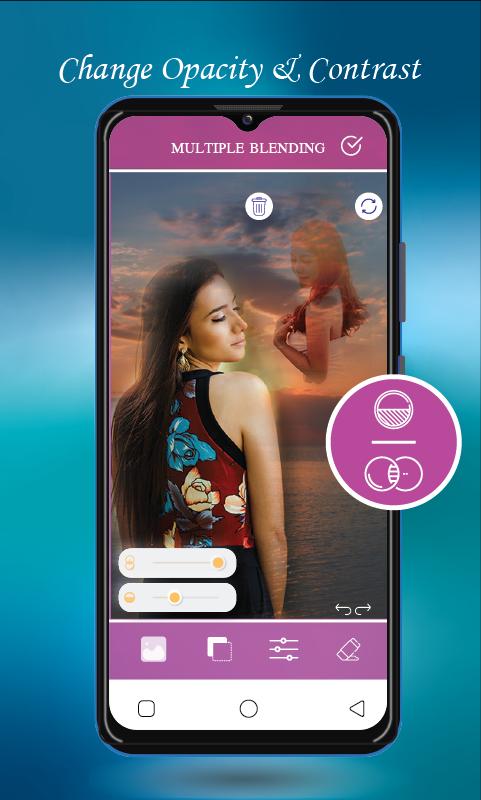
This multiple image blender app also creates double exposure effect images by blending two photos or even creates multi-exposed images by repeating blend steps with a different photo each time. This makes it a favorite among all such apps.
What are the features of the Photo Blender app?
You may combine your beautiful photos using a collage maker.
Photo blender offers multiple filters.
Now, start to post your full-size photo without cropping along with attractive shadow and blur background.
You can mix multiple photos using a photo mixer and set a song from your favorite list with ease.
Several photo blender styles are available.
You can blur the background using a photo editing app.
Various types of frames are here.
Also, you can crop photos in the square for social networking sites or other uses
Photo merger allows you to add your desired text stickers to your custom photos.
Try to carry out overlay to give double exposure effects
You can use an image blender to create your desired image.
Try to split, filter, rotate, and create memo texts, blur, and focus photos with a photo blender in a more attractive way.
Collage maker helps you redefine your album.
Crop and resize your pictures from the different aspect ratios.
You can customize your templates with a variety of fonts.
You can share your creation through any social networking sites such as WhatsApp, Facebook, Instagram Etc.,
How to use a photo merger/ image blender
Create your daily picture with simplicity. Just choose a picture from your gallery or click a picture from the camera and merge the photo of our existing incredible picture collection or select another picture from your camera or gallery and merge them at the same time and see excellent results.
Disclaimer
Photo Blender double exposure is not affiliated with Google or any false claim made around.
Outline
Now, you are all set to go ahead, so, Try out the Photo Blender Double Exposure app, and you will love it for sure.
Preview
Tags
BeautyInformation
Developer
Videovibez
Latest Version
1.6
Last Updated
2022-07-02
Category
Beauty
Available on
Google Play
Show More
How to play Photo Blender Double Exposure with GameLoop on PC
1. Download GameLoop from the official website, then run the exe file to install GameLoop
2. Open GameLoop and search for “Photo Blender Double Exposure” , find Photo Blender Double Exposure in the search results and click “Install”
3. Enjoy playing Photo Blender Double Exposure on GameLoop
Minimum requirements
OS
Windows 8.1 64-bit or Windows 10 64-bit
GPU
GTX 1050
CPU
i3-8300
Memory
8GB RAM
Storage
1GB available space
Recommended requirements
OS
Windows 8.1 64-bit or Windows 10 64-bit
GPU
GTX 1050
CPU
i3-9320
Memory
16GB RAM
Storage
1GB available space