
Philips Lumea IPL PC
Philips Consumer Lifestyle
Download Philips Lumea IPL on PC With GameLoop Emulator
Philips Lumea IPL sa PC
Ang Philips Lumea IPL, na nagmumula sa developer na Philips Consumer Lifestyle, ay tumatakbo sa Android systerm sa nakaraan.
Ngayon, maaari mong laruin ang Philips Lumea IPL sa PC gamit ang GameLoop nang maayos.
I-download ito sa GameLoop library o mga resulta ng paghahanap. Hindi na tumitingin sa baterya o nakakadismaya na mga tawag sa maling oras.
I-enjoy lang ang Philips Lumea IPL PC sa malaking screen nang libre!
Philips Lumea IPL Panimula
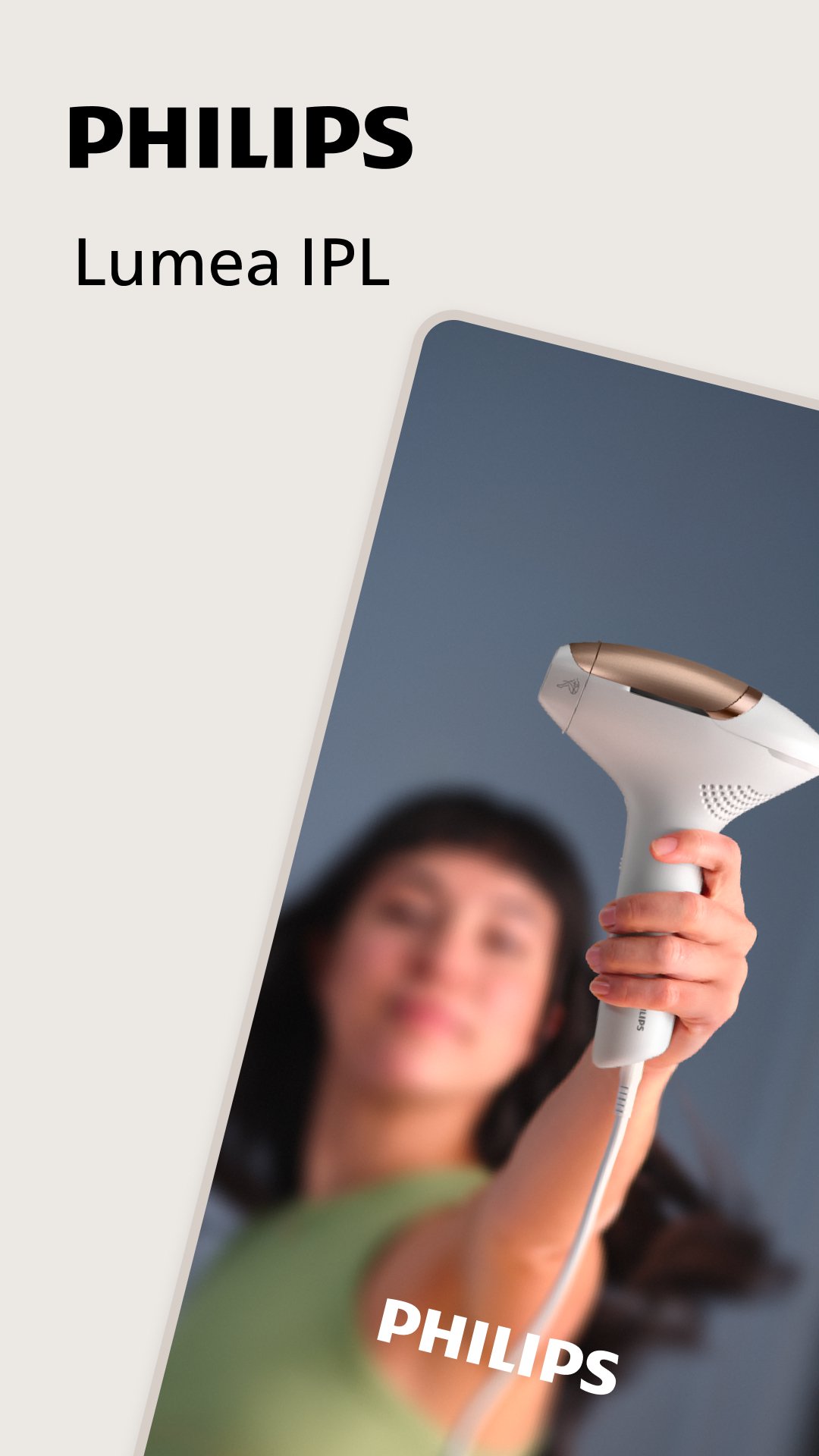
The Philips Lumea IPL app is your personal coach and companion, guiding you on your journey to long-lasting hair-free skin.
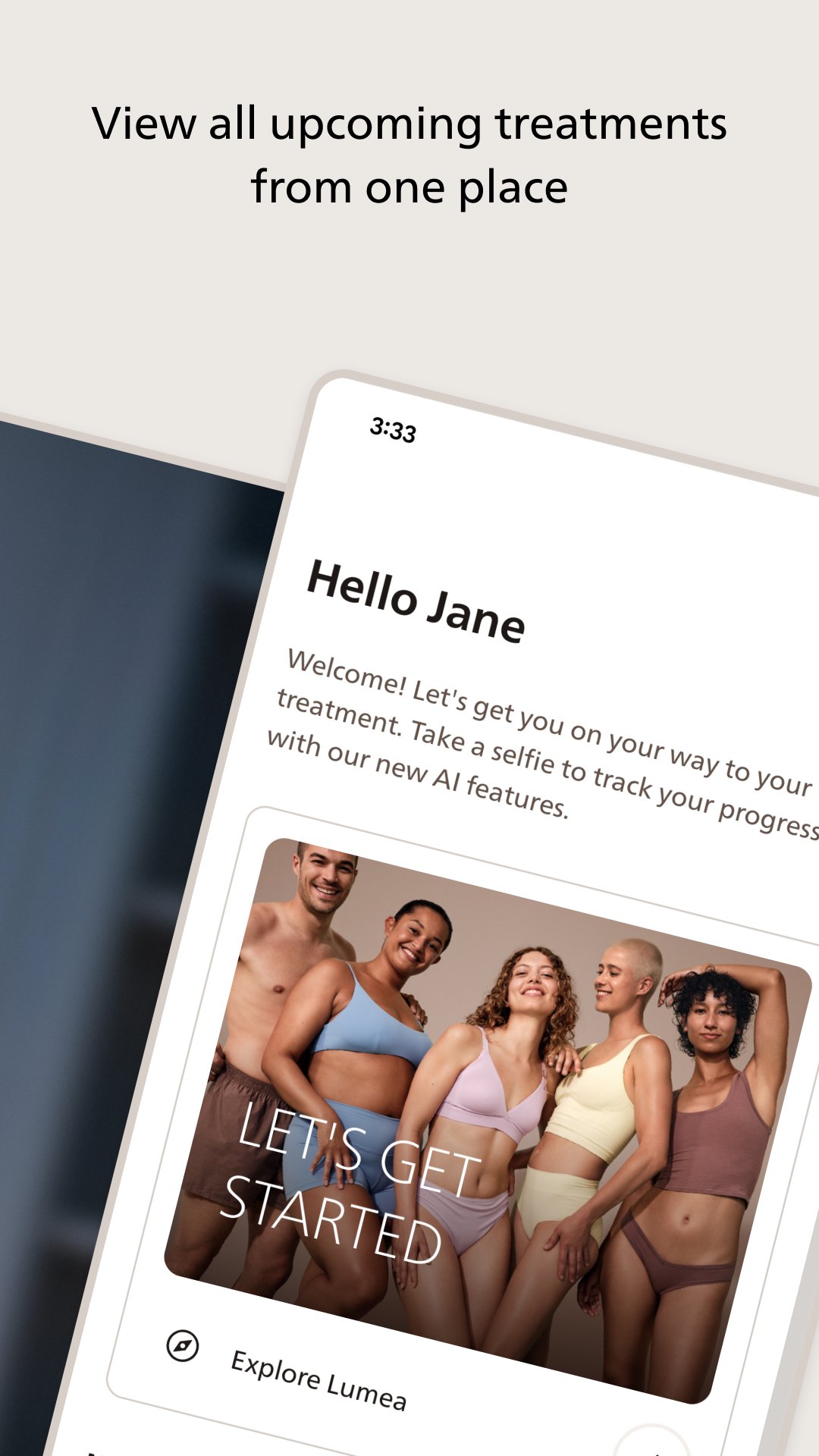
The app is a must-have Lumea accessory, helping you to get started quickly and use your IPL (Intense Pulsed Light) device with confidence. With step-by-step guidance, support, hair-removal tips, personalized treatment plans, and an easy-to-follow schedule, you can make every treatment count.
In addition to the above, Philips Lumea 9900 SenseIQ Pro users can access real-time smart features, including:
- Interactive skin tests to help you choose the optimal intensity setting
- Skin contact feedback to ensure optimal results even on tricky areas
- Audiovisual feedback during treatments
- Smart progress updates, providing handy insights and helping you stay on track.
Ready to get started on your personalized journey to long-lasting, hair-free skin? Download the app and let’s get started.
Preview
Tags
BeautyInformation
Developer
Philips Consumer Lifestyle
Latest Version
11.0.1
Last Updated
2026-06-18
Category
Beauty
Available on
Google Play
Show More
How to play Philips Lumea IPL with GameLoop on PC
1. Download GameLoop from the official website, then run the exe file to install GameLoop
2. Open GameLoop and search for “Philips Lumea IPL” , find Philips Lumea IPL in the search results and click “Install”
3. Enjoy playing Philips Lumea IPL on GameLoop
Minimum requirements
OS
Windows 8.1 64-bit or Windows 10 64-bit
GPU
GTX 1050
CPU
i3-8300
Memory
8GB RAM
Storage
1GB available space
Recommended requirements
OS
Windows 8.1 64-bit or Windows 10 64-bit
GPU
GTX 1050
CPU
i3-9320
Memory
16GB RAM
Storage
1GB available space