Mirror: Zoom, Light & Makeup PC
BariLab
Download Mirror: Zoom, Light & Makeup on PC With GameLoop Emulator
Mirror: Zoom, Light & Makeup sa PC
Ang Mirror: Zoom, Light & Makeup, na nagmumula sa developer na BariLab, ay tumatakbo sa Android systerm sa nakaraan.
Ngayon, maaari mong laruin ang Mirror: Zoom, Light & Makeup sa PC gamit ang GameLoop nang maayos.
I-download ito sa GameLoop library o mga resulta ng paghahanap. Hindi na tumitingin sa baterya o nakakadismaya na mga tawag sa maling oras.
I-enjoy lang ang Mirror: Zoom, Light & Makeup PC sa malaking screen nang libre!
Mirror: Zoom, Light & Makeup Panimula
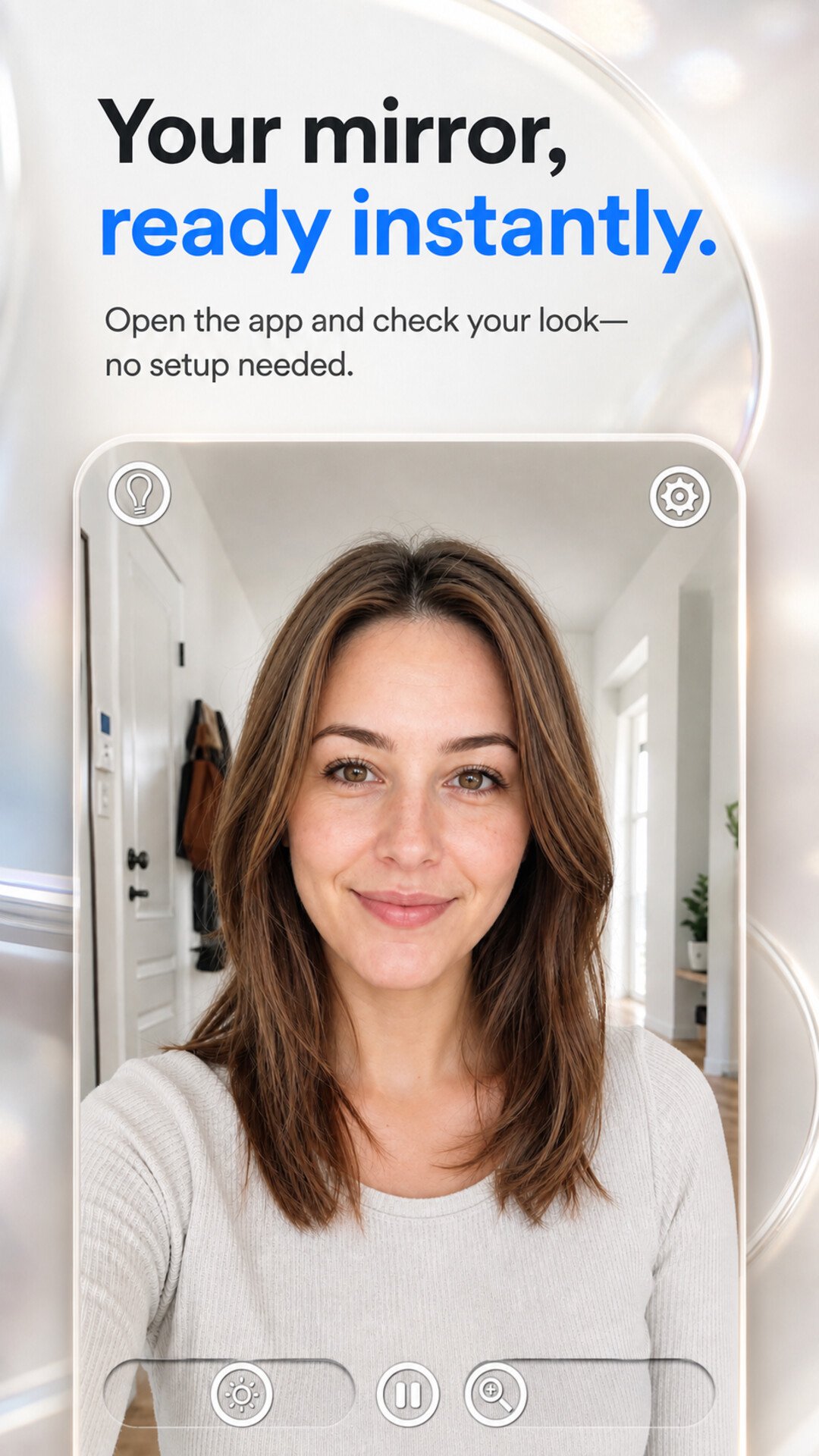
A mirror in your pocket — ready in one tap.
Mirror uses your front camera to show a bright, easy-to-see reflection. Whether you are applying makeup, fixing your hair, putting in contact lenses, or just checking your look before a meeting, this pocket mirror app is faster than finding a real one.
WHY MIRROR?
◆ Mirror with Zoom
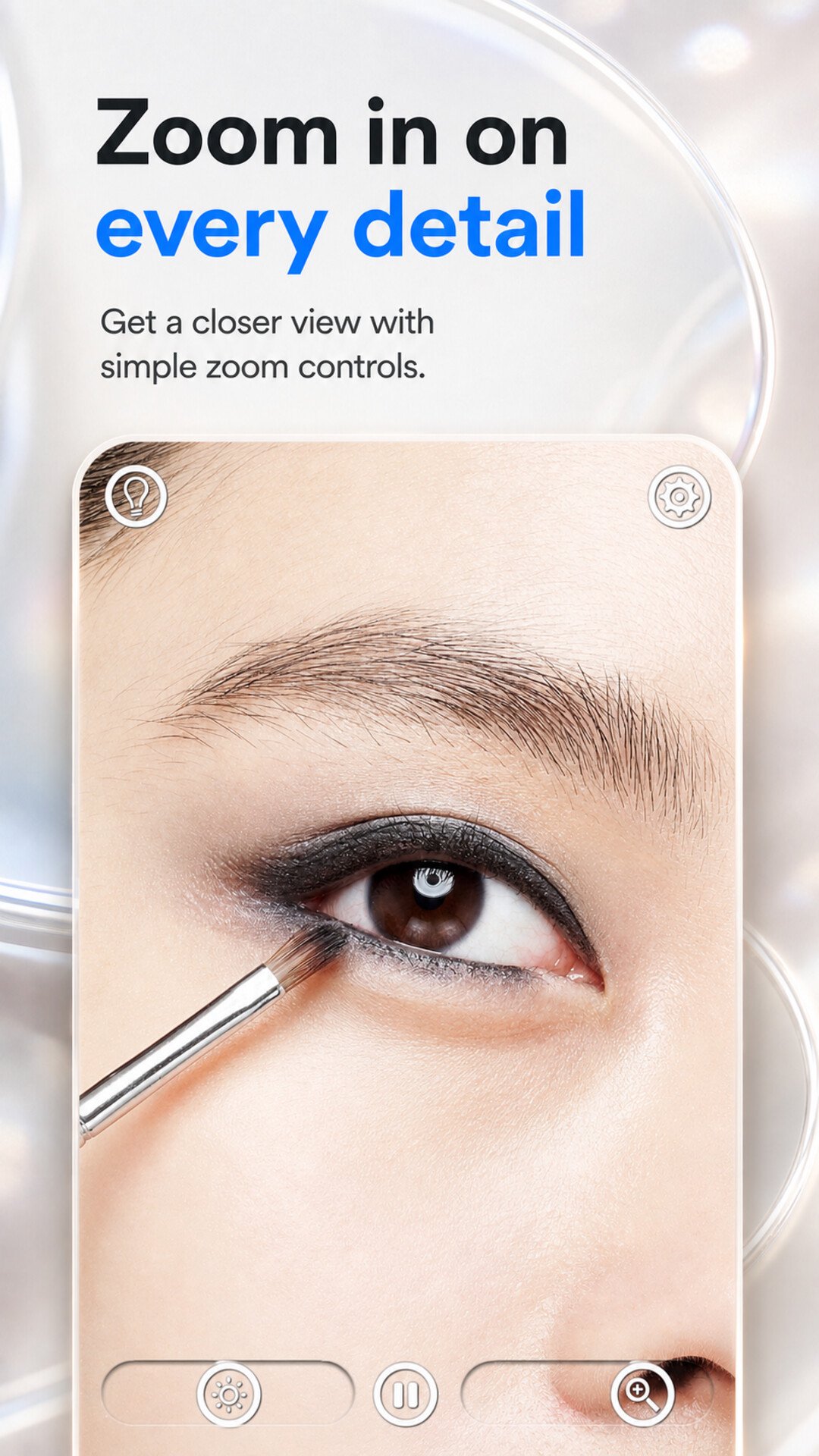
Pinch to zoom in for a closer look — handy as a magnifying mirror for eyebrows, eyeliner, contact lenses, or skin care.
◆ Adjustable Brightness (Light Mirror)
Dark restaurant? Dim car interior? Turn up the in-app brightness and use your screen as a lighted makeup mirror, so you can see better in low light.
◆ Exposure Control
Fine-tune exposure so your reflection looks natural — not washed out, not too dark.
◆ Freeze the Mirror
Freeze a frame to check details without holding your pose.
◆ Simple, Instant, Distraction-Free
No sign-up, no complicated settings. Open the app and you are looking at a mirror. A clean interface keeps the focus on you.
◆ Lightweight
Small download size and quick launch.
PERFECT FOR
• Makeup mirror — foundation, eyeliner, lipstick touch-ups on the go
• Hand mirror — quick appearance check anytime, anywhere
• Magnifying mirror — eyebrows, contact lenses, skin details
• Vanity mirror with light — get ready in dark rooms or at night
• Travel mirror — one less thing to carry in your bag
• Quick checks — teeth after lunch, hair before a video call
WHO USES MIRROR?
Students checking their look between classes, professionals before meetings and video calls, makeup lovers who want a big, bright, magnified view — anyone who ever wished they had a mirror in their pocket.
TIPS
• Pinch to zoom in and out for detail work
• Swipe the brightness slider when you are somewhere dark
• Adjust exposure for a natural reflection in harsh light
• Freeze a frame to examine details at your own pace
YOUR REFLECTION STAYS ON SCREEN
The mirror view is simply your camera feed shown on screen — the app does not record or save it. For details on data handling, please see our privacy policy.
Download Mirror today and never be without a mirror again — a simple beauty tool that is always with you.
Preview
Tags
BeautyBoardToolsInformation
Developer
BariLab
Latest Version
26.08.29
Last Updated
2026-08-29
Category
Beauty
Available on
Google Play
Show More
How to play Mirror: Zoom, Light & Makeup with GameLoop on PC
1. Download GameLoop from the official website, then run the exe file to install GameLoop
2. Open GameLoop and search for “Mirror: Zoom, Light & Makeup” , find Mirror: Zoom, Light & Makeup in the search results and click “Install”
3. Enjoy playing Mirror: Zoom, Light & Makeup on GameLoop
Minimum requirements
OS
Windows 8.1 64-bit or Windows 10 64-bit
GPU
GTX 1050
CPU
i3-8300
Memory
8GB RAM
Storage
1GB available space
Recommended requirements
OS
Windows 8.1 64-bit or Windows 10 64-bit
GPU
GTX 1050
CPU
i3-9320
Memory
16GB RAM
Storage
1GB available space