
SpeedoX MyRide PC
SpeedoX
Download SpeedoX MyRide on PC With GameLoop Emulator
SpeedoX MyRide sa PC
Ang SpeedoX MyRide, na nagmumula sa developer na SpeedoX, ay tumatakbo sa Android systerm sa nakaraan.
Ngayon, maaari mong laruin ang SpeedoX MyRide sa PC gamit ang GameLoop nang maayos.
I-download ito sa GameLoop library o mga resulta ng paghahanap. Hindi na tumitingin sa baterya o nakakadismaya na mga tawag sa maling oras.
I-enjoy lang ang SpeedoX MyRide PC sa malaking screen nang libre!
SpeedoX MyRide Panimula
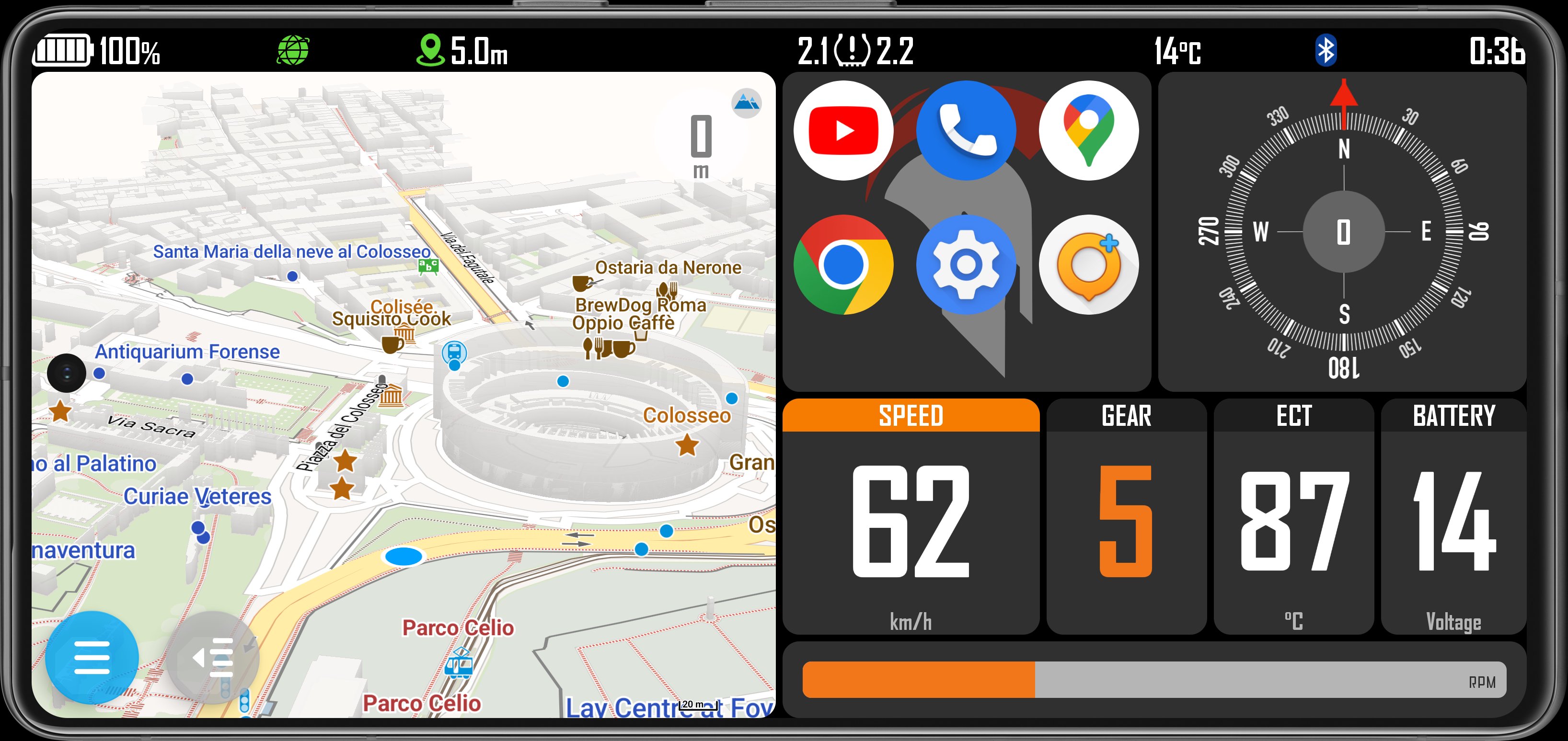
Full dashboard designed by a rider for adventure riders.
Characteristics:
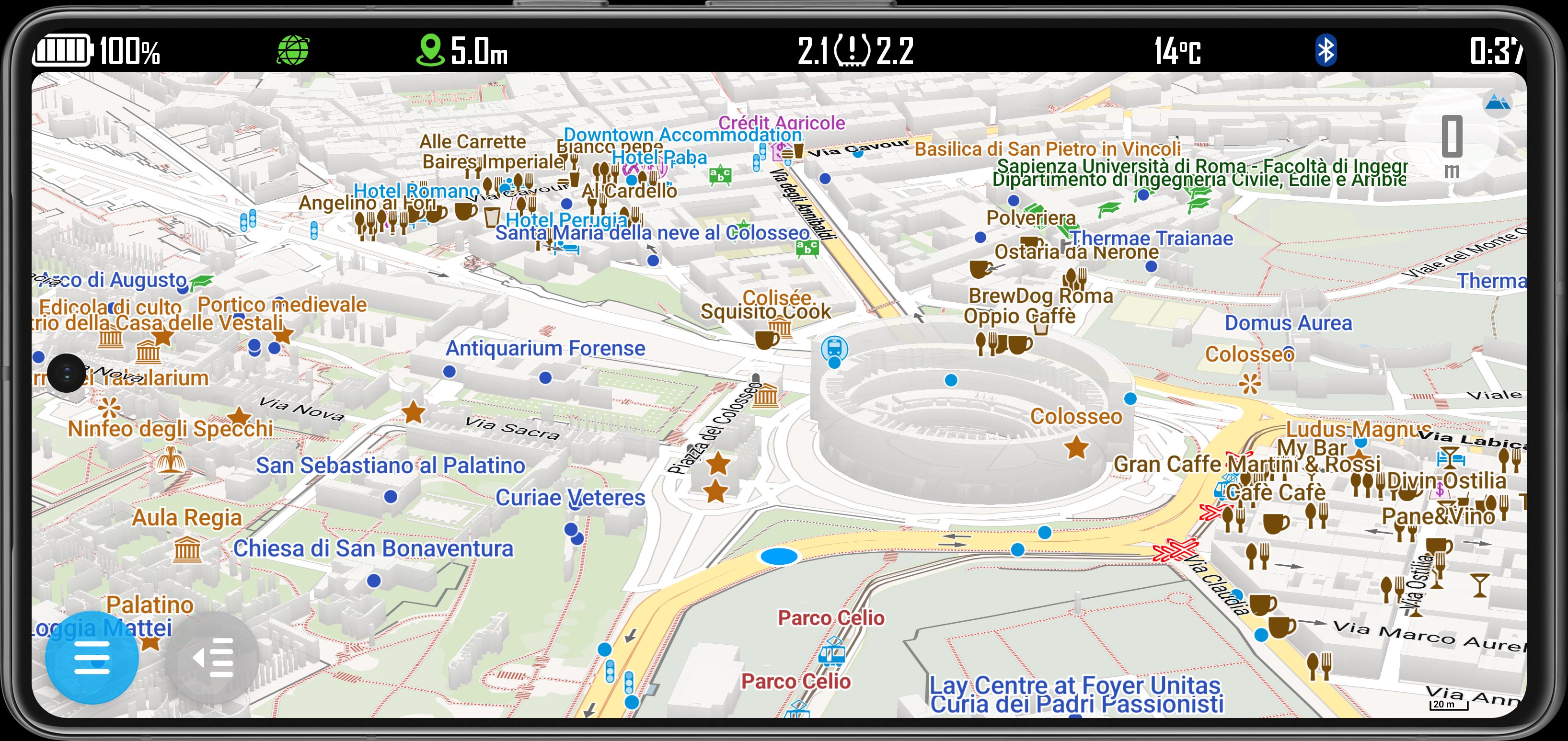
- Offline vector maps of all over the world
- Integrated navigation functions (online)
- Import GPX tracks
- Digital Roadbook reader with tools
- Displays tire pressure(*), for rider safety, using sensors that can be purchased separately
- Speedometer in real time, through the "SpeedoX miniBT" module that can be purchased separately; Display the vital data of the ECU (OBD2 standard compatible) of the motorcycle, such as:
- Speed
- Engine revolutions (RPM)
- Gear
- Engine Coolant temperature
- Battery voltage
and much more features will be added in future...
(*) with compatible TPMS sensors.
SpeedoX miniBT is compatible with:
- All motorcycles with SAE J1979 standard OBD2 support
Natively supported:
- Husqvarna 701 Enduro MY2020 and later
- Husqvarna 701 Enduro LR 2020
- Husqvarna 701 Supermoto MY2020 and later
- KTM 690 Enduro R MY2019 and later
- KTM 690 SMC R MY2019 and later
- KTM 890 ADV 2021 and later
- BMW F800GS (K72)
- BMW R1200GS (K25)
- YAMAHA TENERE 700
Other ECUs will be compatible soon.
Preview
Tags
Auto-&Information
Developer
SpeedoX
Latest Version
1.6.9
Last Updated
2025-12-22
Category
Auto-vehicles
Available on
Google Play
Show More
How to play SpeedoX MyRide with GameLoop on PC
1. Download GameLoop from the official website, then run the exe file to install GameLoop
2. Open GameLoop and search for “SpeedoX MyRide” , find SpeedoX MyRide in the search results and click “Install”
3. Enjoy playing SpeedoX MyRide on GameLoop
Minimum requirements
OS
Windows 8.1 64-bit or Windows 10 64-bit
GPU
GTX 1050
CPU
i3-8300
Memory
8GB RAM
Storage
1GB available space
Recommended requirements
OS
Windows 8.1 64-bit or Windows 10 64-bit
GPU
GTX 1050
CPU
i3-9320
Memory
16GB RAM
Storage
1GB available space