PROTON Link PC
Proton Holdings Berhad
Download PROTON Link on PC With GameLoop Emulator
PROTON Link sa PC
Ang PROTON Link, na nagmumula sa developer na Proton Holdings Berhad, ay tumatakbo sa Android systerm sa nakaraan.
Ngayon, maaari mong laruin ang PROTON Link sa PC gamit ang GameLoop nang maayos.
I-download ito sa GameLoop library o mga resulta ng paghahanap. Hindi na tumitingin sa baterya o nakakadismaya na mga tawag sa maling oras.
I-enjoy lang ang PROTON Link PC sa malaking screen nang libre!
PROTON Link Panimula
PROTON Link 2.0 is your one-stop companion app designed to elevate your vehicle ownership experience with real-time control, personalized features, and direct access to services, all from your smartphone.
Log in or register to access connected features on selected Proton models (1), including:
Discover
• Read official Proton news and events
• Post your moments and engage with the Proton community
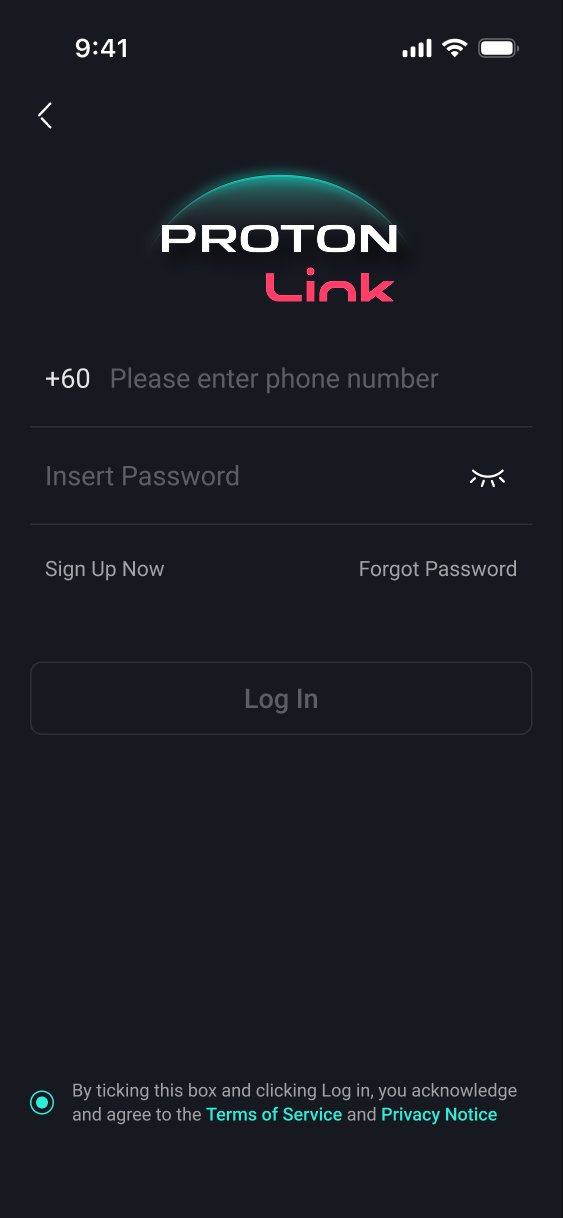
• Scan QR code to log in quickly to your vehicle infotainment head unit.
Vehicle & Services
• Start/Stop engine, lock/unlock doors, control A/C, horn & lights, open/close windows and ventilation mode.
• Check fuel level, driving range, vehicle alerts and etc.
• View trip log history and remote-control status with PIN protection.
• Access directly from Proton Official Website for Service Appointment, Test Drive, Financial Calculator, ProCare and Proton Insurance Program.
• Access digital owner’s manuals and FAQs.
Map
• Real-time vehicle location
• Send destination to your car
• Set geo-fencing alerts
• Invite friends for pick-up
Mall
• Buy mobile data packages for your infotainment unit
Profile
• View message history and notifications
• Manage your calendar and system preferences
• Customize your car profile and invite friends to join
(1) Features may vary by vehicle model, specification, and market availability.
(2) Always ensure surroundings are safe before using remote functions.
*Mobile network coverage and app permissions are required for full functionality.
Preview
Tags
Auto-&Information
Developer
Proton Holdings Berhad
Latest Version
2.1.0
Last Updated
2026-02-09
Category
Auto-vehicles
Available on
Google Play
Show More
How to play PROTON Link with GameLoop on PC
1. Download GameLoop from the official website, then run the exe file to install GameLoop
2. Open GameLoop and search for “PROTON Link” , find PROTON Link in the search results and click “Install”
3. Enjoy playing PROTON Link on GameLoop
Minimum requirements
OS
Windows 8.1 64-bit or Windows 10 64-bit
GPU
GTX 1050
CPU
i3-8300
Memory
8GB RAM
Storage
1GB available space
Recommended requirements
OS
Windows 8.1 64-bit or Windows 10 64-bit
GPU
GTX 1050
CPU
i3-9320
Memory
16GB RAM
Storage
1GB available space