No Texting While Driving! PC
Andrey Lopukhov
Download No Texting While Driving! on PC With GameLoop Emulator
No Texting While Driving! sa PC
Ang No Texting While Driving!, na nagmumula sa developer na Andrey Lopukhov, ay tumatakbo sa Android systerm sa nakaraan.
Ngayon, maaari mong laruin ang No Texting While Driving! sa PC gamit ang GameLoop nang maayos.
I-download ito sa GameLoop library o mga resulta ng paghahanap. Hindi na tumitingin sa baterya o nakakadismaya na mga tawag sa maling oras.
I-enjoy lang ang No Texting While Driving! PC sa malaking screen nang libre!
No Texting While Driving! Panimula
🚗 **Stay Focused. Stay Safe. Stay Connected.** 🚗
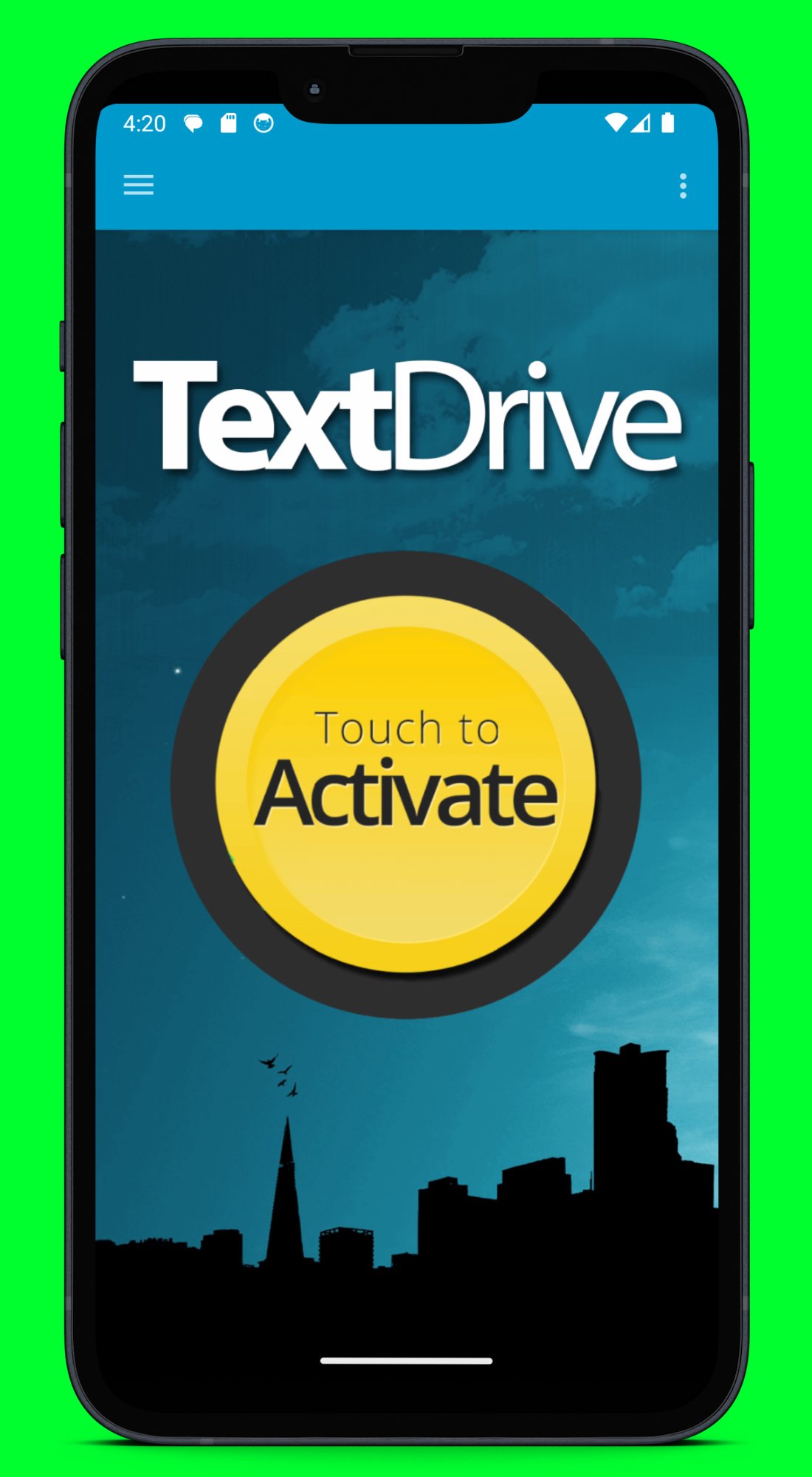
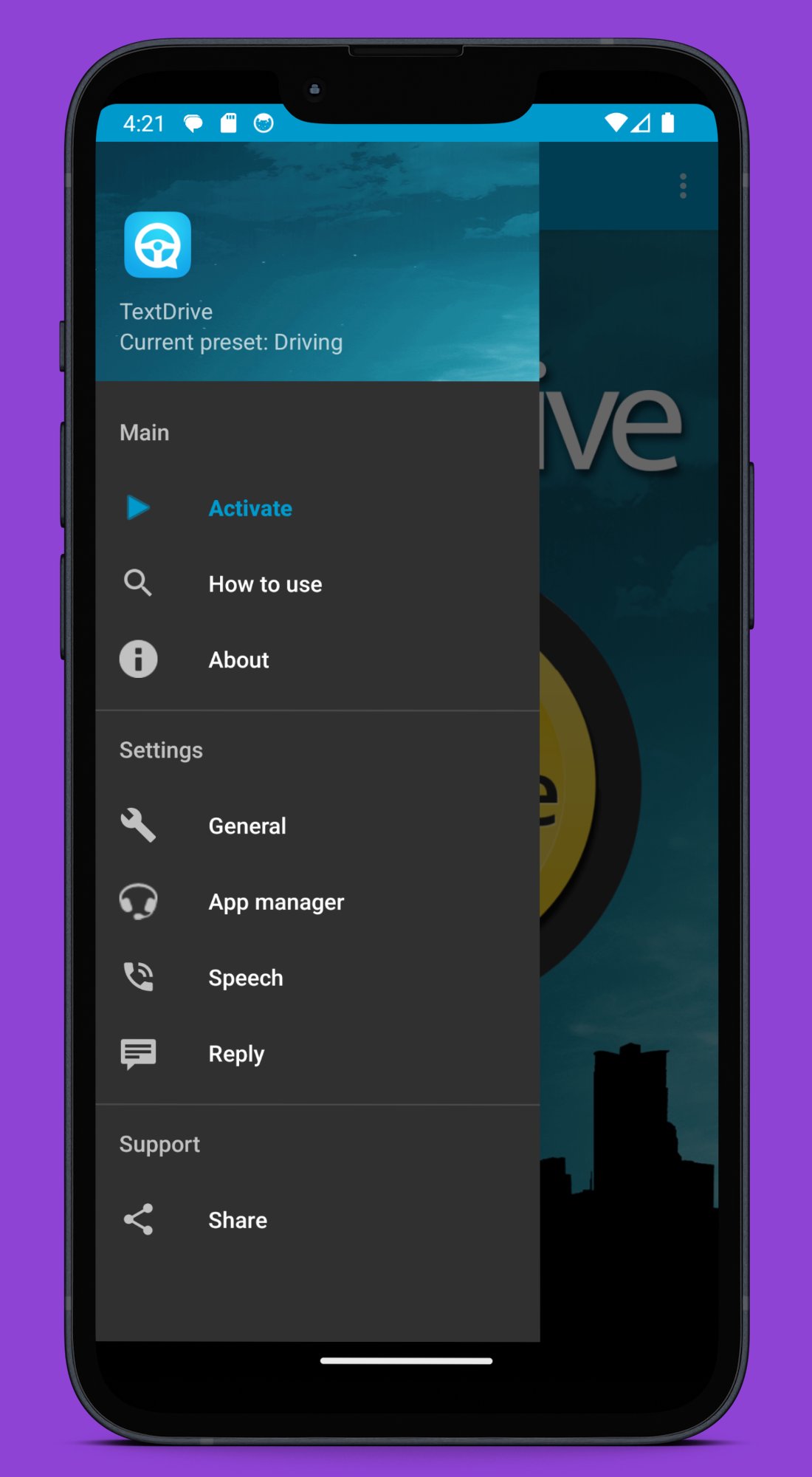
Are you tired of the constant temptation to check your phone while driving? Meet **TextDrive**, the ultimate autoresponder and message reader app designed for safer driving. Transform your smartphone into an intelligent Text Answering Machine and enjoy distraction-free driving without sacrificing connectivity.
## Why TextDrive? The Road Safety Solution You Need
Distracted driving is a leading cause of accidents worldwide. Every glance at your phone puts you and others at risk. TextDrive eliminates this danger by managing messages automatically, allowing you to stay connected without compromising safety.
## 🌟 Powerful Features That Keep You Safe & Connected 🌟
### 📱 Personalized Auto-Replies
Create fully customized automatic replies that match your personality. Set up multiple templates for different scenarios:
- Professional responses for work contacts
- Casual replies for friends and family
- Emergency contact information
- Custom messages for specific situations
### 🔊 Advanced Message Reader with Text-to-Speech
Never miss an important message. TextDrive's sophisticated TTS engine reads incoming SMS and app messages aloud with crystal-clear voice quality. Advanced audio processing ensures you hear every word clearly, even in noisy driving conditions.
Listen hands-free to messages while keeping your eyes on the road. The intelligent reader supports multiple languages and accents, like having a personal assistant in your car.
### 📲 Universal Messaging App Support
TextDrive works seamlessly with your favorite platforms:
- **SMS & RCS** – Traditional text messaging with rich content
- **WhatsApp** – The world's most popular messaging app
- **Telegram** – Fast, secure, cloud-based messaging
- **Facebook Messenger** – Stay connected with your social circle
- **And more messaging apps**
### 🚦 True Hands-Free, Eyes-Free Operation
Experience driving with full attention on the road. TextDrive operates completely in the background, requiring zero interaction while you're behind the wheel. No tapping, no swiping, no glancing at your screen. Just pure focus on driving safely.
### 👥 Intelligent Selective Auto-Reply System
Take control of who receives auto-replies with smart filtering:
- **Only to saved contacts** – Keep your networks informed
- **Only to non-contacts** – Filter unknown numbers
- **To everyone** – Comprehensive coverage
- **Custom contact groups** – Specific rules for family, coworkers, or VIPs
### 🔵 Bluetooth Auto-Activation (Premium Feature)
Intelligent Bluetooth detection automatically activates TextDrive when you connect to your car's system. No manual toggling needed – just start your car and drive. Perfect integration means you're always protected.
## 🛡️ Your Partner in Road Safety
TextDrive isn't just an app – it's your commitment to arriving safely. By eliminating phone temptation, you're:
- Protecting yourself and passengers
- Keeping other drivers safe
- Setting a positive example
- Reducing driving stress
- Maintaining professional reputation through timely responses
## 👍 Join Thousands of Safer Drivers Today
Help us spread road safety by:
- **Rating us 5 stars** on the app store
- **Sharing TextDrive** with family, friends, and colleagues
- **Recommending us** to fellow drivers
Together, we can create a safer driving culture for everyone.
## 📥 Download TextDrive Now
Don't wait for a close call. Download TextDrive today and transform every drive into a safer, more focused experience. Your loved ones will thank you, and most importantly – you'll arrive safely every time.
**Drive Safely. Stay Connected. Choose TextDrive.**
Preview
Tags
Auto-&ToolsInformation
Developer
Andrey Lopukhov
Latest Version
ReleaseStable
Last Updated
2025-12-23
Category
Auto-vehicles
Available on
Google Play
Show More
How to play No Texting While Driving! with GameLoop on PC
1. Download GameLoop from the official website, then run the exe file to install GameLoop
2. Open GameLoop and search for “No Texting While Driving!” , find No Texting While Driving! in the search results and click “Install”
3. Enjoy playing No Texting While Driving! on GameLoop
Minimum requirements
OS
Windows 8.1 64-bit or Windows 10 64-bit
GPU
GTX 1050
CPU
i3-8300
Memory
8GB RAM
Storage
1GB available space
Recommended requirements
OS
Windows 8.1 64-bit or Windows 10 64-bit
GPU
GTX 1050
CPU
i3-9320
Memory
16GB RAM
Storage
1GB available space