MyNISSAN app PC
Nissan Europe
Download MyNISSAN app on PC With GameLoop Emulator
MyNISSAN app sa PC
Ang MyNISSAN app, na nagmumula sa developer na Nissan Europe, ay tumatakbo sa Android systerm sa nakaraan.
Ngayon, maaari mong laruin ang MyNISSAN app sa PC gamit ang GameLoop nang maayos.
I-download ito sa GameLoop library o mga resulta ng paghahanap. Hindi na tumitingin sa baterya o nakakadismaya na mga tawag sa maling oras.
I-enjoy lang ang MyNISSAN app PC sa malaking screen nang libre!
MyNISSAN app Panimula
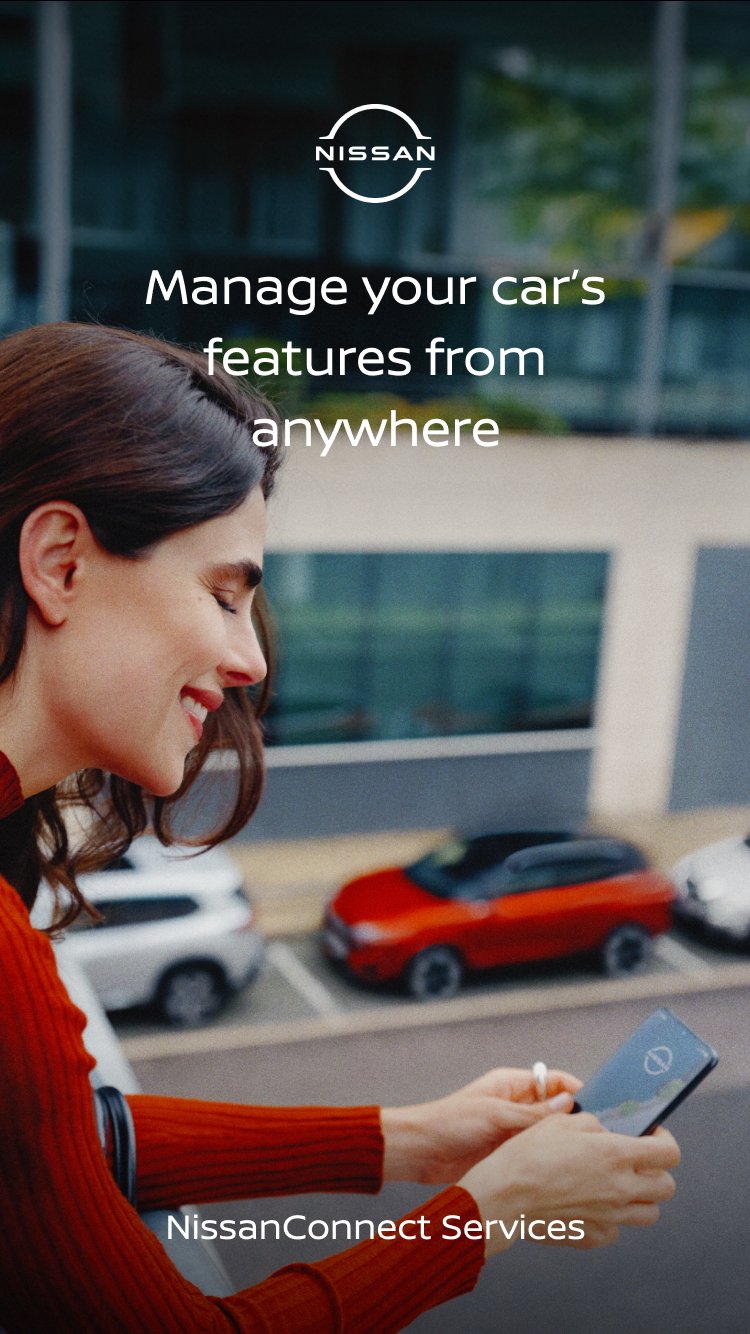
Welcome to MyNISSAN app, the official application of NissanConnect Services, previously known as NissanConnect Services app.
The MyNISSAN app redefines your relationship with your vehicle by allowing you to connect, monitor, and control some of your car’s features directly from your smartphone.
Compatible Models (by production date)*:
• Nissan LEAF (From May 2019)
• Nissan Navara (From July 2019)
• Nissan Juke (From Nov 2019)
• Nissan Qashqai (From July 2021)
• Nissan ARIYA (From July 2022)
• Nissan X-Trail (From Sept 2022)
• Nissan Townstar & Townstar EV (From Sept/Oct 2022)
• Nissan Primastar (From Nov 2023)
• Nissan MICRA (From Sept 2025)
• Nissan Interstar & Interstar EV (From Apr/May 2026)
> Check your vehicle's registration documents to find its production date.
How MyNISSAN Fits Your Everyday Life
Daily Comfort & Convenience
• Never lose your car again - Forgot where you parked? Use Locate My Car or remotely trigger the horn and lights to find it in seconds.
• Keyless peace of mind - Lock or unlock your doors from anywhere, right from the app.
Safety, Security & Vehicle Health
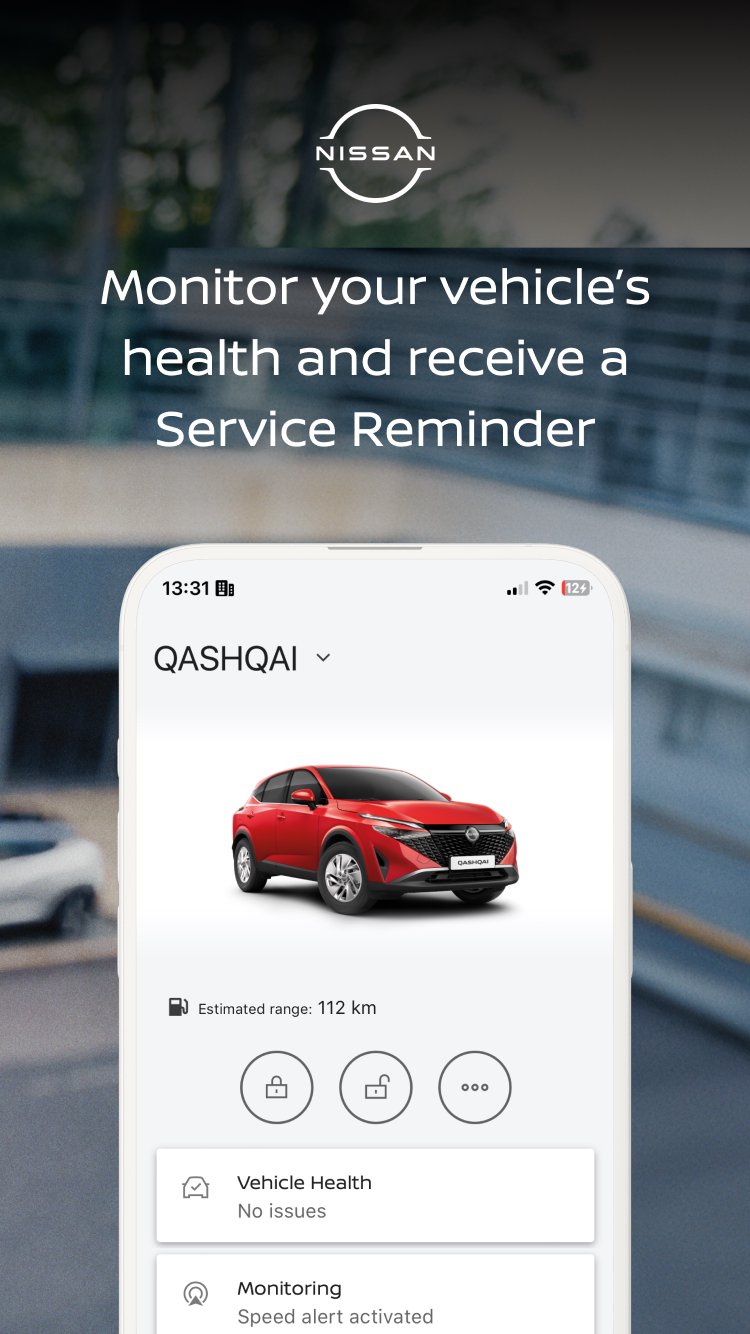
• Stay in control - Set Smart Alerts to notify you if your car exceeds a speed limit, leaves a defined area, or is driven past curfew. Perfect when lending your car to family or friends.
• Know before you go - Receive Vehicle Health Reports and dashboard light explanations directly on your phone, so you always drive with confidence.
Electric Vehicle Management
• Perfect temperature, every time. Pre-condition your cabin while the car is still charging. Step into comfort, whatever the weather.
• Charge smarter. Monitor your real-time battery level remotely. Start charging now or schedule it overnight for lower electricity rates.
In-Car Wi-Fi on Demand
• Keep everyone connected. Purchase and activate In-Car Wi-Fi through the app for seamless music, movies, and browsing on the road.
Download MyNISSAN and discover NissanConnect Services today.
*App feature availability varies by vehicle equipment and country.
Preview
Tags
Auto-&Information
Developer
Nissan Europe
Latest Version
4.0.0-prod-release
Last Updated
2026-08-19
Category
Auto-vehicles
Available on
Google Play
Show More
How to play MyNISSAN app with GameLoop on PC
1. Download GameLoop from the official website, then run the exe file to install GameLoop
2. Open GameLoop and search for “MyNISSAN app” , find MyNISSAN app in the search results and click “Install”
3. Enjoy playing MyNISSAN app on GameLoop
Minimum requirements
OS
Windows 8.1 64-bit or Windows 10 64-bit
GPU
GTX 1050
CPU
i3-8300
Memory
8GB RAM
Storage
1GB available space
Recommended requirements
OS
Windows 8.1 64-bit or Windows 10 64-bit
GPU
GTX 1050
CPU
i3-9320
Memory
16GB RAM
Storage
1GB available space