
MyEway App PC
Aegean Motorway
Download MyEway App on PC With GameLoop Emulator
MyEway App sa PC
Ang MyEway App, na nagmumula sa developer na Aegean Motorway, ay tumatakbo sa Android systerm sa nakaraan.
Ngayon, maaari mong laruin ang MyEway App sa PC gamit ang GameLoop nang maayos.
I-download ito sa GameLoop library o mga resulta ng paghahanap. Hindi na tumitingin sa baterya o nakakadismaya na mga tawag sa maling oras.
I-enjoy lang ang MyEway App PC sa malaking screen nang libre!
MyEway App Panimula
Manage your account, receive useful notifications and a wealth of information about your trip in real time, for comfortable and safe journeys!
The MyEway app is aimed both at registered eway subscribers and at any unregistered user who either wishes to become a subscriber, or simply to make use of the services offered in relation to their trip.
More specifically, the application:
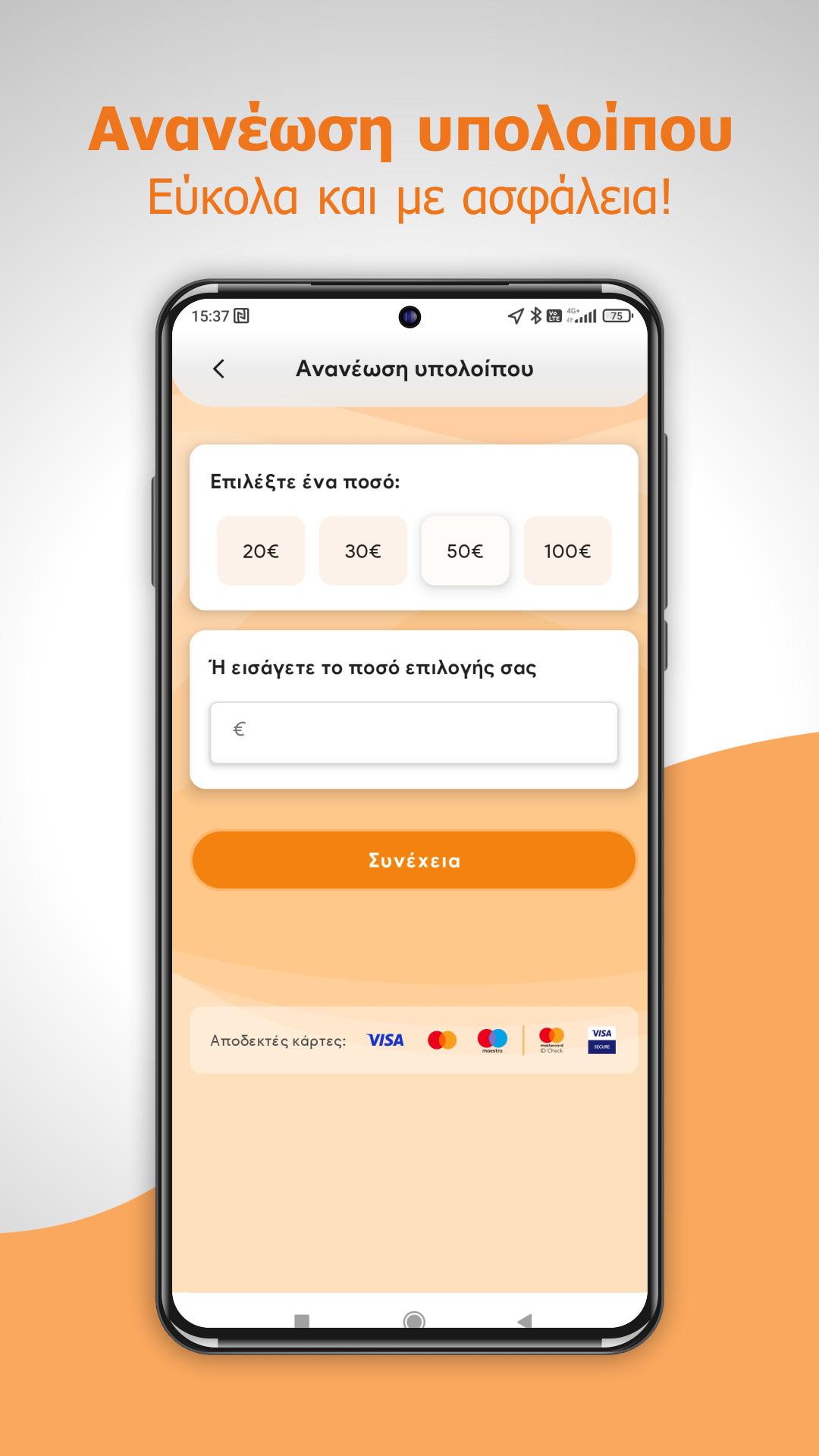
• It can be used by eway subscribers to manage their subscription account (balance renewal, program selection / change, transit details, account copies, etc.)
• Offers the option to register for the eway service
• Has the ability to store the subscriber's credit/debit card details to facilitate future transactions
• Sends updates (notifications) based on the user's location - if he has activated it - about tasks or events that affect his trip, as well as any offers
• Includes a toll cost calculation tool for the selected route
• Provides information about the motorway (e.g. station location and toll prices, PTO locations, works locations)
• Enables direct communication with the customer service of the Aegean Motorway, in various ways (by phone, via email, via a contact form, in person with navigation instructions to the SEPs)
• Enables the immediate calling of the Emergency number of the moving motorway (using the user's location data) and connecting to the corresponding Management Center
• Includes useful safe driving instructions
For suggestions or comments regarding the application that can contribute to its improvement, you can contact us at the email: customercare@aegeanmotorway.gr
Preview

Tags
Auto-&Information
Developer
Aegean Motorway
Latest Version
1.0.10
Last Updated
2025-05-07
Category
Auto-vehicles
Available on
Google Play
Show More
How to play MyEway App with GameLoop on PC
1. Download GameLoop from the official website, then run the exe file to install GameLoop
2. Open GameLoop and search for “MyEway App” , find MyEway App in the search results and click “Install”
3. Enjoy playing MyEway App on GameLoop
Minimum requirements
OS
Windows 8.1 64-bit or Windows 10 64-bit
GPU
GTX 1050
CPU
i3-8300
Memory
8GB RAM
Storage
1GB available space
Recommended requirements
OS
Windows 8.1 64-bit or Windows 10 64-bit
GPU
GTX 1050
CPU
i3-9320
Memory
16GB RAM
Storage
1GB available space