MSHARP PC
Mahindra & Mahindra Ltd
Download MSHARP on PC With GameLoop Emulator
MSHARP sa PC
Ang MSHARP, na nagmumula sa developer na Mahindra & Mahindra Ltd, ay tumatakbo sa Android systerm sa nakaraan.
Ngayon, maaari mong laruin ang MSHARP sa PC gamit ang GameLoop nang maayos.
I-download ito sa GameLoop library o mga resulta ng paghahanap. Hindi na tumitingin sa baterya o nakakadismaya na mga tawag sa maling oras.
I-enjoy lang ang MSHARP PC sa malaking screen nang libre!
MSHARP Panimula
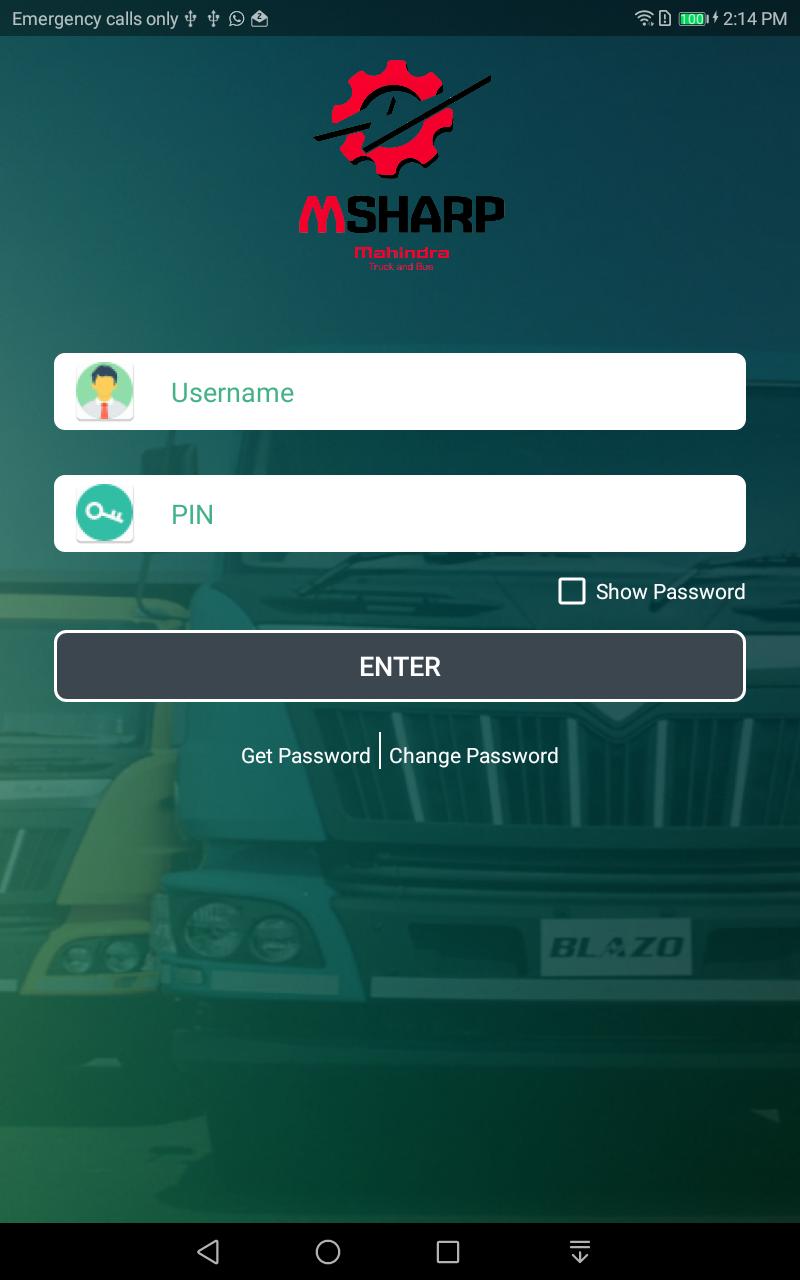
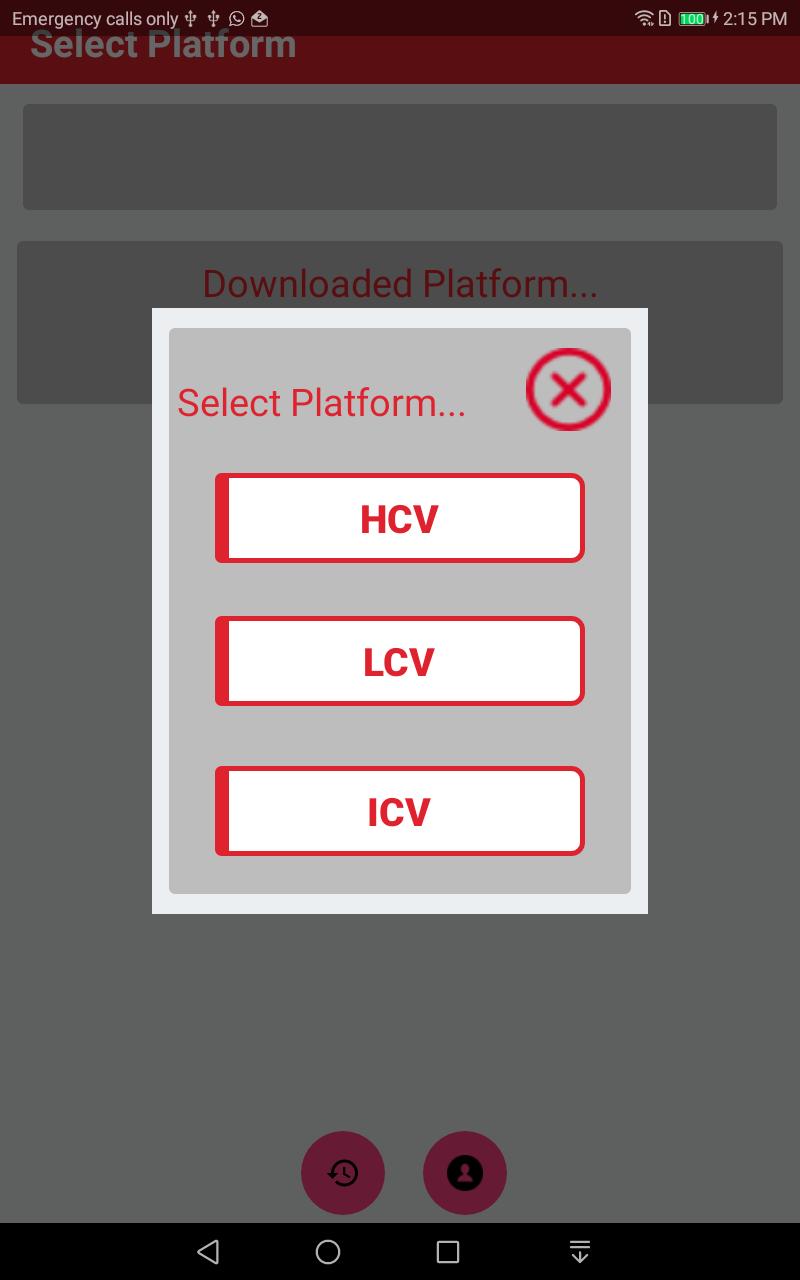
- Mahindra Guided Troubleshooting Software GTSS will be the guide to field technicians to trouble shoot the vehicle with symptoms in addition to P code base. The application will provide step by step guidance for resolution of DTC codes and find out the root cause of the complaint.
GTSS app will be available in English language and later stage Hindi language will be added. The app incorporates the videos, SOP’s Check sheet and wiring diagram’s of the sensors and actuators. Field technician are not adhering to the diagnostics manual for troubleshooting as it is difficult to refer in field. Warranty cost of component increases because wrong troubleshooting. Easy guide to identify root cause of any electronics Engine related issue. Any technician can troubleshoot faults codes effectively. Field team capability will increase and right problem identification & analysis will be assured. Less time required to identify the root cause of failure. Less down time & proper guidance reduces the scope for replacing the components like Injectors, Pump, ECU or Wiring harness.
GTSS fault finding methodology ensures 100% adherence of troubleshooting SOP. Eradicate the trial and error method in field for troubleshooting DTC’s.
Preview
Tags
Auto-&Information
Developer
Mahindra & Mahindra Ltd
Latest Version
3.1.7
Last Updated
2018-12-19
Category
Auto-vehicles
Available on
Google Play
Show More
How to play MSHARP with GameLoop on PC
1. Download GameLoop from the official website, then run the exe file to install GameLoop
2. Open GameLoop and search for “MSHARP” , find MSHARP in the search results and click “Install”
3. Enjoy playing MSHARP on GameLoop
Minimum requirements
OS
Windows 8.1 64-bit or Windows 10 64-bit
GPU
GTX 1050
CPU
i3-8300
Memory
8GB RAM
Storage
1GB available space
Recommended requirements
OS
Windows 8.1 64-bit or Windows 10 64-bit
GPU
GTX 1050
CPU
i3-9320
Memory
16GB RAM
Storage
1GB available space