
Car Launcher PC
apps lab studio
Download Car Launcher on PC With GameLoop Emulator
Car Launcher sa PC
Ang Car Launcher, na nagmumula sa developer na apps lab studio, ay tumatakbo sa Android systerm sa nakaraan.
Ngayon, maaari mong laruin ang Car Launcher sa PC gamit ang GameLoop nang maayos.
I-download ito sa GameLoop library o mga resulta ng paghahanap. Hindi na tumitingin sa baterya o nakakadismaya na mga tawag sa maling oras.
I-enjoy lang ang Car Launcher PC sa malaking screen nang libre!
Car Launcher Panimula
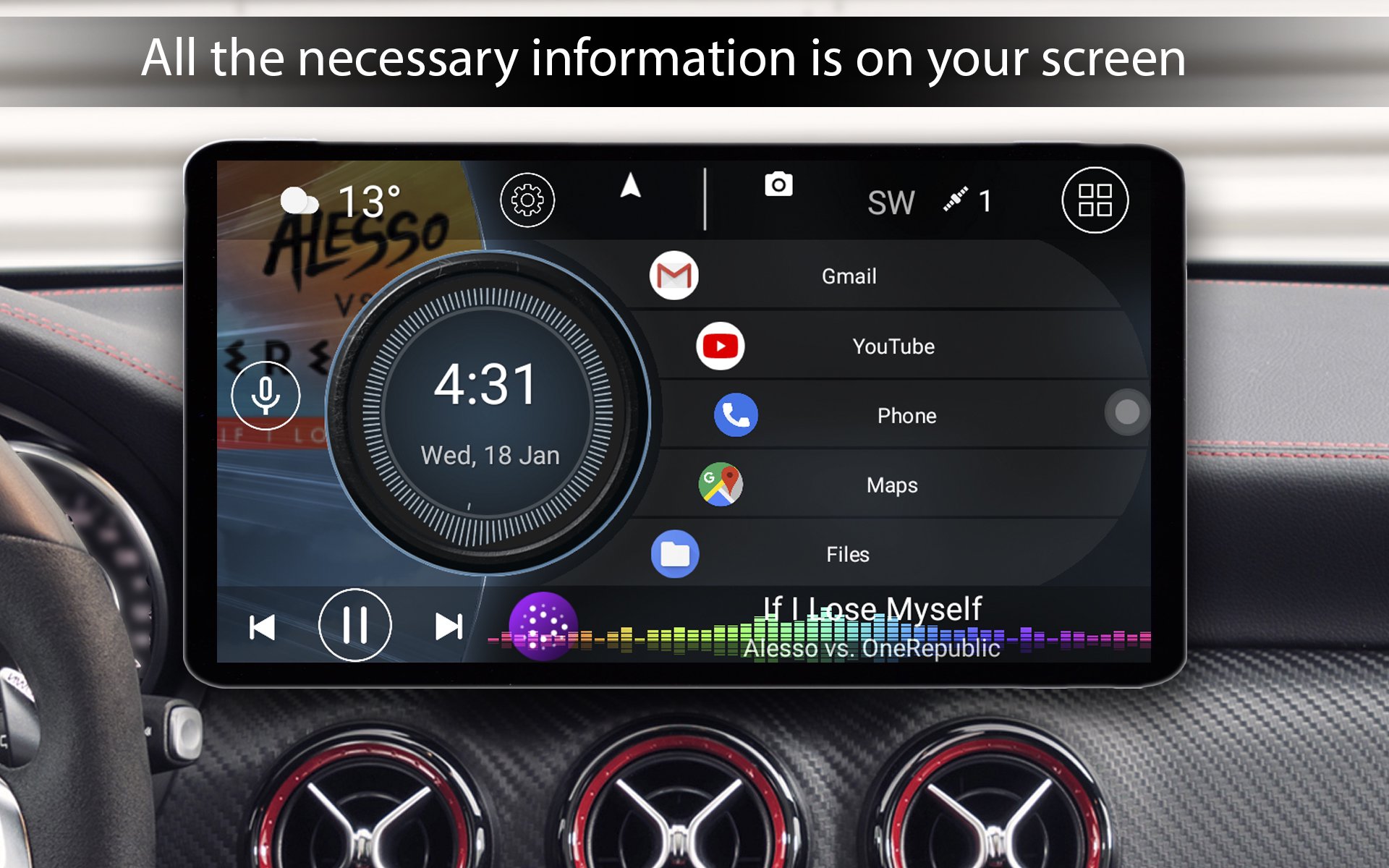
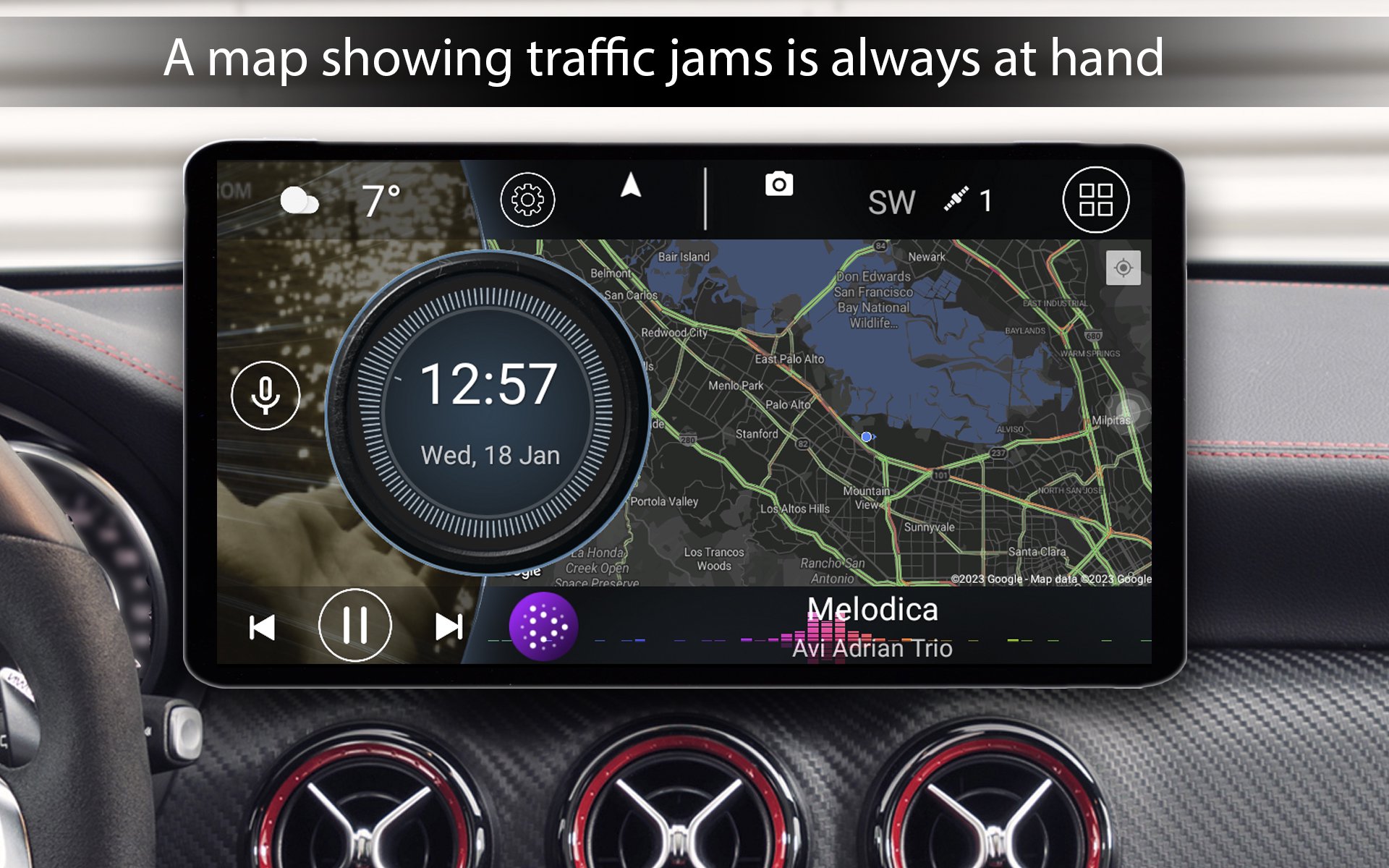
Car Launcher — transform your car’s screen into a premium smart dashboard.
A fully customizable Android Auto alternative for your phone, tablet, or Android head unit. Whether you want a safer way to use your device while driving or a modern interface for your head unit, Car Launcher is the perfect solution. It’s more than a launcher — it’s a complete infotainment system and advanced trip computer.
Features
🚗 Seamless infotainment control
• Set as default launcher
• Unlimited apps and folders
• Easy customization of shortcuts, colors, and wallpapers
• Auto‑start when the device powers on
📈 Trip computer & GPS speedometer
• Speed, location, and trip stats
• Diagnostics: current/average/max speed, distance, time, 0–60/100/150 km/h, quarter‑mile
• Stats for trip, day, week, month, all time
• Switch between km/h and mph
🎵 Smart and safe
• Integration with popular music players
• One‑touch Google Assistant
• Auto‑brightness
• Customizable screensaver/clock
• On‑screen volume control
• GPS‑based weather
• Themes, icon packs, custom wallpapers
Car Launcher PRO
• System widget support (Google Maps, Spotify, etc.)
• Theme editor: resize, move, lock, backgrounds, labels, multi‑actions
• Exclusive widgets: visualizer, analog clock, analog speedometer, address, driving time, max speed, stop time
• Multiple home screens
• Car brand logo
• Advanced color customization
🔐 Transparency Notice
AccessibilityService is used solely to recognize edge‑swipe gestures (“Back”, “Home”, “Recent apps”) and convert them into navigation actions — especially useful on devices without navigation buttons.
How access is requested
• On first launch, a full‑screen explanation appears with “Agree” / “Disagree”.
• If you agree, you proceed to gesture settings, then to Android system settings for final activation.
• If you decline, the app works without gestures and will not ask again until you manually enable gestures in Settings → Gestures → Home gesture.
What the app does NOT do
• Does not read or analyze screen content
• Does not collect text, personal data, or usage information
• Does not modify system settings without your knowledge
• Does not store or transmit any data
Your control
• Use of the service is optional
• Disable anytime: Android Settings → Accessibility → Car Launcher PRO
• Re‑enable through app settings, with consent requested again
Preview
Tags
Auto-&Information
Developer
apps lab studio
Latest Version
5.7.1.07
Last Updated
2026-09-03
Category
Auto-vehicles
Available on
Google Play
Show More
How to play Car Launcher with GameLoop on PC
1. Download GameLoop from the official website, then run the exe file to install GameLoop
2. Open GameLoop and search for “Car Launcher” , find Car Launcher in the search results and click “Install”
3. Enjoy playing Car Launcher on GameLoop
Minimum requirements
OS
Windows 8.1 64-bit or Windows 10 64-bit
GPU
GTX 1050
CPU
i3-8300
Memory
8GB RAM
Storage
1GB available space
Recommended requirements
OS
Windows 8.1 64-bit or Windows 10 64-bit
GPU
GTX 1050
CPU
i3-9320
Memory
16GB RAM
Storage
1GB available space