
Car History Check: VIN Decoder PC
carVertical OÜ
Download Car History Check: VIN Decoder on PC With GameLoop Emulator
Car History Check: VIN Decoder sa PC
Ang Car History Check: VIN Decoder, na nagmumula sa developer na carVertical OÜ, ay tumatakbo sa Android systerm sa nakaraan.
Ngayon, maaari mong laruin ang Car History Check: VIN Decoder sa PC gamit ang GameLoop nang maayos.
I-download ito sa GameLoop library o mga resulta ng paghahanap. Hindi na tumitingin sa baterya o nakakadismaya na mga tawag sa maling oras.
I-enjoy lang ang Car History Check: VIN Decoder PC sa malaking screen nang libre!
Car History Check: VIN Decoder Panimula
Looking for a used vehicle? Want to know the full history of your own car?
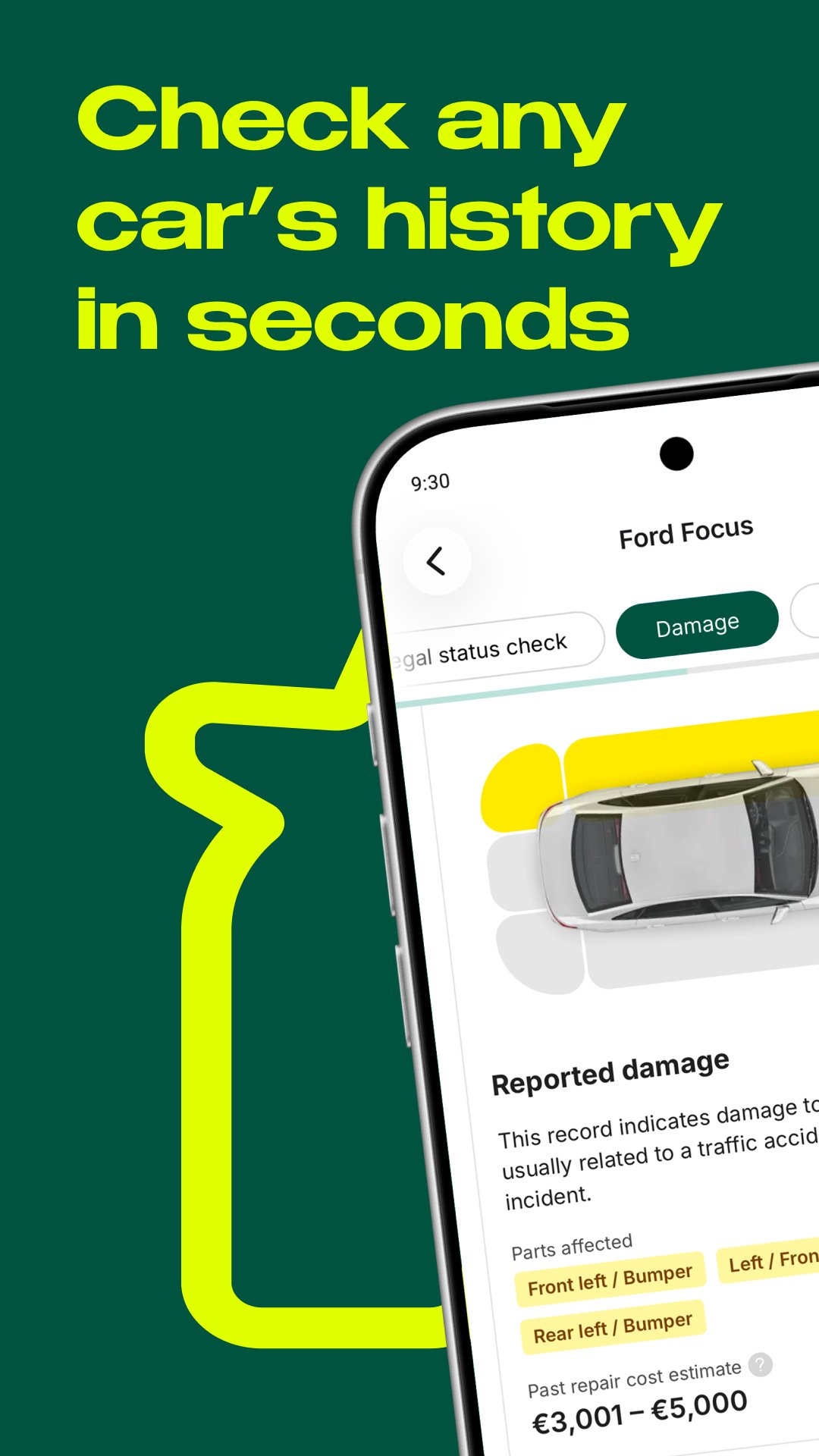
Car History Check is a VIN decoder and vehicle history report app that helps reveal key vehicle details before you buy. Use it to check available records for mileage rollbacks, hidden damage, theft records, historical photos, service history, auction history, salvage status, equipment details and other important vehicle information.
WHAT IS A VIN?
VIN means vehicle identification number. It is a unique 17-character code used to identify a specific car, truck, bus, trailer or other vehicle. From production to service, ownership changes, accidents and scrapyard records, important vehicle life events can be connected to the VIN.
WHAT IS A VIN DECODER?
A VIN decoder, also known as a car history check, VIN lookup or vehicle history check, helps decode the VIN number and collect available records from vehicle databases. This can include manufacturing data, model details, original equipment, mileage records, accident history, theft records, damage history and more.
WHY CHECK VEHICLE HISTORY?
A VIN number check helps compare a vehicle's condition across different dates. This can reveal discrepancies caused by accidents, part replacement, tuning, faults, mileage fraud or a seller hiding important facts.
Car History Check can help you learn more than a seller may want to tell you. Use the report to make a more confident buying decision or negotiate the price with more confidence.
YOU CAN USE CAR HISTORY CHECK TO:
• Check key vehicle facts, including production year, engine size, power and transmission type
• Review original equipment and vehicle details
• Look for hidden damage, odometer fraud and theft records
• Learn about available service history and model issues
• View historical vehicle photos when available
Never buy a used vehicle without checking its history. Download Car History Check and run a VIN lookup before your next purchase.
Preview

Tags
Auto-&Information
Developer
carVertical OÜ
Latest Version
8.2.0
Last Updated
2026-07-29
Category
Auto-vehicles
Available on
Google Play
Show More
How to play Car History Check: VIN Decoder with GameLoop on PC
1. Download GameLoop from the official website, then run the exe file to install GameLoop
2. Open GameLoop and search for “Car History Check: VIN Decoder” , find Car History Check: VIN Decoder in the search results and click “Install”
3. Enjoy playing Car History Check: VIN Decoder on GameLoop
Minimum requirements
OS
Windows 8.1 64-bit or Windows 10 64-bit
GPU
GTX 1050
CPU
i3-8300
Memory
8GB RAM
Storage
1GB available space
Recommended requirements
OS
Windows 8.1 64-bit or Windows 10 64-bit
GPU
GTX 1050
CPU
i3-9320
Memory
16GB RAM
Storage
1GB available space