Word Art Cloud Maker : Word Co PC
Sticker for Chatting
Download Word Art Cloud Maker : Word Co on PC With GameLoop Emulator
Word Art Cloud Maker : Word Co sa PC
Ang Word Art Cloud Maker : Word Co, na nagmumula sa developer na Sticker for Chatting, ay tumatakbo sa Android systerm sa nakaraan.
Ngayon, maaari mong laruin ang Word Art Cloud Maker : Word Co sa PC gamit ang GameLoop nang maayos.
I-download ito sa GameLoop library o mga resulta ng paghahanap. Hindi na tumitingin sa baterya o nakakadismaya na mga tawag sa maling oras.
I-enjoy lang ang Word Art Cloud Maker : Word Co PC sa malaking screen nang libre!
Word Art Cloud Maker : Word Co Panimula
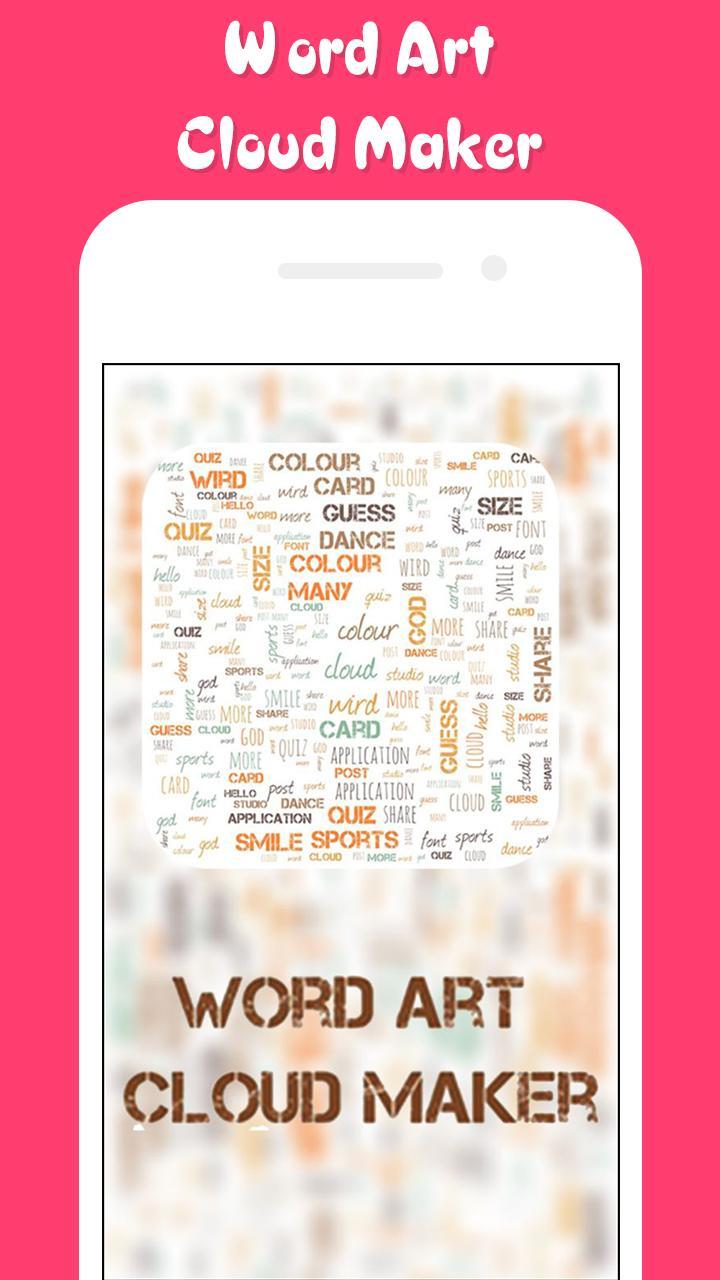
Make great word clouds out of documents or sentences that matter to you with Word Art Cloud Maker : Word Collage Maker ! With Word Art Cloud Maker : Word Collage Maker app,
you can make beautiful word clouds, super customized with different fonts, colors and words layouts.
In Word Art Cloud Maker : Word Collage Maker , Just enter a few words, and the application will shuffle them around in a cute disorderly fashion.
Pick a color or two for your meaningful words, shape them, export them, use the pic. Rinse and repeat. Type in all the best wishes in a birthday greeting card for everyone.
With Word Art Cloud Maker : Word Collage Maker , You can Drag, Swap, Twist & Drop any letters to solve out the level with over hundred words in each various set
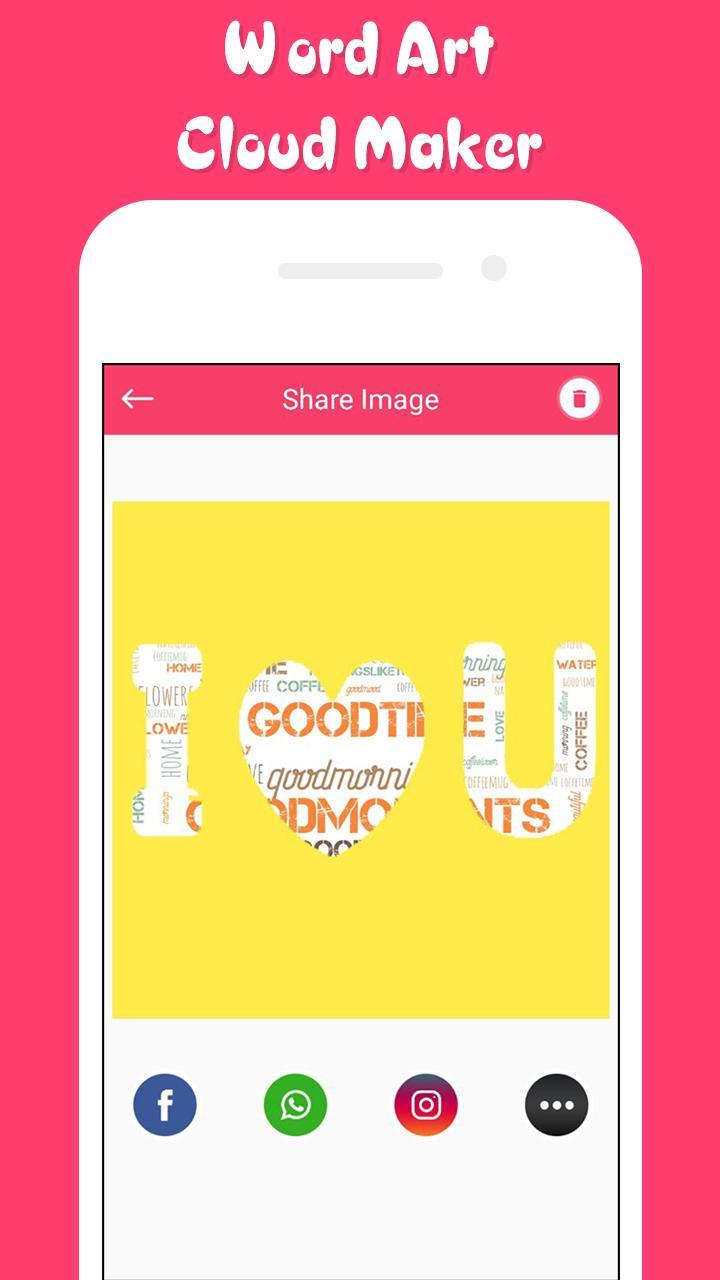
Create, save, and share words with Word Art Cloud Maker : Word Collage Maker . Share text from a website or any another application, or paste text that you'd like to use with Word Art Cloud Maker : Word Collage Maker app.
How to use Word Art Cloud Maker : Word Collage Maker App:
• Add as many texts as you want without any limit.
• You can create different color pallet 🖌 , you can also edit them and save them.
• Select from many distinctive and clean art shapes like butterfly 🦋, Star 🌟, Heart 💛, leaf 🍁, and fish 🐟 etc.
• Select from more than 20 unique font styles.
• Easily resize font as per your need.
• Change the background color that suits your need.
• Reshuffle all the word cloud tags with one button.
• Randomize the borders of the selected shape.
• Save your Word Art to cloud.
• Export your Word cloud to the gallery.
• Export the picture to a high-quality PNG.
• Share the picture with your friends directly from the app!
• Or post it to a social network - again, directly from the app.
Features of Word Art Cloud Maker : Word Collage Maker app :
• Amazing and fresh UI interface to keep you engaging.
• Shuffle mode for shuffling the positions of Word Arts.
• Add as many tags you want to add, no limit for that.
• More than 20 shape objects to make it more beautiful.
• Direct share to social media from the Word Art Cloud Maker app itself.
• Save your Word Art Cloud Maker to Cloud or Word Art.
• Share your Word Art Cloud on Social Medias.
Download Word Art Cloud Maker : Word Collage Maker now and Share Word Art Cloud Maker App with your friends and Families today.
If you Like This App, Then Don’t Forget to Give 5 star Ratings & Review.
Enjoy and share Word Art Cloud Maker : Word Collage Maker app with your friends and families.
Preview
Tags
Art-&Information
Developer
Sticker for Chatting
Latest Version
1.2
Last Updated
2019-05-31
Category
Art-design
Available on
Google Play
Show More
How to play Word Art Cloud Maker : Word Co with GameLoop on PC
1. Download GameLoop from the official website, then run the exe file to install GameLoop
2. Open GameLoop and search for “Word Art Cloud Maker : Word Co” , find Word Art Cloud Maker : Word Co in the search results and click “Install”
3. Enjoy playing Word Art Cloud Maker : Word Co on GameLoop
Minimum requirements
OS
Windows 8.1 64-bit or Windows 10 64-bit
GPU
GTX 1050
CPU
i3-8300
Memory
8GB RAM
Storage
1GB available space
Recommended requirements
OS
Windows 8.1 64-bit or Windows 10 64-bit
GPU
GTX 1050
CPU
i3-9320
Memory
16GB RAM
Storage
1GB available space