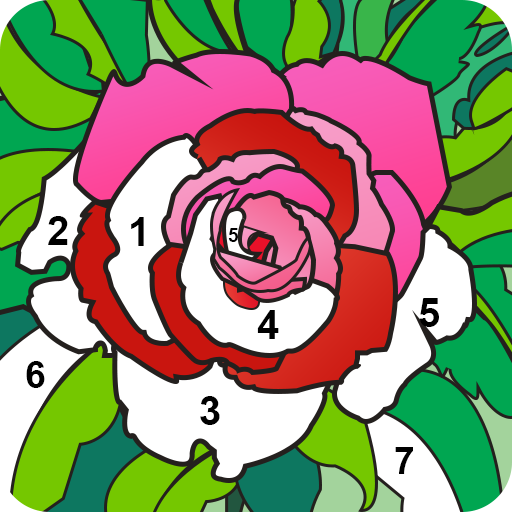
Paint by number: Coloring book PC
Blaze Labs
Download Paint by number: Coloring book on PC With GameLoop Emulator
Paint by number: Coloring book sa PC
Ang Paint by number: Coloring book, na nagmumula sa developer na Blaze Labs, ay tumatakbo sa Android systerm sa nakaraan.
Ngayon, maaari mong laruin ang Paint by number: Coloring book sa PC gamit ang GameLoop nang maayos.
I-download ito sa GameLoop library o mga resulta ng paghahanap. Hindi na tumitingin sa baterya o nakakadismaya na mga tawag sa maling oras.
I-enjoy lang ang Paint by number: Coloring book PC sa malaking screen nang libre!
Paint by number: Coloring book Panimula
Color by number is an art designing and drawing app to paint different artworks with a color book by numbers. Create a lot of color pictures with fresh pixel paint in the coloring by number app. In paint by numbers, there are so many pages and new images included for coloring by numbers. Get color-by-numbers free painting app which helps to render painting pictures.
Easy coloring book by numbers
If you love pixel designing and drawing games then decorate your painting pages with amazing colors. Paint by numbers helps to melt away your stress with a pixel art coloring game. Color by number and paint by number app helps to fill colors in picture by number.
Amazing Art pictures and drawing for coloring
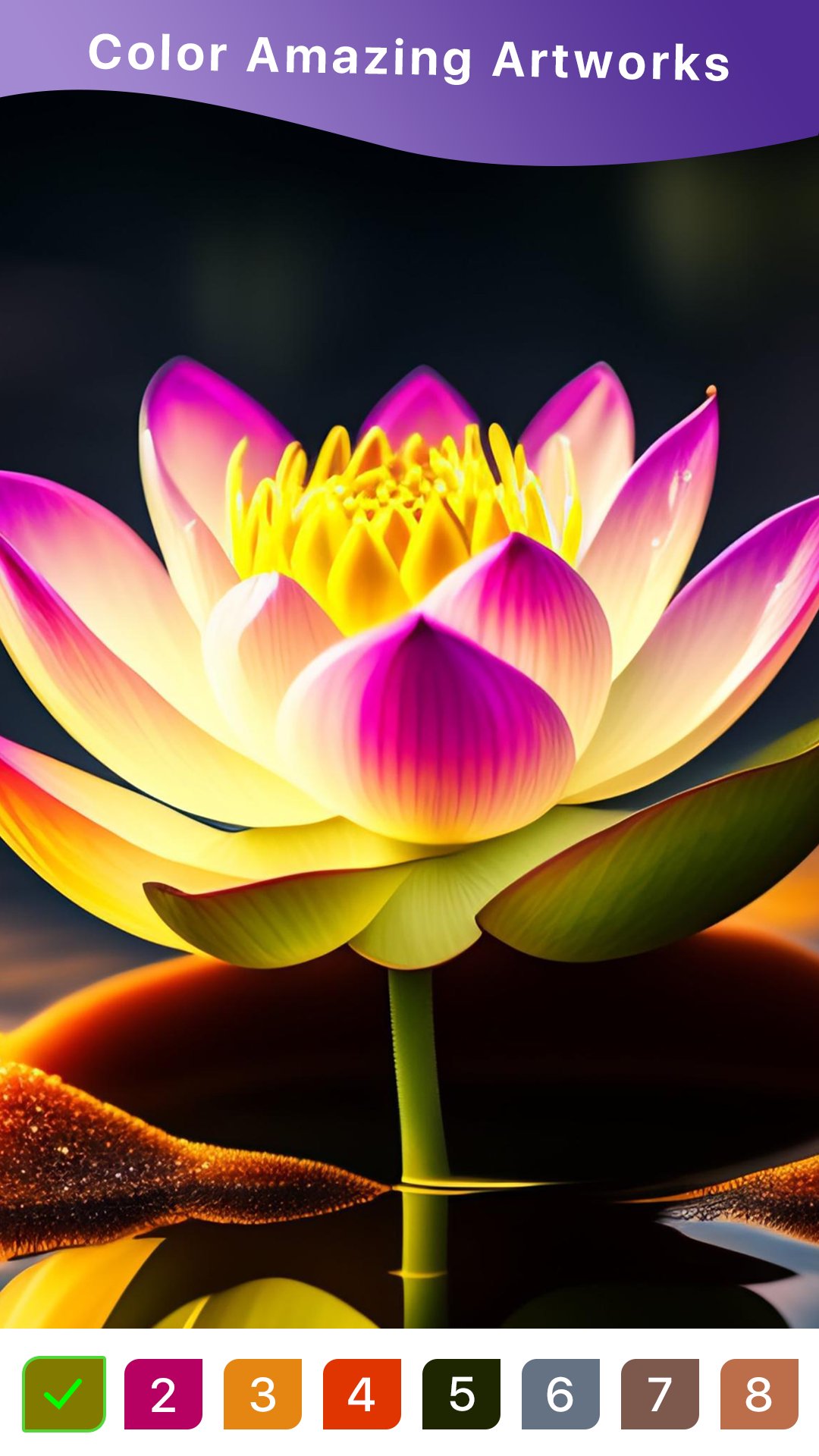
Color by numbers contains a lot of art pictures and drawing art designs. Paint-by-number contains a puzzle coloring game that helps to release stress. Color by numbers app offers a wide variety of drawings, colors, and paintings. Many painting options are included in the paint by numbers book app. Choose a variety of pixel art including flowers, sandbox, and mandalas. So enjoy the free coloring by numbers app and color objects with numbers.
Color by number paint book comes with unique features
✔ Paint by number App has an easy and stunning UI.
✔ Color by number painting books has a collection of art pictures and pages.
✔ Color paint book has hint and a full demo color paint pages.
✔ Excellent pictures and great variety with number coloring book.
✔ Save your art work and color pages with coloring book.
✔ Coloring by number app is totally free of cost.
✔ Share your art designing work with friends on any social media.
How color by number book app works
✔ Install paint by color app from google play store.
✔ Start the color by number book app.
✔ Select drawing art for coloring.
✔ Choose paint page, color page with coloring numbers book.
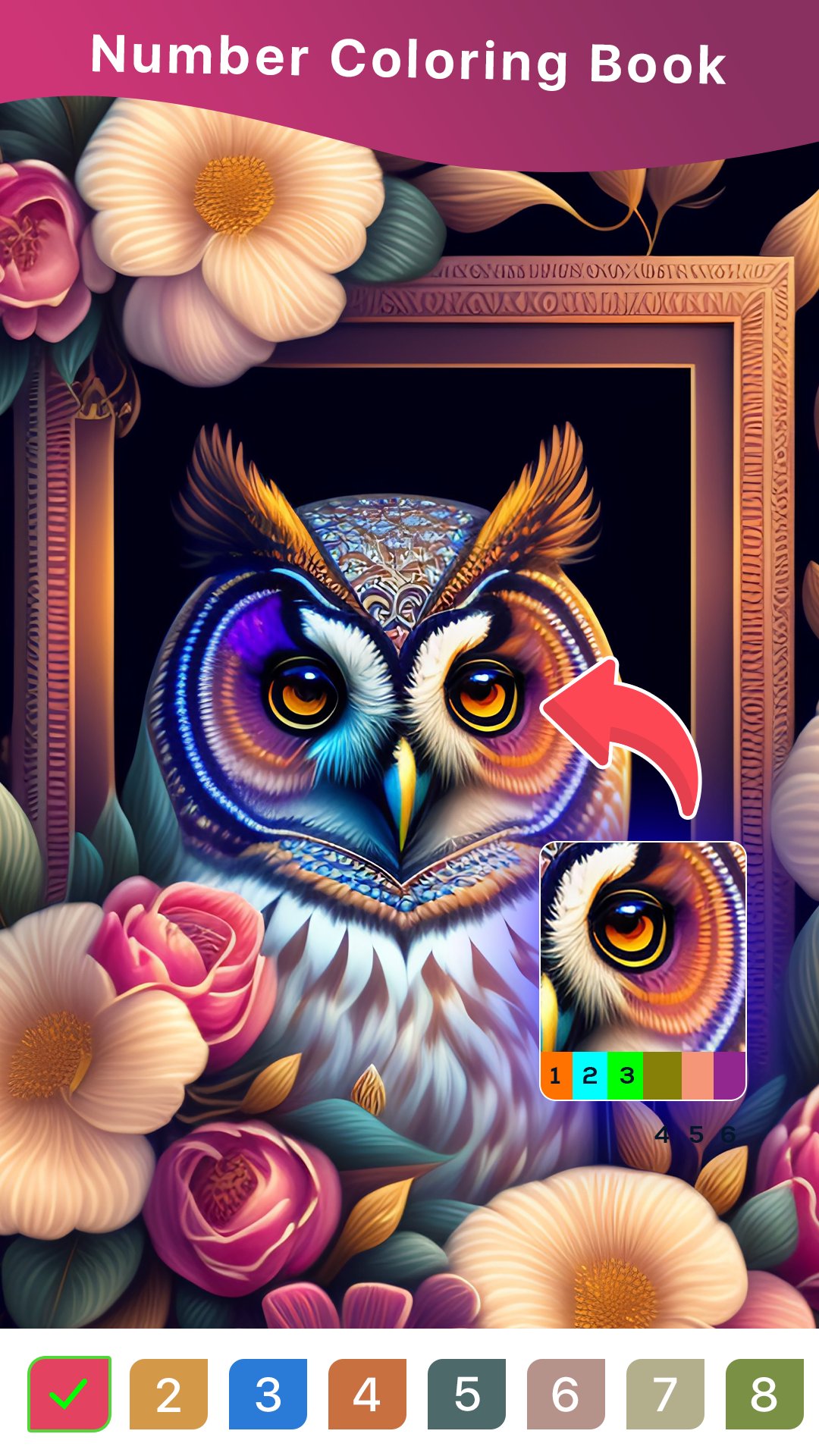
✔ See demo of painting pictures to get better idea for painting coloring.
✔ Tap color to fill relevant color page portion with give color by sequence.
✔ Save the art drawing work.
If you love pixel art designing then download color by number app and give us your precious feedback.
Thank you!
Preview
Tags
Art-&Information
Developer
Blaze Labs
Latest Version
1.8
Last Updated
2025-08-27
Category
Art-design
Available on
Google Play
Show More
How to play Paint by number: Coloring book with GameLoop on PC
1. Download GameLoop from the official website, then run the exe file to install GameLoop
2. Open GameLoop and search for “Paint by number: Coloring book” , find Paint by number: Coloring book in the search results and click “Install”
3. Enjoy playing Paint by number: Coloring book on GameLoop
Minimum requirements
OS
Windows 8.1 64-bit or Windows 10 64-bit
GPU
GTX 1050
CPU
i3-8300
Memory
8GB RAM
Storage
1GB available space
Recommended requirements
OS
Windows 8.1 64-bit or Windows 10 64-bit
GPU
GTX 1050
CPU
i3-9320
Memory
16GB RAM
Storage
1GB available space