Snap art - latest photo editor PC
Matrix Dev LLC
Download Snap art - latest photo editor on PC With GameLoop Emulator
Snap art - latest photo editor sa PC
Ang Snap art - latest photo editor, na nagmumula sa developer na Matrix Dev LLC, ay tumatakbo sa Android systerm sa nakaraan.
Ngayon, maaari mong laruin ang Snap art - latest photo editor sa PC gamit ang GameLoop nang maayos.
I-download ito sa GameLoop library o mga resulta ng paghahanap. Hindi na tumitingin sa baterya o nakakadismaya na mga tawag sa maling oras.
I-enjoy lang ang Snap art - latest photo editor PC sa malaking screen nang libre!
Snap art - latest photo editor Panimula
TRY Latest Generation Photos Editor - Snap Art
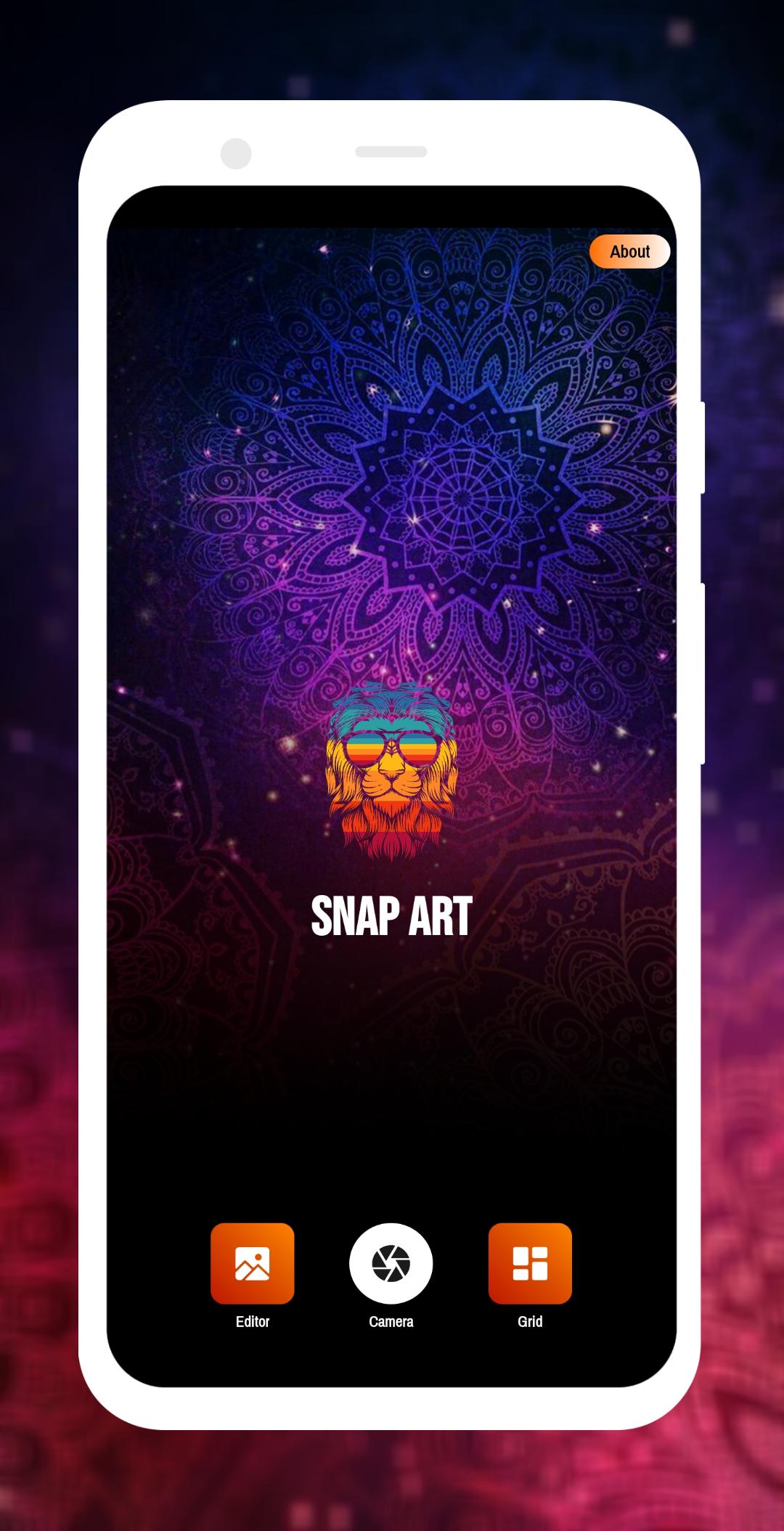
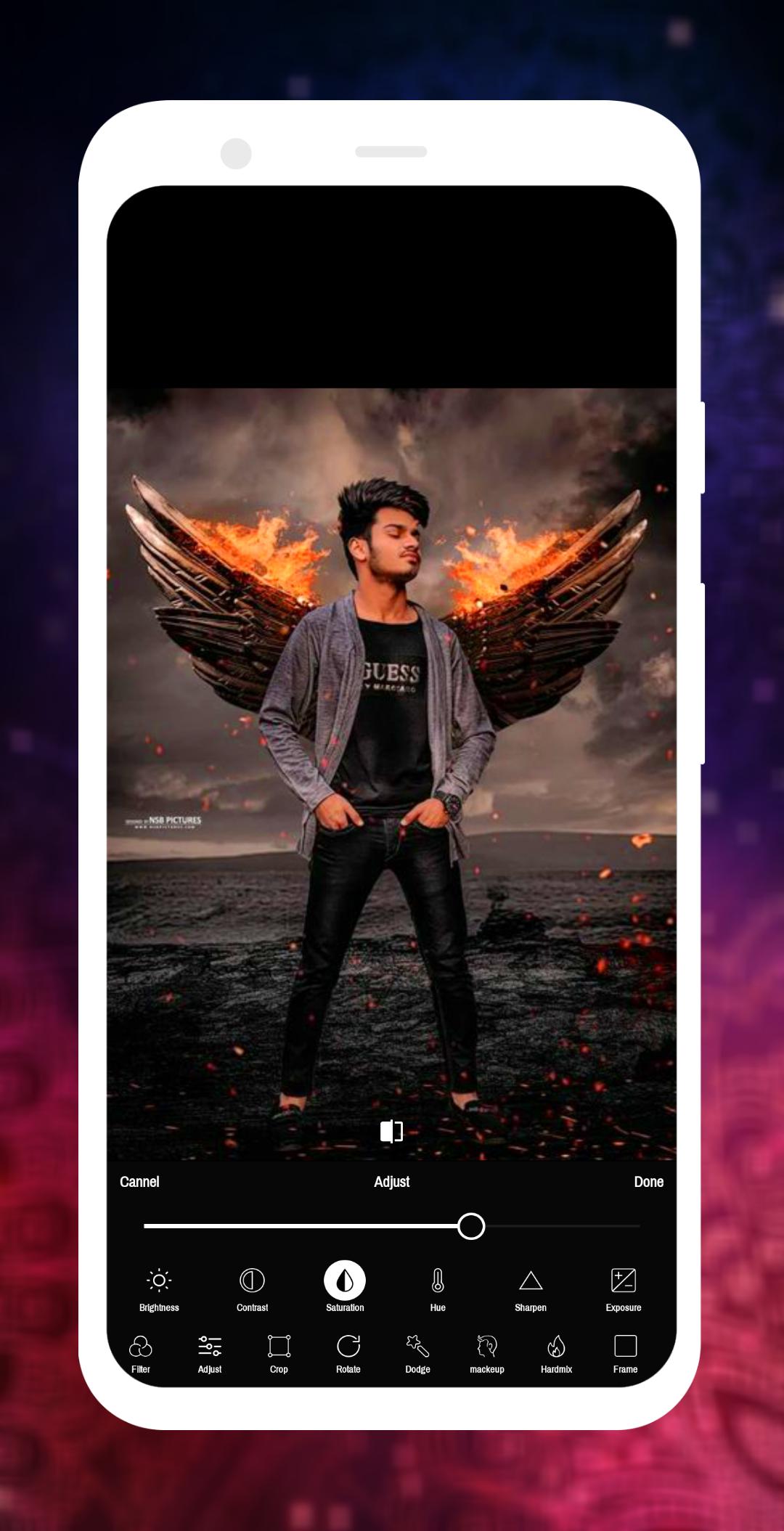
Snap Art an amazing all-in-one photo editor, Snap Art offers everything you want to edit pictures. A host of stylish effects, add frame, crop, rotate, add stickers, add makeup, add text and draw tools help you create an eye-catcher.
Snap Art is the best collage maker with professional editing tools. Photo Collage helps you combine multiple photos with various frame patterns and photo grids, apply many photo filters and collage photos, stickers to your custom photos. Display image then share them at a time.
With Snap Art you can create artistic high-quality works like a pro without any professional skills.
You can directly post your artworks to Instagram, Facebook, Twitter, Whatsapp, Telegram etc.
FEATURES :
- Photo Filters : more than 200 filters like B&W, light, colored, warm, funny, legacy, smooth, vintage… for the image to become colorful and stylish with adjust the opacity of the filter.
- Burn Effects Tool :
- Dodge Effects Tool :
- Divide Effects Tool :
- Hard Mix Effects Tool (: more than 35 Burn effects, +35 Divide effects, +35 Dodge effect and +35 Hard Mix effect with adjust the opacity of the filter to make the photo more beautiful)
- Photo Frame Tool : colorful frames and gradient frame with changing frame border size.
- Crop Tool :
- Flip Tool :
- Rotate Tool : rotate the image 360°, flip vertical, horizontal , crop it into rectangle portrait, rectangle landscape and other shapes suitable for various social networks.
- Add Text Tool : add text and change font, size, align, opacity, flip, rotate,color and background to make the photo more beautiful.
- Neon Tool :
- Paint Tool : draw on the image using the draw tool or neon tool with changing the color and size.
MORE FEATURES :
- Splash Effect Tool
- Makeup Tool
- Beauty Tool
- Layout Tool
- Blur Tool
- Colored Tool
- Radius Tool
- Ratio Tool
- Padding Tool
- Adjust Tool
- Square Splash Tool
- Mosaic Tool
- Gradient Tool
- Add Stickers Tool
- Replace Tool
- Square Blur Tool
Preview
Tags
Art-&Information
Developer
Matrix Dev LLC
Latest Version
10.0
Last Updated
2021-10-27
Category
Art-design
Available on
Google Play
Show More
How to play Snap art - latest photo editor with GameLoop on PC
1. Download GameLoop from the official website, then run the exe file to install GameLoop
2. Open GameLoop and search for “Snap art - latest photo editor” , find Snap art - latest photo editor in the search results and click “Install”
3. Enjoy playing Snap art - latest photo editor on GameLoop
Minimum requirements
OS
Windows 8.1 64-bit or Windows 10 64-bit
GPU
GTX 1050
CPU
i3-8300
Memory
8GB RAM
Storage
1GB available space
Recommended requirements
OS
Windows 8.1 64-bit or Windows 10 64-bit
GPU
GTX 1050
CPU
i3-9320
Memory
16GB RAM
Storage
1GB available space