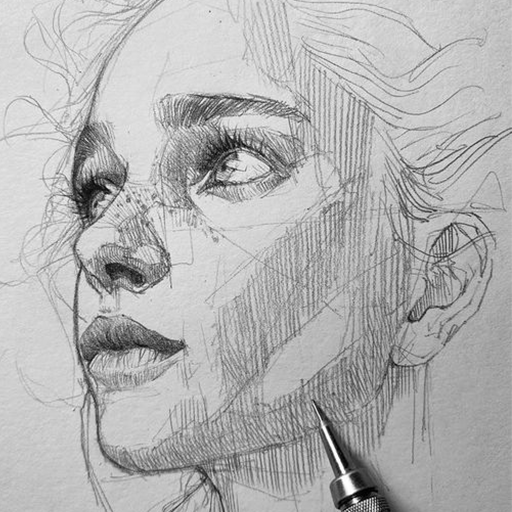
Sketch Book: Draw, Paint, Art PC
Ultimate games and apps pro
Download Sketch Book: Draw, Paint, Art on PC With GameLoop Emulator
Sketch Book: Draw, Paint, Art sa PC
Ang Sketch Book: Draw, Paint, Art, na nagmumula sa developer na Ultimate games and apps pro, ay tumatakbo sa Android systerm sa nakaraan.
Ngayon, maaari mong laruin ang Sketch Book: Draw, Paint, Art sa PC gamit ang GameLoop nang maayos.
I-download ito sa GameLoop library o mga resulta ng paghahanap. Hindi na tumitingin sa baterya o nakakadismaya na mga tawag sa maling oras.
I-enjoy lang ang Sketch Book: Draw, Paint, Art PC sa malaking screen nang libre!
Sketch Book: Draw, Paint, Art Panimula
Perfect to make your kid creative and use their imagination to draw flowers
Drawing fun illustrations - Draw, Paint Art
Use your imagination & draw as many illustration drawings as you like and use it as an anti stress.
From quick sketches to fully finished artwork, Sketchbook goes where your creativity takes you.
You can paint, sketch and draw with ease
Sketch Book - Drawing,Painting and Animation App
Animation tricks Revealed with Sketch Book.
Draw, Paint Art on play to Animate your pictures in Sketch Book. combine unlimited number of sketches together and see it live in motion.Sketch Book gives you options to change your Animation Time frame. Images saved in Sketch Book's. Download and have fun using Sketch Book.
SketchBook is the most realistic, versatile and user-friendly sketching app designed for a mobile device. This exhaustive artist's toolbox helps users create dazzling sketches, cheerful paintings and smashing illustrations on the go.
An intuitive way to produce a custom drawing! Whether you want to create a graffiti or you want to create a doodle, or you want to learn to paint and draw, SketchBook is your tool of choice.
Highlights
Draw, Paint Art
Wide range of canvas sizes
Multiple Layer with Advance Configurations Settings
More than 150 Plus brushes
Paint. Draw, Sketch. Repeat
Shape draw assist
Sketchbook is an award-winning sketching, painting, and drawing app for anyone who loves to draw. Artists and illustrators love Sketchbook for its professional-grade feature set and highly customizable tools. Everyone loves Sketchbook for its elegant interface and natural drawing experience, free of distractions so you can focus on capturing and expressing your ideas.
• A full complement of brush types: pencils markers, airbrushes, smear and more that look and feel just like their physical counterparts
• Brushes are highly customizable so you can create just the look you want
• Guides, rulers and stroke tools support precision when you need it
• Layers with a full complement of blend modes deliver the flexibility to build up and explore drawings and color
• Purpose-built for sketching, the interface is clean and unobtrusive so you can focus on drawing
Features
- Import photos for Refernace
- Ruler
- 16 Shape Rulers
- Color Palette
- Color Wheel
- Multiple Layers drawings
- Layer settings
- Undo - Redo steps
- Hard and soft Eraser with opacity settings
Beautiful tools make beautiful drawings, we endlessly refined SketchBook brushes to create the most realistic drawing tools.
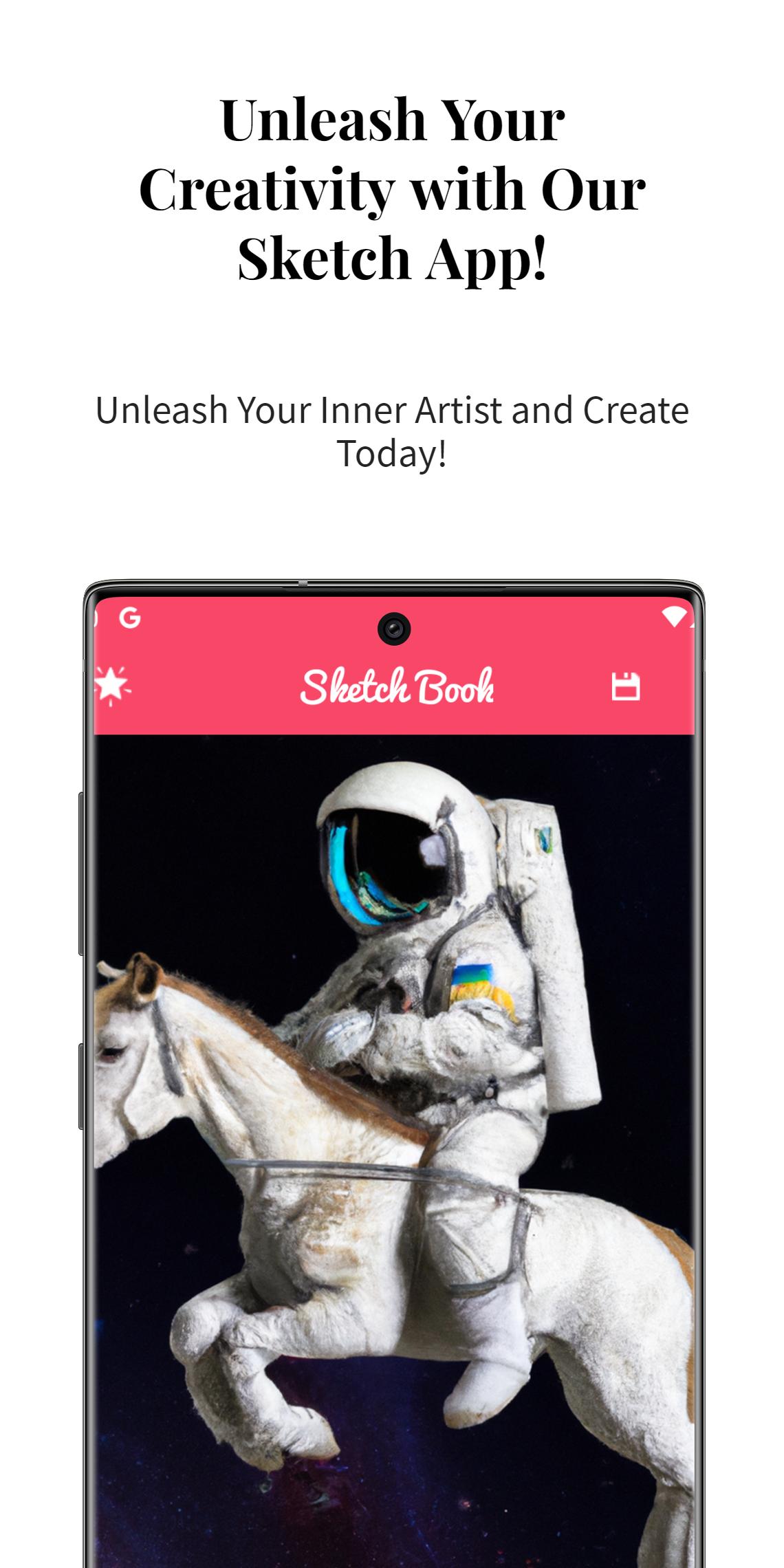
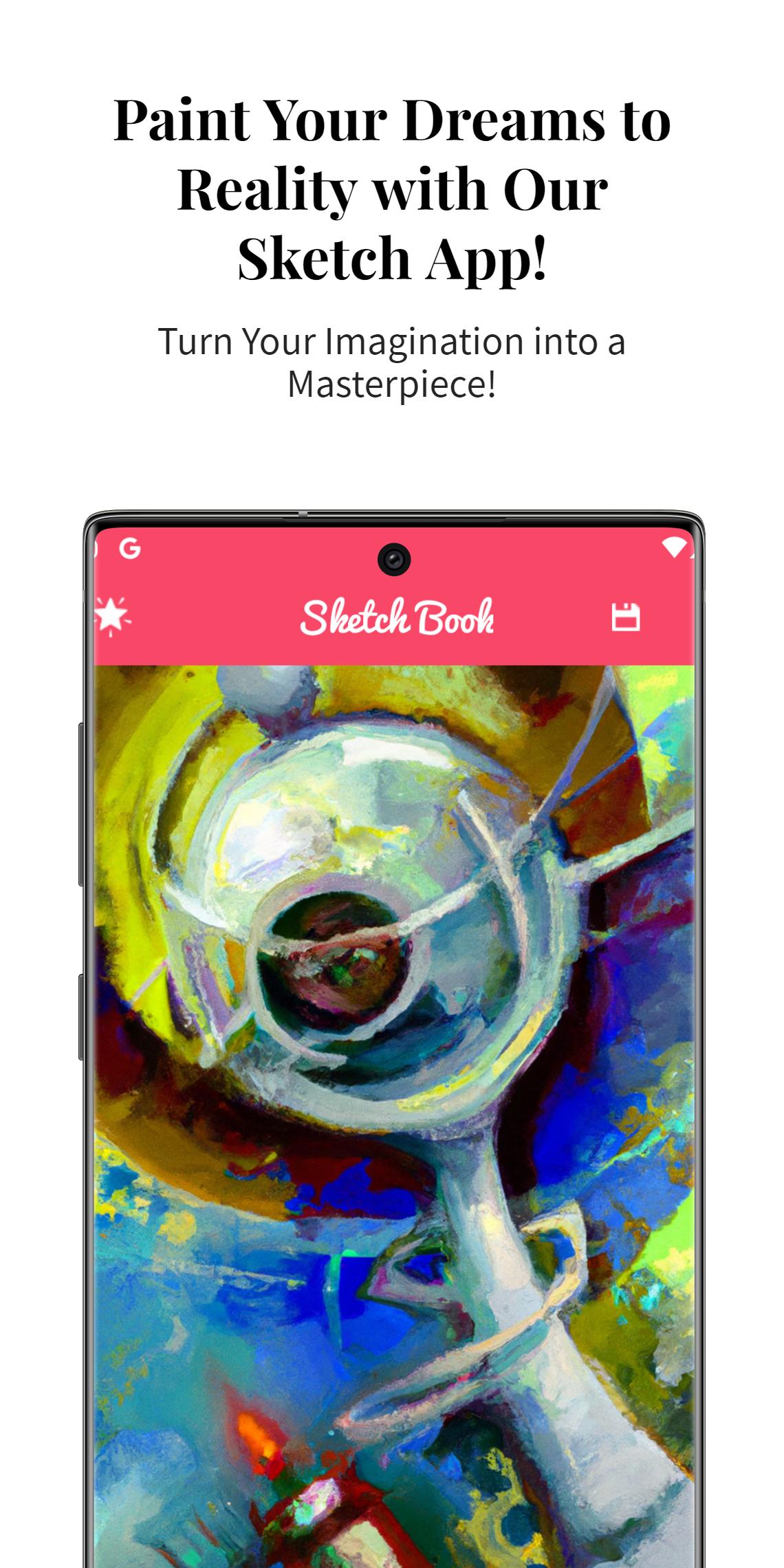
Preview
Tags
Art-&Information
Developer
Ultimate games and apps pro
Latest Version
release_22556226_22556226
Last Updated
2023-02-23
Category
Art-design
Available on
Google Play
Show More
How to play Sketch Book: Draw, Paint, Art with GameLoop on PC
1. Download GameLoop from the official website, then run the exe file to install GameLoop
2. Open GameLoop and search for “Sketch Book: Draw, Paint, Art” , find Sketch Book: Draw, Paint, Art in the search results and click “Install”
3. Enjoy playing Sketch Book: Draw, Paint, Art on GameLoop
Minimum requirements
OS
Windows 8.1 64-bit or Windows 10 64-bit
GPU
GTX 1050
CPU
i3-8300
Memory
8GB RAM
Storage
1GB available space
Recommended requirements
OS
Windows 8.1 64-bit or Windows 10 64-bit
GPU
GTX 1050
CPU
i3-9320
Memory
16GB RAM
Storage
1GB available space