
SetPose: 3D Pose Maker PC
August van de Ven
Download SetPose: 3D Pose Maker on PC With GameLoop Emulator
SetPose: 3D Pose Maker sa PC
Ang SetPose: 3D Pose Maker, na nagmumula sa developer na August van de Ven, ay tumatakbo sa Android systerm sa nakaraan.
Ngayon, maaari mong laruin ang SetPose: 3D Pose Maker sa PC gamit ang GameLoop nang maayos.
I-download ito sa GameLoop library o mga resulta ng paghahanap. Hindi na tumitingin sa baterya o nakakadismaya na mga tawag sa maling oras.
I-enjoy lang ang SetPose: 3D Pose Maker PC sa malaking screen nang libre!
SetPose: 3D Pose Maker Panimula
Drawing the human body from memory presents significant challenges for artists at all skill levels. Whether you're just beginning your artistic journey or attempting to capture dynamic poses with bodies in motion, achieving realistic results requires mastering numerous complex elements. Accurate bone structure, proper muscle definition, correct anatomical proportions, and natural-looking movement all contribute to creating believable human figures, yet they're notoriously difficult to get right without proper reference.
Most artists rely on references when drawing the human body, typically images or videos showing the poses they want to recreate. However, these traditional references come with significant limitations. They lack adjustability, restricting you to the exact perspective shown, and finding the precise dynamic position you envision can be frustratingly difficult.
Physical drawing mannequins, those wooden articulated figures available at art supply stores, have long been a solution to this problem. They offer adjustable limbs and joints, three-dimensional references you can view from multiple angles, and reusable models for consistent practice. Unfortunately, these traditional mannequins have drawbacks. Quality models can be expensive, especially for beginners, most have restricted joint movement, and they typically lack the ability to create nuanced, complex poses.
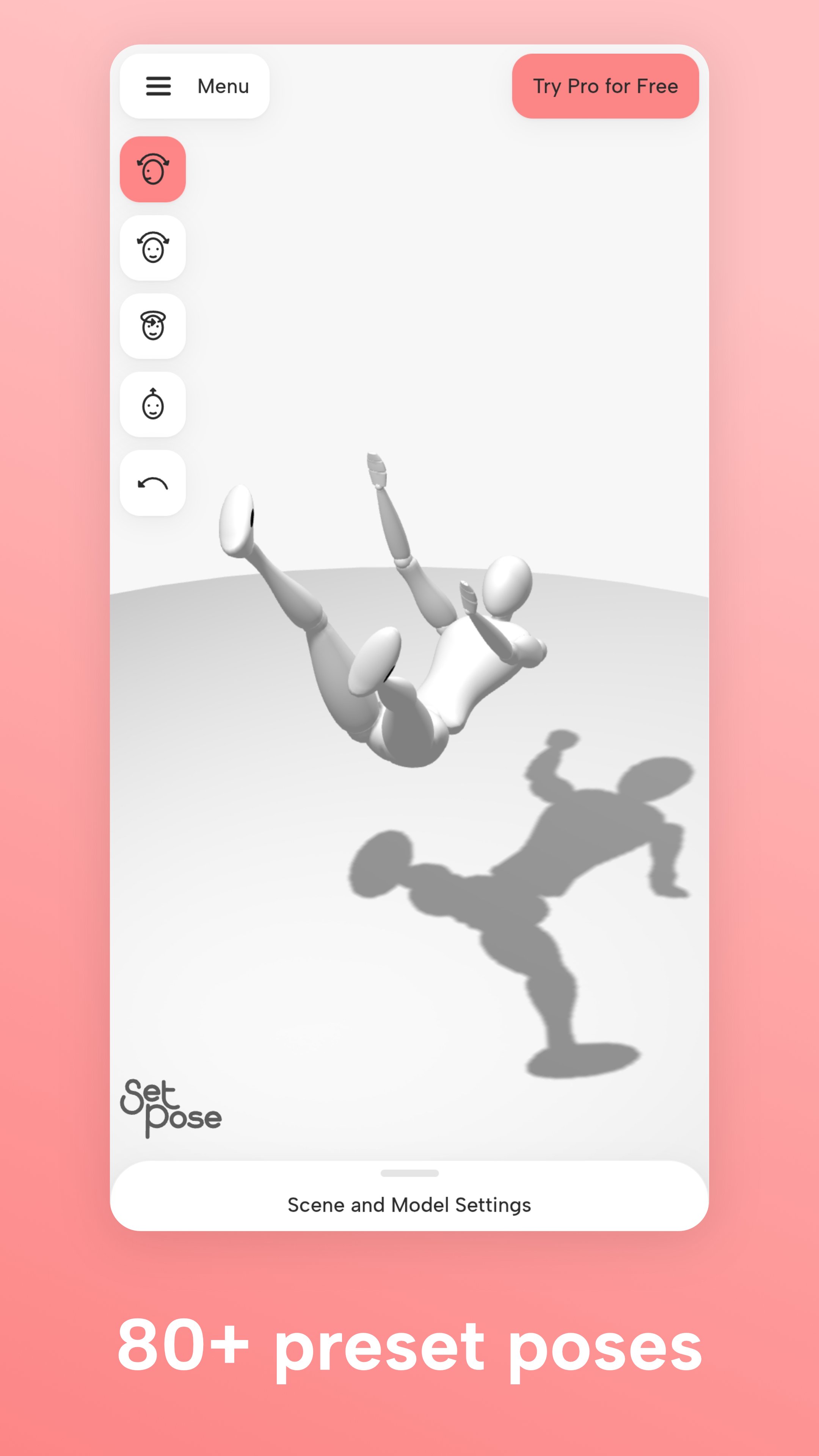
Fortunately, tools like SetPose have solved these problems with online drawing mannequins that offer all the benefits of physical models and much more, completely free of charge. These digital figure models provide complete adjustability, allowing you to drag and rotate any body part with precise control. You can use the control panel to move limbs along different planes, access dozens of ready-made poses for quick reference, enhance your scenes with interactive props and accessories, and create and save as many unique poses as you need.
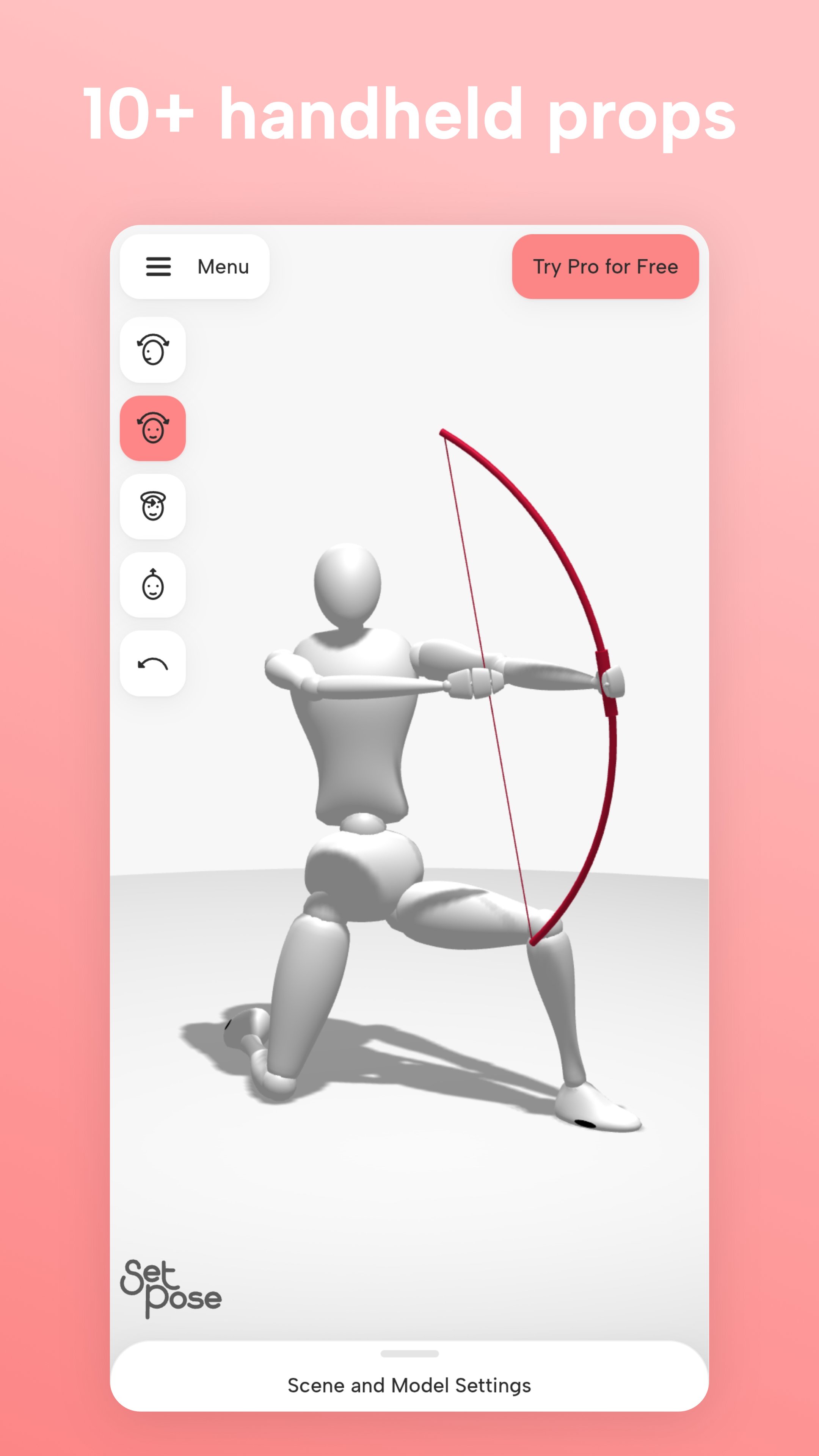
To get started with SetPose, begin by experimenting with simple poses to learn the interface. Drag body parts to reposition them, use the movement selectors on the left panel to rotate along different axes, and adjust the camera angle to view the pose from multiple perspectives. Once comfortable with the controls, enhance your scenes with props. Select basic items like chairs to practice seated positions, incorporate interactive elements such as barbells or bicycles for dynamic action poses, and experiment with hand props that the model can hold in either hand.
You can take your practice to the next level by combining elements to create complex scenes. Position your figure on environmental props like stairs or platforms, place different objects in each hand to create natural interactions, and mix ground props with hand-held items for storytelling poses. The prop menu offers numerous options; you can have the model holding something in each hand or combine a ground prop like a bike with multiple hand props for even more creative possibilities.
With the SetPose mannequin at your disposal, you'll find that mastering human figure drawing becomes more accessible, efficient, and enjoyable than ever before. The model eliminates the cost barrier of traditional wooden models while providing greater flexibility and creative options. Simply adjust, pose, and draw, all without the limitations of static reference images or expensive physical models.
Preview
Tags
Art-&Information
Developer
August van de Ven
Latest Version
1.5.0.0
Last Updated
2025-06-11
Category
Art-design
Available on
Google Play
Show More
How to play SetPose: 3D Pose Maker with GameLoop on PC
1. Download GameLoop from the official website, then run the exe file to install GameLoop
2. Open GameLoop and search for “SetPose: 3D Pose Maker” , find SetPose: 3D Pose Maker in the search results and click “Install”
3. Enjoy playing SetPose: 3D Pose Maker on GameLoop
Minimum requirements
OS
Windows 8.1 64-bit or Windows 10 64-bit
GPU
GTX 1050
CPU
i3-8300
Memory
8GB RAM
Storage
1GB available space
Recommended requirements
OS
Windows 8.1 64-bit or Windows 10 64-bit
GPU
GTX 1050
CPU
i3-9320
Memory
16GB RAM
Storage
1GB available space