
Reesha - Word Cloud Generator PC
Reesha Tech
Download Reesha - Word Cloud Generator on PC With GameLoop Emulator
Reesha - Word Cloud Generator sa PC
Ang Reesha - Word Cloud Generator, na nagmumula sa developer na Reesha Tech, ay tumatakbo sa Android systerm sa nakaraan.
Ngayon, maaari mong laruin ang Reesha - Word Cloud Generator sa PC gamit ang GameLoop nang maayos.
I-download ito sa GameLoop library o mga resulta ng paghahanap. Hindi na tumitingin sa baterya o nakakadismaya na mga tawag sa maling oras.
I-enjoy lang ang Reesha - Word Cloud Generator PC sa malaking screen nang libre!
Reesha - Word Cloud Generator Panimula
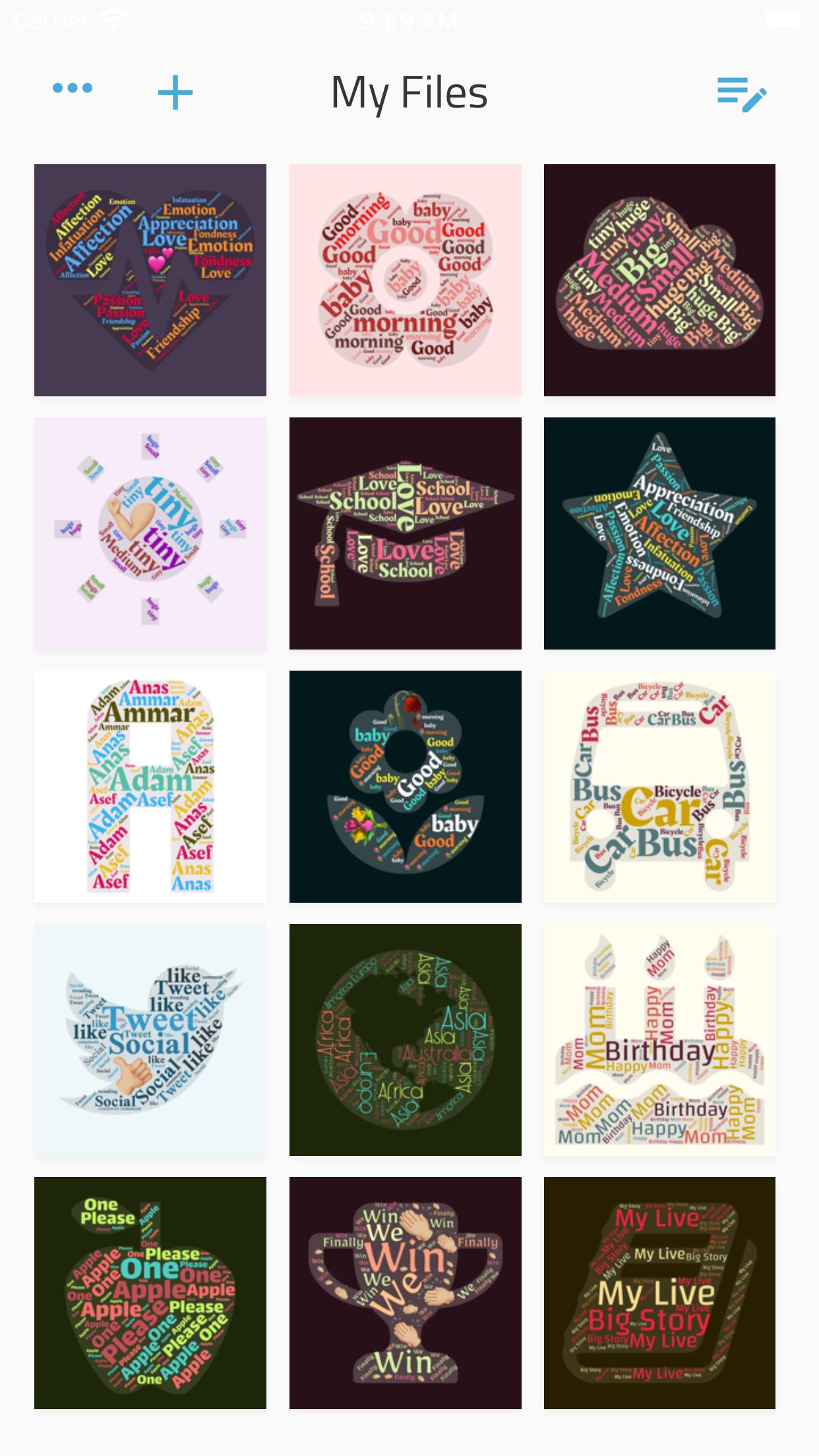
Write your feelings about someone inside a shape that expressing your status.
Whip up a creative status update for your social network page. Type in all your best friends in a pretty card with one or more emojis.
Just enter a few words, and the app will nicely shuffle them inside a bunch of shapes and with different colors.
Your creative process:
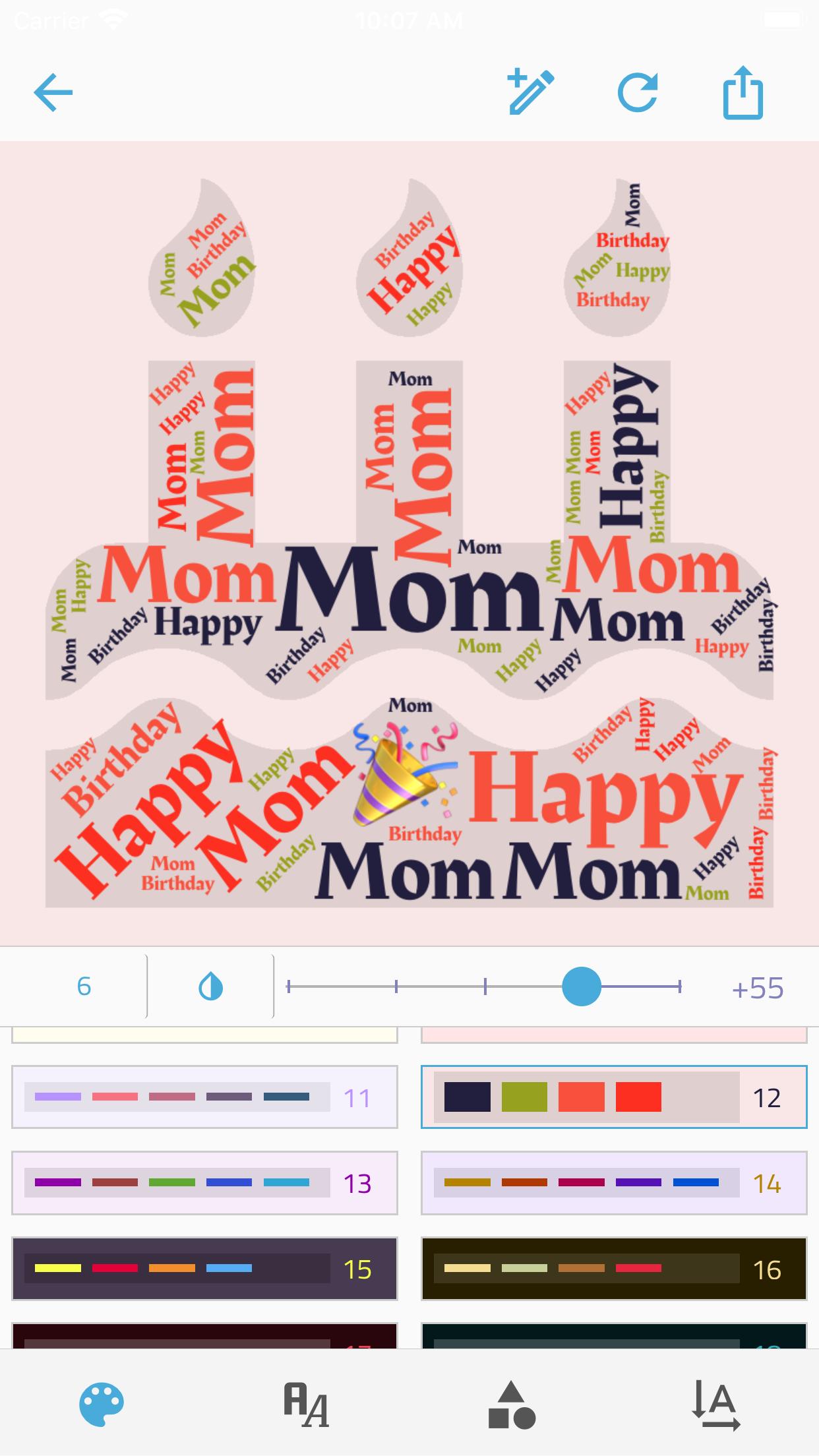
• Enter as many words and emojis as you like.
• Control the Minimum word number within the shape.
• choose a color group.
• Choose a shape, there're +300 shapes to frame your idea.
• Choose a font from 15 deferent font,
• set the directions of words.
• Control the size of the text within the shape.
And when you're done:
• Export the picture to a high-quality PNG.
• Share the picture directly from the app!
Want something special? App doesn't work as expected? Can't find how to do something? Just want to say thanks? Drop me a message at reesha.app@gmail.com, I'll be happy to help.
Preview
Tags
Art-&Information
Developer
Reesha Tech
Latest Version
1.2.8
Last Updated
2021-06-17
Category
Art-design
Available on
Google Play
Show More
How to play Reesha - Word Cloud Generator with GameLoop on PC
1. Download GameLoop from the official website, then run the exe file to install GameLoop
2. Open GameLoop and search for “Reesha - Word Cloud Generator” , find Reesha - Word Cloud Generator in the search results and click “Install”
3. Enjoy playing Reesha - Word Cloud Generator on GameLoop
Minimum requirements
OS
Windows 8.1 64-bit or Windows 10 64-bit
GPU
GTX 1050
CPU
i3-8300
Memory
8GB RAM
Storage
1GB available space
Recommended requirements
OS
Windows 8.1 64-bit or Windows 10 64-bit
GPU
GTX 1050
CPU
i3-9320
Memory
16GB RAM
Storage
1GB available space