
Poster Maker & Flyer Maker PC
Content Arcade Apps
Download Poster Maker & Flyer Maker on PC With GameLoop Emulator
Poster Maker & Flyer Maker sa PC
Ang Poster Maker & Flyer Maker, na nagmumula sa developer na Content Arcade Apps, ay tumatakbo sa Android systerm sa nakaraan.
Ngayon, maaari mong laruin ang Poster Maker & Flyer Maker sa PC gamit ang GameLoop nang maayos.
I-download ito sa GameLoop library o mga resulta ng paghahanap. Hindi na tumitingin sa baterya o nakakadismaya na mga tawag sa maling oras.
I-enjoy lang ang Poster Maker & Flyer Maker PC sa malaking screen nang libre!
Poster Maker & Flyer Maker Panimula
Poster Maker: Design App - Create Posters, Flyers, And Ads Fast!
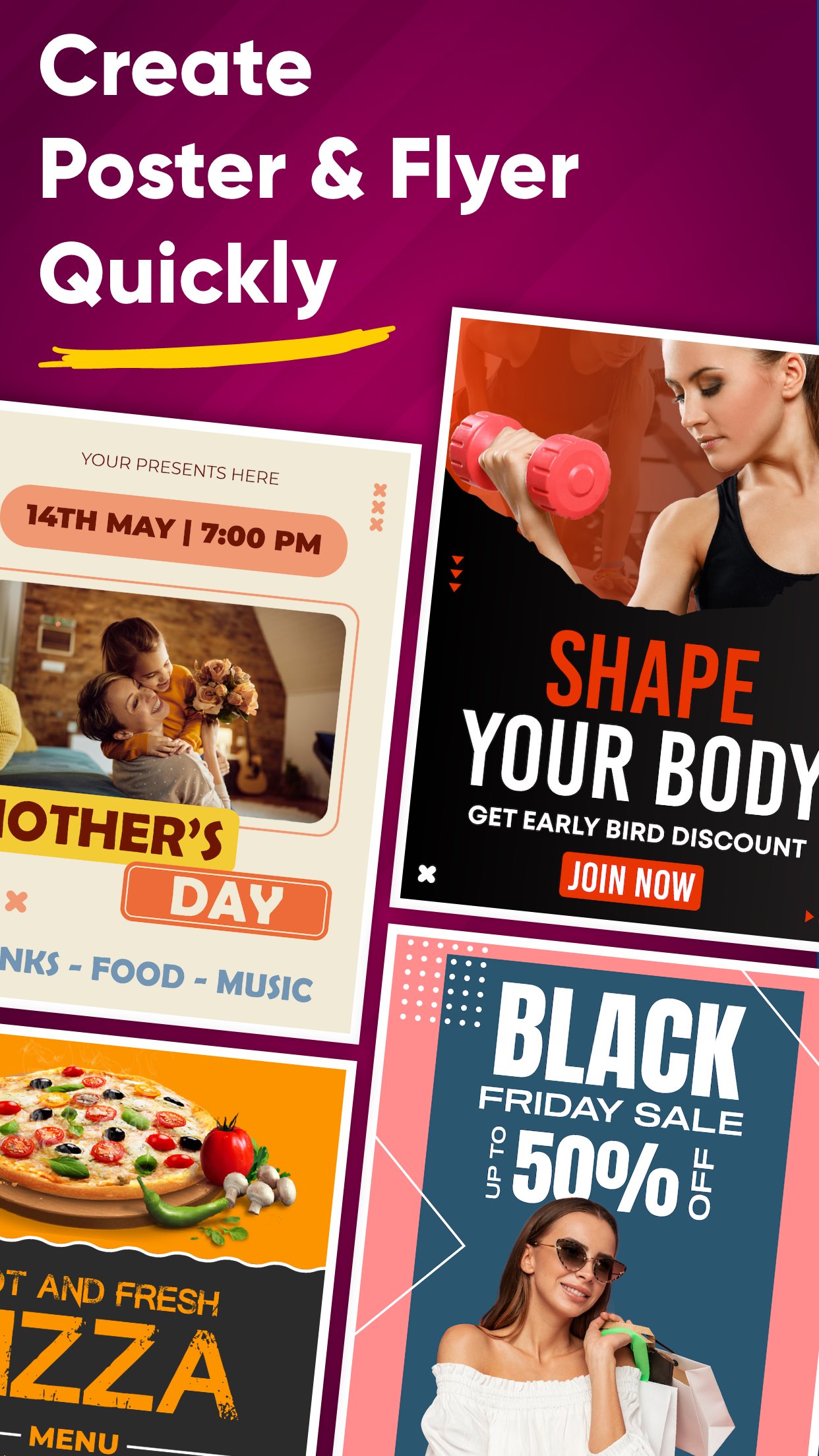
Poster Maker: Design App will assist you in creating posters, banners, sale graphics, event cards, business visuals, and custom promotional designs with simple editing tools. Whether you need a quick party poster or a clean business layout, the app gives you a creative space without making design feel complicated.Flyer Maker Design App is useful when you want a ready-made template that can be changed in minutes. Brochure Maker App gives you more room for product details, service information, event content, and polished visual layouts.
Creative Design Studio:
🎨Poster Maker: Design App - Create posters, banners, event cards, and promotional graphics;
📄Flyer Maker Design App - Design flyers for sales, events, offers, and announcements;
📘Brochure Maker App - Build clean brochures with text, images, shapes, and layout tools;
📢Advertisement Maker App - Make ad designs for products, services, shops, and campaigns;
🧾Leaflet Maker - Create simple leaflets for promotions, menus, programs, or local events;
🖼️Template Library - Choose ready-made designs and customize them your way;
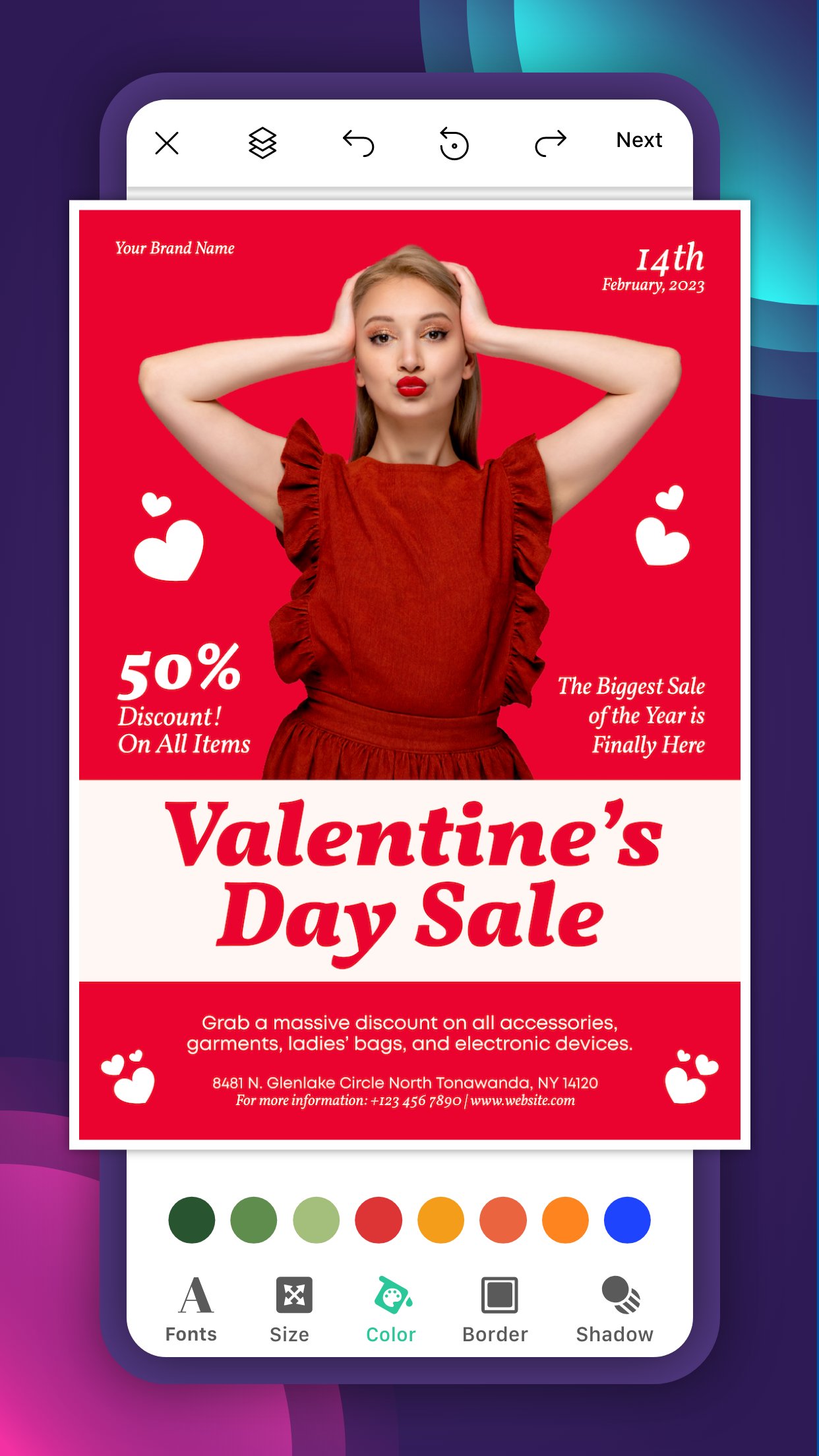
✏️Editing Tools - Change fonts, colors, layers, stickers, images, and backgrounds;
Design posters, flyers, brochures, and leaflets in minutes!
When you need quick visuals without starting from a blank canvas, Advertisement Maker App can make the process feel much lighter. Pick a design style, adjust your message, add your own images, and prepare a cleaner graphic for your next idea.For local promotions, short menus, handouts, invitations, or price lists, Leaflet Maker gives you a compact format that stays clear and easy to read.
Quick Design Steps:
📲Open Poster Maker: Design App, and choose a template or blank canvas;
📄Use Flyer Maker Design App when you need a fast event or sale design;
📘Select Brochure Maker App for detailed business or service layouts;
📢Try Advertisement Maker App when your design needs strong promotional focus;
🧾Choose Leaflet Maker for short, simple, and direct printed designs;
💾Save your finished work in high-quality format and use it wherever needed;
🎨Templates, Fonts, Stickers, And Editing Freedom:
A good design should not take hours to build, especially when the idea is already in your head. With ready-made templates, text tools, stickers, layers, shapes, and background controls, your layout can move from rough idea to finished design much faster. Flyer Maker Design App works well for announcements, offers, parties, launches, and community events because it keeps the design process clear without requiring advanced editing skills.
📢Designs For Business, Events, And Daily Promotion:
Some projects need more space for information, and that is where Brochure Maker App becomes useful for organizing details in a cleaner format. You can prepare service lists, product highlights, event programs, menus, portfolios, and business pages with a more structured look.
Turn Your Ideas Into Ready-To-Use Designs!
From a quick event flyer to a detailed business brochure, this app gives you practical tools for everyday design work. Start with a template, customize the important details, and create visuals that feel ready for sharing, printing, or promoting your next project.Preview
Tags
Art-&Information
Developer
Content Arcade Apps
Latest Version
13.2.1
Last Updated
2026-11-04
Category
Art-design
Available on
Google Play
Show More
How to play Poster Maker & Flyer Maker with GameLoop on PC
1. Download GameLoop from the official website, then run the exe file to install GameLoop
2. Open GameLoop and search for “Poster Maker & Flyer Maker” , find Poster Maker & Flyer Maker in the search results and click “Install”
3. Enjoy playing Poster Maker & Flyer Maker on GameLoop
Minimum requirements
OS
Windows 8.1 64-bit or Windows 10 64-bit
GPU
GTX 1050
CPU
i3-8300
Memory
8GB RAM
Storage
1GB available space
Recommended requirements
OS
Windows 8.1 64-bit or Windows 10 64-bit
GPU
GTX 1050
CPU
i3-9320
Memory
16GB RAM
Storage
1GB available space