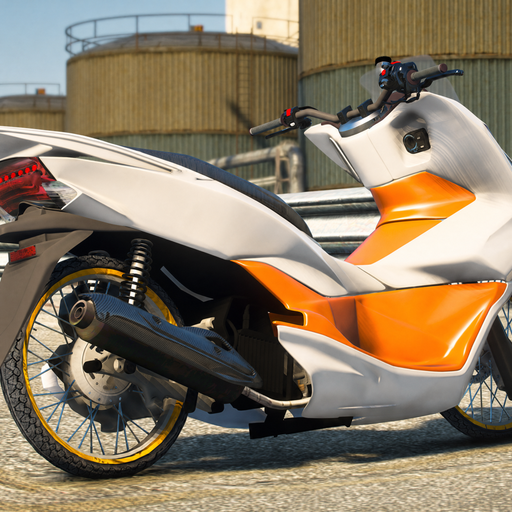
Drag Matic Herex Sleep Engine PC
Livery Sporty
Download Drag Matic Herex Sleep Engine on PC With GameLoop Emulator
Drag Matic Herex Sleep Engine sa PC
Ang Drag Matic Herex Sleep Engine, na nagmumula sa developer na Livery Sporty, ay tumatakbo sa Android systerm sa nakaraan.
Ngayon, maaari mong laruin ang Drag Matic Herex Sleep Engine sa PC gamit ang GameLoop nang maayos.
I-download ito sa GameLoop library o mga resulta ng paghahanap. Hindi na tumitingin sa baterya o nakakadismaya na mga tawag sa maling oras.
I-enjoy lang ang Drag Matic Herex Sleep Engine PC sa malaking screen nang libre!
Drag Matic Herex Sleep Engine Panimula
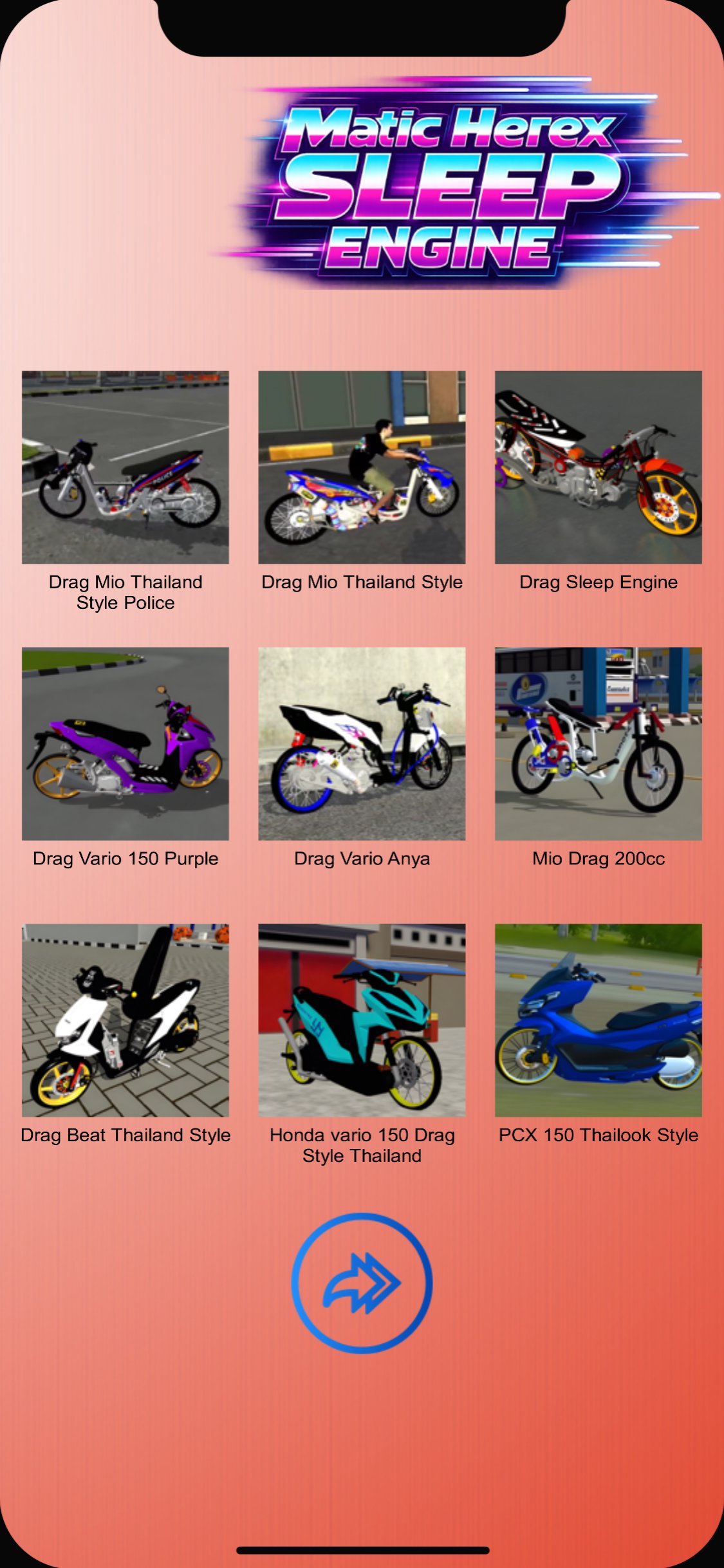
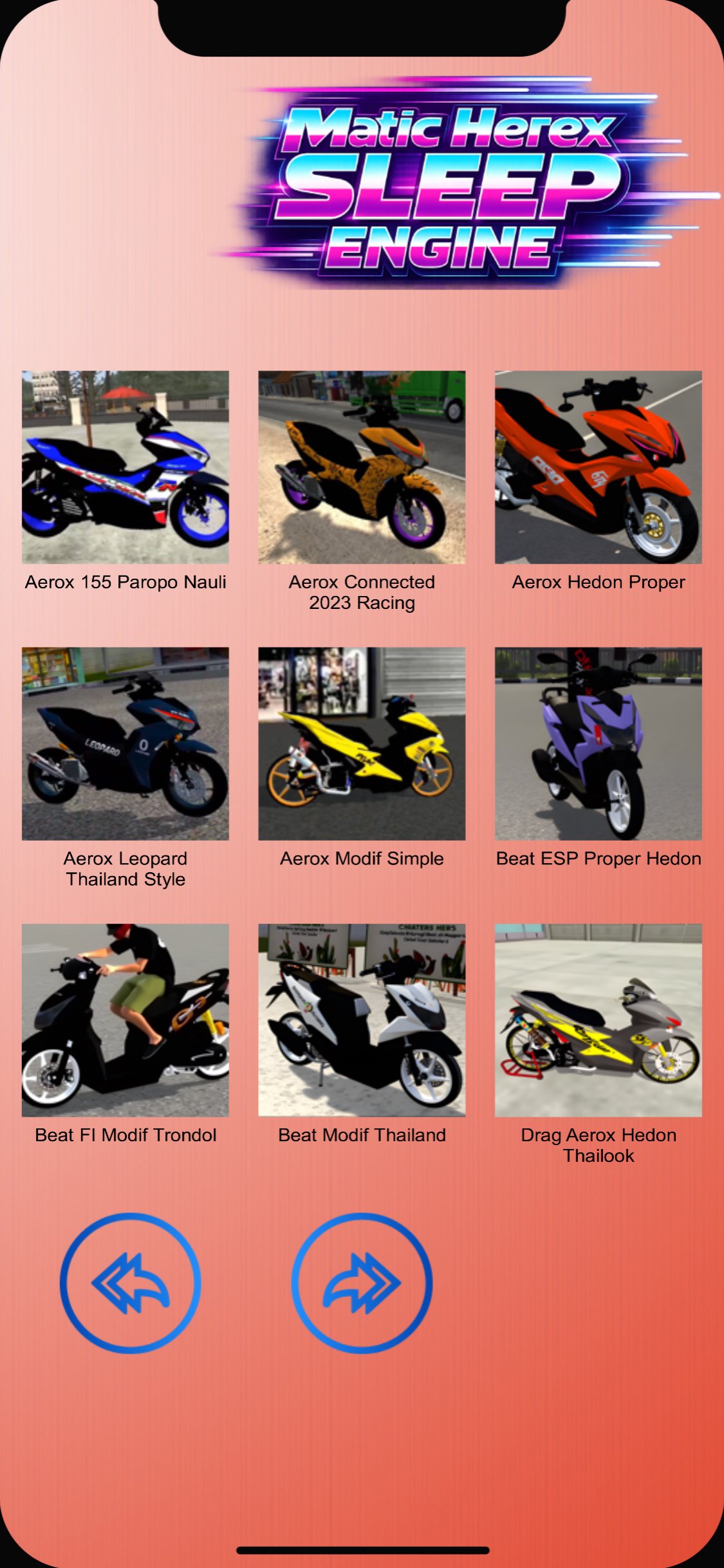
Enjoy a diverse collection of Bussid mods featuring drag racing, Thai drag racing, herex-style, and sleeper engine concepts, designed to provide a more engaging vehicle modification experience. This app provides a variety of vehicle mods, from racing-style vehicles to full modifications, and even hedonistic automatic models, featuring unique and detailed designs.
In this app, you'll find a collection of Thai drag racing Bussid mods, showcasing a distinctive Thai racing-style vehicle look.
A wide selection of drag bike simulator mods is also available to add variety to your favorite simulation game.
A collection of Bussid drag diesel mods is available for users who enjoy vehicles with powerful performance and a competitive look.
For fans of extreme modifications, this app offers a variety of fully modified drag racing motorcycle mods with compelling details.
You'll also find a selection of carburetor drag racing Bussid mods inspired by classic racing motorcycles that are still popular today.
A comprehensive collection of Bussid drag racing mods is available to provide a wider choice of vehicles.
This app features a Thai drag racing Bussid mod with a unique and distinctive drag racing look.
For fans of Thai-style modifications, there are various Thai drag bike mods available for inspiration.
The Bussid Drag 150 motorcycle mod collection features designs suitable for users who prefer sporty motorcycles.
There's also a wide selection of hedonistic Bussid automatic motorcycle mods, with modification concepts that emphasize the vehicle's style and aesthetics.
For a more diverse simulation experience, this app also provides a collection of easily accessible Bussid Simulator drag bike mods.
Users who enjoy automatic motorcycle racing can enjoy a variety of drag bike mods with attractive designs.
A wide selection of Herex motorcycle mods is available to create a distinctive and popular street modification feel.
Furthermore, the Herex-style motorcycle mod collection can be an inspiration for users who prefer the look of modern Herex-style vehicles.
How to Use the App:
a. Open the app.
b. Select the mod collection you want to view.
c. View details of each vehicle model.
d. Press the download button to save the file to your device.
e. Use the file according to the instructions in the supported game.
How to Install in the Game
1. Make sure the main game is installed on your device.
2. Go to the Import or Garage menu.
3. Select the downloaded file from the app.
4. Complete the import process until complete.
5. Once successful, the mod is ready to use in the game.
Some things you should know:
- A collection of Bussid mods with various drag concepts.
- A choice of drag matic, drag Thailand, herex style, and sleep engine.
- A variety of full modification and hedonistic matic models.
- High-quality image display.
- Easy download process.
- Regular collection updates.
- Lightweight and easy-to-use interface.
- Compatible with various supported game versions.
Experience vehicle modification with a continuously updated mod collection to provide more options for fans of drag matic, herex style, sleep engine, and various other vehicle modification concepts.
Preview
Tags
Art-&Auto-&Information
Developer
Livery Sporty
Latest Version
3.1
Last Updated
2026-10-06
Category
Art-design
Available on
Google Play
Show More
How to play Drag Matic Herex Sleep Engine with GameLoop on PC
1. Download GameLoop from the official website, then run the exe file to install GameLoop
2. Open GameLoop and search for “Drag Matic Herex Sleep Engine” , find Drag Matic Herex Sleep Engine in the search results and click “Install”
3. Enjoy playing Drag Matic Herex Sleep Engine on GameLoop
Minimum requirements
OS
Windows 8.1 64-bit or Windows 10 64-bit
GPU
GTX 1050
CPU
i3-8300
Memory
8GB RAM
Storage
1GB available space
Recommended requirements
OS
Windows 8.1 64-bit or Windows 10 64-bit
GPU
GTX 1050
CPU
i3-9320
Memory
16GB RAM
Storage
1GB available space