Logo Maker | Logo Creator PC
Dzine Media Apps
Download Logo Maker | Logo Creator on PC With GameLoop Emulator
Logo Maker | Logo Creator sa PC
Ang Logo Maker | Logo Creator, na nagmumula sa developer na Dzine Media Apps, ay tumatakbo sa Android systerm sa nakaraan.
Ngayon, maaari mong laruin ang Logo Maker | Logo Creator sa PC gamit ang GameLoop nang maayos.
I-download ito sa GameLoop library o mga resulta ng paghahanap. Hindi na tumitingin sa baterya o nakakadismaya na mga tawag sa maling oras.
I-enjoy lang ang Logo Maker | Logo Creator PC sa malaking screen nang libre!
Logo Maker | Logo Creator Panimula
Logo Maker: Design Creator for Next-Level Branding!
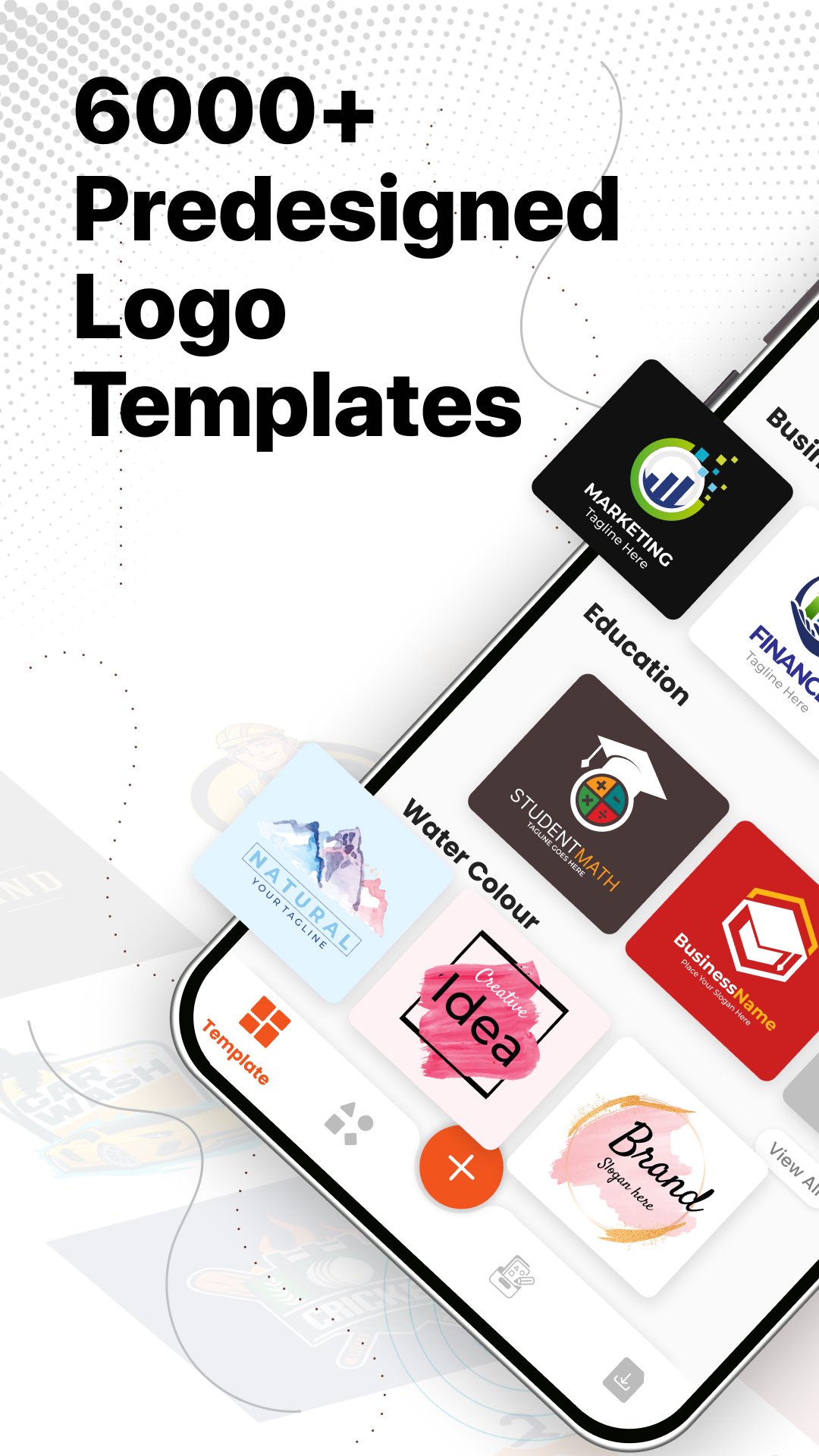
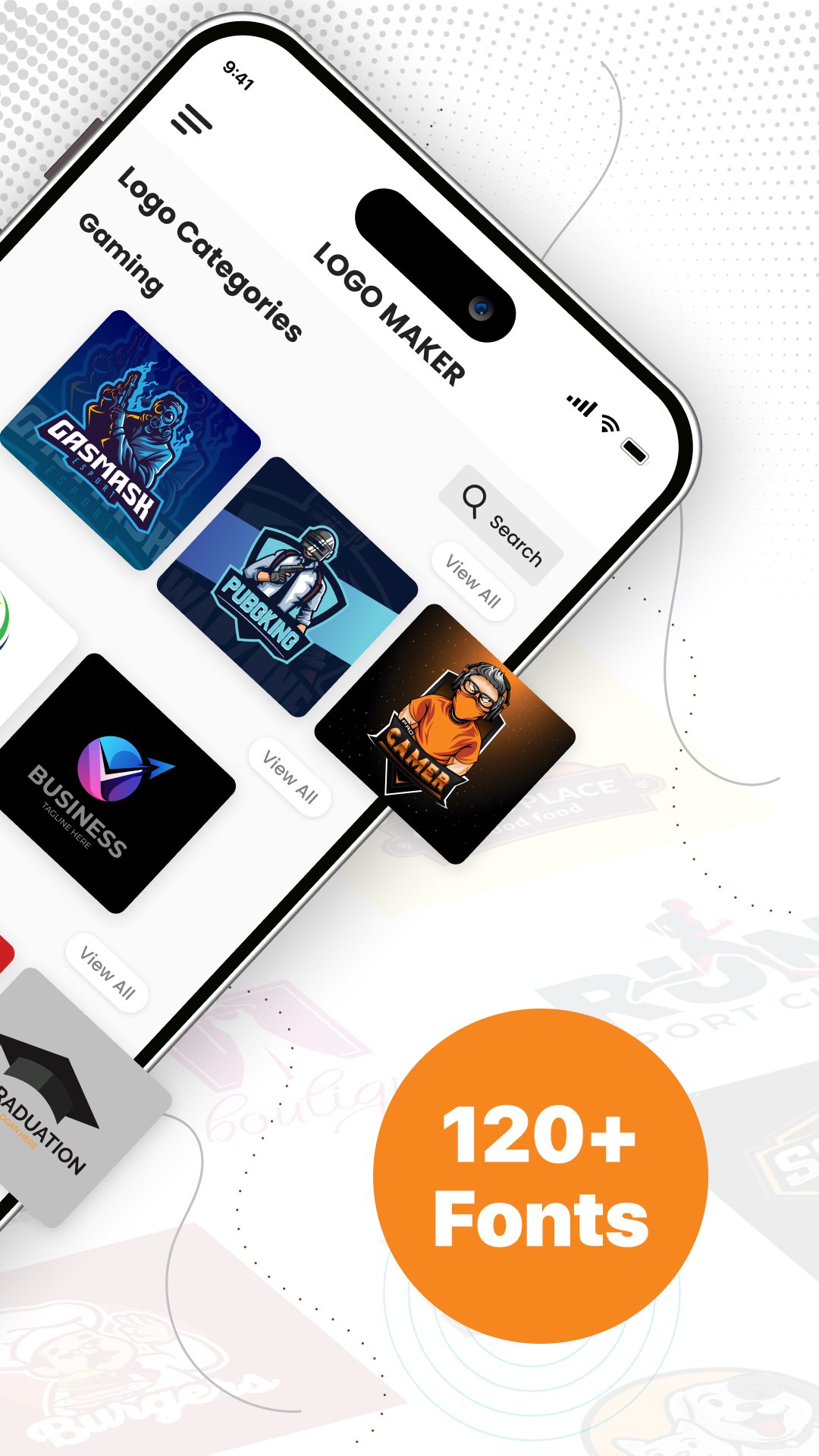
Logo Maker: Design Creator helps you create custom monograms for brands, games, and businesses. From professional looks to even casual, bold game identities, this custom logo maker app does it all. With the gaming monogram maker, you get quick personalization, and you don't need design experience to use the modern style tools.Our software offers the complete set of visual editing tools available for beginners and advanced users. Whether you need to create monograms for clients, games, or your own business, the custom logo maker app produces results within minutes.
📄 Key Features of the Logo Maker Suite:📄
✨ Flexible templates designed for Logo Creator and branding;
✨ Editable backgrounds, layers, gradients, and logo editor tool textures;
✨ Control the text size, alignment, and fonts;
✨ Save all projects and files in Logo Maker: Design Creator directly to your gallery;
✨ Quickly edit by saving drafts in the Logo Editor Tool.
Design Your Ideal Icon with Smart Tools!
You can turn your design ideas to incredible looking posters. The Logo Editor Tool lets you adjust and fine-tune the text and design components, icons, and elements to your specifications. The Gaming Logo Maker strengthens your creative design flow with base styles ready to tweak.Customize Your Monogram:😎
Logo Design Generation App gives you advanced customized e-range editing features to streamline your design. You can incorporate initials, symbols, and brand seals with the Logo Designer: Monogram Maker. The Game Logo Maker gives you powerful design tools that set you up for success.
Make Your Own Icon Pop:🔥
Logo Creator features lets you adjust contrast, spacing and elements with great precision for strong brand cohesion. The shape and graphic tools in the Logo Editor give you multiple design controls, ensuring every design meets your brand needs. Logo Maker: Design Creator and Logo Generator App gives you a complete branding experience!
Fast, Smart, and Dependable:📊
Every monogram maintains sleek looks and quality with Logo Designer: Monogram Maker and the Logo Generator App. Gaming Logo Maker provides options with outstanding visuals, while the Logo Creator guarantees sharpness and recognition with articulation across multiple platforms. The flexibility of the Gaming Logo Maker and the Logo Designer: Monogram Maker provides limitless creativity for your branding.
Start Creating Stunning Logos With Logo Maker: Design Creator Today!
Professional tools, smart presets, and intuitive editing help bring your ideas to life. The Custom Logo Maker App, together with the powerful Logo Creator and the Logo Generator App, gives you the ultimate design freedom. Design monograms that you need anytime and look sharp, modern, and unforgettable!Preview
Tags
Art-&Information
Developer
Dzine Media Apps
Latest Version
2.1.2
Last Updated
2025-12-16
Category
Art-design
Available on
Google Play
Show More
How to play Logo Maker | Logo Creator with GameLoop on PC
1. Download GameLoop from the official website, then run the exe file to install GameLoop
2. Open GameLoop and search for “Logo Maker | Logo Creator” , find Logo Maker | Logo Creator in the search results and click “Install”
3. Enjoy playing Logo Maker | Logo Creator on GameLoop
Minimum requirements
OS
Windows 8.1 64-bit or Windows 10 64-bit
GPU
GTX 1050
CPU
i3-8300
Memory
8GB RAM
Storage
1GB available space
Recommended requirements
OS
Windows 8.1 64-bit or Windows 10 64-bit
GPU
GTX 1050
CPU
i3-9320
Memory
16GB RAM
Storage
1GB available space