LogoMaker _ Logocreator PC
CodingStudioPixels
Download LogoMaker _ Logocreator on PC With GameLoop Emulator
LogoMaker _ Logocreator sa PC
Ang LogoMaker _ Logocreator, na nagmumula sa developer na CodingStudioPixels, ay tumatakbo sa Android systerm sa nakaraan.
Ngayon, maaari mong laruin ang LogoMaker _ Logocreator sa PC gamit ang GameLoop nang maayos.
I-download ito sa GameLoop library o mga resulta ng paghahanap. Hindi na tumitingin sa baterya o nakakadismaya na mga tawag sa maling oras.
I-enjoy lang ang LogoMaker _ Logocreator PC sa malaking screen nang libre!
LogoMaker _ Logocreator Panimula
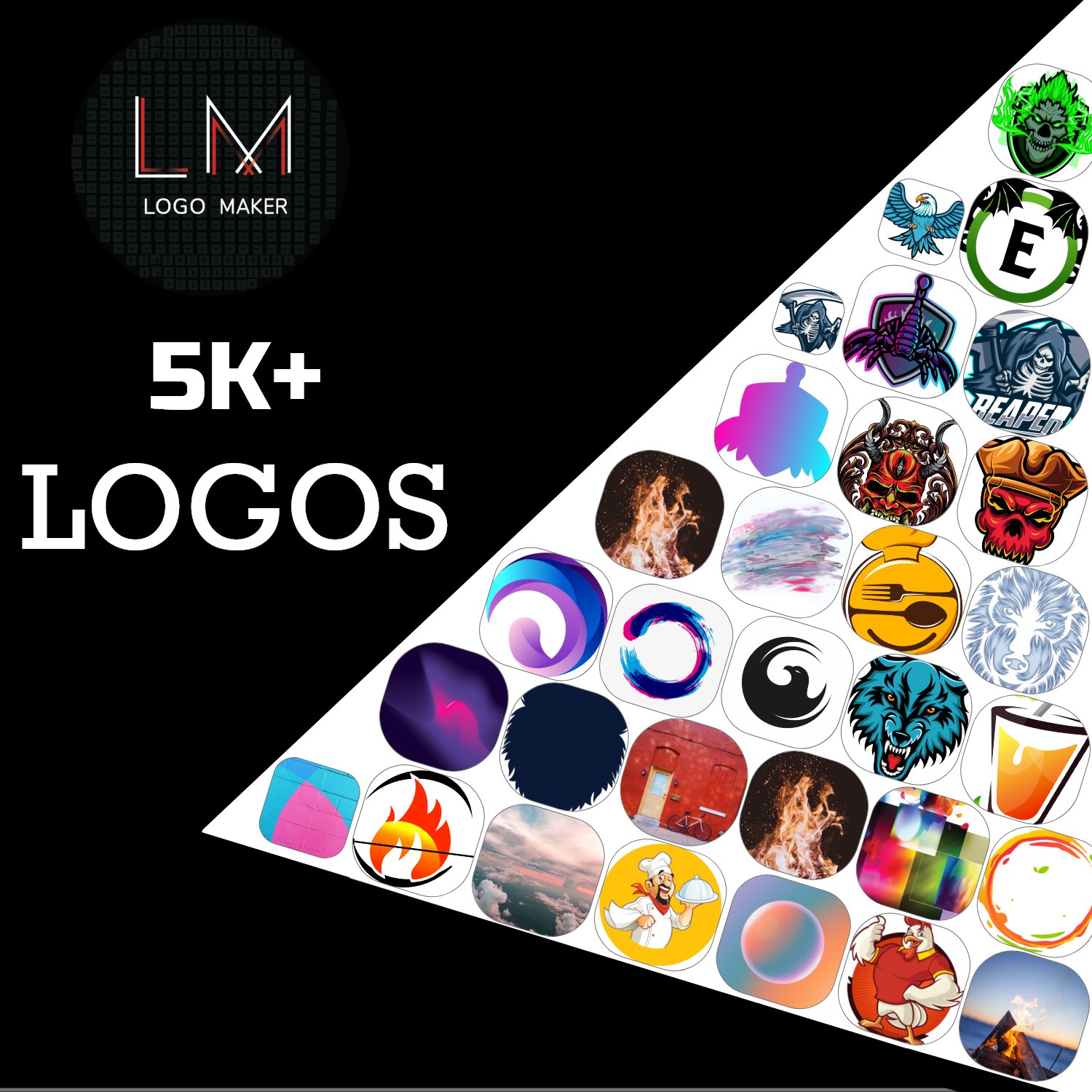
Design stunning logos & icons in minutes! No design skills needed – thousands of templates, fonts, and graphics to choose from.
🎨 Create Professional Logos & Icons Instantly
Whether you're a business owner, blogger, or just want a unique logo, Logo Maker & Icon Designer makes it easy! With a simple drag-and-drop editor, you can design high-quality logos, app icons, social media badges, and more in seconds.
✨ Key Features:
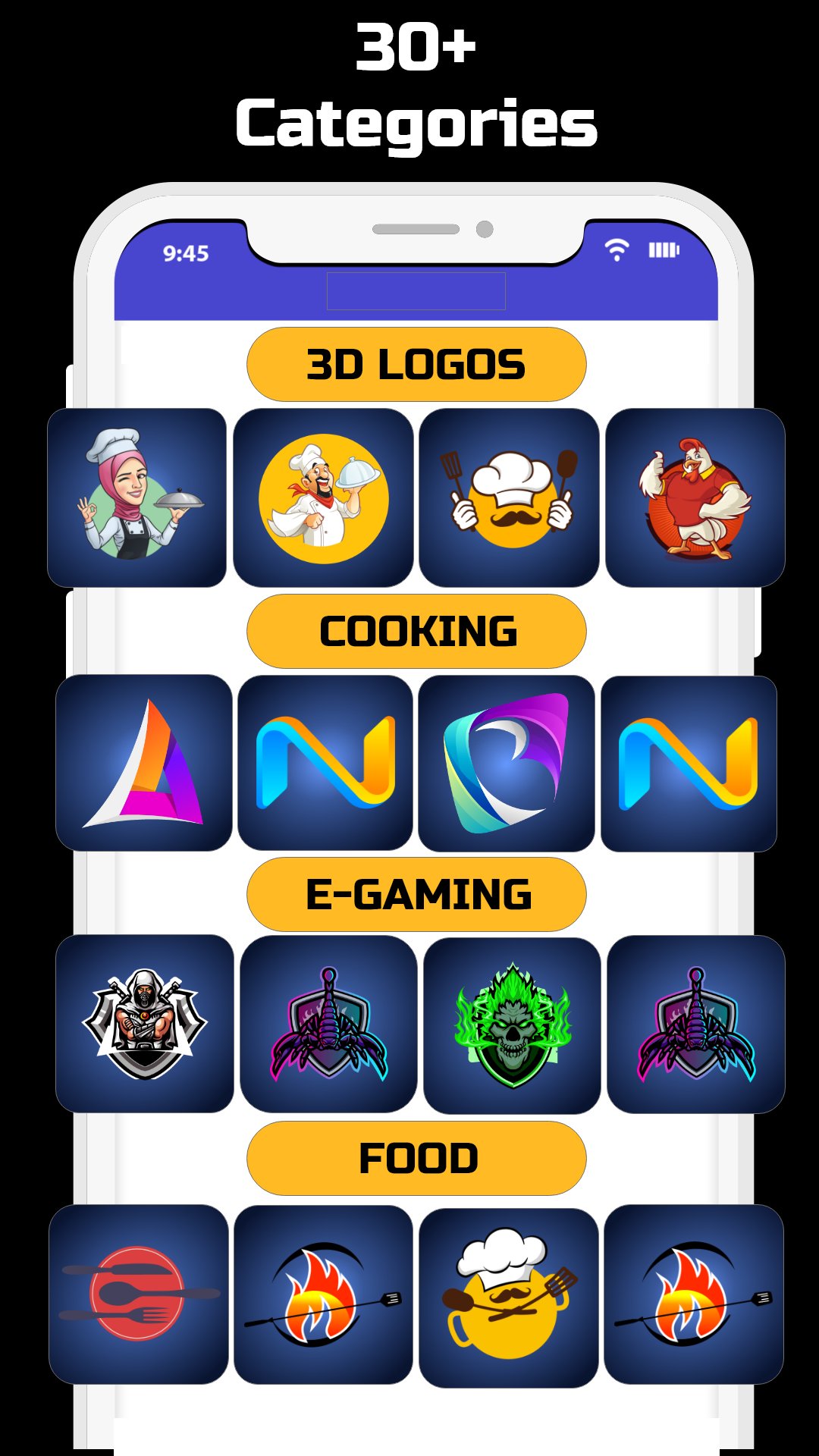
✔ Thousands of Templates – Browse ready-made designs for every industry.
✔ Custom Shapes & Icons – Access a huge library of vector graphics.
✔ Fonts & Text Effects – Choose from 100+ stylish fonts with custom colors.
✔ Background & Gradient Tools – Add depth with stunning color combinations.
✔ One-Click Export – Save logos in HD (PNG, JPG) with transparent backgrounds.
✔ No Watermarks – All your designs are 100% yours!
🚀 Perfect For:
✔ Business branding
✔ YouTube/Twitch channel art
✔ App icons & social media profiles
✔ Personal projects & creative fun
💡 Why Choose Us?
✅ No design experience needed
✅ Fast, easy, and free to use
✅ Regular updates with new templates
Download Logo Maker & Icon Designer now and create a logo that stands out!
Preview
Tags
Art-&Information
Developer
CodingStudioPixels
Latest Version
4.6.2
Last Updated
2025-09-16
Category
Art-design
Available on
Google Play
Show More
How to play LogoMaker _ Logocreator with GameLoop on PC
1. Download GameLoop from the official website, then run the exe file to install GameLoop
2. Open GameLoop and search for “LogoMaker _ Logocreator” , find LogoMaker _ Logocreator in the search results and click “Install”
3. Enjoy playing LogoMaker _ Logocreator on GameLoop
Minimum requirements
OS
Windows 8.1 64-bit or Windows 10 64-bit
GPU
GTX 1050
CPU
i3-8300
Memory
8GB RAM
Storage
1GB available space
Recommended requirements
OS
Windows 8.1 64-bit or Windows 10 64-bit
GPU
GTX 1050
CPU
i3-9320
Memory
16GB RAM
Storage
1GB available space