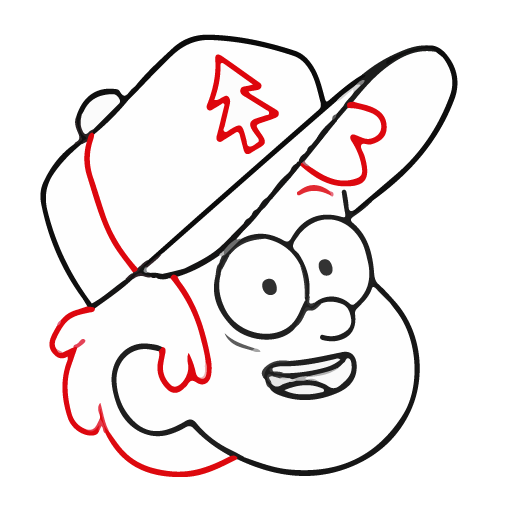
Draw Gravity Falls lessons PC
Anapel
Download Draw Gravity Falls lessons on PC With GameLoop Emulator
Draw Gravity Falls lessons sa PC
Ang Draw Gravity Falls lessons, na nagmumula sa developer na Anapel, ay tumatakbo sa Android systerm sa nakaraan.
Ngayon, maaari mong laruin ang Draw Gravity Falls lessons sa PC gamit ang GameLoop nang maayos.
I-download ito sa GameLoop library o mga resulta ng paghahanap. Hindi na tumitingin sa baterya o nakakadismaya na mga tawag sa maling oras.
I-enjoy lang ang Draw Gravity Falls lessons PC sa malaking screen nang libre!
Draw Gravity Falls lessons Panimula
Many people fell in love with Gravity Falls. The creators tell about the adventures of the twins Mabel and Dipper Pines, as well as other characters, which we will now draw step by step.
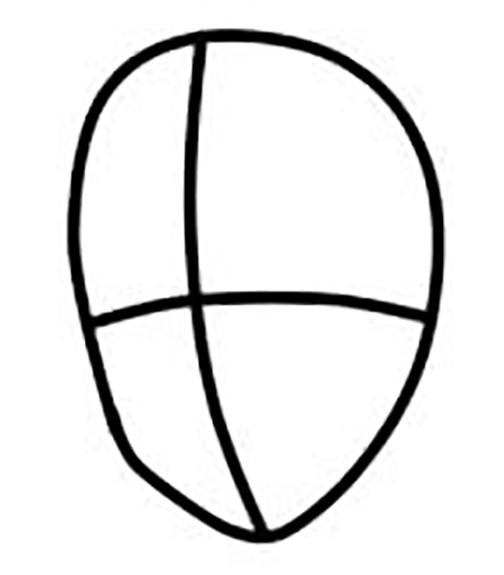
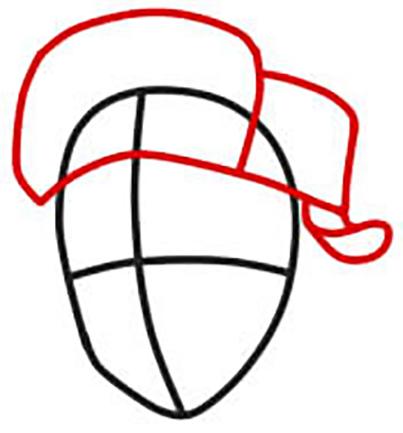
All the characters are very cute. You can easily draw according to everyone's template. Our application contains detailed, simple lessons. To draw yourself, you need a simple pencil and a piece of paper. By downloading our application, you can draw step by step without the Internet. After all, many people ask the question of how to draw without the Internet? It's very easy with our app!
We invite you to decorate boring everyday life with these bright pictures. To understand how to learn how to draw from scratch, you need to put in a little effort. Very soon, you will be drawing these characters in a minute. You can also tell your friends how to learn how to draw gravity falls. We think they will also have a question, how to learn to draw without the Internet? And you already know with our application. Everything is very simple. I wish you success!
Preview
Tags
Art-&Information
Developer
Anapel
Latest Version
1.2
Last Updated
2022-11-10
Category
Art-design
Available on
Google Play
Show More
How to play Draw Gravity Falls lessons with GameLoop on PC
1. Download GameLoop from the official website, then run the exe file to install GameLoop
2. Open GameLoop and search for “Draw Gravity Falls lessons” , find Draw Gravity Falls lessons in the search results and click “Install”
3. Enjoy playing Draw Gravity Falls lessons on GameLoop
Minimum requirements
OS
Windows 8.1 64-bit or Windows 10 64-bit
GPU
GTX 1050
CPU
i3-8300
Memory
8GB RAM
Storage
1GB available space
Recommended requirements
OS
Windows 8.1 64-bit or Windows 10 64-bit
GPU
GTX 1050
CPU
i3-9320
Memory
16GB RAM
Storage
1GB available space