Color Markers Paint PC
RRcompany
Download Color Markers Paint on PC With GameLoop Emulator
Color Markers Paint sa PC
Ang Color Markers Paint, na nagmumula sa developer na RRcompany, ay tumatakbo sa Android systerm sa nakaraan.
Ngayon, maaari mong laruin ang Color Markers Paint sa PC gamit ang GameLoop nang maayos.
I-download ito sa GameLoop library o mga resulta ng paghahanap. Hindi na tumitingin sa baterya o nakakadismaya na mga tawag sa maling oras.
I-enjoy lang ang Color Markers Paint PC sa malaking screen nang libre!
Color Markers Paint Panimula
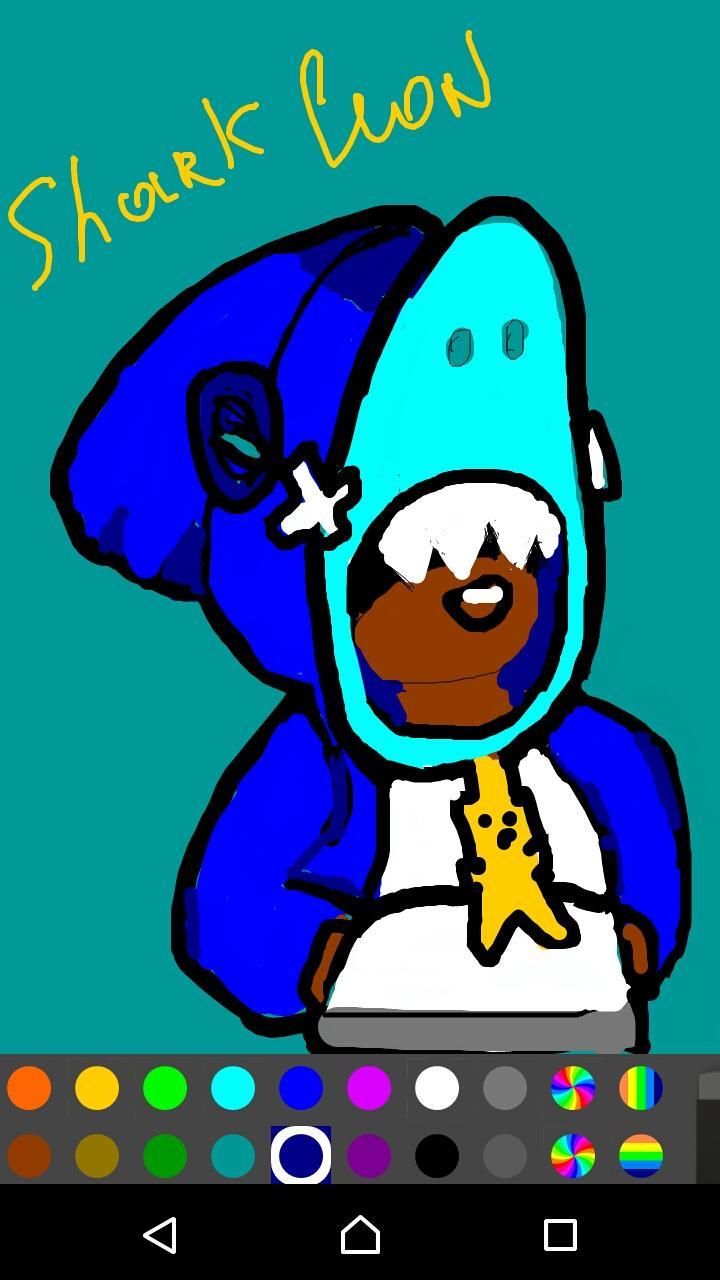
Color Markers are drawing apps to draw beautiful drawings and unleash your creativity.
This application has a simple and user-friendly design, the bottom of the screen is filled with buttons.
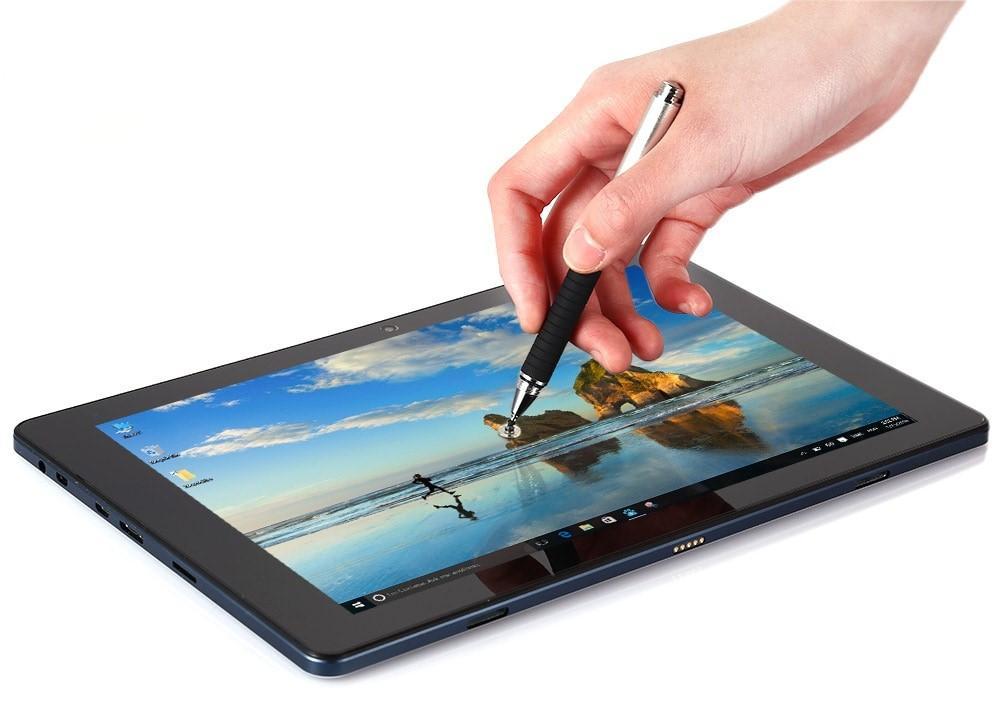
You can draw with your fingers, but better with a stylus, you can use a mouse.
You should draw in the application immediately from the beginning to the end, then you can cancel the previous actions, if you exit the program, then only the last action will be saved.
WHAT'S NEW v1.9:
- Added an eyedropper for taking a color sample from a specific area of the image
- Added selection of any color
v1.8:
- Added support for Android v.10
- You can turn off ads (forever-paid)
v1.7:
- Works faster
v1.6:
- New design
- Added Help section
- Minor bugs fixed
Application features:
- Choice of color from 18 colors (collected all colors of the rainbow)
- Choice of a palette of 4 colors
- The new drawing starts with a white background.
- Works on phones and tablets.
- Can flip orientation for easy drawing
- You can save the drawn drawing in the gallery
- Ability to undo early drawing actions
- Customizable Marker selection (1-500x size can be selected, 1-100% hardness can be selected)
- Fixed Marker selection
- Customizable Erase selection (1-500x size can be selected)
- Fixed selection Erase
- Shows options for selecting Marker or Erase, to select press
- Remembering the selected parameters.
- Reset selected parameters.
- Adding your early drawings for further drawing
- Buttons: color picker, palette picker, erase, marker, image load, new drawing, change orientation, save to gallery, reset, exit application
- Buttons "Reset application settings", "About application"
- Roller button for filling with color
Please share this app if you like it. Happy drawing everyone.
Preview
Tags
Art-&Information
Developer
RRcompany
Latest Version
1.11
Last Updated
2023-05-22
Category
Art-design
Available on
Google Play
Show More
How to play Color Markers Paint with GameLoop on PC
1. Download GameLoop from the official website, then run the exe file to install GameLoop
2. Open GameLoop and search for “Color Markers Paint” , find Color Markers Paint in the search results and click “Install”
3. Enjoy playing Color Markers Paint on GameLoop
Minimum requirements
OS
Windows 8.1 64-bit or Windows 10 64-bit
GPU
GTX 1050
CPU
i3-8300
Memory
8GB RAM
Storage
1GB available space
Recommended requirements
OS
Windows 8.1 64-bit or Windows 10 64-bit
GPU
GTX 1050
CPU
i3-9320
Memory
16GB RAM
Storage
1GB available space