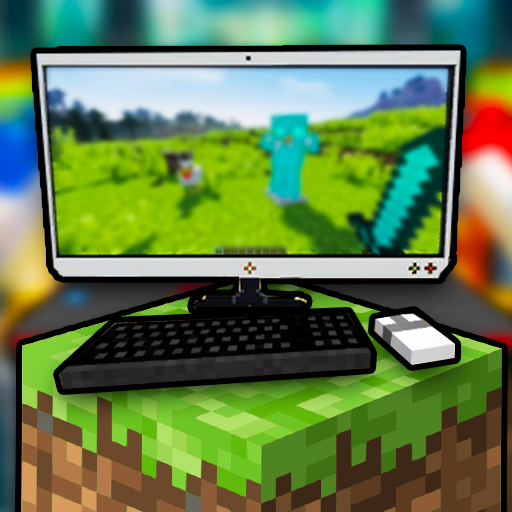
Craftsman Java PC
FrozenStudios
Download Craftsman Java on PC With GameLoop Emulator
Craftsman Java sa PC
Ang Craftsman Java, na nagmumula sa developer na FrozenStudios, ay tumatakbo sa Android systerm sa nakaraan.
Ngayon, maaari mong laruin ang Craftsman Java sa PC gamit ang GameLoop nang maayos.
I-download ito sa GameLoop library o mga resulta ng paghahanap. Hindi na tumitingin sa baterya o nakakadismaya na mga tawag sa maling oras.
I-enjoy lang ang Craftsman Java PC sa malaking screen nang libre!
Craftsman Java Panimula
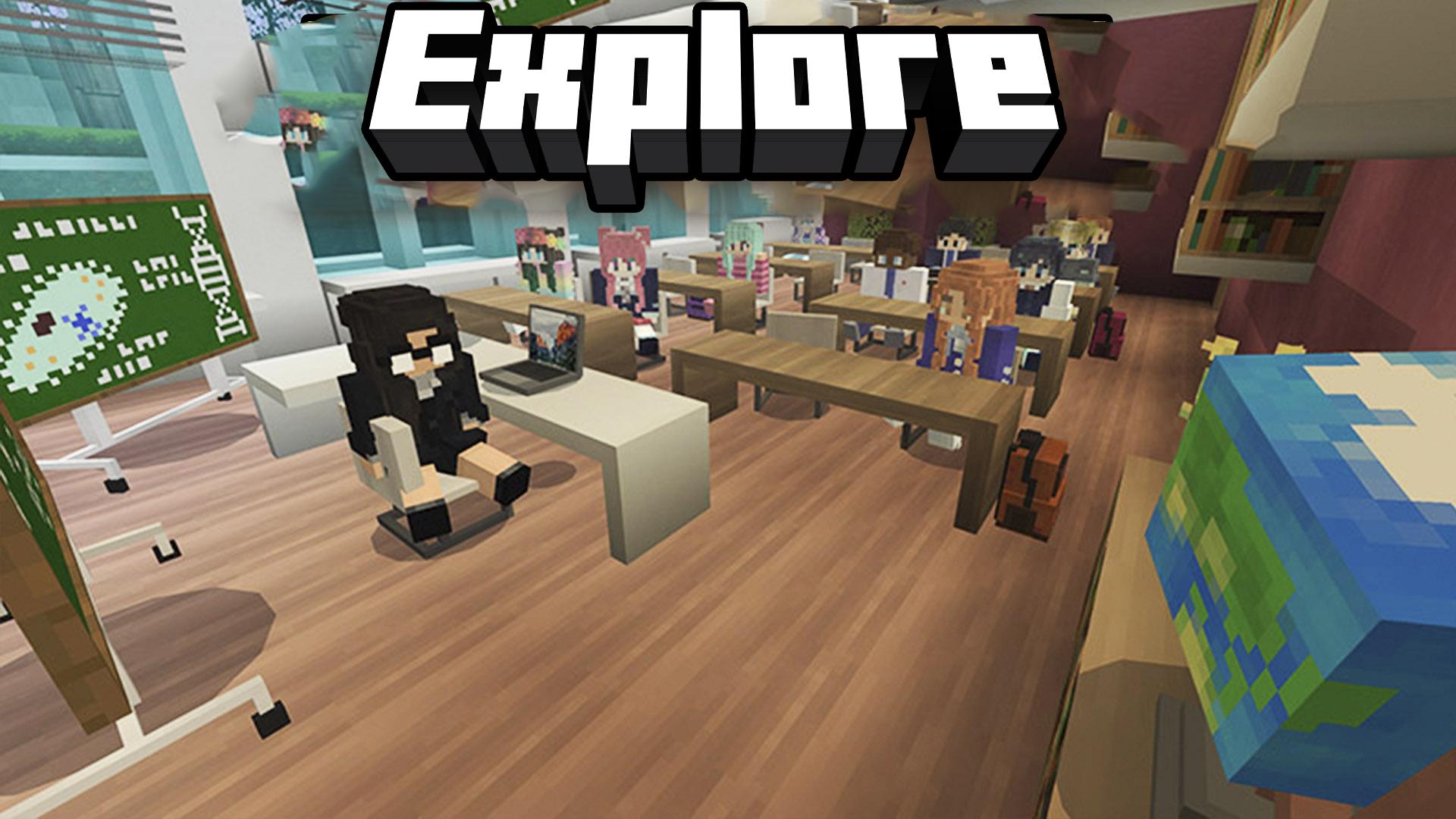
Explore the fantastic world of Craftsman Java! Build, explore, and experience the game as if you were on a laptop, enjoying an immersive and versatile experience. Play with friends and explore all that this exciting game has to offer on a PC.
Experience the game in PC mode! Enjoy the optimized interface just like on laptops, with intuitive controls and a fluid and immersive gameplay experience. Feel the difference of playing in an environment designed especially for mobile!
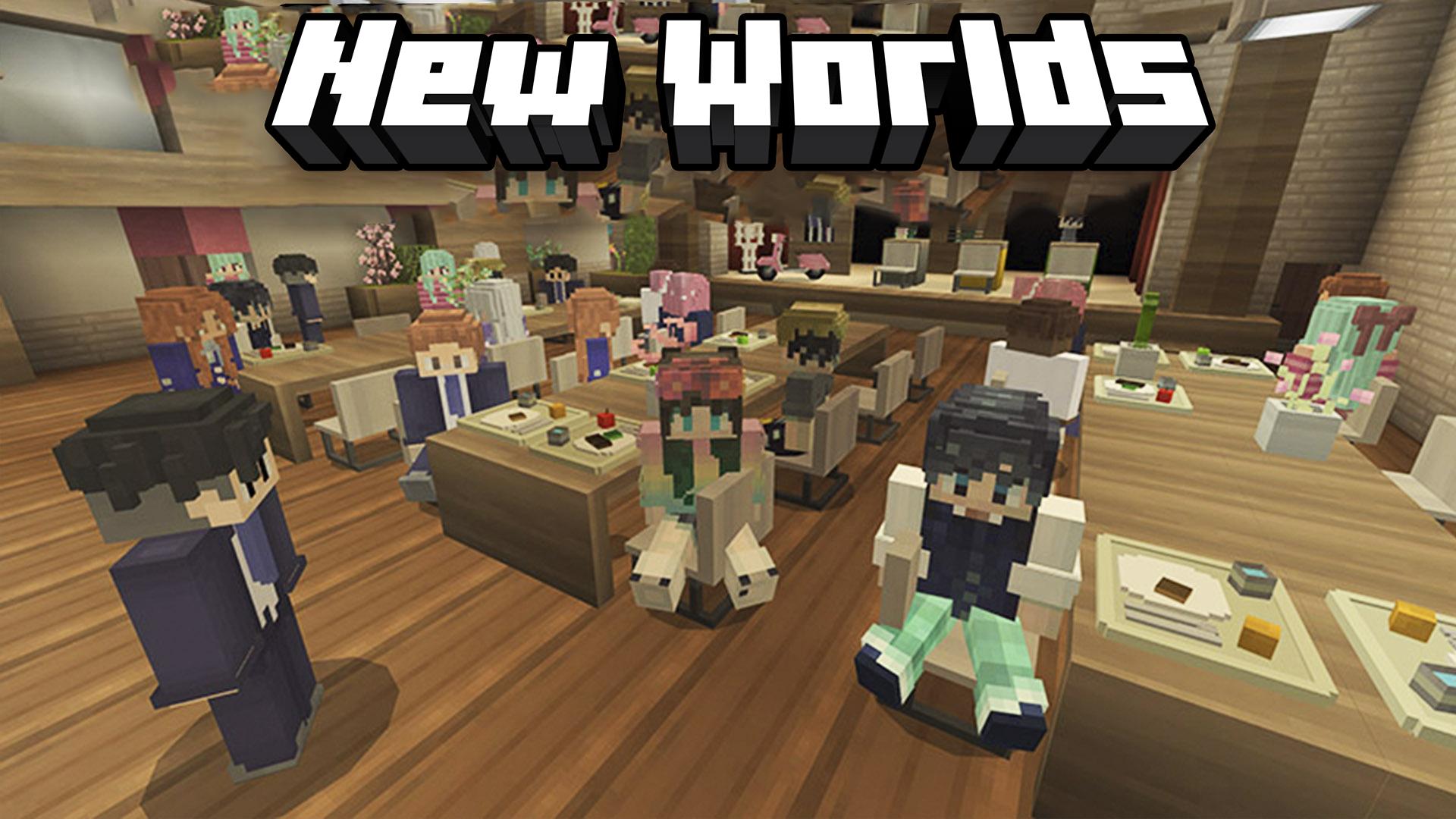
Play with friends! In multiplayer mode, join your friends to share the fun and excitement of the game. Collaborate on missions, explore together, and enjoy an interactive social experience while playing from your laptop.
Customize your experience. With mobile-friendly options, you can adjust the game settings to perfectly fit your needs. Enjoy graphics and controls designed to give you the best possible experience on your device!
Key features:
-Designed for laptop mode: play optimally on your mobile.
-Multiplayer mode: join friends and share the fun online.
-Smooth experience: controls and graphics optimized for laptops.
-Full customization: adjust settings to suit your play style.
-High-quality pixel graphics for an immersive visual experience.
With Craftsman Java, the fun and flexibility of playing on your mobile as if you were on a PC is guaranteed!
Preview
Tags
SimulationSandboxCasualSingle playerStylizedPixelatedOfflineInformation
Developer
FrozenStudios
Latest Version
1.29.00.02
Last Updated
2025-10-24
Category
Arcade
Available on
Google Play
Show More
How to play Craftsman Java with GameLoop on PC
1. Download GameLoop from the official website, then run the exe file to install GameLoop
2. Open GameLoop and search for “Craftsman Java” , find Craftsman Java in the search results and click “Install”
3. Enjoy playing Craftsman Java on GameLoop
Minimum requirements
OS
Windows 8.1 64-bit or Windows 10 64-bit
GPU
GTX 1050
CPU
i3-8300
Memory
8GB RAM
Storage
1GB available space
Recommended requirements
OS
Windows 8.1 64-bit or Windows 10 64-bit
GPU
GTX 1050
CPU
i3-9320
Memory
16GB RAM
Storage
1GB available space