Brick Breaker: Burning Ball 3D PC
GAMES FOR YOU
Download Brick Breaker: Burning Ball 3D on PC With GameLoop Emulator
Brick Breaker: Burning Ball 3D sa PC
Ang Brick Breaker: Burning Ball 3D, na nagmumula sa developer na GAMES FOR YOU, ay tumatakbo sa Android systerm sa nakaraan.
Ngayon, maaari mong laruin ang Brick Breaker: Burning Ball 3D sa PC gamit ang GameLoop nang maayos.
I-download ito sa GameLoop library o mga resulta ng paghahanap. Hindi na tumitingin sa baterya o nakakadismaya na mga tawag sa maling oras.
I-enjoy lang ang Brick Breaker: Burning Ball 3D PC sa malaking screen nang libre!
Brick Breaker: Burning Ball 3D Panimula
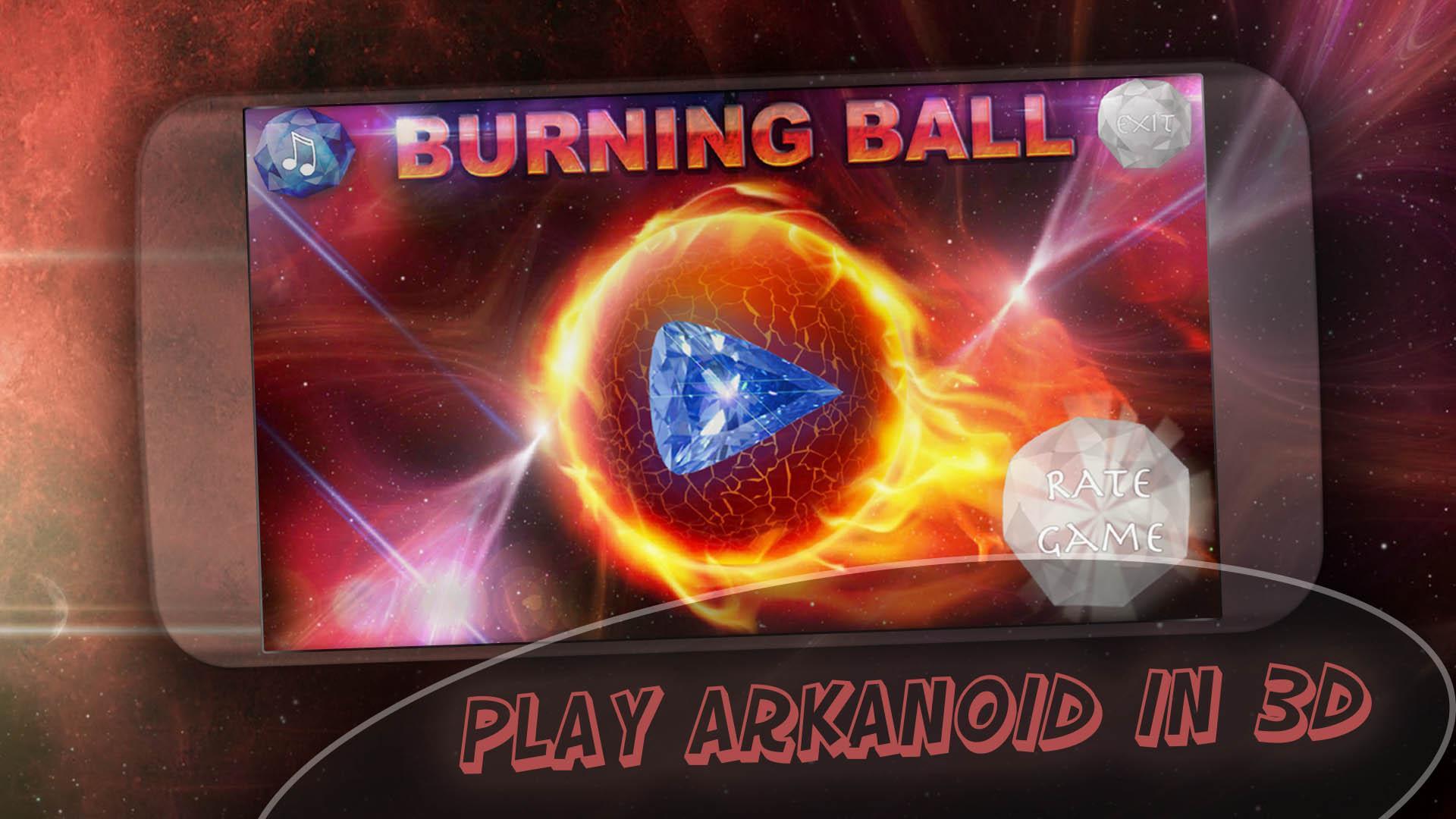
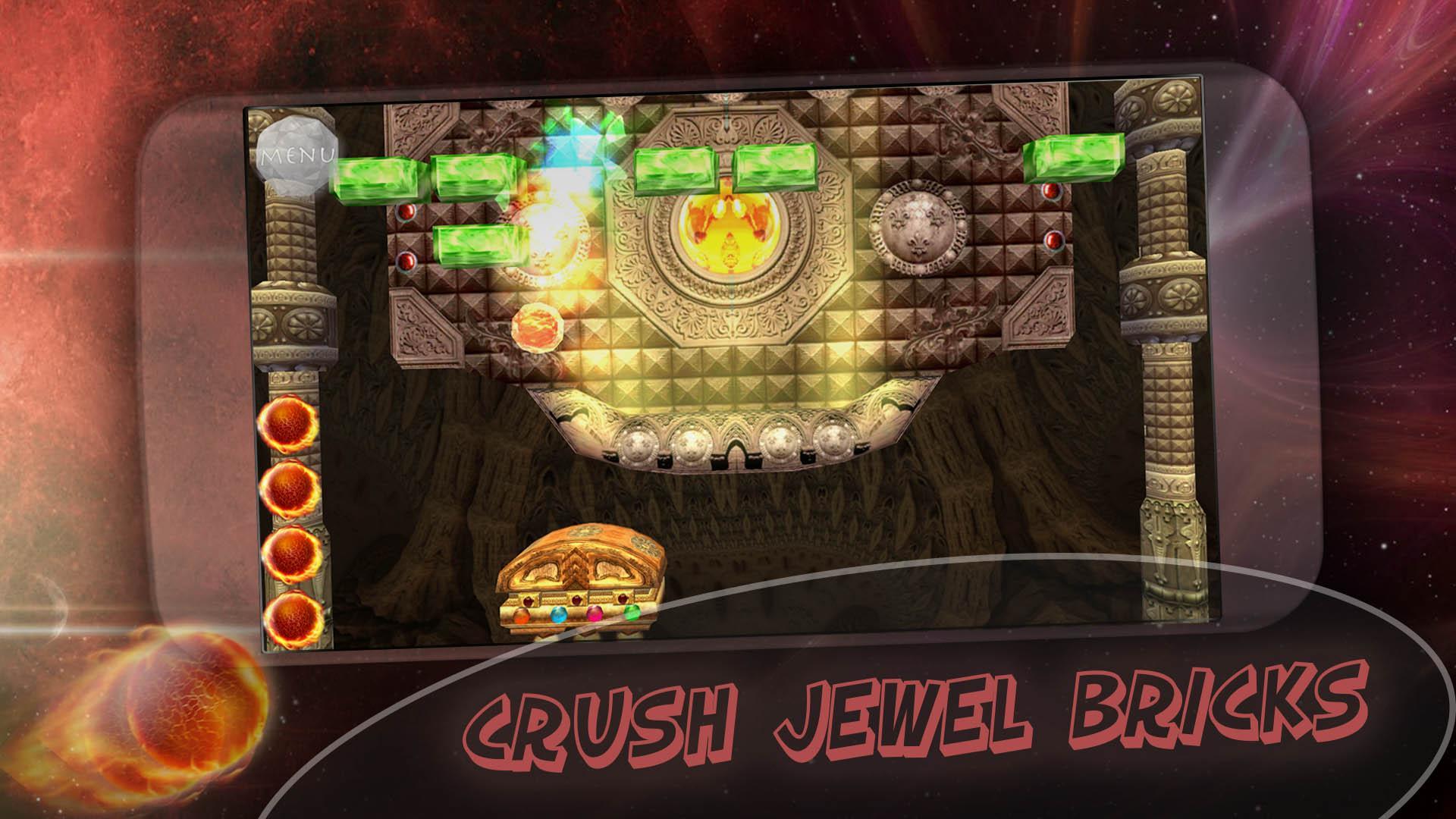
Play the classic brick breaker game in 3D style with various power-ups and bonuses, with great graphics and electronic music. Classic 90s bricks breaking games like beloved by millions of people around the world. Brick Breaker: Burning Ball 3D is the great modern reminder of good old time when we enjoyed bricks games. All you need is to download game now.
How to play: just hit start button and catch the burning ball, control your platform with bottom touches and prevent the ball from hitting the bottom.
Brick Breaker: Burning Ball 3D features:
★ Absolutely free to play game, no in-app purchases
★ Good 3D graphics
★ Great electronic music
★ Plenty of beautiful levels
★ Power ups and bonuses
★ Sound effects and good atmosphere
Enjoy your time with breaking bricks games. If you like our game Brick Breaker: Burning Ball 3D please share it and rate it for five stars, we would be appreciate for your support!
ARPAplus links (more games):
💎 OUR GAMES AT GOOGLE PLAY: https://play.google.com/store/apps/dev?id=7555289027459397443
💎 Facebook: https://www.facebook.com/ARPAplus.mobile
💎 VK: http://vk.com/arpaplus
💎 Twitter: http://ow.ly/NWQ0W
Preview
Tags
ArcadeInformation
Developer
GAMES FOR YOU
Latest Version
1.2
Last Updated
2019-05-24
Category
Arcade
Available on
Google Play
Show More
How to play Brick Breaker: Burning Ball 3D with GameLoop on PC
1. Download GameLoop from the official website, then run the exe file to install GameLoop
2. Open GameLoop and search for “Brick Breaker: Burning Ball 3D” , find Brick Breaker: Burning Ball 3D in the search results and click “Install”
3. Enjoy playing Brick Breaker: Burning Ball 3D on GameLoop
Minimum requirements
OS
Windows 8.1 64-bit or Windows 10 64-bit
GPU
GTX 1050
CPU
i3-8300
Memory
8GB RAM
Storage
1GB available space
Recommended requirements
OS
Windows 8.1 64-bit or Windows 10 64-bit
GPU
GTX 1050
CPU
i3-9320
Memory
16GB RAM
Storage
1GB available space