
Bounder PC
Swivel Creations Ltd
Download Bounder on PC With GameLoop Emulator
Bounder sa PC
Ang Bounder, na nagmumula sa developer na Swivel Creations Ltd, ay tumatakbo sa Android systerm sa nakaraan.
Ngayon, maaari mong laruin ang Bounder sa PC gamit ang GameLoop nang maayos.
I-download ito sa GameLoop library o mga resulta ng paghahanap. Hindi na tumitingin sa baterya o nakakadismaya na mga tawag sa maling oras.
I-enjoy lang ang Bounder PC sa malaking screen nang libre!
Bounder Panimula
Bounder was one of the most successful games in the 80’s and was published by Gremlin Graphics in 1985.
Bounder’s popularity spans decades and has continued to be featured in Retro Gamer with a 2 page spread, Walk-through videos on Youtube, regular mentions about the game on social media and it’s been included in the new Mini C64 machine. This little tennis ball of fun continues to be highly regarded and fondly remembered in the retro-gaming community. Zzap!64 gleefully pinned a Gold Medal and it also received a Crash Smash award on the Spectrum.
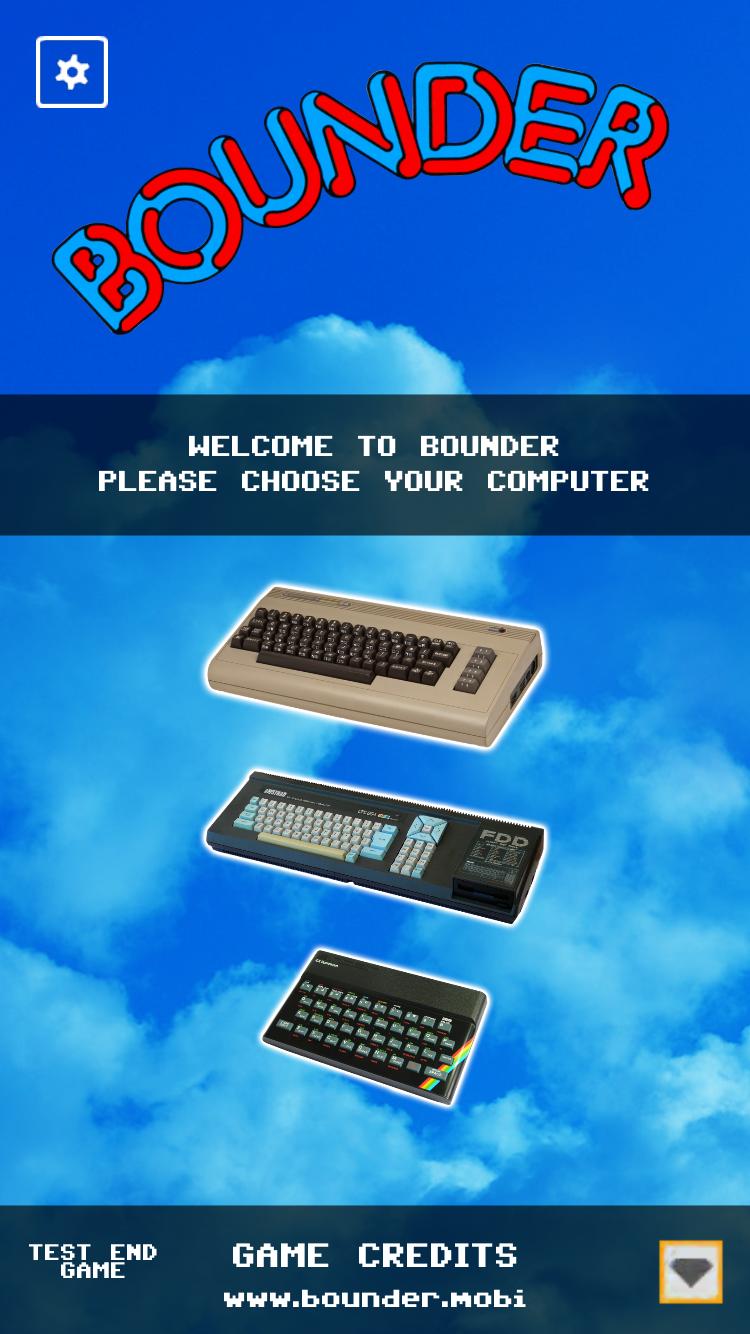
Our Bounder version is faithful to the original and includes lots of new features. Our App includes the C64, Spectrum and Amstrad versions, not emulated but re-coded to a high standard so it looks and feels like the original computer versions.
Bounce and dodge your way to your highest score yet!
This game is free to download and offers in-app purchases.
Preview

Tags
ArcadeInformation
Developer
Swivel Creations Ltd
Latest Version
1.0
Last Updated
2018-09-20
Category
Arcade
Available on
Google Play
Show More
How to play Bounder with GameLoop on PC
1. Download GameLoop from the official website, then run the exe file to install GameLoop
2. Open GameLoop and search for “Bounder” , find Bounder in the search results and click “Install”
3. Enjoy playing Bounder on GameLoop
Minimum requirements
OS
Windows 8.1 64-bit or Windows 10 64-bit
GPU
GTX 1050
CPU
i3-8300
Memory
8GB RAM
Storage
1GB available space
Recommended requirements
OS
Windows 8.1 64-bit or Windows 10 64-bit
GPU
GTX 1050
CPU
i3-9320
Memory
16GB RAM
Storage
1GB available space