VR Playground PC
PicoPlanet Developing
Download VR Playground on PC With GameLoop Emulator
VR Playground sa PC
Ang VR Playground, na nagmumula sa developer na PicoPlanet Developing, ay tumatakbo sa Android systerm sa nakaraan.
Ngayon, maaari mong laruin ang VR Playground sa PC gamit ang GameLoop nang maayos.
I-download ito sa GameLoop library o mga resulta ng paghahanap. Hindi na tumitingin sa baterya o nakakadismaya na mga tawag sa maling oras.
I-enjoy lang ang VR Playground PC sa malaking screen nang libre!
VR Playground Panimula
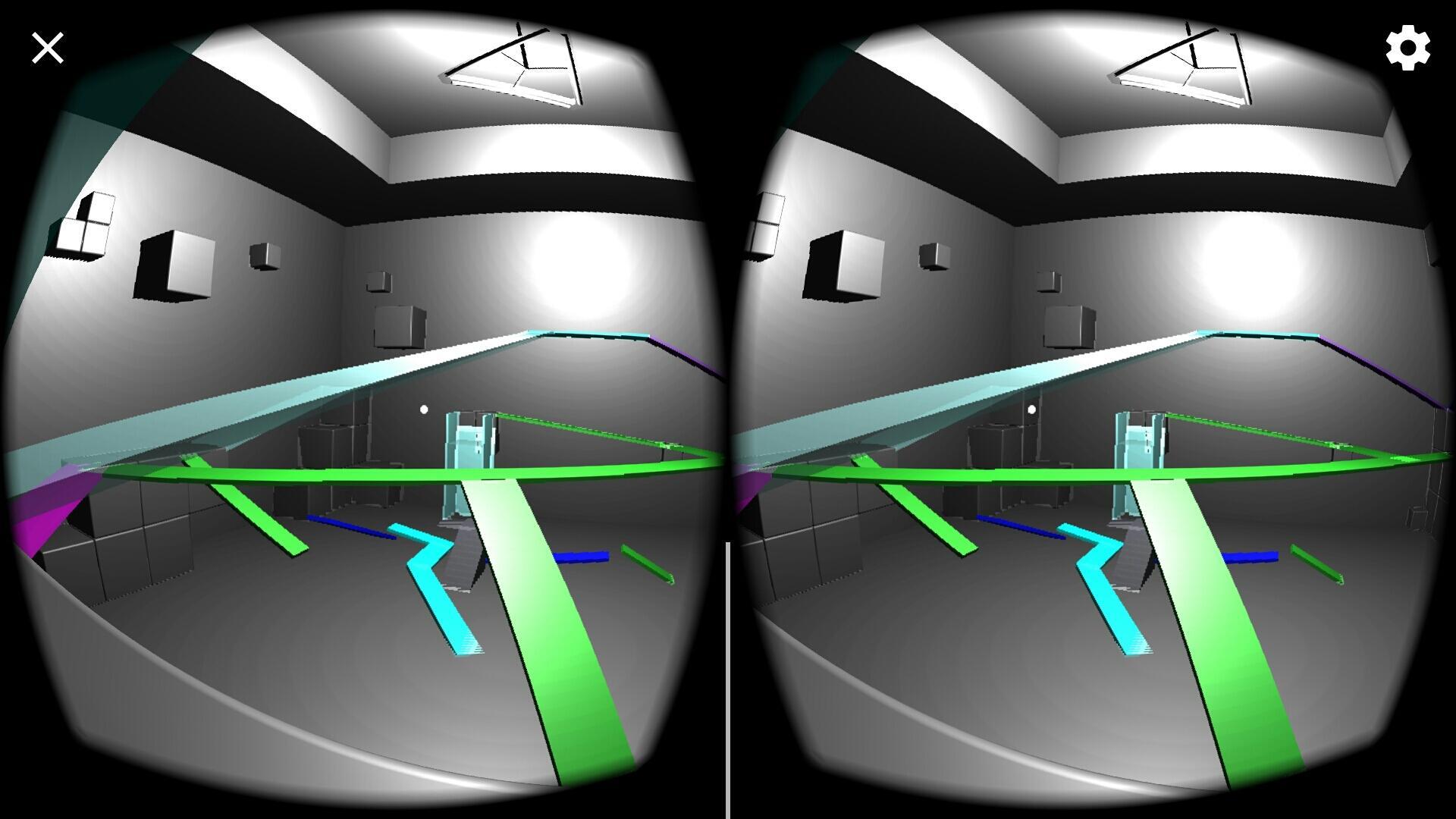
VR Playground is an application for virtual reality that will get you used to movement in VR. Not only that, VR Playground adds an exciting factor: you can run around in the VR world, jumping off ramps and making up tricks!
This application is great for all ages and experience levels in VR. There is no set objective, just run around and have some fun in the brightly-colored VR Playground.
How to play:
• Turn your head back and forth to look right and left.
• Nod your head up and down to look up and down, respectively.
• In the middle of your view, look for a small white dot.
○ This dot is called the reticle, used for aiming yourself.
○ Use the reticle to direct your view, line up for a jump, or focus on an object.
• Pull the trigger (or push the button) on your viewer to walk forward. The movement effect may be nauseating at first.
• You may want to move in small steps at first. Pull the trigger, then release. Try to run up some ramps!
Game features:
• Many ramps to run on
• Two elevators
○ Wait for the elevator to come down, as it gets to eye level pull the trigger to move forward and you will be on it.
• Waterslide
• The fun maze of ramps will bring you to the ultimate location in the game: a clear ramp 90 feet in the air!
• Completely free, no ads either!
Check out PicoPlanet's website (https://sites.google.com/view/picoplanetdev/) for news, updates, and Beta testing!
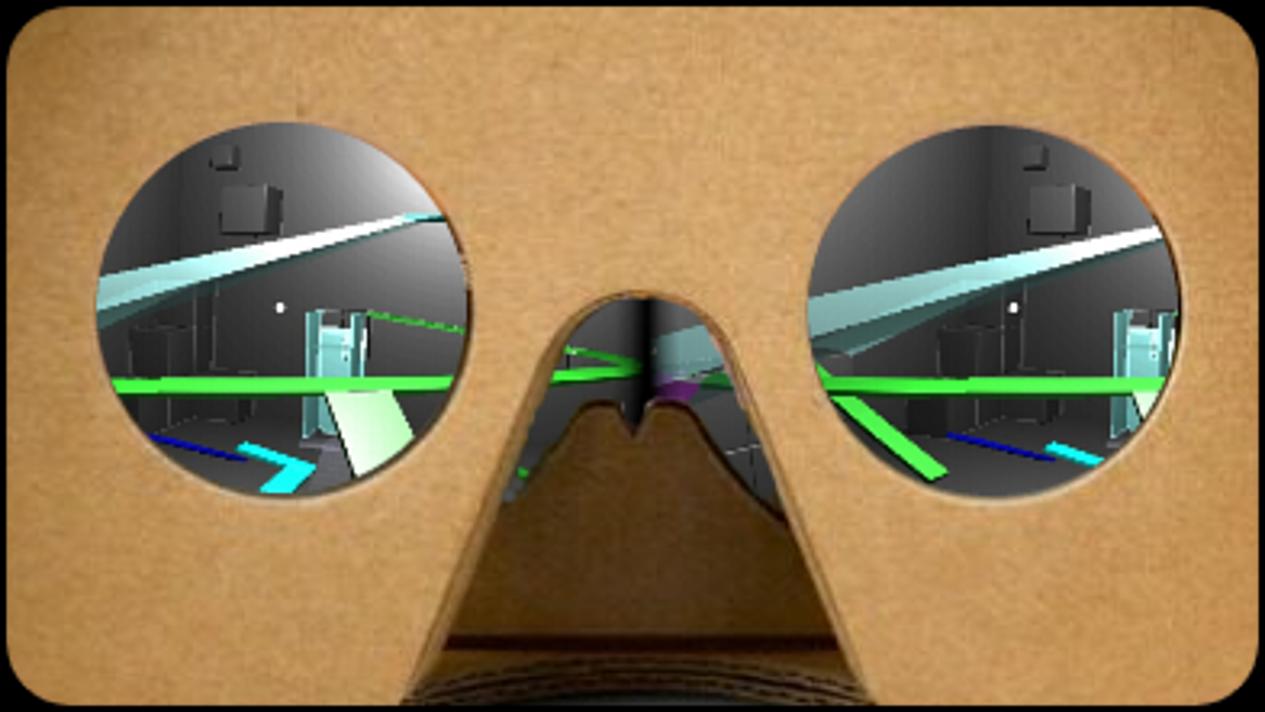
This application is designed for Google Cardboard viewers, however any Cardboard-compatible goggles will work also. If you do not have a Cardboard viewer, get one here: https://vr.google.com/cardboard/get-cardboard/
If you think that your current (non-Cardboard) viewer may work, please make sure that it fits the following guidelines:
1. Your viewer must have a button interaction such as a trigger or lever.
2. Your viewer must be of the type into which you insert your phone.
This app currently does not support Samsung Gear VR, HTC Vive, or Oculus Rift.
Phone requirements:
• Permissions:
○ Read the contents of your SD card (or other memory device)
• OS
○ Android 4.4 or later
• Hardware
○ Screen size must fit VR viewer
○ Must have accelerometer, gyroscope, etc. Most modern smartphones feature these features.
Please give feedback regarding these topics:
• Are sound effects needed?
• Does there require more gaze interaction?
Preview
Tags
AdventureInformation
Developer
PicoPlanet Developing
Latest Version
7.1
Last Updated
2018-10-08
Category
Adventure
Available on
Google Play
Show More
How to play VR Playground with GameLoop on PC
1. Download GameLoop from the official website, then run the exe file to install GameLoop
2. Open GameLoop and search for “VR Playground” , find VR Playground in the search results and click “Install”
3. Enjoy playing VR Playground on GameLoop
Minimum requirements
OS
Windows 8.1 64-bit or Windows 10 64-bit
GPU
GTX 1050
CPU
i3-8300
Memory
8GB RAM
Storage
1GB available space
Recommended requirements
OS
Windows 8.1 64-bit or Windows 10 64-bit
GPU
GTX 1050
CPU
i3-9320
Memory
16GB RAM
Storage
1GB available space