
Uncle Ahmed PC
Nesrin almohamad
Download Uncle Ahmed on PC With GameLoop Emulator
Uncle Ahmed sa PC
Ang Uncle Ahmed, na nagmumula sa developer na Nesrin almohamad, ay tumatakbo sa Android systerm sa nakaraan.
Ngayon, maaari mong laruin ang Uncle Ahmed sa PC gamit ang GameLoop nang maayos.
I-download ito sa GameLoop library o mga resulta ng paghahanap. Hindi na tumitingin sa baterya o nakakadismaya na mga tawag sa maling oras.
I-enjoy lang ang Uncle Ahmed PC sa malaking screen nang libre!
Uncle Ahmed Panimula
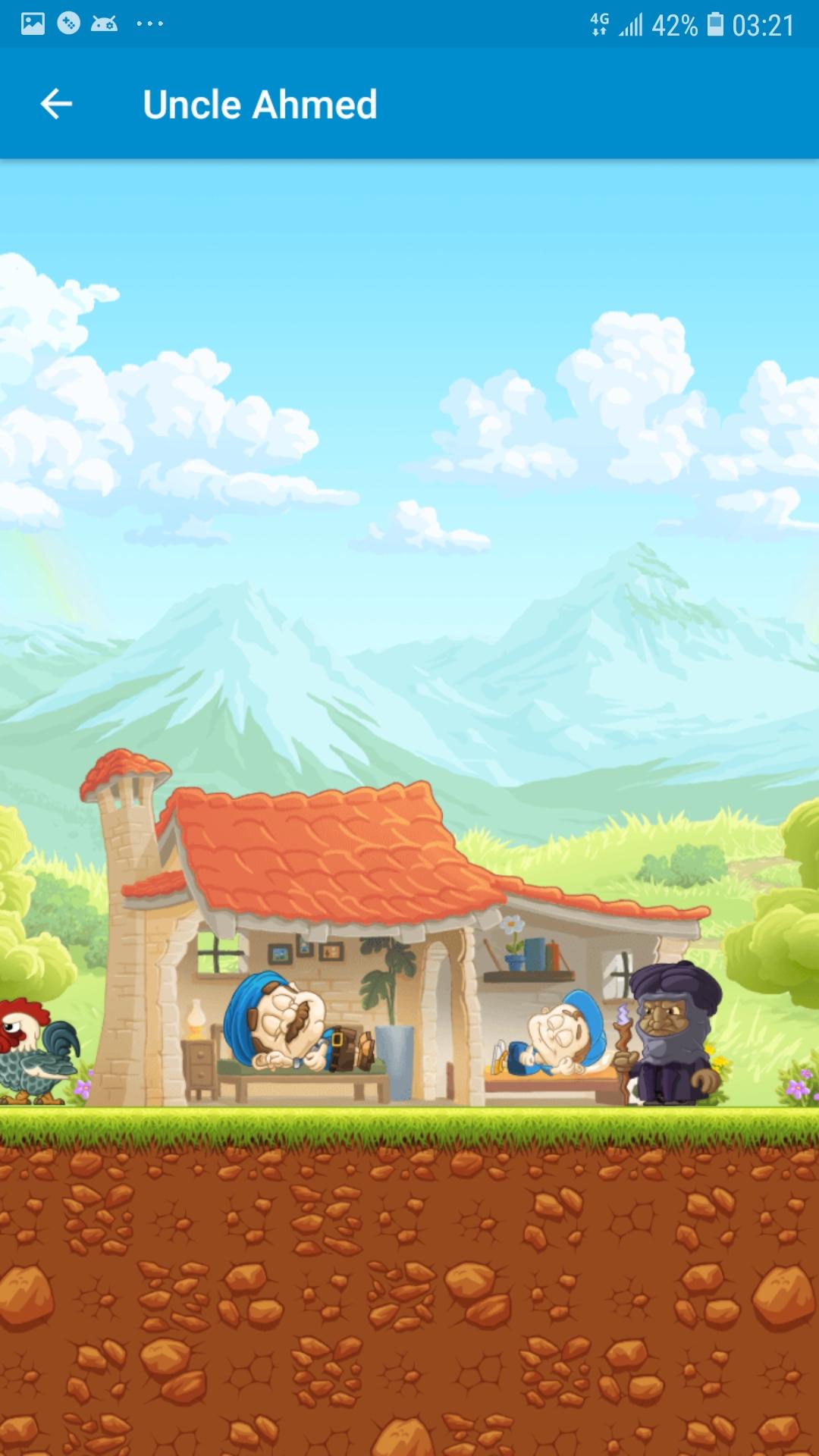
Oh no! Uncle Ahmed's favorite nephew has been
kidnapped, and now he needs your help to save him from the dark magician! Flames, spikes and wild beasts - our favorite uncle has to prepare for a lot of dangerous challenges. But apart from his athletic skills and his heroic bravery, Ahmed has some more tricks up his sleeve. Use his crazy power-ups to throw around watermelons, become invincible, or run with the speed of light. But the action is not only taking place on the ground! Prepare to help Ahmed fly through the sky, maneuvering around clouds and dangerous enemies. But the most dangerous challenge will be beating the dark magician and his evil companions, who will try to keep Uncle Ahmed away from his nephew. Are you ready to join Uncle Ahmed on his dangerous adventure and save his nephew?
Preview

Tags
AdventureInformation
Developer
Nesrin almohamad
Latest Version
1.5
Last Updated
2023-02-05
Category
Adventure
Available on
Google Play
Show More
How to play Uncle Ahmed with GameLoop on PC
1. Download GameLoop from the official website, then run the exe file to install GameLoop
2. Open GameLoop and search for “Uncle Ahmed” , find Uncle Ahmed in the search results and click “Install”
3. Enjoy playing Uncle Ahmed on GameLoop
Minimum requirements
OS
Windows 8.1 64-bit or Windows 10 64-bit
GPU
GTX 1050
CPU
i3-8300
Memory
8GB RAM
Storage
1GB available space
Recommended requirements
OS
Windows 8.1 64-bit or Windows 10 64-bit
GPU
GTX 1050
CPU
i3-9320
Memory
16GB RAM
Storage
1GB available space