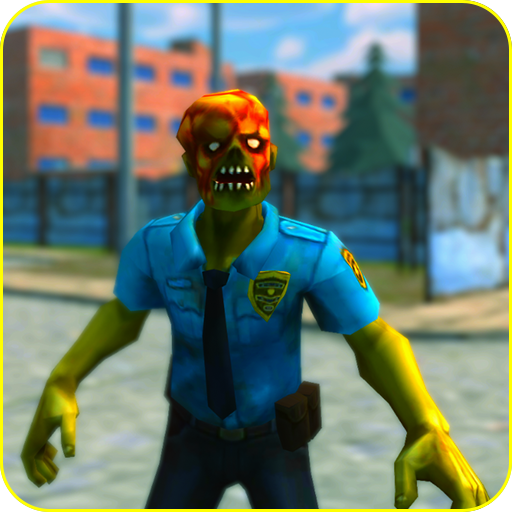
ZombieZ: Zombie Shooter PC
Ravencore Games
Download ZombieZ: Zombie Shooter on PC With GameLoop Emulator
ZombieZ: Zombie Shooter sa PC
Ang ZombieZ: Zombie Shooter, na nagmumula sa developer na Ravencore Games, ay tumatakbo sa Android systerm sa nakaraan.
Ngayon, maaari mong laruin ang ZombieZ: Zombie Shooter sa PC gamit ang GameLoop nang maayos.
I-download ito sa GameLoop library o mga resulta ng paghahanap. Hindi na tumitingin sa baterya o nakakadismaya na mga tawag sa maling oras.
I-enjoy lang ang ZombieZ: Zombie Shooter PC sa malaking screen nang libre!
ZombieZ: Zombie Shooter Panimula
ZombieZ : Zombie Shooter is a first person shooter game. It's a fine blend of realism and arcade shooting. The enemies and environment design is colorful and low-poly.
Players can earn reward based on their performance during the missions. Players spend money earned through rewards to buy weapons and upgrade them. Make sure to hit those head-shots!
There are three different difficulty levels; Easy, Medium, and Hard. Enemies get tougher with each difficulty. Zombies get stronger with each difficulty. So upgrade your weapons to deal with zombies easily.
ZombieZ is in early development phase. New locations and different enemy types will be added in the future updates. So do keep an eye out for new goodies!
Preview


Information
Developer
Ravencore Games
Latest Version
1.2
Last Updated
2020-09-30
Category
Action
Available on
Google Play
Show More
How to play ZombieZ: Zombie Shooter with GameLoop on PC
1. Download GameLoop from the official website, then run the exe file to install GameLoop
2. Open GameLoop and search for “ZombieZ: Zombie Shooter” , find ZombieZ: Zombie Shooter in the search results and click “Install”
3. Enjoy playing ZombieZ: Zombie Shooter on GameLoop
Minimum requirements
OS
Windows 8.1 64-bit or Windows 10 64-bit
GPU
GTX 1050
CPU
i3-8300
Memory
8GB RAM
Storage
1GB available space
Recommended requirements
OS
Windows 8.1 64-bit or Windows 10 64-bit
GPU
GTX 1050
CPU
i3-9320
Memory
16GB RAM
Storage
1GB available space