
Train Tsumi Tsumi PC
ZOUSAN
Download Train Tsumi Tsumi on PC With GameLoop Emulator
Train Tsumi Tsumi sa PC
Ang Train Tsumi Tsumi, na nagmumula sa developer na ZOUSAN, ay tumatakbo sa Android systerm sa nakaraan.
Ngayon, maaari mong laruin ang Train Tsumi Tsumi sa PC gamit ang GameLoop nang maayos.
I-download ito sa GameLoop library o mga resulta ng paghahanap. Hindi na tumitingin sa baterya o nakakadismaya na mga tawag sa maling oras.
I-enjoy lang ang Train Tsumi Tsumi PC sa malaking screen nang libre!
Train Tsumi Tsumi Panimula
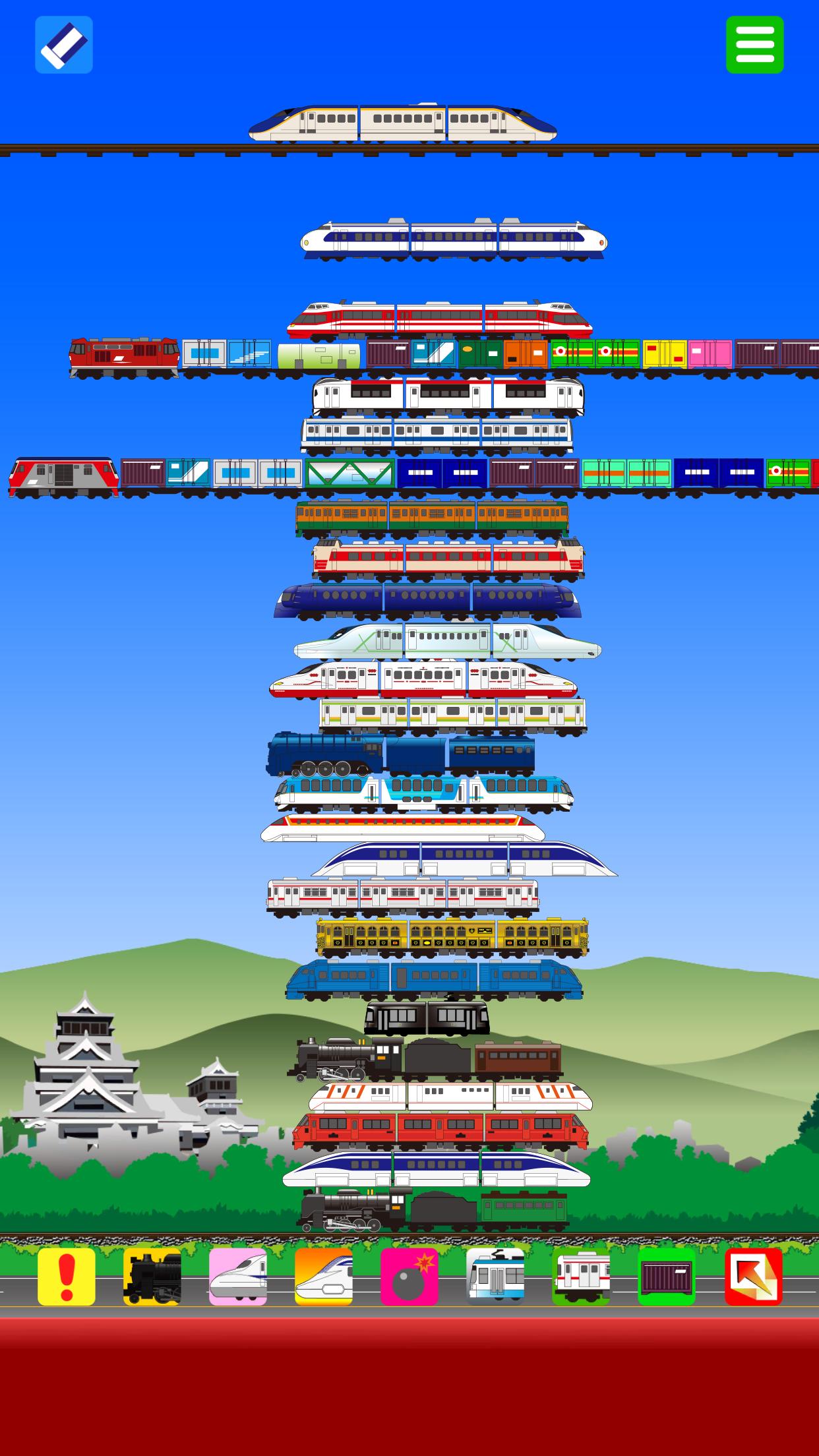
Move the train car at the top of the screen left or right, and when you release it at the right spot, it will fall down.
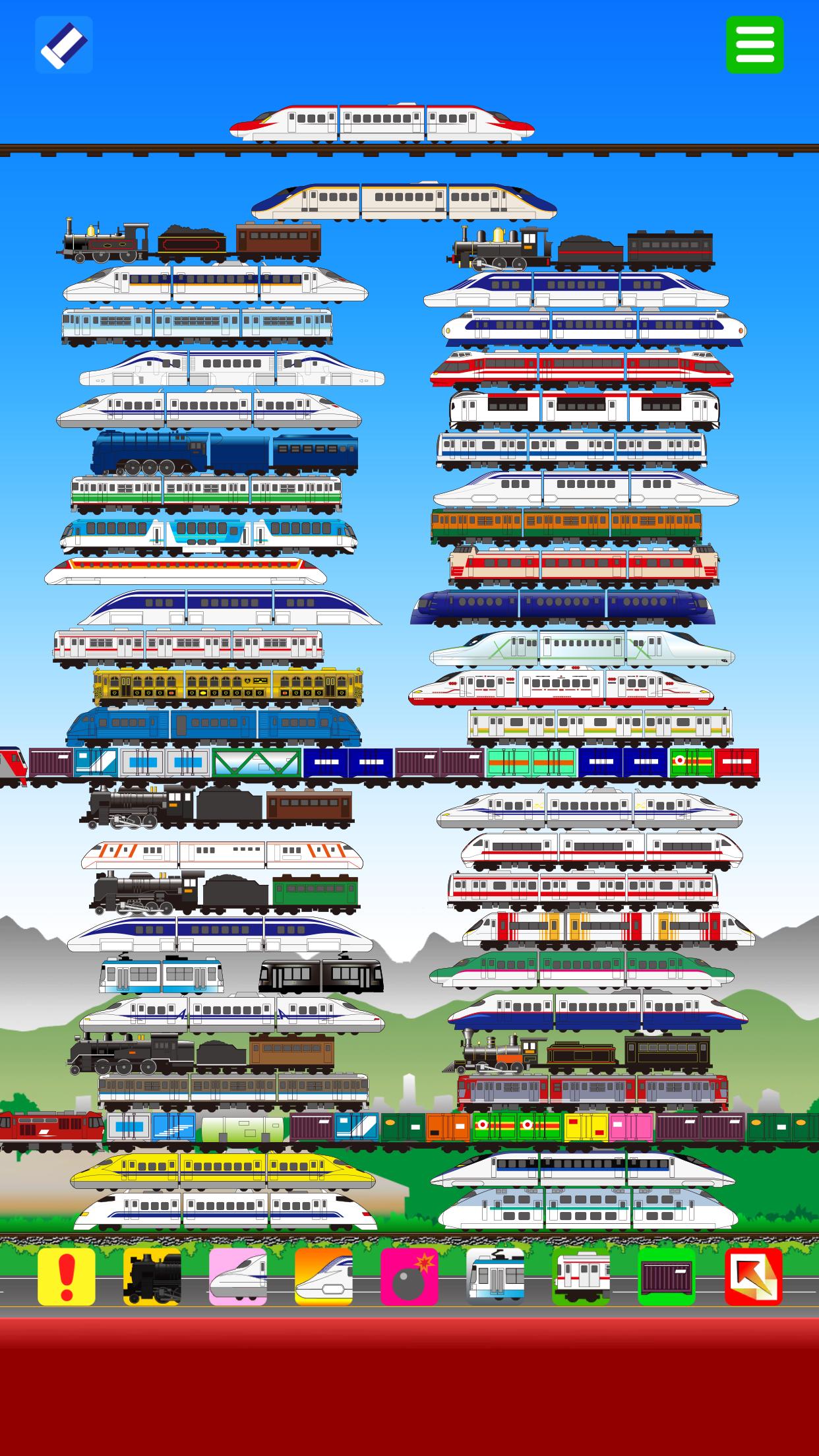
The falling cars bounce and slide, so feel free to stack them high or scatter them around however you like.
You can use various types of trains such as bullet trains, local trains, steam locomotives, freight trains, trams, and maglev trains.
Tap the icon at the bottom of the screen to change the next type of train that will fall.
Tap the "eraser" icon to remove trains.
There are also special buttons that let trains fly out automatically, get launched, or grow huge.
Play however you like — stack them gently, scatter them wildly, line them up in a single row or two, alternate the layout, or stack by train type.
Preview
Tags
ActionInformation
Developer
ZOUSAN
Latest Version
00.00.67
Last Updated
2025-10-14
Category
Action
Available on
Google Play
Show More
How to play Train Tsumi Tsumi with GameLoop on PC
1. Download GameLoop from the official website, then run the exe file to install GameLoop
2. Open GameLoop and search for “Train Tsumi Tsumi” , find Train Tsumi Tsumi in the search results and click “Install”
3. Enjoy playing Train Tsumi Tsumi on GameLoop
Minimum requirements
OS
Windows 8.1 64-bit or Windows 10 64-bit
GPU
GTX 1050
CPU
i3-8300
Memory
8GB RAM
Storage
1GB available space
Recommended requirements
OS
Windows 8.1 64-bit or Windows 10 64-bit
GPU
GTX 1050
CPU
i3-9320
Memory
16GB RAM
Storage
1GB available space