Tag tips After School PC
Negus Technologies
Download Tag tips After School on PC With GameLoop Emulator
Tag tips After School sa PC
Ang Tag tips After School, na nagmumula sa developer na Negus Technologies, ay tumatakbo sa Android systerm sa nakaraan.
Ngayon, maaari mong laruin ang Tag tips After School sa PC gamit ang GameLoop nang maayos.
I-download ito sa GameLoop library o mga resulta ng paghahanap. Hindi na tumitingin sa baterya o nakakadismaya na mga tawag sa maling oras.
I-enjoy lang ang Tag tips After School PC sa malaking screen nang libre!
Tag tips After School Panimula
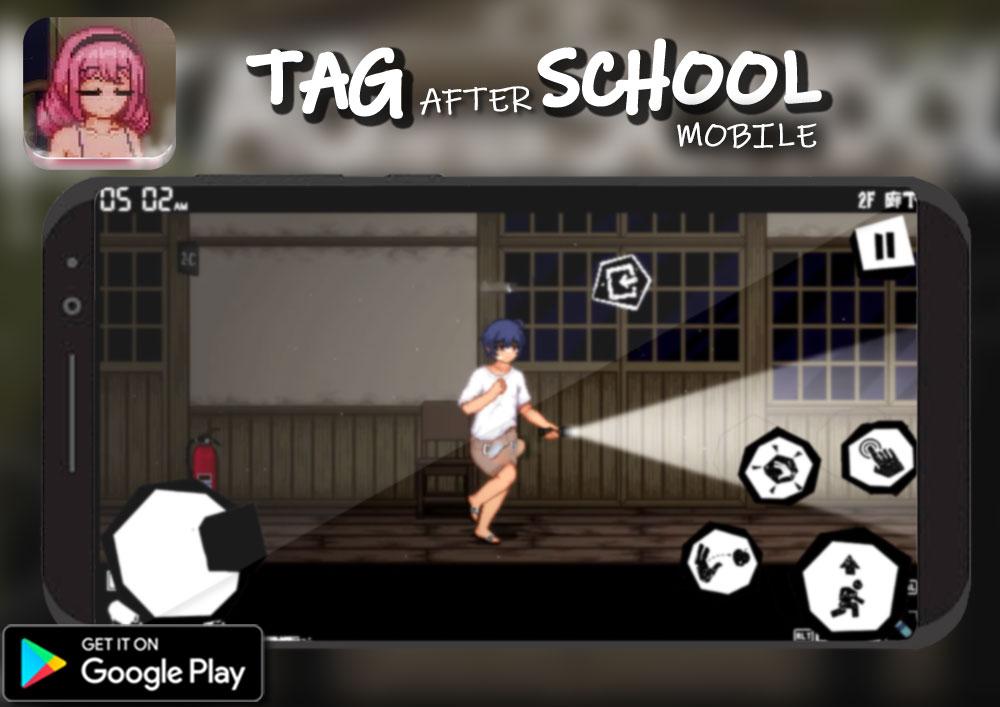
Tag After School game is now on mobile , enjoy Tag After school horror game
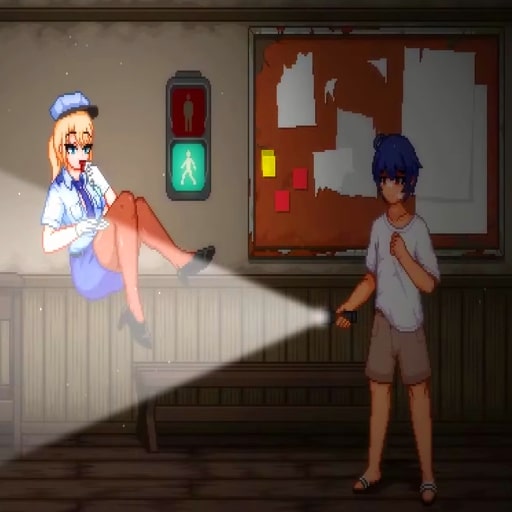
Tag After school, If you are a fan of games that are a mixture of horror and mystery Tag After school, bear it with Tag After school. Tag After school mod app. Tag After School horror and mystery game Tag After school is set in an ambiance of an old school that has been abandoned for a long period of time and has now become uninhabited Tag After School building. As a player, you make use of a flashlight with only a few batteries to explore a deserted school at late at night. After exploring the school's structure, that is a place of horror as well as full of mystery players will encounter terrifying ghosts that give goosebumps. If you like freebies, you can follow this tutorial Tag After School app to help you be aware of Tag after school mode. Enjoy! Tag After School is a horror-themed life simulation game created by Genius Studio Japan Inc. The game has mature graphics depicted by ghosts in the game. The story starts with a man named Shota-Kun. He is the main character we play in the game. One day, shy Shota-Kun is asked by his fellow students to go on a tour of the school believed to be haunted at night. Like a man of the world Shota-Kun is also willing to accept the challenge. This is the place where our adventure will begin. We will take on the role of Shota-Kun and explore the spooky school in the night.
Preview

Tags
ActionInformation
Developer
Negus Technologies
Latest Version
9.0.3
Last Updated
2023-06-16
Category
Action
Available on
Google Play
Show More
How to play Tag tips After School with GameLoop on PC
1. Download GameLoop from the official website, then run the exe file to install GameLoop
2. Open GameLoop and search for “Tag tips After School” , find Tag tips After School in the search results and click “Install”
3. Enjoy playing Tag tips After School on GameLoop
Minimum requirements
OS
Windows 8.1 64-bit or Windows 10 64-bit
GPU
GTX 1050
CPU
i3-8300
Memory
8GB RAM
Storage
1GB available space
Recommended requirements
OS
Windows 8.1 64-bit or Windows 10 64-bit
GPU
GTX 1050
CPU
i3-9320
Memory
16GB RAM
Storage
1GB available space