Sting PC
Gale North
Download Sting on PC With GameLoop Emulator
Sting sa PC
Ang Sting, na nagmumula sa developer na Gale North, ay tumatakbo sa Android systerm sa nakaraan.
Ngayon, maaari mong laruin ang Sting sa PC gamit ang GameLoop nang maayos.
I-download ito sa GameLoop library o mga resulta ng paghahanap. Hindi na tumitingin sa baterya o nakakadismaya na mga tawag sa maling oras.
I-enjoy lang ang Sting PC sa malaking screen nang libre!
Sting Panimula
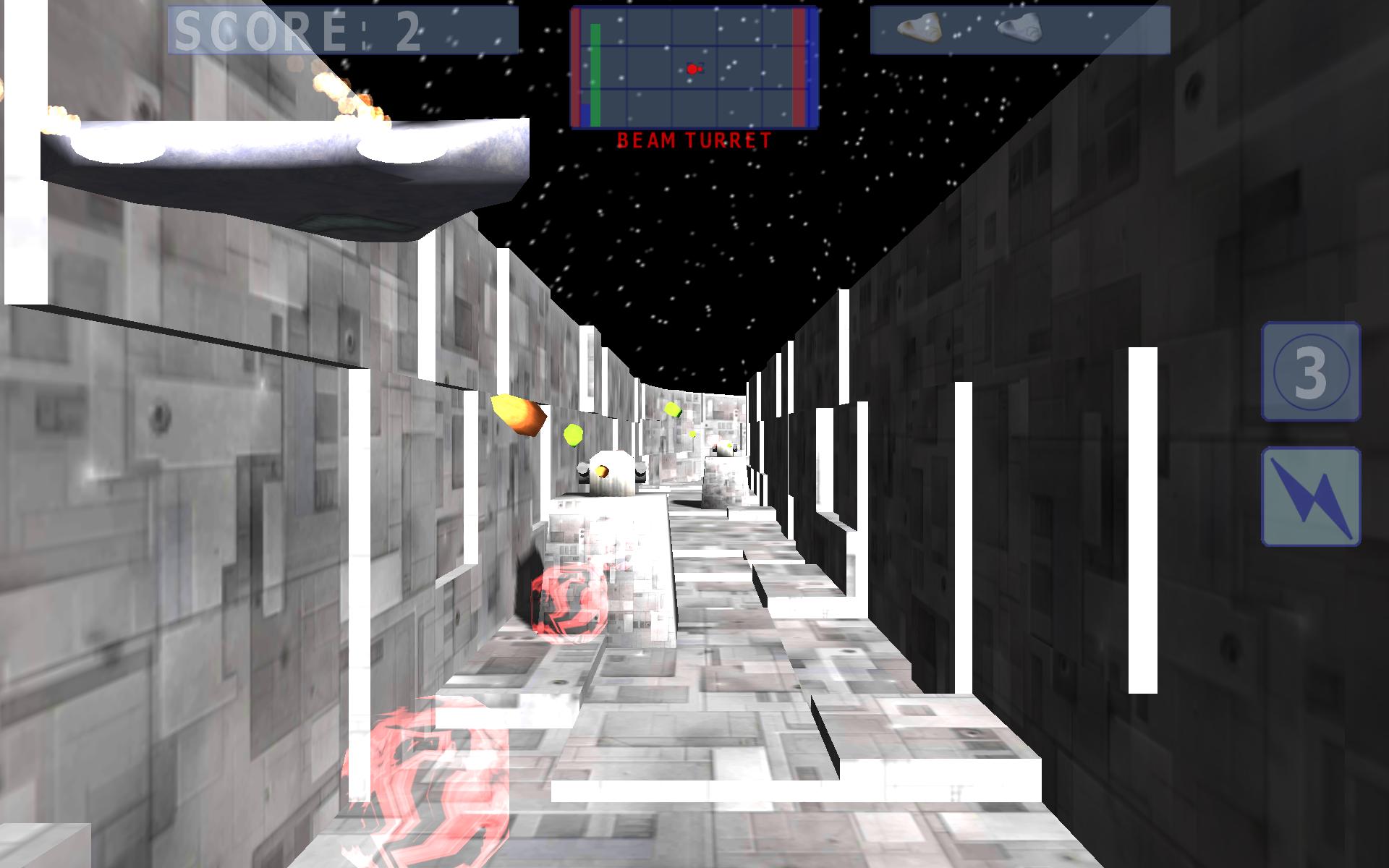
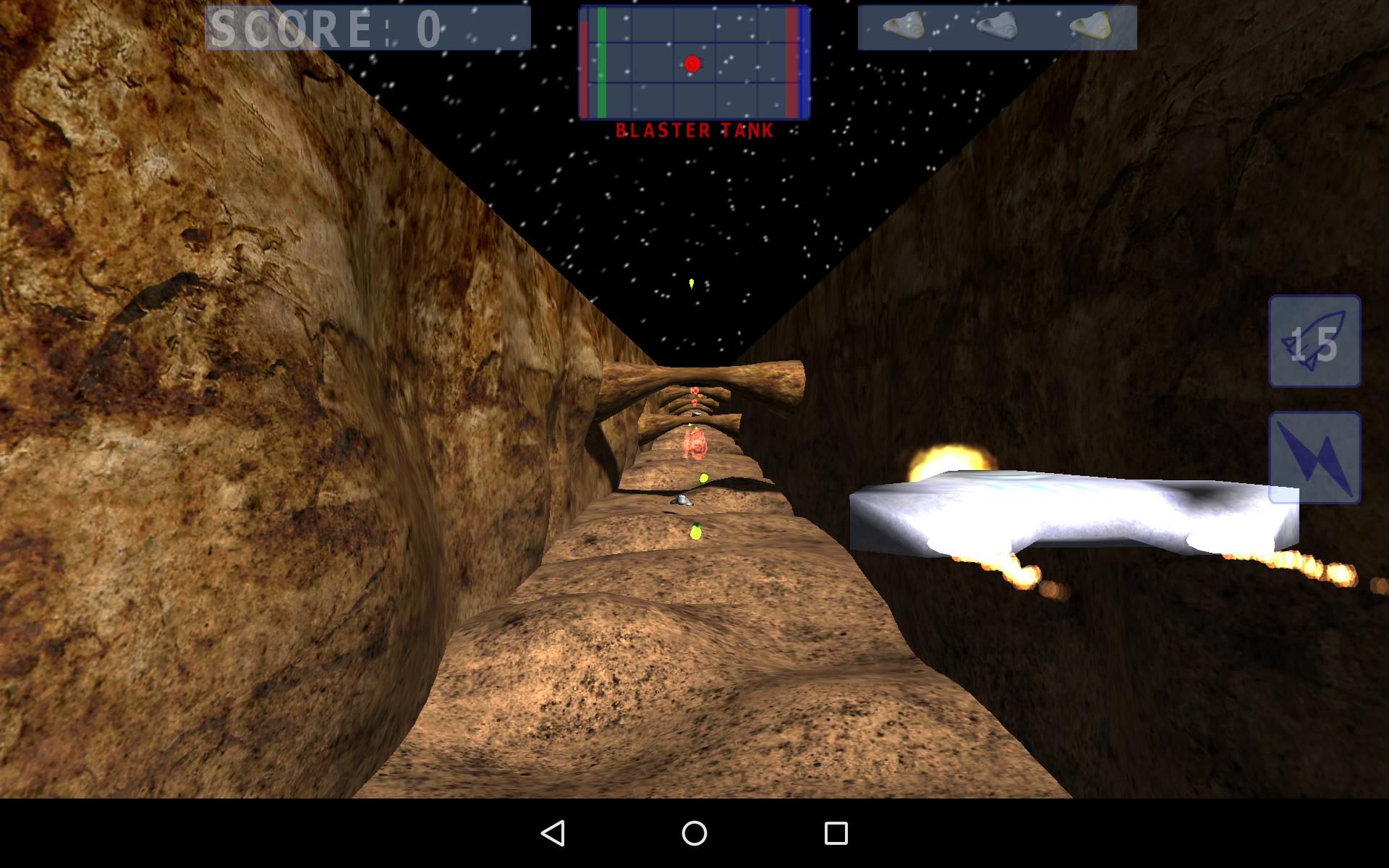
Navigate your fighter through gigantic space hulks to deliver that fatal sting.
This is a fast paced action game that requires quite a bit of concentration.
To play:
* Swipe left/right/up/down to position your fighter.
* Fire your primary and secondary weapons as needed using the on-screen buttons.
* Keep and eye on your health, energy and shield levels.
* Oh - and remember to turn left after destabilizing a reactor core to exit the space hulk before it explodes.
Technical Info:
Because it is fast paced the game requires steady, high FPS to be playable. Be sure not to have a lot of background apps running while playing. In the settings menu there are two items that can be used to balance visual fidelity and performance:
* Native resolution
* Dynamic shadows
On a small (up to 8 inches) high DPI screen there is no reason to render at native resolution so it can safely be unchecked to save battery.
Preview
Information
Developer
Gale North
Latest Version
1.2.4
Last Updated
2016-01-17
Category
Action
Available on
Google Play
Show More
How to play Sting with GameLoop on PC
1. Download GameLoop from the official website, then run the exe file to install GameLoop
2. Open GameLoop and search for “Sting” , find Sting in the search results and click “Install”
3. Enjoy playing Sting on GameLoop
Minimum requirements
OS
Windows 8.1 64-bit or Windows 10 64-bit
GPU
GTX 1050
CPU
i3-8300
Memory
8GB RAM
Storage
1GB available space
Recommended requirements
OS
Windows 8.1 64-bit or Windows 10 64-bit
GPU
GTX 1050
CPU
i3-9320
Memory
16GB RAM
Storage
1GB available space