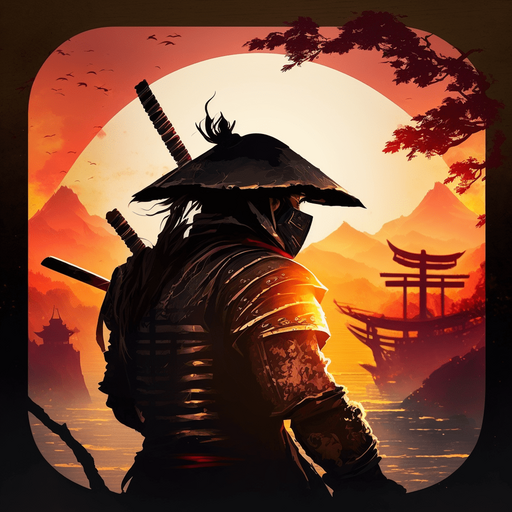
Samurai vs Ninja Ronin Dungeon PC
Chessers Studio
Download Samurai vs Ninja Ronin Dungeon on PC With GameLoop Emulator
Samurai vs Ninja Ronin Dungeon sa PC
Ang Samurai vs Ninja Ronin Dungeon, na nagmumula sa developer na Chessers Studio, ay tumatakbo sa Android systerm sa nakaraan.
Ngayon, maaari mong laruin ang Samurai vs Ninja Ronin Dungeon sa PC gamit ang GameLoop nang maayos.
I-download ito sa GameLoop library o mga resulta ng paghahanap. Hindi na tumitingin sa baterya o nakakadismaya na mga tawag sa maling oras.
I-enjoy lang ang Samurai vs Ninja Ronin Dungeon PC sa malaking screen nang libre!
Samurai vs Ninja Ronin Dungeon Panimula
Dungeon Mode is Out! Head in to the mountains and fight ninjas for rewards and abilities! Explore the randomly generated dungeons just like in a hack&slash!
Story Mode is Out! Immerse yourself in the Japanese Medieval Era of Samurais and Ninjas. Battle through 10 levels filled with action, dialogue and sweet music! All of it is completely offline so you can play from any place. Play as a samurai warrior who is coming back from war! Will you be able to take down the vagabond forces of Oroshi? Will you save your samurai village?
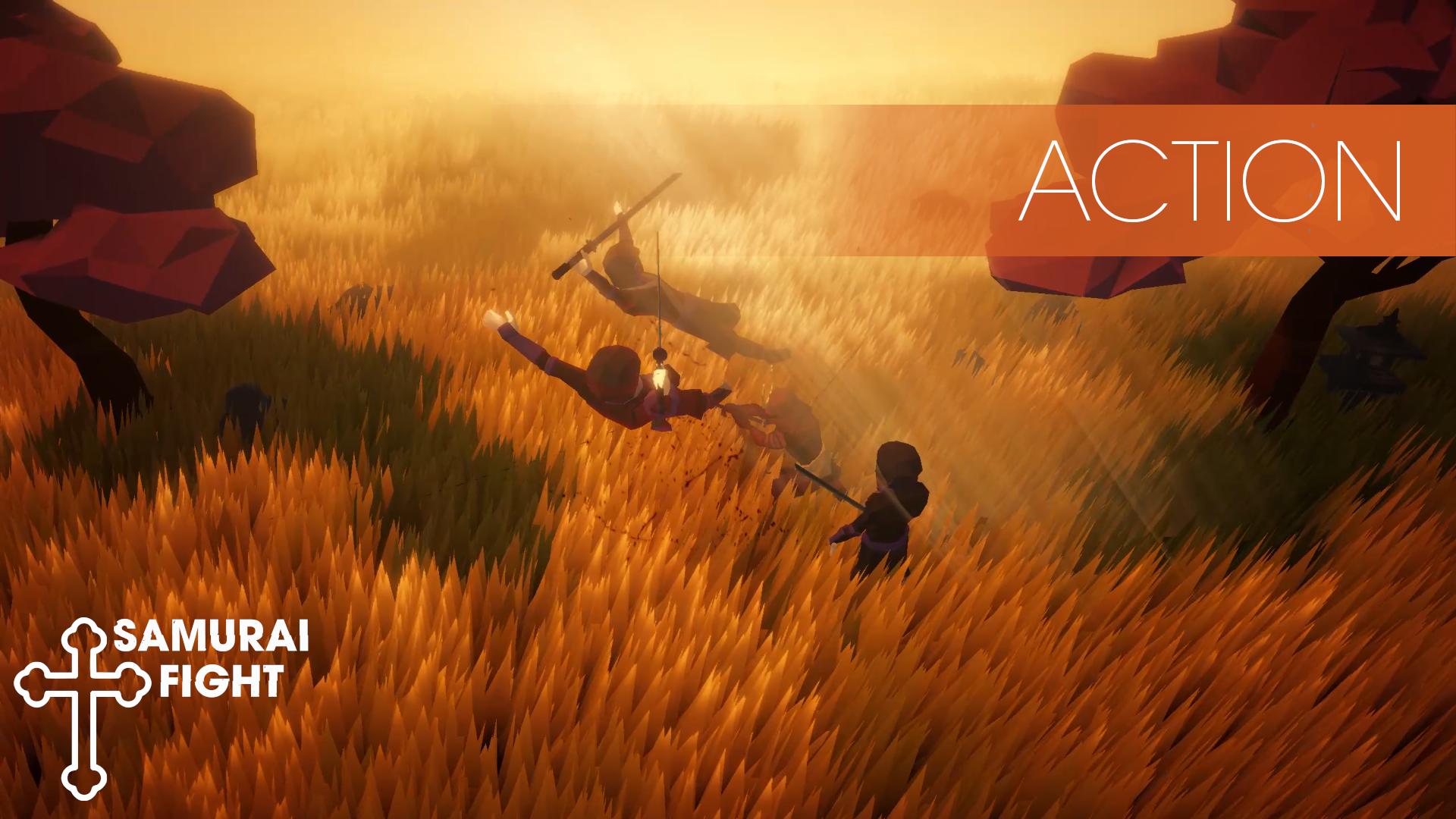
Free Samurai vs Ninja Offline Fight takes you back to medieval Japan. Fight and slash through many enemies in this action packed Hack and Slash game. Battle and Brawl with Samurai, Ronin, Ninja, Sensei and Bosses!
The game is fully free!
Fight, Learn, Use Tactics to leverage your advantages against the enemies. Hone in your Samurai senses to defeat the ninjas.
Internet connection not required to play; this is an offline free game with hack & slash elements!
--- FULL ACTION HACK AND SLASH ---
💥 Air Juggle
💥 Air Combos
💥 Free
💥 Smart AI
💥 Perform huge combos
💥 Fight Bosses
💥 Tactical combat
💥 Atmospheric Environment
💥 Good graphics with good framerate even on mid-end devices
💥 No forced ads
💥 Cool finishers
💥 Mounted Combat
💥 Story Mode
💥 Survival Mode
💥 Fully Offline
💥 No Energy System
💥 Different Combat Styles
💥 Dungeon Roguelike Mode
💥 Unlock cool strong abilities
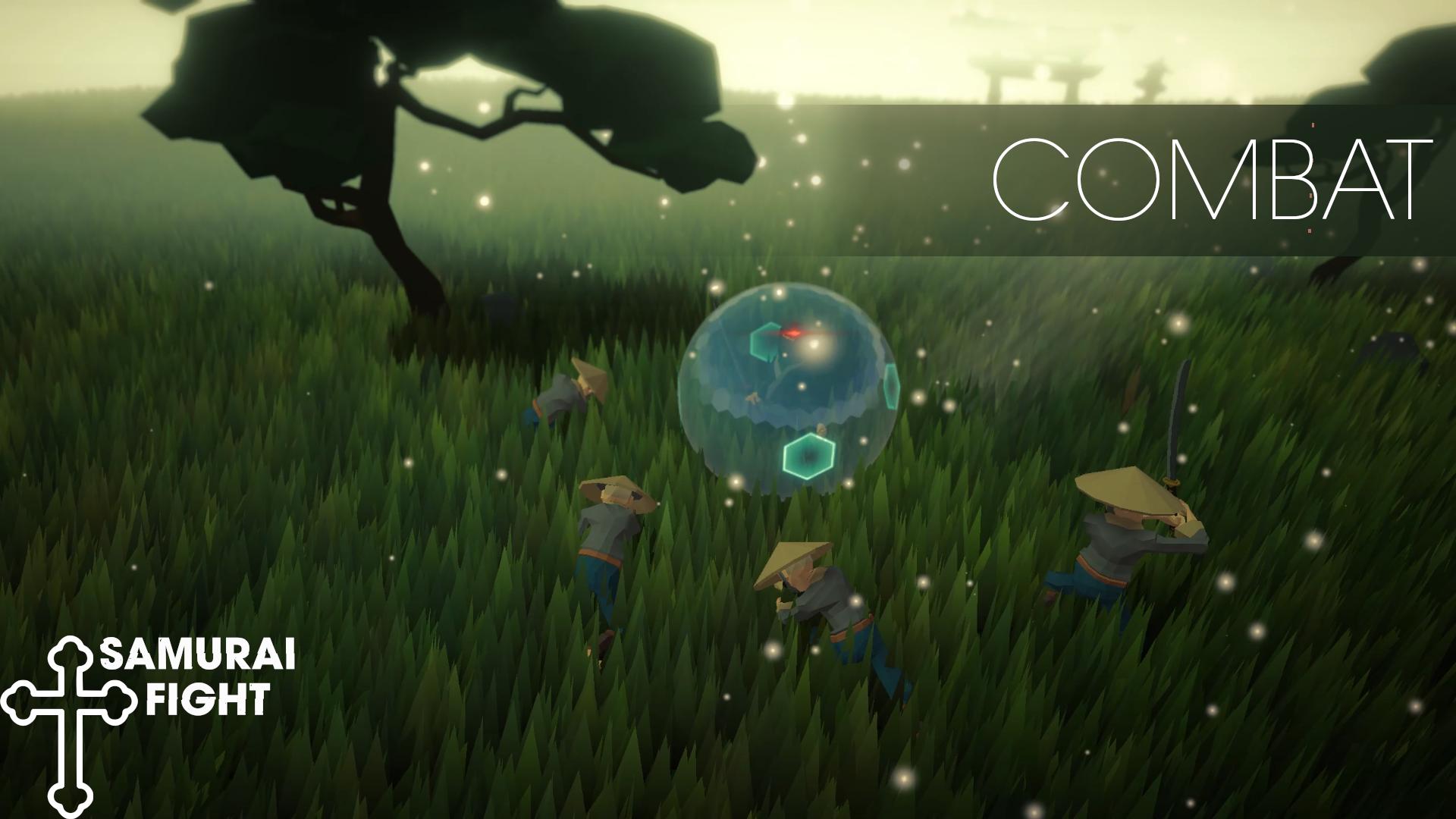
◆ Enemies will attempt to encircle you before attacking and not all of them react the same way... Use your samurai fight instincts and tactics to figure out how to beat each one.
◆ Throw your ninja enemies into the abyss, or into explosives! Or into saws! Or into vases! Lot's of creative plays can be made.
◆ Use Throws, Parries, Dodges, Blocks, Light and Heavy Combo and Air Combo from your Ninja arsenal to defeat your targets
◆ Loading on a mid end device takes about ~10s. For lower end maybe ~15. Tested on Redmi Note 8. For dungeon mode, give it some time as the generator is processing what to put and where so it is not a phone issue if dungeon loading takes more than ~10s.
◆ If you are looking for an offline free hack slash game with a samurai theme where you battle ninjas and perform big combos, have story mode and a dungeon mode, this might be the game for you.
◆MINIMUM REQUIREMENTS:
GPU: Adreno 610
CPU: Octa-core (4x2.0 GHz Kryo 260 Gold & 4x1.8 GHz Kryo 260 Silver)
RAM: 3GB
Free Space: 2GB
◆Credits:
Sound effects by www.zapsplat.com
Icons: https://chesserstudio.wordpress.com/icons-used-in-our-games-and-their-attributions/
Music: makai symphony, danheim - jotunheim, Matthew Pablo - Undead Rising, Michael Kobrin - Under Pressure, Grand Project - Apocalypse
◆PLEASE NOTE! Samurai vs Ninja Ronin Dungeon is free to download and play, but some in-game items can be purchased for real money.
Preview
Tags
ActionInformation
Developer
Chessers Studio
Latest Version
1.1.1
Last Updated
2023-02-20
Category
Action
Available on
Google Play
Show More
How to play Samurai vs Ninja Ronin Dungeon with GameLoop on PC
1. Download GameLoop from the official website, then run the exe file to install GameLoop
2. Open GameLoop and search for “Samurai vs Ninja Ronin Dungeon” , find Samurai vs Ninja Ronin Dungeon in the search results and click “Install”
3. Enjoy playing Samurai vs Ninja Ronin Dungeon on GameLoop
Minimum requirements
OS
Windows 8.1 64-bit or Windows 10 64-bit
GPU
GTX 1050
CPU
i3-8300
Memory
8GB RAM
Storage
1GB available space
Recommended requirements
OS
Windows 8.1 64-bit or Windows 10 64-bit
GPU
GTX 1050
CPU
i3-9320
Memory
16GB RAM
Storage
1GB available space