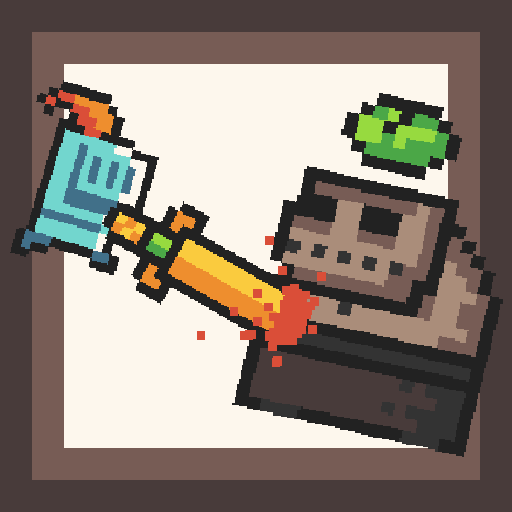
Roguelike Dungeon Crawler PC
Gaming-Apps.com
Download Roguelike Dungeon Crawler on PC With GameLoop Emulator
Roguelike Dungeon Crawler sa PC
Ang Roguelike Dungeon Crawler, na nagmumula sa developer na Gaming-Apps.com, ay tumatakbo sa Android systerm sa nakaraan.
Ngayon, maaari mong laruin ang Roguelike Dungeon Crawler sa PC gamit ang GameLoop nang maayos.
I-download ito sa GameLoop library o mga resulta ng paghahanap. Hindi na tumitingin sa baterya o nakakadismaya na mga tawag sa maling oras.
I-enjoy lang ang Roguelike Dungeon Crawler PC sa malaking screen nang libre!
Roguelike Dungeon Crawler Panimula
Dungeon Crawler: Electro Knight is a free roguelike turnbased offline singleplayer game for persons
who like to explore dungeons, kill monsters and survive fights.
Features of roguelike Dungeon Crawler: Electro Knight:
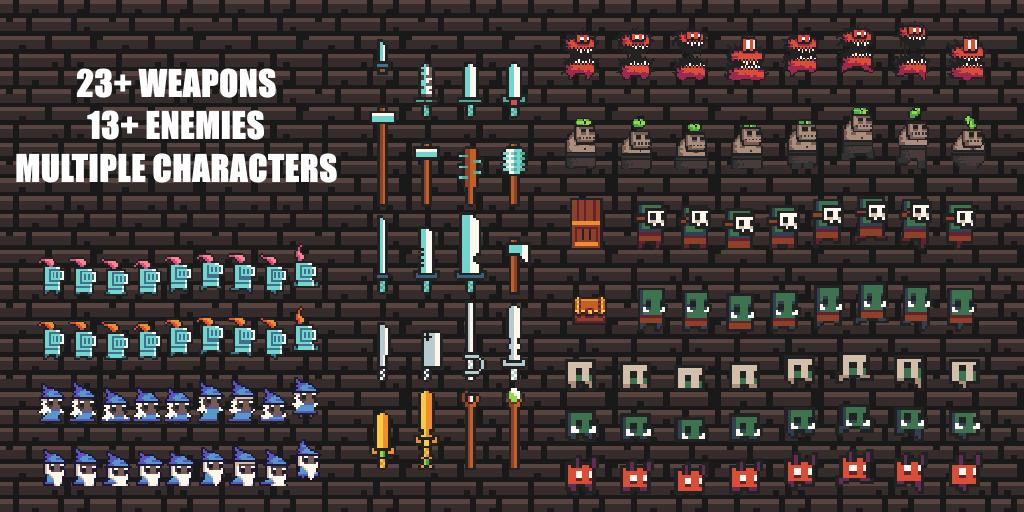
- 12 procedurally generated maps with different themes and a final boss level.
- 23 different weapons and a shop
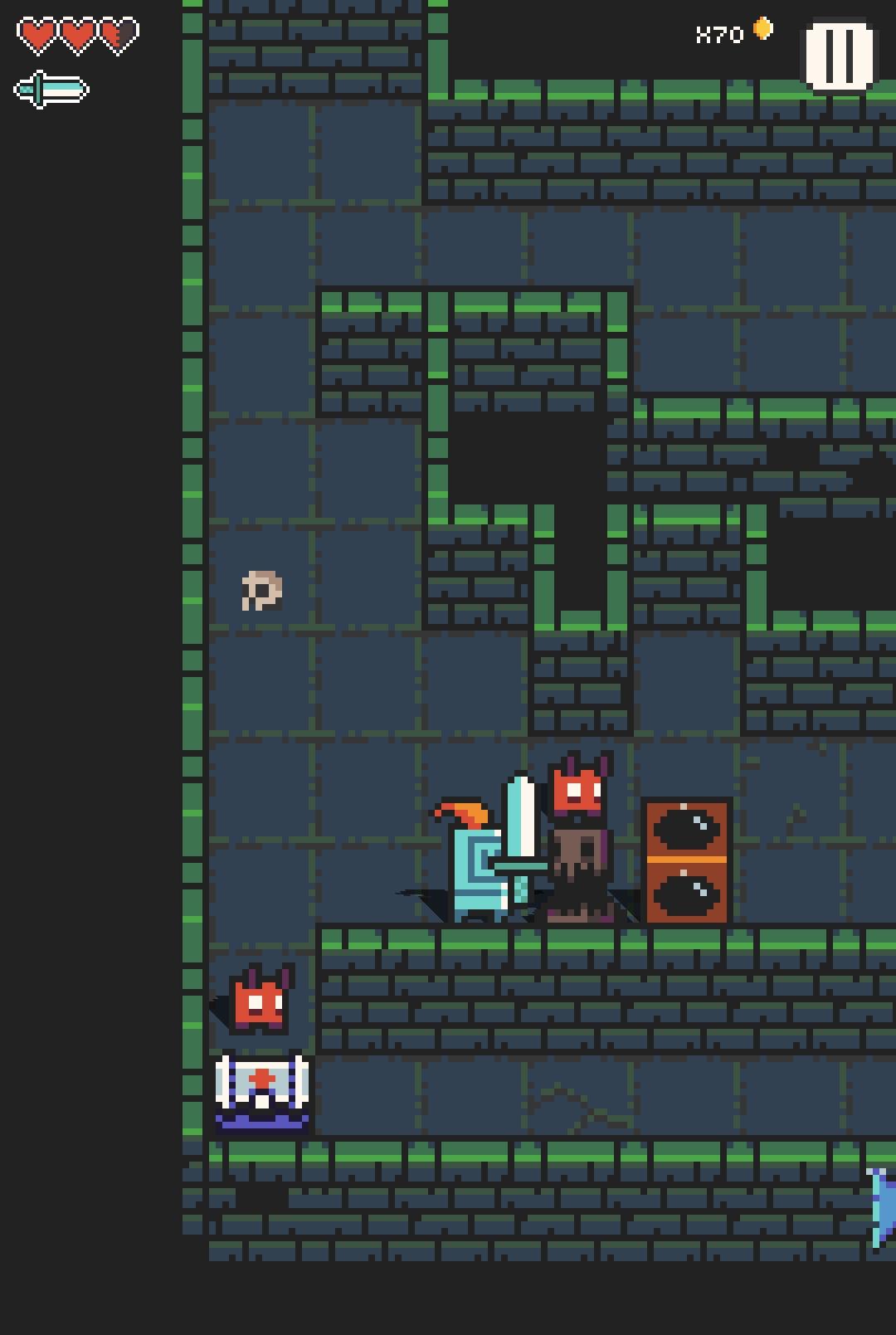
- multiple obastacles like traps, bombs...
- offline turnbased top down roguelike dungeon crawler with only one life (Permadeath)
- pixelart style with good ambience
- 13 enemies with different abilities
- collect gold, purchase weapons and survive
This game offers multiple weapons, enemies, levels and traps. You will start with a random weapon. Later
in game you can buy weapons, with collected gold, from the shopkeeper to survive.
The dungeons are randomly-procedurally generated, which means there is no level like the other.
The maps are also structured into different pixelated themes: like sewers, inferno and cave.
Each theme has specific monsters, pixelated dungeons and obstacles like bombs, traps...
Game mechanics and story:
This game is a turnbased top down roguelike dungeon crawler. Your play as a knight, that wants to rescue his girlfriend.
To do so he needs to explore caves or sewers and fight monsters.
For the whole campaign you only have one life. (Permadeath)
Grab your sword, collect coins and fight monsters in Dungeon Crawler: Electro Knight by Gaming-Apps.com and MeLikePixels!
Preview
Tags
ActionInformation
Developer
Gaming-Apps.com
Latest Version
1.0.10
Last Updated
2020-12-20
Category
Action
Available on
Google Play
Show More
How to play Roguelike Dungeon Crawler with GameLoop on PC
1. Download GameLoop from the official website, then run the exe file to install GameLoop
2. Open GameLoop and search for “Roguelike Dungeon Crawler” , find Roguelike Dungeon Crawler in the search results and click “Install”
3. Enjoy playing Roguelike Dungeon Crawler on GameLoop
Minimum requirements
OS
Windows 8.1 64-bit or Windows 10 64-bit
GPU
GTX 1050
CPU
i3-8300
Memory
8GB RAM
Storage
1GB available space
Recommended requirements
OS
Windows 8.1 64-bit or Windows 10 64-bit
GPU
GTX 1050
CPU
i3-9320
Memory
16GB RAM
Storage
1GB available space