
MomQuest: Evil Walrus PC
Anomenai
Download MomQuest: Evil Walrus on PC With GameLoop Emulator
MomQuest: Evil Walrus sa PC
Ang MomQuest: Evil Walrus, na nagmumula sa developer na Anomenai, ay tumatakbo sa Android systerm sa nakaraan.
Ngayon, maaari mong laruin ang MomQuest: Evil Walrus sa PC gamit ang GameLoop nang maayos.
I-download ito sa GameLoop library o mga resulta ng paghahanap. Hindi na tumitingin sa baterya o nakakadismaya na mga tawag sa maling oras.
I-enjoy lang ang MomQuest: Evil Walrus PC sa malaking screen nang libre!
MomQuest: Evil Walrus Panimula
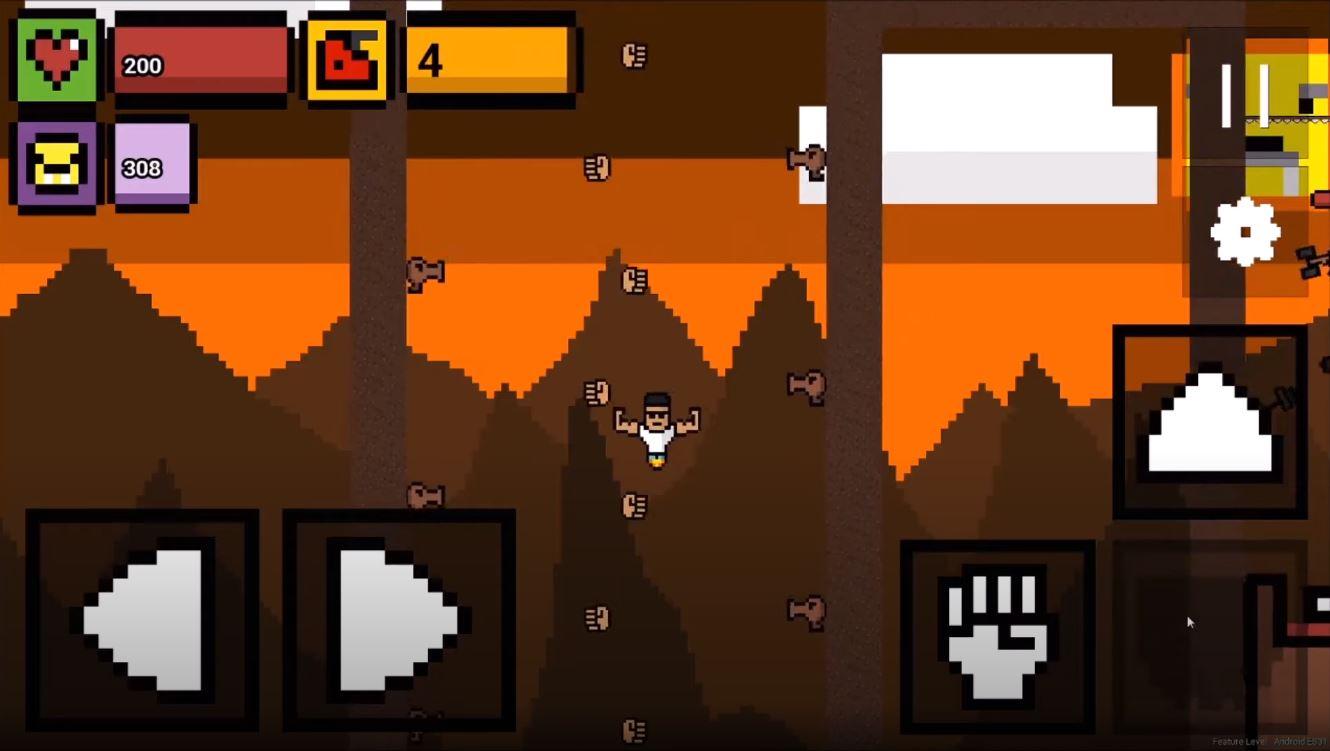
Three dudes, three moms, and lots of evil walruses. Get ready to save your mom in this fully vocalized quest!
- Play as Patty Mage, Aronnus, or Jose Banana
- Fight walruses, get loot, and beat the bosses!
- Venture in endless mode!
Contact Support: anomenai1@gmail.com
Facebook Page: https://www.facebook.com/Anomenai-Games-100664005086658
Subscribe on Youtube: https://www.youtube.com/channel/UCftPGw4k4EAA1BddDYyc2cQ?view_as=subscriber
Preview

Tags
ActionInformation
Developer
Anomenai
Latest Version
1.0
Last Updated
2020-08-18
Category
Action
Available on
Google Play
Show More
How to play MomQuest: Evil Walrus with GameLoop on PC
1. Download GameLoop from the official website, then run the exe file to install GameLoop
2. Open GameLoop and search for “MomQuest: Evil Walrus” , find MomQuest: Evil Walrus in the search results and click “Install”
3. Enjoy playing MomQuest: Evil Walrus on GameLoop
Minimum requirements
OS
Windows 8.1 64-bit or Windows 10 64-bit
GPU
GTX 1050
CPU
i3-8300
Memory
8GB RAM
Storage
1GB available space
Recommended requirements
OS
Windows 8.1 64-bit or Windows 10 64-bit
GPU
GTX 1050
CPU
i3-9320
Memory
16GB RAM
Storage
1GB available space