
Purple Monster Chapter 3 PC
A3 Home Studio
Download Purple Monster Chapter 3 on PC With GameLoop Emulator
Purple Monster Chapter 3 sa PC
Ang Purple Monster Chapter 3, na nagmumula sa developer na A3 Home Studio, ay tumatakbo sa Android systerm sa nakaraan.
Ngayon, maaari mong laruin ang Purple Monster Chapter 3 sa PC gamit ang GameLoop nang maayos.
I-download ito sa GameLoop library o mga resulta ng paghahanap. Hindi na tumitingin sa baterya o nakakadismaya na mga tawag sa maling oras.
I-enjoy lang ang Purple Monster Chapter 3 PC sa malaking screen nang libre!
Purple Monster Chapter 3 Panimula
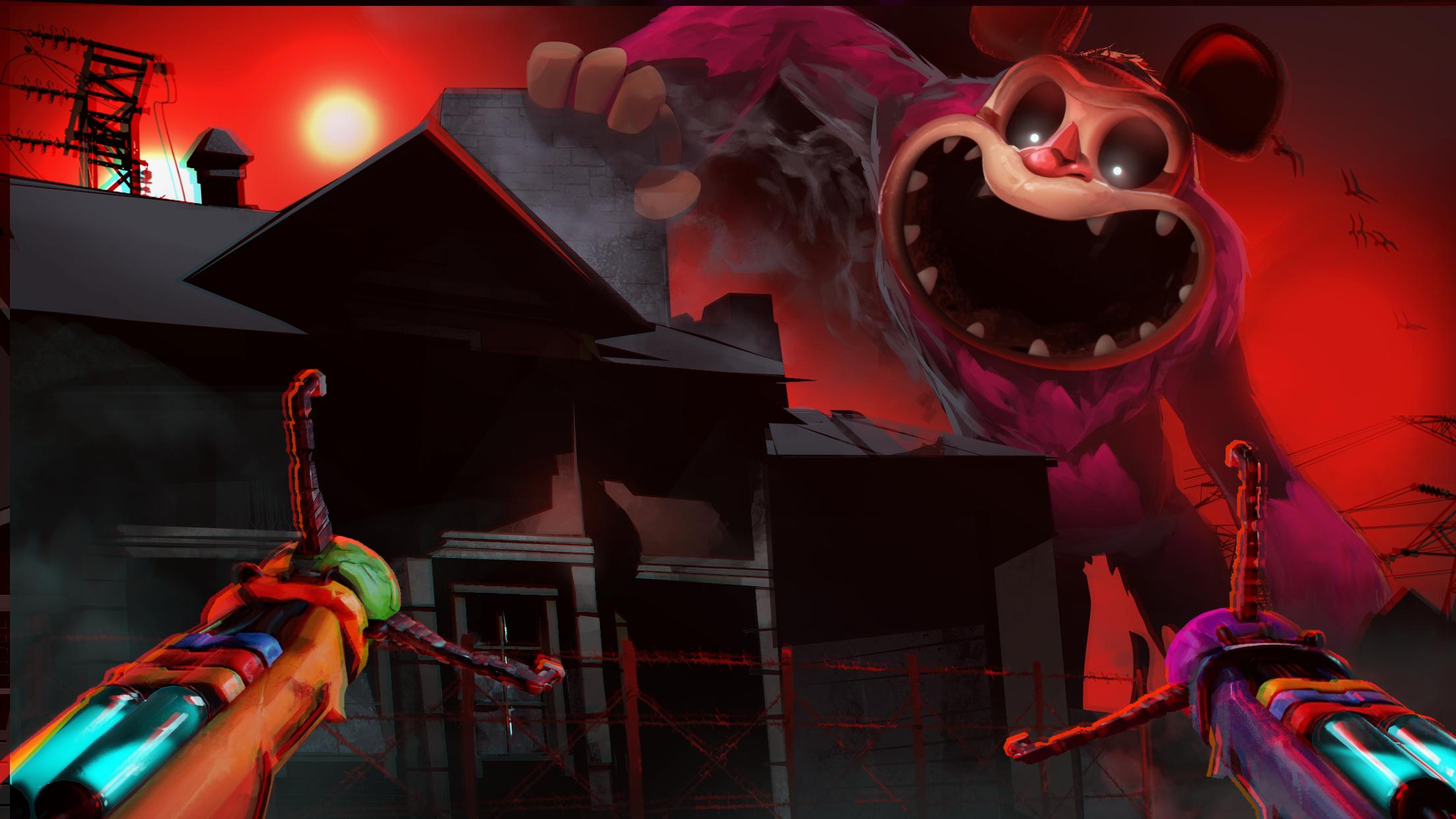
Dive into Purple Monster Chapter 3, A decrepit orphanage known as Playcare sits beneath the once magical toy factory. You must make your way through this haunted place, solving new puzzles and avoiding the Purple Monster nightmares that lurk within the dark. Answers lie between the blood-stained bedsheets and screaming echoes... If you can survive.
This is Purple Monster's biggest and most terrifying chapter yet. More lies ahead than you might expect...
- in Purple Monster Chapter 3 new monsters await, and they're much more than just simple toys.
- Fantastical orphanage. And you get to explore it.
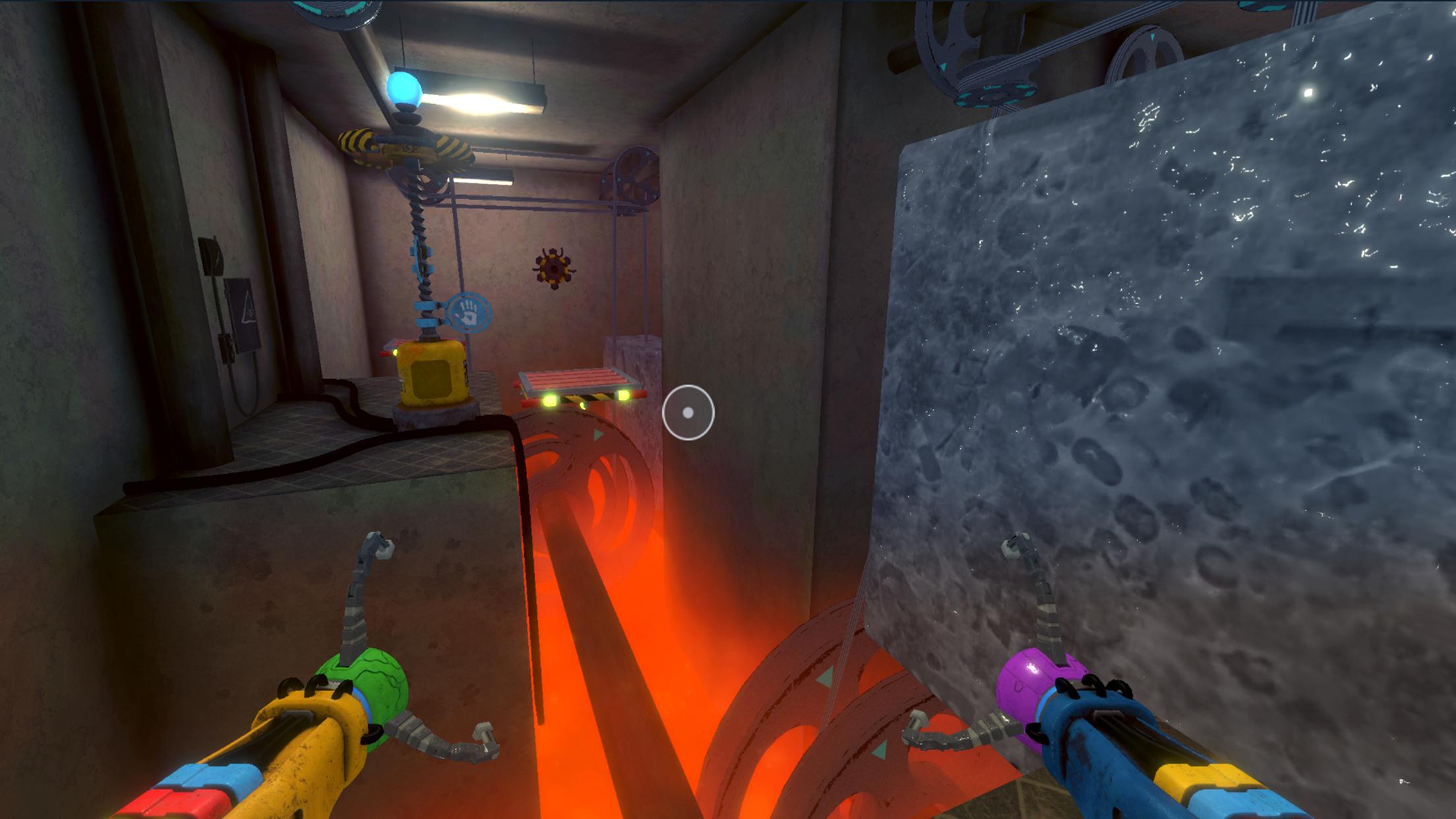
- The GrabPack gets an upgrade in Purple Monster Chapter 3.
- New hands permit new and creative ways to explore.
- A Gas Mask is the only way to explore through the red smoke that fills the air safely.
- Answers will finally be revealed. Lies can only stay buried for so long...
Preview
Tags
Action-adventureSurvival horrorSingle playerStylizedInformation
Developer
A3 Home Studio
Latest Version
Purple Monster Chapter 3
Last Updated
2024-06-28
Category
Action
Available on
Google Play
Show More
How to play Purple Monster Chapter 3 with GameLoop on PC
1. Download GameLoop from the official website, then run the exe file to install GameLoop
2. Open GameLoop and search for “Purple Monster Chapter 3” , find Purple Monster Chapter 3 in the search results and click “Install”
3. Enjoy playing Purple Monster Chapter 3 on GameLoop
Minimum requirements
OS
Windows 8.1 64-bit or Windows 10 64-bit
GPU
GTX 1050
CPU
i3-8300
Memory
8GB RAM
Storage
1GB available space
Recommended requirements
OS
Windows 8.1 64-bit or Windows 10 64-bit
GPU
GTX 1050
CPU
i3-9320
Memory
16GB RAM
Storage
1GB available space