
Level Maker: Blue Pink Ball PC
Gamikro
Download Level Maker: Blue Pink Ball on PC With GameLoop Emulator
Level Maker: Blue Pink Ball sa PC
Ang Level Maker: Blue Pink Ball, na nagmumula sa developer na Gamikro, ay tumatakbo sa Android systerm sa nakaraan.
Ngayon, maaari mong laruin ang Level Maker: Blue Pink Ball sa PC gamit ang GameLoop nang maayos.
I-download ito sa GameLoop library o mga resulta ng paghahanap. Hindi na tumitingin sa baterya o nakakadismaya na mga tawag sa maling oras.
I-enjoy lang ang Level Maker: Blue Pink Ball PC sa malaking screen nang libre!
Level Maker: Blue Pink Ball Panimula
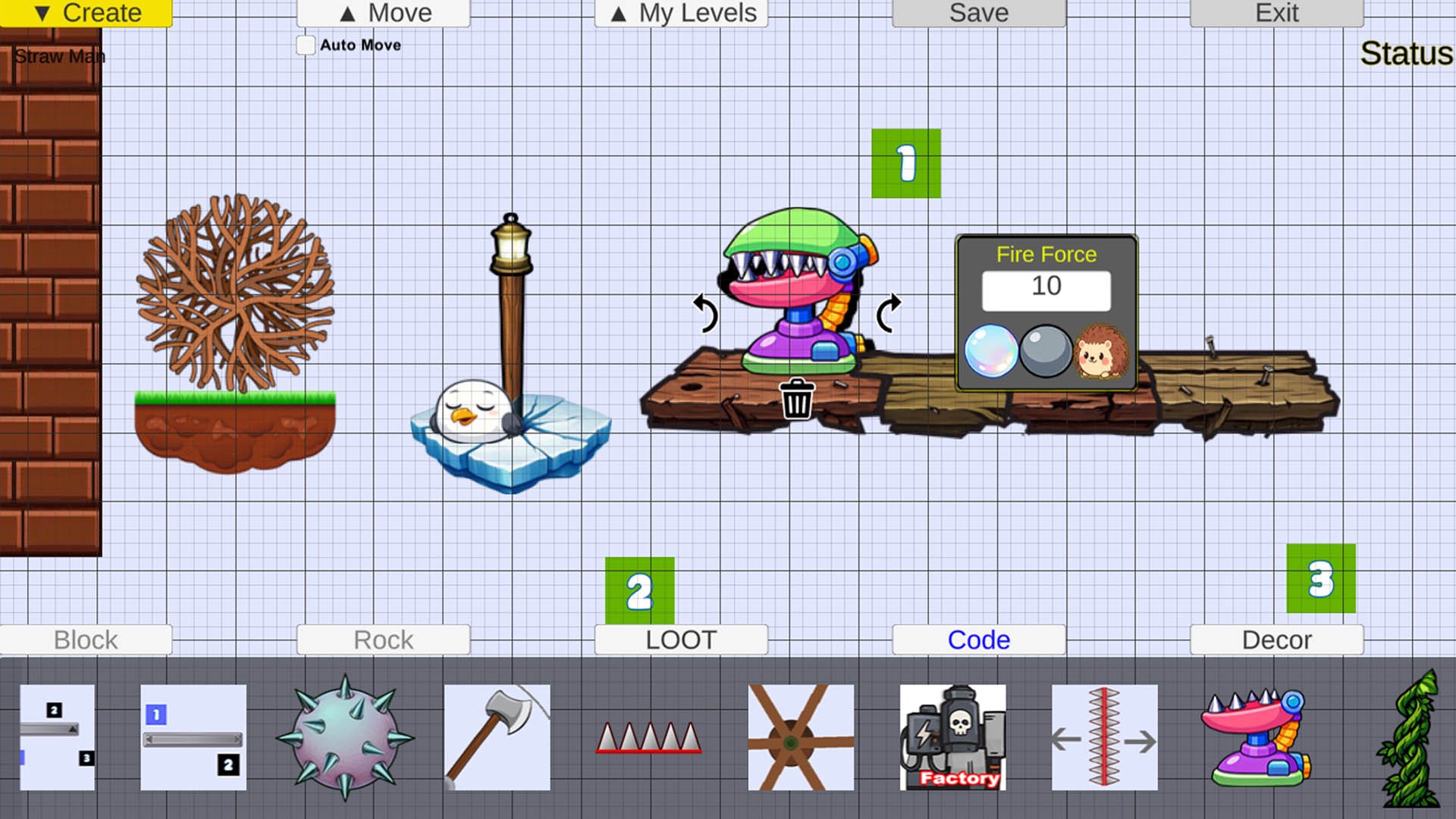
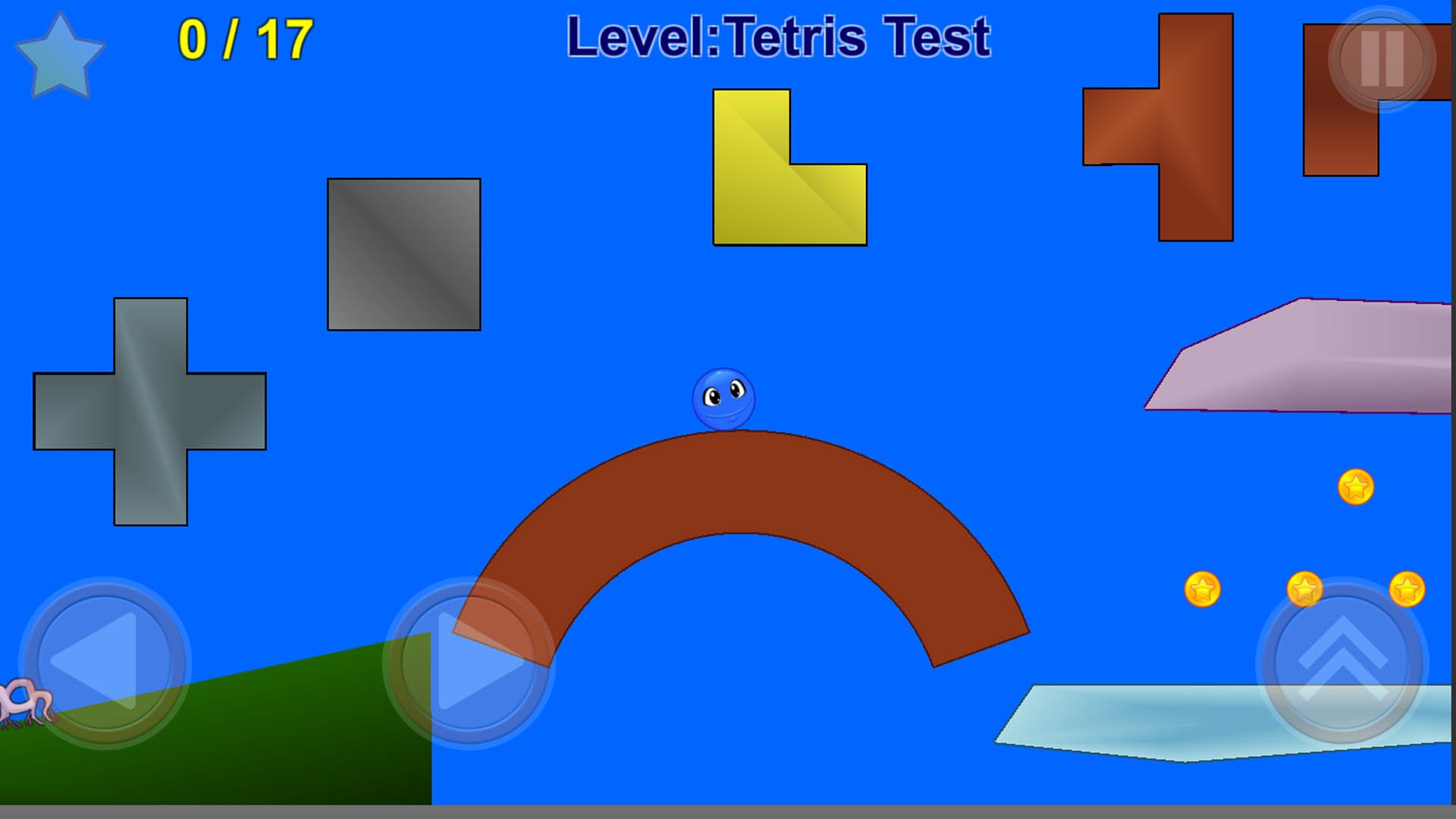
Blue Ball and Pink Ball live in their small, colourful world. In this Level Maker ball game, you can build your own levels and take on exciting platform challenges. One day, the tree in front of their home disappears, and Blue Ball and a friend set off to find it. Explore puzzles, mazes, and fun action-adventure stages in this jumping and gravity puzzle game.
Help Blue Ball track down the bad guy who is destroying forests and turning the world into grey concrete. Collect golden stars to finish each level with three stars. In some stages, you will meet Pink Ball and guide each other forward. At the end of Level 20, face the real villain and stomp on his head with Blue Ball to stop him.
Story of Red Rose: Find joy in small details, like the red rose in Level 1, and follow the tree pieces in Level 5. Blue Ball and Pink Ball stay cheerful throughout the journey, showing that adventure can be fun for everyone. Great for kids and adults who enjoy platform games, offline play, and Level Maker creativity, including players who like Mario Maker-style level design.
Disclaimer: All game images, scripts, and levels are created by the Gamikro team.
Preview
Tags
CasualSingle playerStylizedCartoonOfflineInformation
Developer
Gamikro
Latest Version
44
Last Updated
2026-05-17
Category
Action
Available on
Google Play
Show More
How to play Level Maker: Blue Pink Ball with GameLoop on PC
1. Download GameLoop from the official website, then run the exe file to install GameLoop
2. Open GameLoop and search for “Level Maker: Blue Pink Ball” , find Level Maker: Blue Pink Ball in the search results and click “Install”
3. Enjoy playing Level Maker: Blue Pink Ball on GameLoop
Minimum requirements
OS
Windows 8.1 64-bit or Windows 10 64-bit
GPU
GTX 1050
CPU
i3-8300
Memory
8GB RAM
Storage
1GB available space
Recommended requirements
OS
Windows 8.1 64-bit or Windows 10 64-bit
GPU
GTX 1050
CPU
i3-9320
Memory
16GB RAM
Storage
1GB available space