
Block Battle PC
BiSon
Download Block Battle on PC With GameLoop Emulator
Block Battle sa PC
Ang Block Battle, na nagmumula sa developer na BiSon, ay tumatakbo sa Android systerm sa nakaraan.
Ngayon, maaari mong laruin ang Block Battle sa PC gamit ang GameLoop nang maayos.
I-download ito sa GameLoop library o mga resulta ng paghahanap. Hindi na tumitingin sa baterya o nakakadismaya na mga tawag sa maling oras.
I-enjoy lang ang Block Battle PC sa malaking screen nang libre!
Block Battle Panimula
Block Battle Features:
- Classic mode
- Play with CPU
- Multiplayer Online
- Online Leaderboard
- Save game when exit
- Lightweight, compatible with most of devices
- Nice graphics and sound effects
How to play Block Battle:
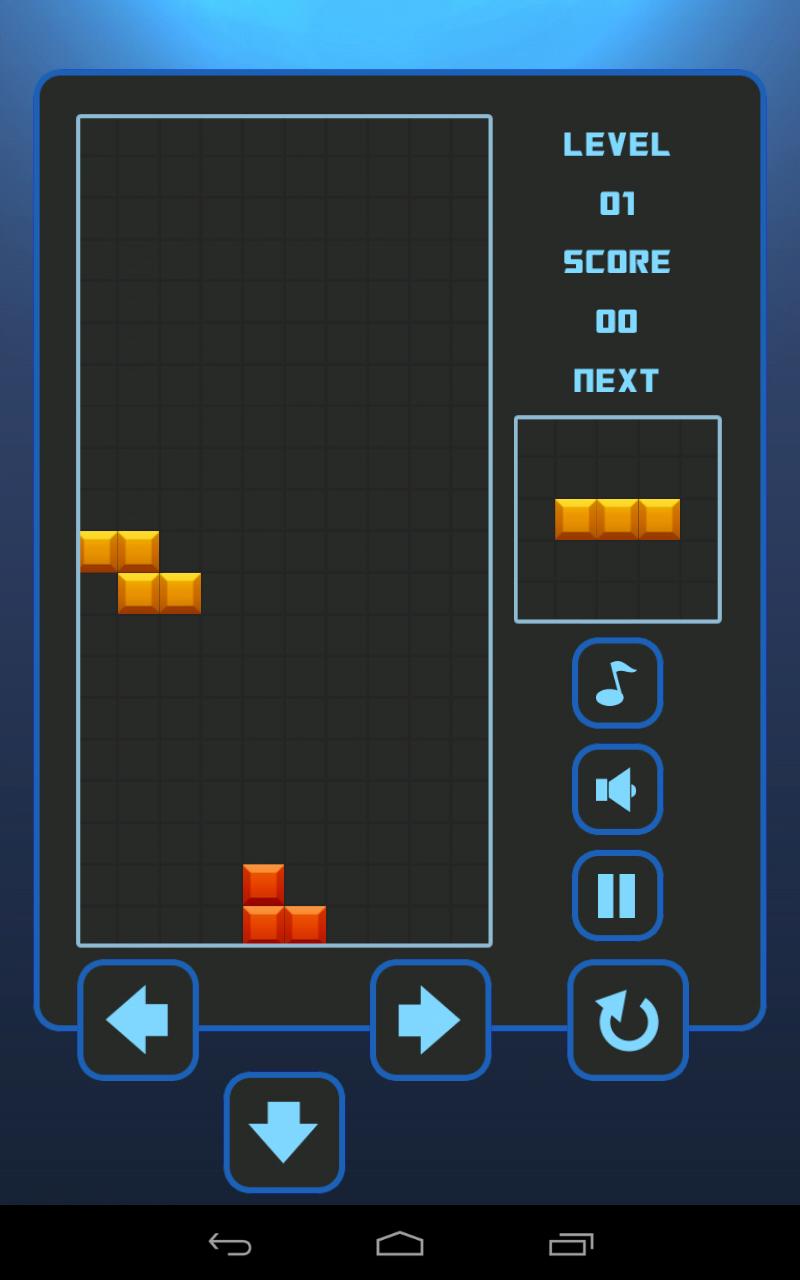
- Create horizontal lines using the falling blocks.
- When you make a line, it is cleared from the screen.
- The game is over when the blocks pile up and reach the top of the screen.
- You get more points for completing multiple lines at once.
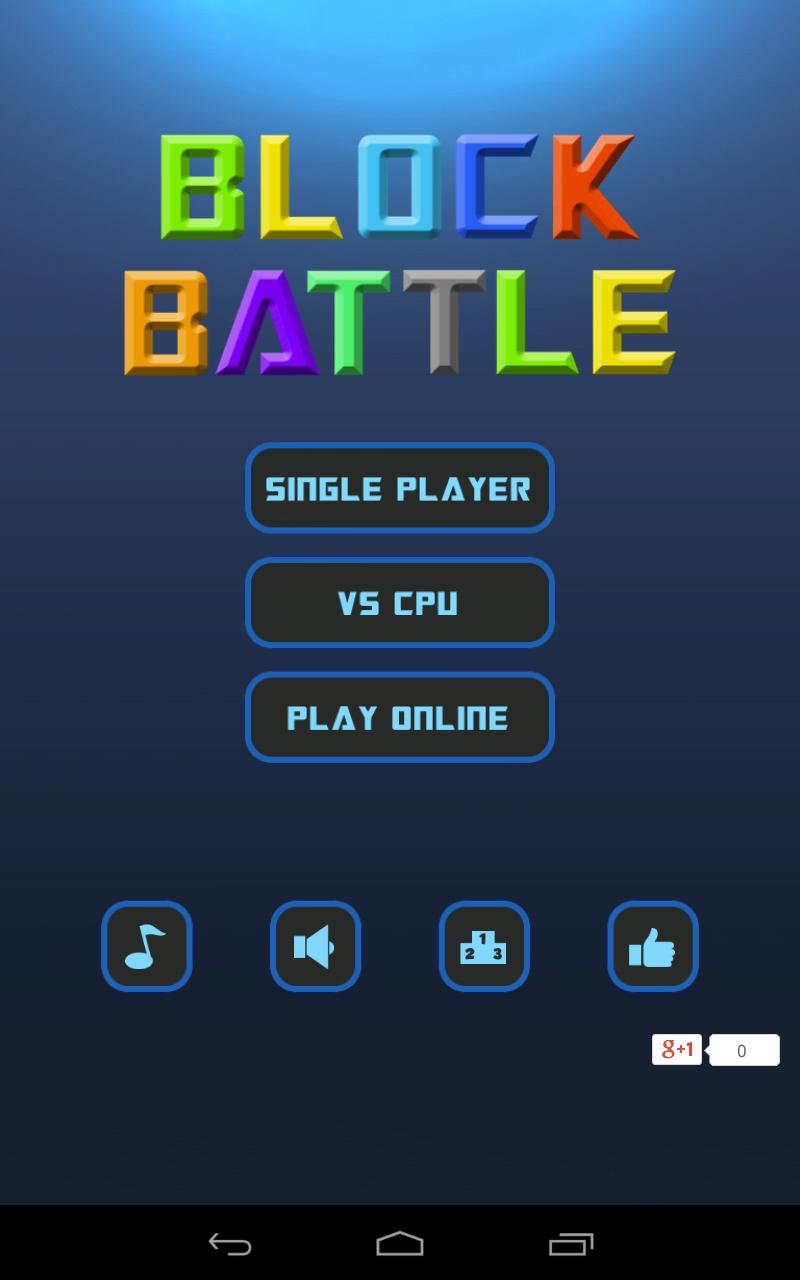
There are three modes in Block Battle:
- Single Player mode: Play a classic game, try to get as much score as you could. The speed of game comes from slower to faster.
- Play with CPU: fighting with CPU. If you clear many lines at the same time, or clear lines consecutive, you will put some garbage line on the opponent's field. Try to defeat the smart CPU.
- Play online: same rules with play with cpu but fighting with other real players come from the world. Let's invite your friends to play with you.
Have a good time with Block Battle!
Preview
Tags
ActionInformation
Developer
BiSon
Latest Version
2.9
Last Updated
2024-09-18
Category
Action
Available on
Google Play
Show More
How to play Block Battle with GameLoop on PC
1. Download GameLoop from the official website, then run the exe file to install GameLoop
2. Open GameLoop and search for “Block Battle” , find Block Battle in the search results and click “Install”
3. Enjoy playing Block Battle on GameLoop
Minimum requirements
OS
Windows 8.1 64-bit or Windows 10 64-bit
GPU
GTX 1050
CPU
i3-8300
Memory
8GB RAM
Storage
1GB available space
Recommended requirements
OS
Windows 8.1 64-bit or Windows 10 64-bit
GPU
GTX 1050
CPU
i3-9320
Memory
16GB RAM
Storage
1GB available space