
PilotWeather Lite para PC
Sparkling Apps
Descarga PilotWeather Lite en PC con GameLoop Emulator
PilotWeather Lite en PC
PilotWeather Lite, proveniente del desarrollador Sparkling Apps, se ejecuta en el sistema Android en el pasado.
Ahora, puedes jugar PilotWeather Lite en PC con GameLoop sin problemas.
Descárgalo en la biblioteca de GameLoop o en los resultados de búsqueda. No más mirar la batería o llamadas frustrantes en el momento equivocado nunca más.
Simplemente disfrute de PilotWeather Lite PC en la pantalla grande de forma gratuita!
PilotWeather Lite Introducción
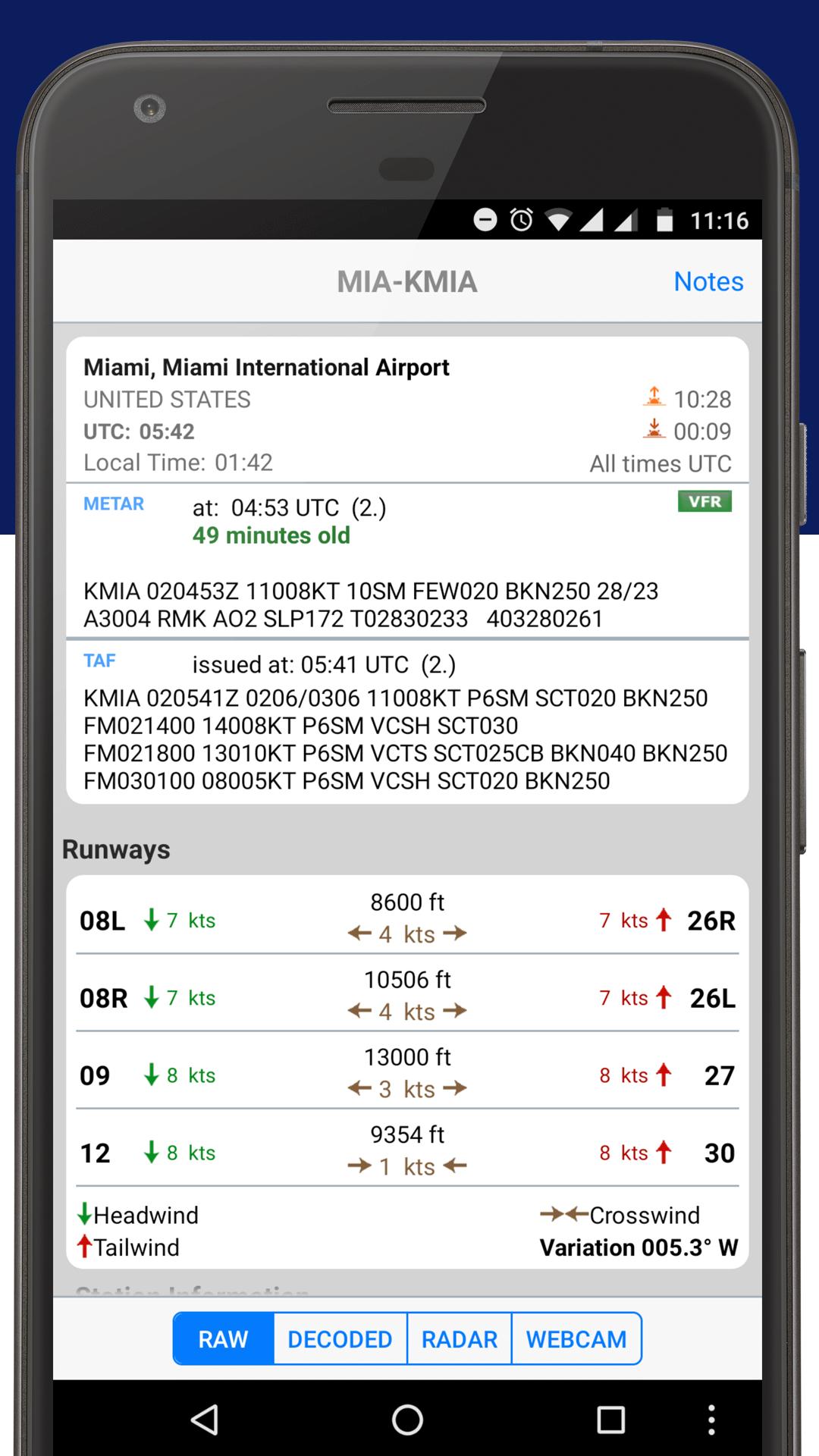
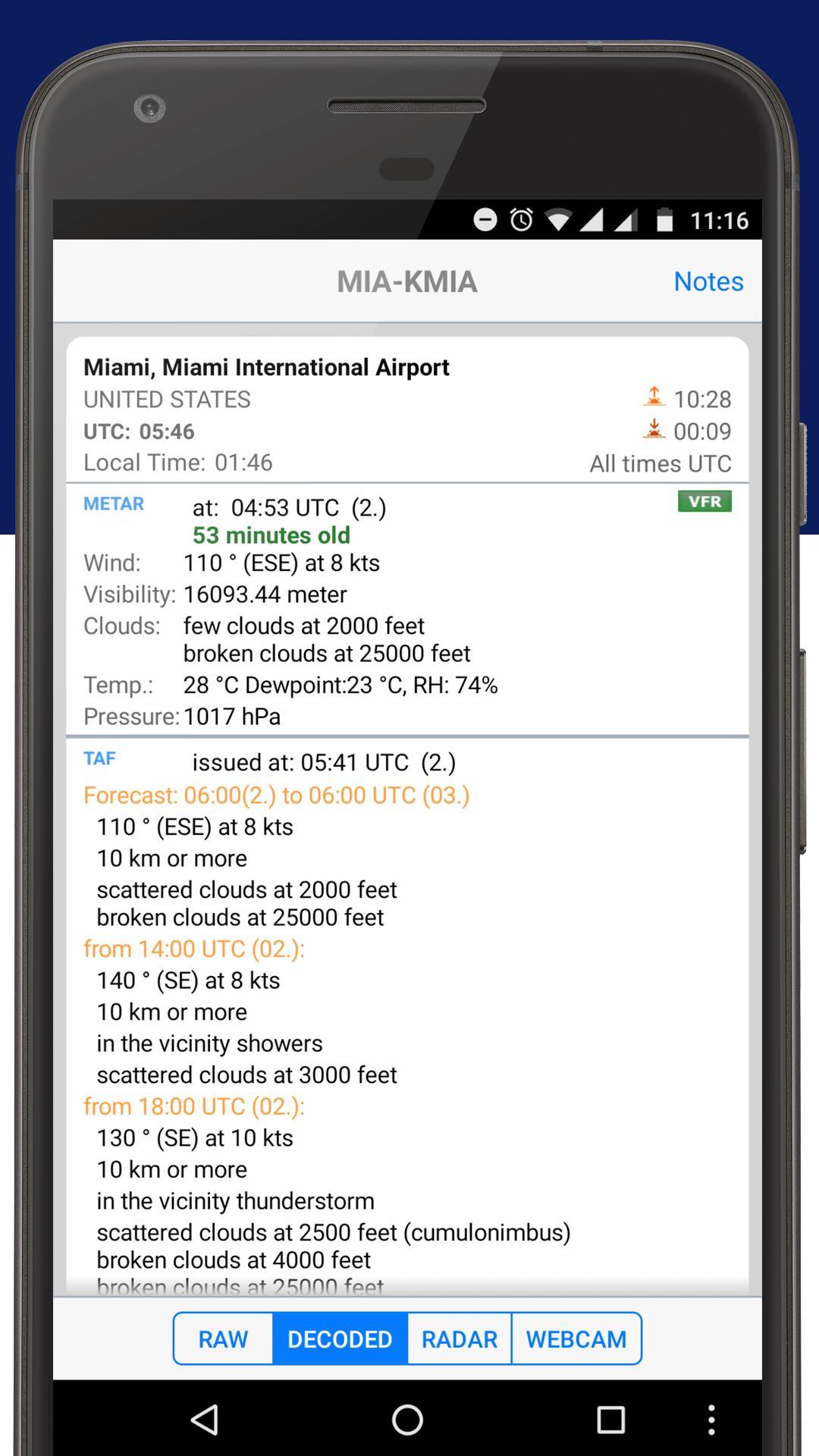
Get current and precise weather conditions (METAR) as well as weather forecasts (TAF), which are used by pilots for their flight preparations. You can choose worldwide airport weather stations from the built-in database by either name, ICAO or IATA code. Data will be shown in its original format or fully decoded into easy understandable texts.
** NOTE: in order to display temperatures in Fahrenheit, switch off "Show original units"!
Features:
- shows additional information like sunrise/sunset, station location/elevation, timezone, and daylight saving adjustment
- optionally displays all times in GMT or in the station's local time
- supports US and metric units
- display/adding of nearby stations
NEW: Also check out our latest 'Sky MET', a visually stunning and feature rich application for pilots, by pilots.
Avance
Etiquetas
ClimaInformación
Desarrollador
Sparkling Apps
La última versión
5.22
Última actualización
2023-12-18
Categoría
Clima
Disponible en
Google Play
Mostrar más
Cómo jugar PilotWeather Lite con GameLoop en PC
1. Descargue GameLoop desde el sitio web oficial, luego ejecute el archivo exe para instalar GameLoop.
2. Abra GameLoop y busque "PilotWeather Lite", busque PilotWeather Lite en los resultados de búsqueda y haga clic en "Instalar".
3. Disfruta jugando PilotWeather Lite en GameLoop.
Minimum requirements
OS
Windows 8.1 64-bit or Windows 10 64-bit
GPU
GTX 1050
CPU
i3-8300
Memory
8GB RAM
Storage
1GB available space
Recommended requirements
OS
Windows 8.1 64-bit or Windows 10 64-bit
GPU
GTX 1050
CPU
i3-9320
Memory
16GB RAM
Storage
1GB available space