
Surfline: Wave & Surf Reports para PC
Surfline/Wavetrak, Inc.
Descarga Surfline: Wave & Surf Reports en PC con GameLoop Emulator
Surfline: Wave & Surf Reports en PC
Surfline: Wave & Surf Reports, proveniente del desarrollador Surfline/Wavetrak, Inc., se ejecuta en el sistema Android en el pasado.
Ahora, puedes jugar Surfline: Wave & Surf Reports en PC con GameLoop sin problemas.
Descárgalo en la biblioteca de GameLoop o en los resultados de búsqueda. No más mirar la batería o llamadas frustrantes en el momento equivocado nunca más.
Simplemente disfrute de Surfline: Wave & Surf Reports PC en la pantalla grande de forma gratuita!
Surfline: Wave & Surf Reports Introducción
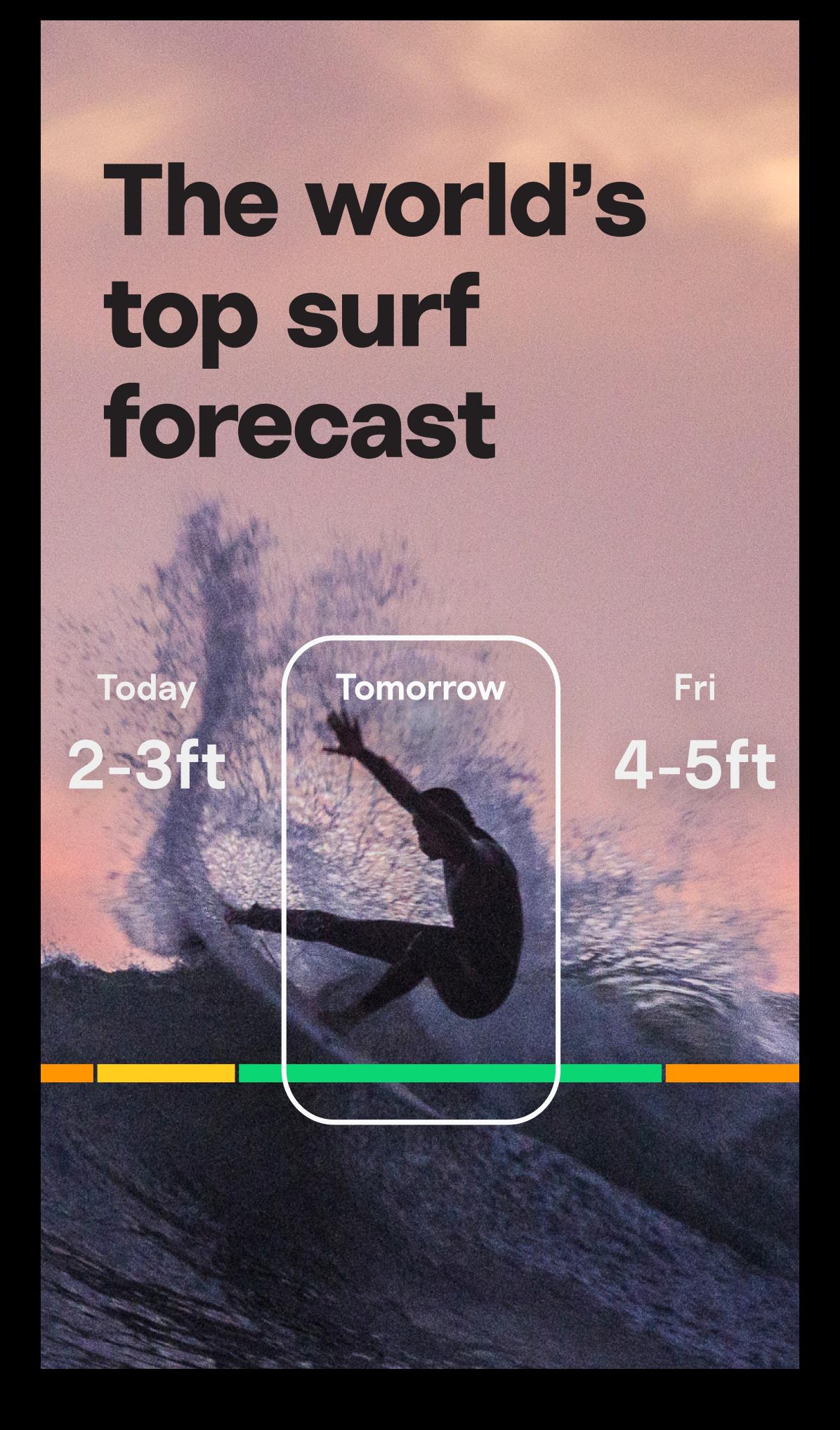
Surfline has been the surf world’s go-to for wave forecasting and surf reports since 1985, helping millions of surfers score better waves, more often. Use the Surfline app to know before you go anytime, anywhere.
Keep track of current surf conditions.
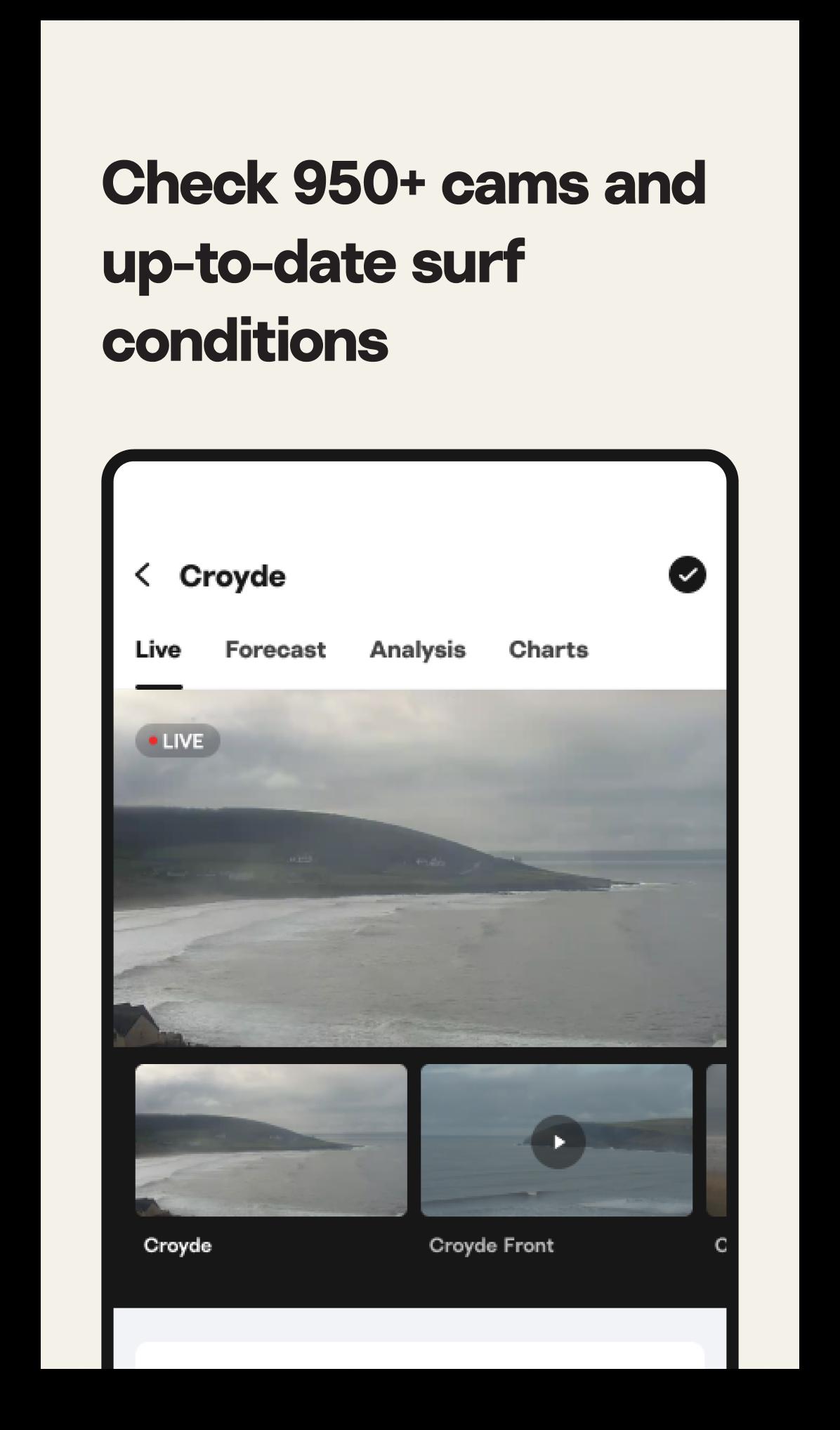
-View live surf cams at 950+ breaks around the world.
-Get daily surf reports from our team of experts.
-View wave height, wind, weather, water temperature, and tide.
-View detailed buoy charts and nearshore models.
Plan future surf adventures.
-Use 16-day long-range forecasts to plan ahead.
-Read swell analysis from our in-house forecasting team.
Relive your sessions and watch your waves.
- Use Cam Rewind to watch and download your best waves (and wipeouts).
Stay connected to all things surf.
-Watch the world’s best waves with live coverage of major Swell Events.
-Read up on the latest surf news, travel, training, and gear content.
Take it from the pros:
“Surfline is my go-to every day to know where to go. I’ve used it from day one and will be a lifetime Premium Member.” – Rob Machado
“Surfline is my go-to for swell forecasts and surf conditions. I also love having access to all the HD cams so I can check multiple spots before ever getting in my car. I don’t even think about going for a surf without checking Surfline first!” – Keala Kennelly
“I've relied on Surfline's forecasts on tour for years, and now I count on Surfline Premium to score good waves here at home." – Owen Wright
--
Surfline Premium plan payments will be charged to your Google Play Account at confirmation of purchase. Membership plans will automatically renew at US $12.99/month or US $99.99/year (exclusive of taxes) depending on the membership plan selection, unless auto-renew is turned off at least 24-hours before the end of the current period. By completing your purchase you certify that you understand and agree to Surfline’s Terms of Service (https://www.surfline.com/terms-of-use) and Privacy Policy (https://www.surfline.com/privacy-policy). Auto-renewal may be turned off in your Account Settings after purchase. You may cancel your current subscription at any time but no refund of your remaining subscription is allowed during an active subscription period. A monthly user that cancels during a subscription month will not be charged for the following month.
Avance
Etiquetas
ClimaInformación
Desarrollador
Surfline/Wavetrak, Inc.
La última versión
9.7.0
Última actualización
2025-08-12
Categoría
Clima
Disponible en
Google Play
Mostrar más
Cómo jugar Surfline: Wave & Surf Reports con GameLoop en PC
1. Descargue GameLoop desde el sitio web oficial, luego ejecute el archivo exe para instalar GameLoop.
2. Abra GameLoop y busque "Surfline: Wave & Surf Reports", busque Surfline: Wave & Surf Reports en los resultados de búsqueda y haga clic en "Instalar".
3. Disfruta jugando Surfline: Wave & Surf Reports en GameLoop.
Minimum requirements
OS
Windows 8.1 64-bit or Windows 10 64-bit
GPU
GTX 1050
CPU
i3-8300
Memory
8GB RAM
Storage
1GB available space
Recommended requirements
OS
Windows 8.1 64-bit or Windows 10 64-bit
GPU
GTX 1050
CPU
i3-9320
Memory
16GB RAM
Storage
1GB available space