
TikTok Downloader - TikSaver para PC
Flying Labs
Descarga TikTok Downloader - TikSaver en PC con GameLoop Emulator
TikTok Downloader - TikSaver en PC
TikTok Downloader - TikSaver, proveniente del desarrollador Flying Labs, se ejecuta en el sistema Android en el pasado.
Ahora, puedes jugar TikTok Downloader - TikSaver en PC con GameLoop sin problemas.
Descárgalo en la biblioteca de GameLoop o en los resultados de búsqueda. No más mirar la batería o llamadas frustrantes en el momento equivocado nunca más.
Simplemente disfrute de TikTok Downloader - TikSaver PC en la pantalla grande de forma gratuita!
TikTok Downloader - TikSaver Introducción
TikSaver is exactly what you need to save No Watermark TikTok videos to your device, with highest HD quality! And it’s 100% Safe and Free!
You can download a video and share with your friends when you are watching an interesting videos on TikTok, without watermark, no logo.
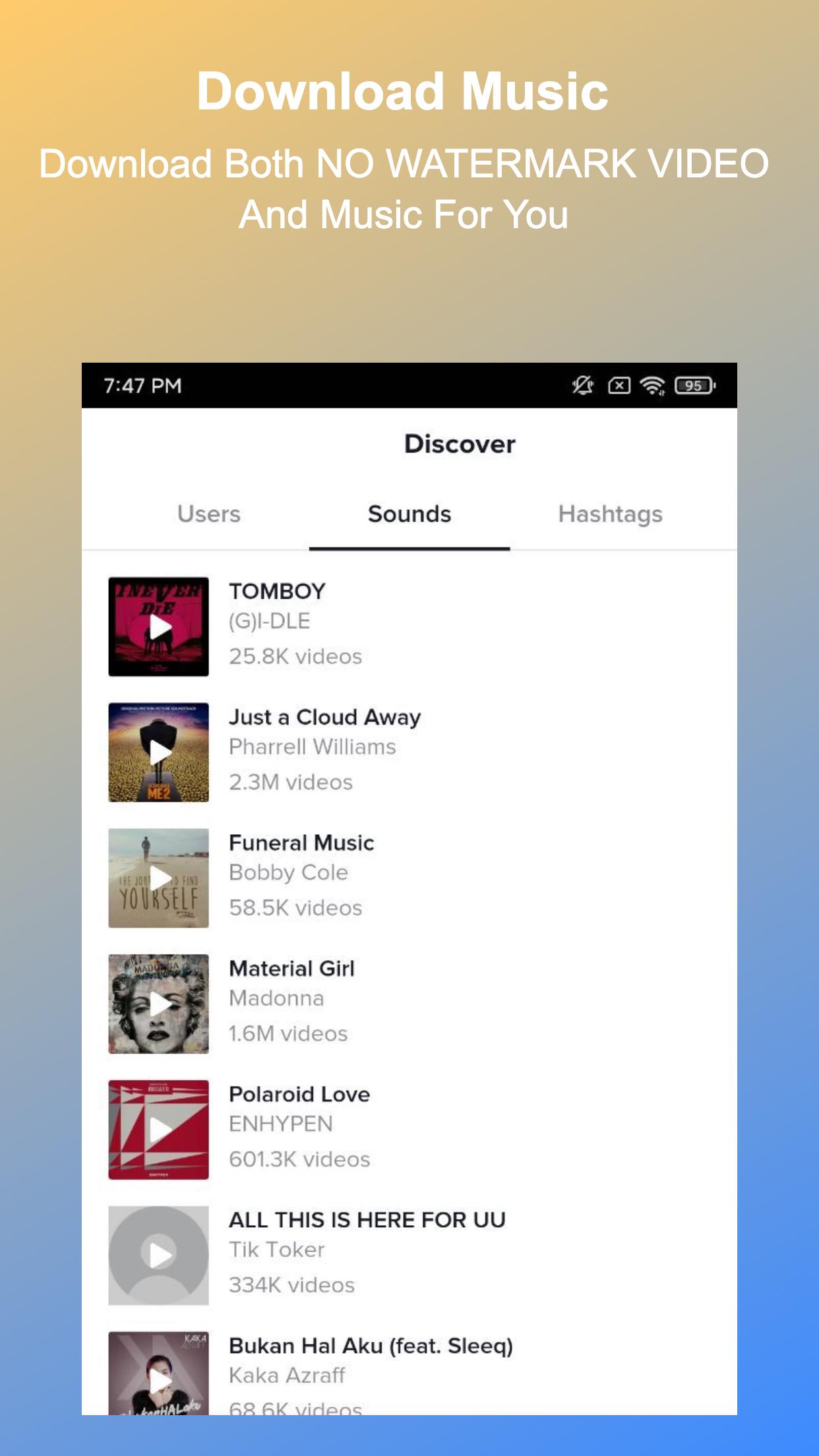
TikSaver can also download video sound or music to mp3 file on your device.
You can achieve this with TikSaver in just 2 simple steps.
No login action needed, just copy or share the video link, then the download will auto start.
Enjoy saved videos offline anytime, anywhere, share or repost as you like.
How To Download?
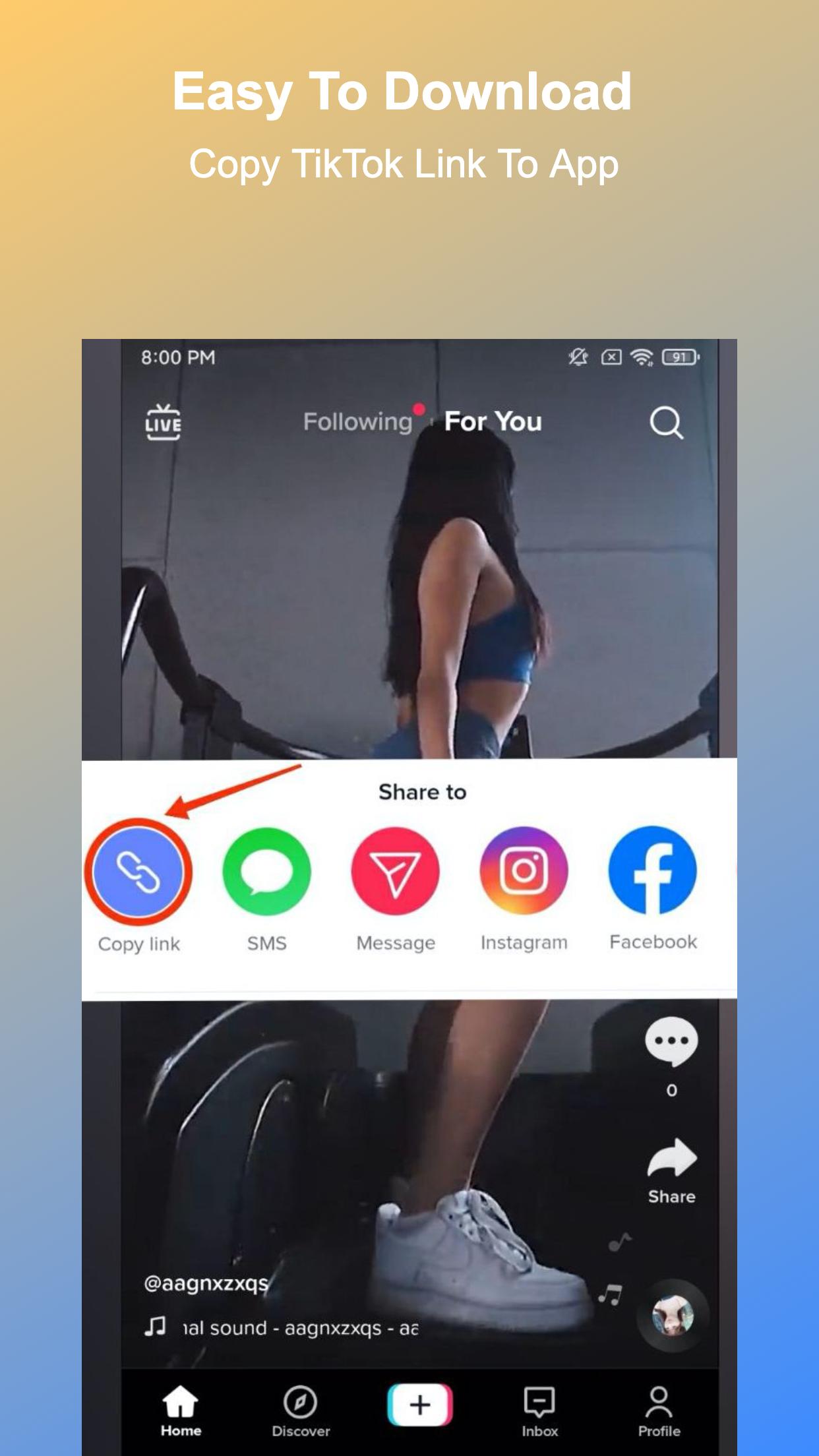
1. Use Copy Link
👉Step 1: Open TikTok and click "Copy Link" of the video you want to save.
👉Step 2: Open TikSaver, download will auto start.
🎉Done! Enjoy your video or music offline.
2: Share Link
👉1. Open TikTok and click “Share” of the video you want to save
👉2. Select TikSaver to open it, download will auto start
🎉Done! Enjoy your video or music offline.
Best Features of TikSaver:
👉Support downloading HD videos free by both copy and share TikTok url.
👉Support downloading sound/music to mp3 files.
👉Fast, Easy, and No login required, 100% safe.
👉Boost download speed.
👉Easy to manage saved videos, musics, photos on your device.
👉Watch offline videos and musics with built-in player.
👉Low memory usage, small size apk.
👉Free and unlimited download times.
🔥Thank you very much for using TikTok Downloader - TikSaver, if it's helpful for you, please rate us Five Stars🌟🌟🌟🌟🌟.
Disclaimer:
* TikSaver is not affiliated with TikTok.
* We do not own or host any of the videos. Intellectual property rights of the owners should be respected.
Avance
Información
Desarrollador
Flying Labs
La última versión
1.0.6
Última actualización
2022-04-29
Categoría
Video-players-editors
Disponible en
Google Play
Mostrar más
Cómo jugar TikTok Downloader - TikSaver con GameLoop en PC
1. Descargue GameLoop desde el sitio web oficial, luego ejecute el archivo exe para instalar GameLoop.
2. Abra GameLoop y busque "TikTok Downloader - TikSaver", busque TikTok Downloader - TikSaver en los resultados de búsqueda y haga clic en "Instalar".
3. Disfruta jugando TikTok Downloader - TikSaver en GameLoop.
Minimum requirements
OS
Windows 8.1 64-bit or Windows 10 64-bit
GPU
GTX 1050
CPU
i3-8300
Memory
8GB RAM
Storage
1GB available space
Recommended requirements
OS
Windows 8.1 64-bit or Windows 10 64-bit
GPU
GTX 1050
CPU
i3-9320
Memory
16GB RAM
Storage
1GB available space