Smart Cast-Cast Screen To TV para PC
hellobeijing
Descarga Smart Cast-Cast Screen To TV en PC con GameLoop Emulator
Smart Cast-Cast Screen To TV en PC
Smart Cast-Cast Screen To TV, proveniente del desarrollador hellobeijing, se ejecuta en el sistema Android en el pasado.
Ahora, puedes jugar Smart Cast-Cast Screen To TV en PC con GameLoop sin problemas.
Descárgalo en la biblioteca de GameLoop o en los resultados de búsqueda. No más mirar la batería o llamadas frustrantes en el momento equivocado nunca más.
Simplemente disfrute de Smart Cast-Cast Screen To TV PC en la pantalla grande de forma gratuita!
Smart Cast-Cast Screen To TV Introducción
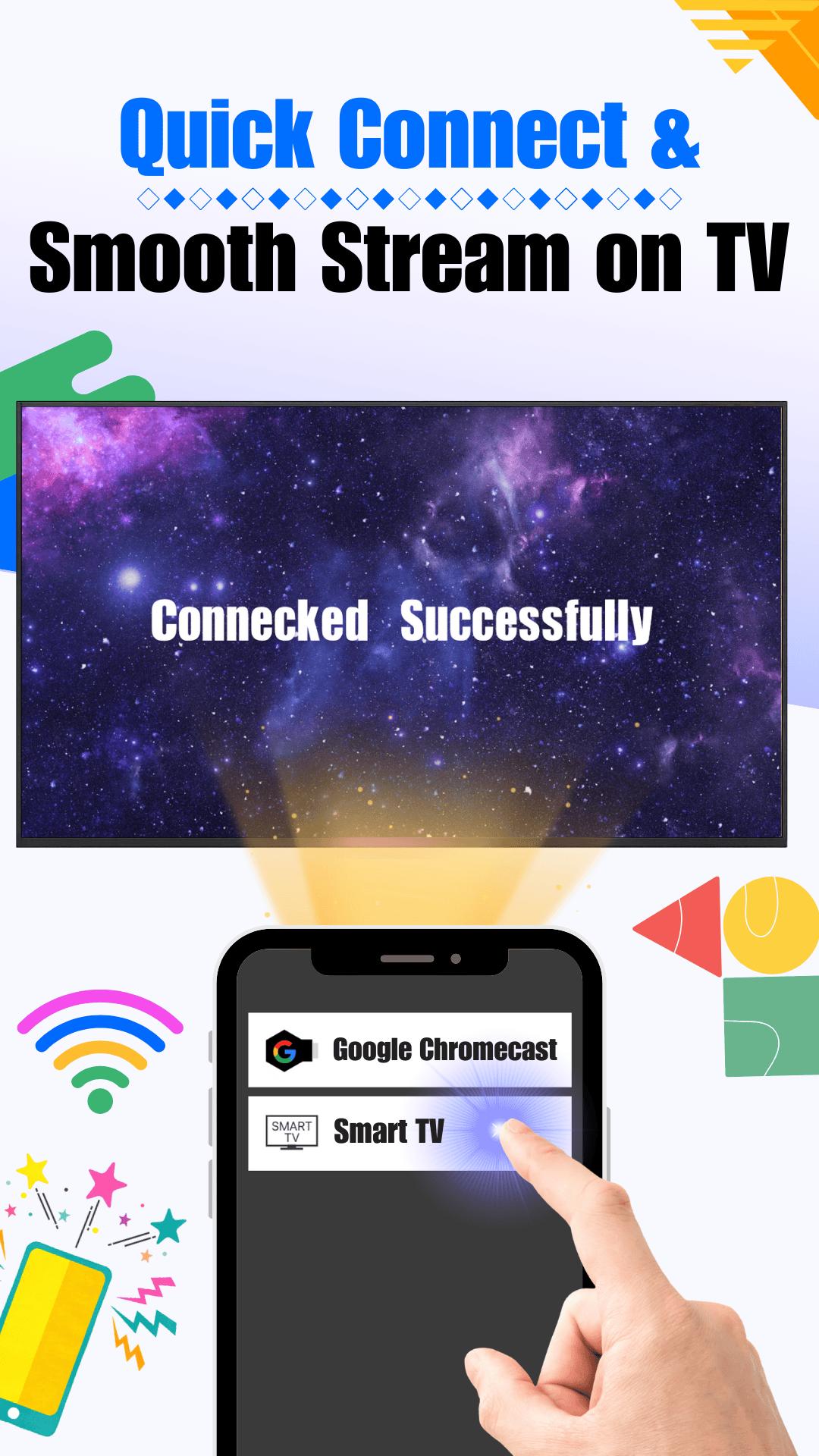
Tired of squinting at your phone when watching videos, playing games, or flipping through vacation photos? With Smart Cast TV, there’s no need for messy wires or complicated setups. Whether you’re rocking Google TV, Magic TV, MTV nostalgia nights, or anything in between, this smart cast app lets you mirror your phone to the big screen in seconds.
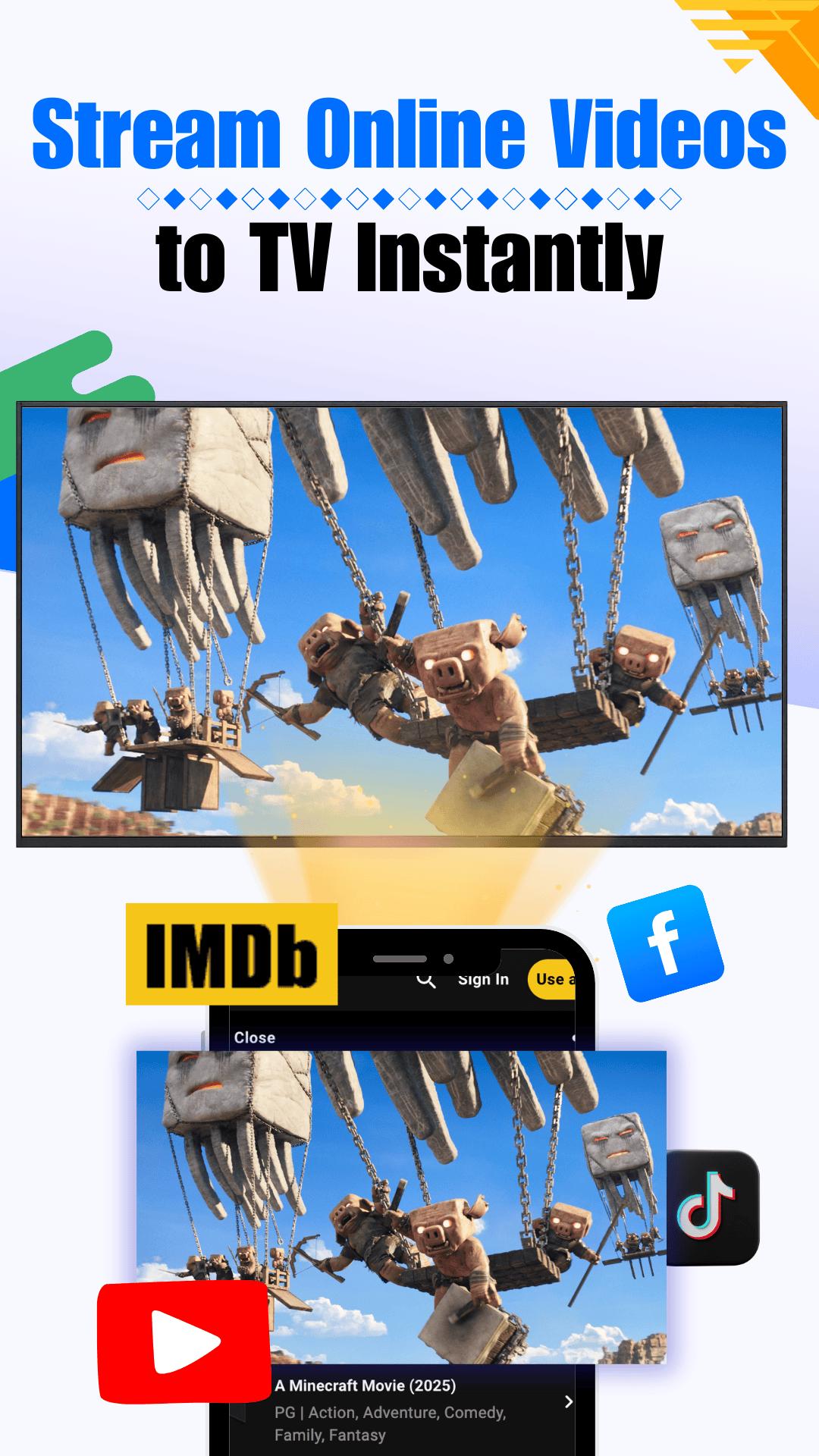
Think of it as your all-in-one casting buddy—smooth, reliable, and way cooler than old-school HDMI cables. Stream web videos, watch Toutube clips, or blast your favorite playlists across the living room with just a tap.
Got AirDroid, eShare, or another casting tool on your phone? No problem—Smart Cast TV plays nice with them all. You can even Castify your screen effortlessly and Control TV playback like a boss right from your device.
Here’s What Makes Smart Cast TV So Awesome:
Screen Mirroring That Just Works: Use Smart Cast TV to share your photos, videos, and more—perfect for showing off vacation slides or embarrassing pet clips.
No Cables, Just Cast: Stream in HD from tools like PhoneLink, MyScreen, or even your favorite apps. We keep things clean and wireless.
Web Video Magic: Cast online videos straight to your TV—YouTube, Toutube, or wherever you binge.
IPTV-Ready Entertainment: Drop in your IPTV playlist and enjoy live channels. No extra boxes, no fuss.
Total Compatibility Vibes: Works with Google TV, Android TV, Roku, DLNA, AirDroid, and more.
Supported Devices:
Android TVs, TV sticks, and smart boxes
Google TV, Magic TV, Roku, and anything DLNA-friendly
Web-based platforms and Chrome browsers
Compatible with Castify, eShare, AirDroid, and other cast apps
Android phones and tablets
Smart Cast TV turns your regular TV into a media party hub. From high-def movies and live concerts to MTV throwbacks and hilarious family slideshows, your living room just became the best seat in the house.
So go on—cast smarter, live larger.
Download Smart Cast TV now and turn your TV time into something unforgettable.
Avance
Etiquetas
Video-PlayersInformación
Desarrollador
hellobeijing
La última versión
2.0.5
Última actualización
2025-06-11
Categoría
Video-players-editors
Disponible en
Google Play
Mostrar más
Cómo jugar Smart Cast-Cast Screen To TV con GameLoop en PC
1. Descargue GameLoop desde el sitio web oficial, luego ejecute el archivo exe para instalar GameLoop.
2. Abra GameLoop y busque "Smart Cast-Cast Screen To TV", busque Smart Cast-Cast Screen To TV en los resultados de búsqueda y haga clic en "Instalar".
3. Disfruta jugando Smart Cast-Cast Screen To TV en GameLoop.
Minimum requirements
OS
Windows 8.1 64-bit or Windows 10 64-bit
GPU
GTX 1050
CPU
i3-8300
Memory
8GB RAM
Storage
1GB available space
Recommended requirements
OS
Windows 8.1 64-bit or Windows 10 64-bit
GPU
GTX 1050
CPU
i3-9320
Memory
16GB RAM
Storage
1GB available space