
PowerDirector - Video Editor para PC
Cyberlink Corp
Descarga PowerDirector - Video Editor en PC con GameLoop Emulator
PowerDirector - Video Editor en PC
PowerDirector - Video Editor, proveniente del desarrollador Cyberlink Corp, se ejecuta en el sistema Android en el pasado.
Ahora, puedes jugar PowerDirector - Video Editor en PC con GameLoop sin problemas.
Descárgalo en la biblioteca de GameLoop o en los resultados de búsqueda. No más mirar la batería o llamadas frustrantes en el momento equivocado nunca más.
Simplemente disfrute de PowerDirector - Video Editor PC en la pantalla grande de forma gratuita!
PowerDirector - Video Editor Introducción
With over 150 million downloads and counting, PowerDirector is the Google Editor's Choice AI video editor that turns photos, clips, and text prompts into scroll-stopping videos optimized for TikTok, Reels and Shorts — in minutes, on your phone.
🎬 EASY VIDEO EDITING
■ Trim, cut, and crop — get straight to the good stuff
■ Add music and set the vibe
■ Speed up, slow down, make it yours
■ Background Removal — clean shot, no effort
■ Hundreds of transitions and effects for every mood
■ Text, stickers, and animated titles that pop
■ Edit and export clips in up to 4K resolution
--------------------------------------------------------------------
🤖 CREATE WITH AI
■ AI Video Edit by Chat — just say it. AI does the rest.
■ AI Text-to-Video — words in, viral video out
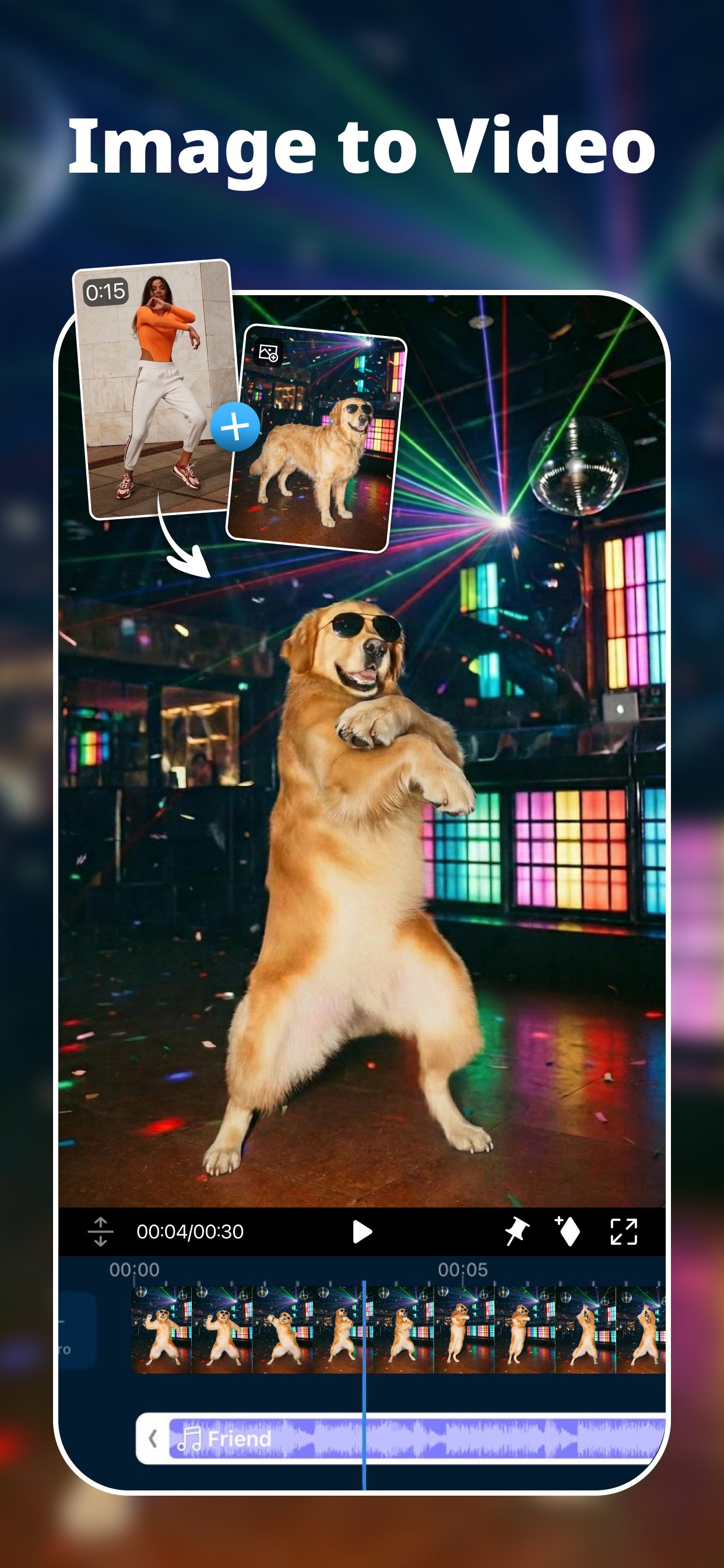
■ AI Image-to-Video — one photo, full cinematic motion
■ Cinematic Reel Creator — one photo, one tap, film-like video
■ AI Character Motion Swap — drop yourself into any scene, instantly
■ AI Storytelling — script it, narrate it, share it (multi-language)
■ AI Anime & AI Art — turn real footage into anime magic
■ AI Auto Edit — one tap to a beat-perfect, share-ready edit
■ AI Video Enhancer — blurry in, crisp HD out
■ AI Super Slow Motion — every frame, buttery smooth
■ Body Effect with Body Tracking — move like the trend
--------------------------------------------------------------------
🎛️ PROFESSIONAL EDITING TOOLS
■ Multi-track timeline — keyframes, chroma key, masks and blend modes
■ Green screen editing — put yourself anywhere
■ Video stabilizer — shaky? not anymore
■ Record and add voiceovers — your voice, your story
--------------------------------------------------------------------
🎵 MUSIC & SOUND EFFECTS
■ Thousands of tracks and sound effects — find your music in seconds
■ AI Voice Changer & Speech Enhancement — sound like a pro, instantly
■ AI Sound Effect Search — type a vibe, get the perfect sound
--------------------------------------------------------------------
👑 PREMIUM BENEFITS
■ Getty-powered stock — unlimited music, footage & images, cleared for commercial use
■ Auto Captions — subtitles that keep up with you
■ Cloud projects — start on your phone, finish anywhere
■ Exclusive filters, titles, transitions and effects
■ Ad-free, zero distractions
Find inspiration on Instagram: @powerdirector_app
How can we help you? Contact us: support.cyberlink.com
Avance

Etiquetas
Video-PlayersInformación
Desarrollador
Cyberlink Corp
La última versión
16.5.5
Última actualización
2026-07-31
Categoría
Video-players-editors
Disponible en
Google Play
Mostrar más
Cómo jugar PowerDirector - Video Editor con GameLoop en PC
1. Descargue GameLoop desde el sitio web oficial, luego ejecute el archivo exe para instalar GameLoop.
2. Abra GameLoop y busque "PowerDirector - Video Editor", busque PowerDirector - Video Editor en los resultados de búsqueda y haga clic en "Instalar".
3. Disfruta jugando PowerDirector - Video Editor en GameLoop.
Minimum requirements
OS
Windows 8.1 64-bit or Windows 10 64-bit
GPU
GTX 1050
CPU
i3-8300
Memory
8GB RAM
Storage
1GB available space
Recommended requirements
OS
Windows 8.1 64-bit or Windows 10 64-bit
GPU
GTX 1050
CPU
i3-9320
Memory
16GB RAM
Storage
1GB available space