Light Check para PC
Frogsoft
Descarga Light Check en PC con GameLoop Emulator
Light Check en PC
Light Check, proveniente del desarrollador Frogsoft, se ejecuta en el sistema Android en el pasado.
Ahora, puedes jugar Light Check en PC con GameLoop sin problemas.
Descárgalo en la biblioteca de GameLoop o en los resultados de búsqueda. No más mirar la batería o llamadas frustrantes en el momento equivocado nunca más.
Simplemente disfrute de Light Check PC en la pantalla grande de forma gratuita!
Light Check Introducción
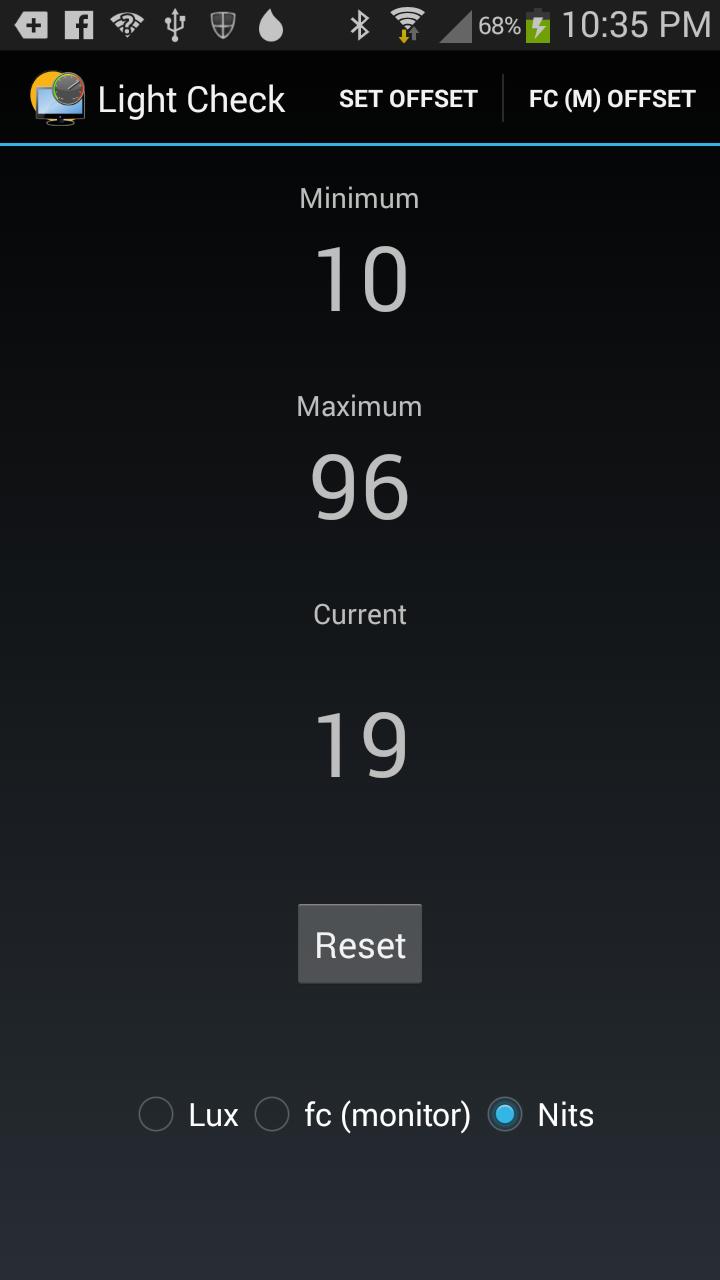
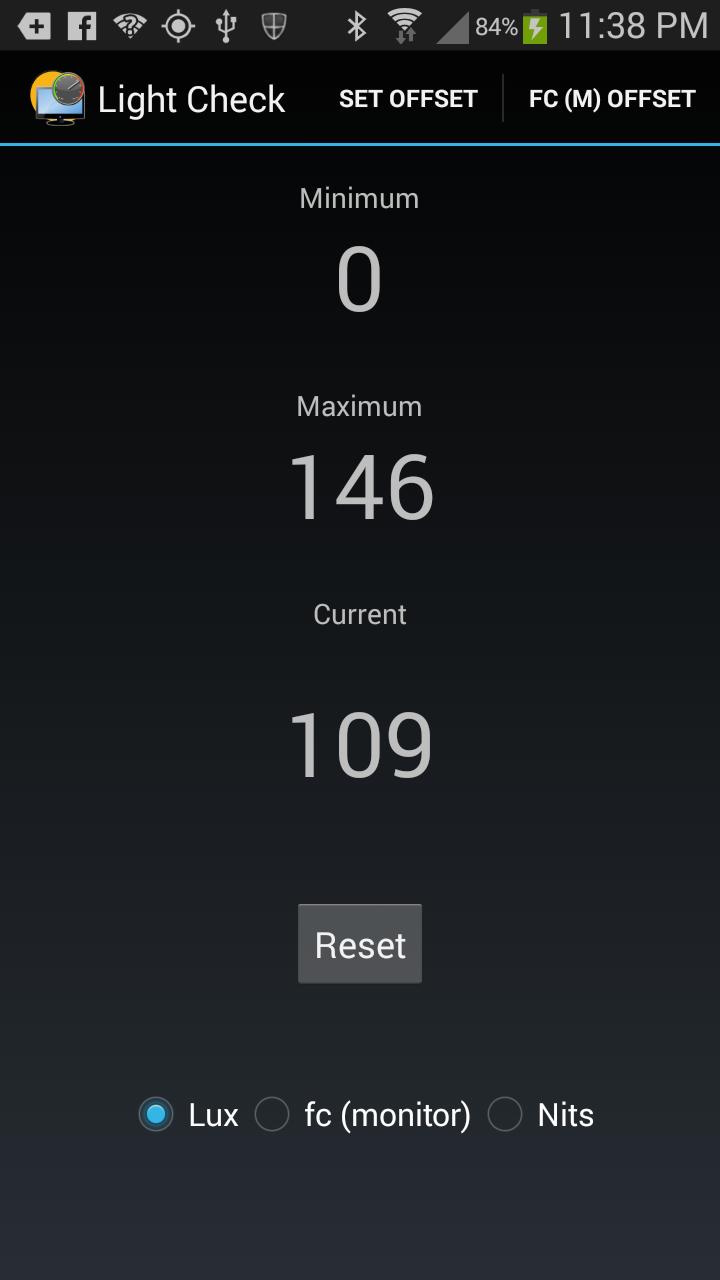
Light Check uses the light sensor on your phone to read the light level. It can be used to read the brightness of any computer monitor or TV as well as the light output of any light fixture.
To read the output of a light fixture in Lumens hold your phone one meter from the light with the screen facing the light. The Lux reading will give you the lumens.
By laying it on the screen of your TV or monitor over a pure white area it will give you the the light output of your monitor. Very useful when your display needs to be accurate for photographers, designers, editors, or fans of accurate images.
To measure your monitor put up a white field. Start Light check and press Reset. lay your phone on the screen with the light sensor on the white. Pull the phone away and read the Max reading. That should be your monitor's reading. This will work best if the lights in the room are dimmer than the monitor.
The accuracy of the readings will vary depending on the accuracy of your phone's sensor.
Avance
Etiquetas
Video-PlayersInformación
Desarrollador
Frogsoft
La última versión
1.0
Última actualización
2014-12-19
Categoría
Video-players-editors
Disponible en
Google Play
Mostrar más
Cómo jugar Light Check con GameLoop en PC
1. Descargue GameLoop desde el sitio web oficial, luego ejecute el archivo exe para instalar GameLoop.
2. Abra GameLoop y busque "Light Check", busque Light Check en los resultados de búsqueda y haga clic en "Instalar".
3. Disfruta jugando Light Check en GameLoop.
Minimum requirements
OS
Windows 8.1 64-bit or Windows 10 64-bit
GPU
GTX 1050
CPU
i3-8300
Memory
8GB RAM
Storage
1GB available space
Recommended requirements
OS
Windows 8.1 64-bit or Windows 10 64-bit
GPU
GTX 1050
CPU
i3-9320
Memory
16GB RAM
Storage
1GB available space