
Fire Player (IPTV & Video) para PC
Firetech Mobile
Descarga Fire Player (IPTV & Video) en PC con GameLoop Emulator
Fire Player (IPTV & Video) en PC
Fire Player (IPTV & Video), proveniente del desarrollador Firetech Mobile, se ejecuta en el sistema Android en el pasado.
Ahora, puedes jugar Fire Player (IPTV & Video) en PC con GameLoop sin problemas.
Descárgalo en la biblioteca de GameLoop o en los resultados de búsqueda. No más mirar la batería o llamadas frustrantes en el momento equivocado nunca más.
Simplemente disfrute de Fire Player (IPTV & Video) PC en la pantalla grande de forma gratuita!
Fire Player (IPTV & Video) Introducción
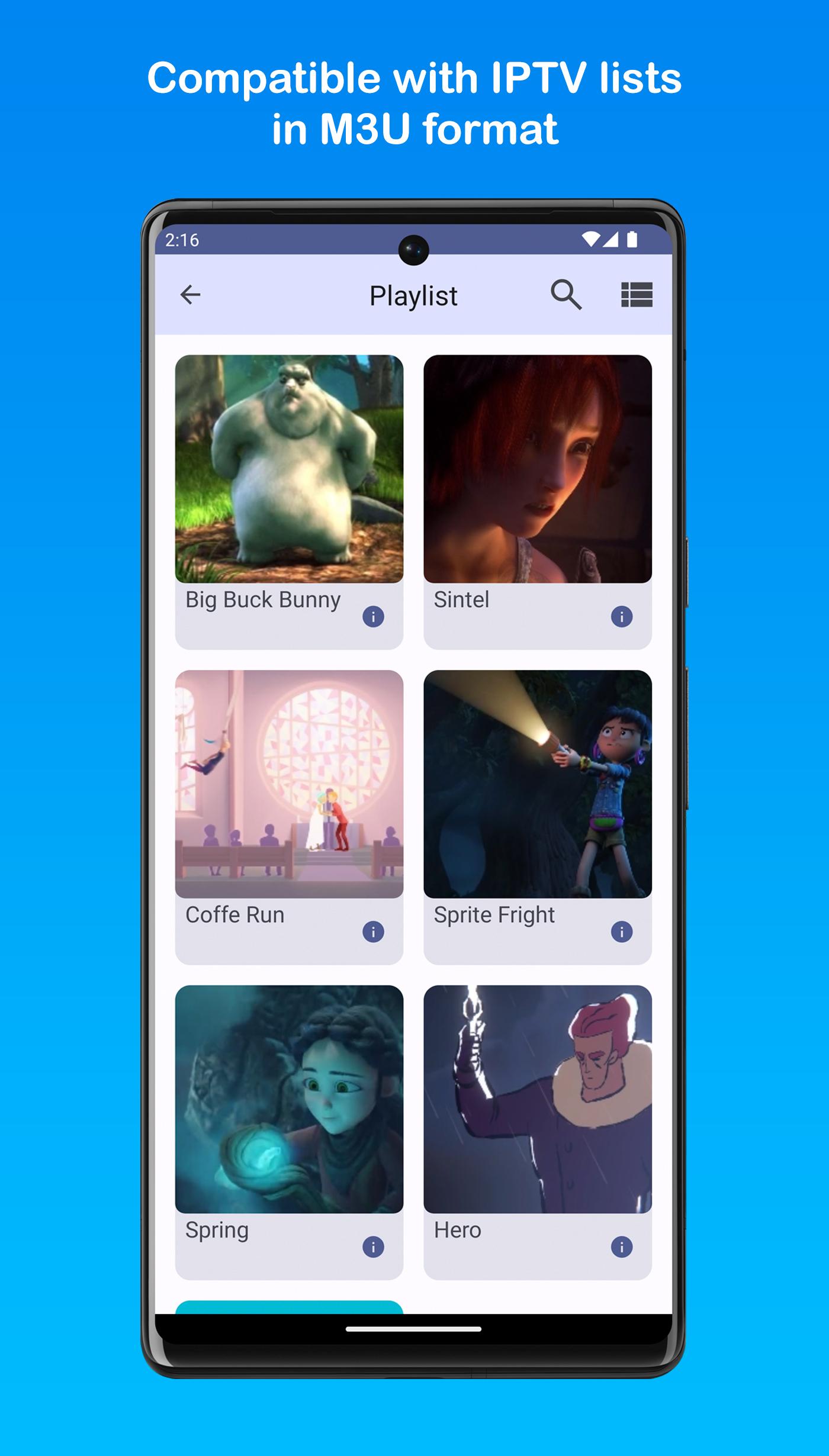
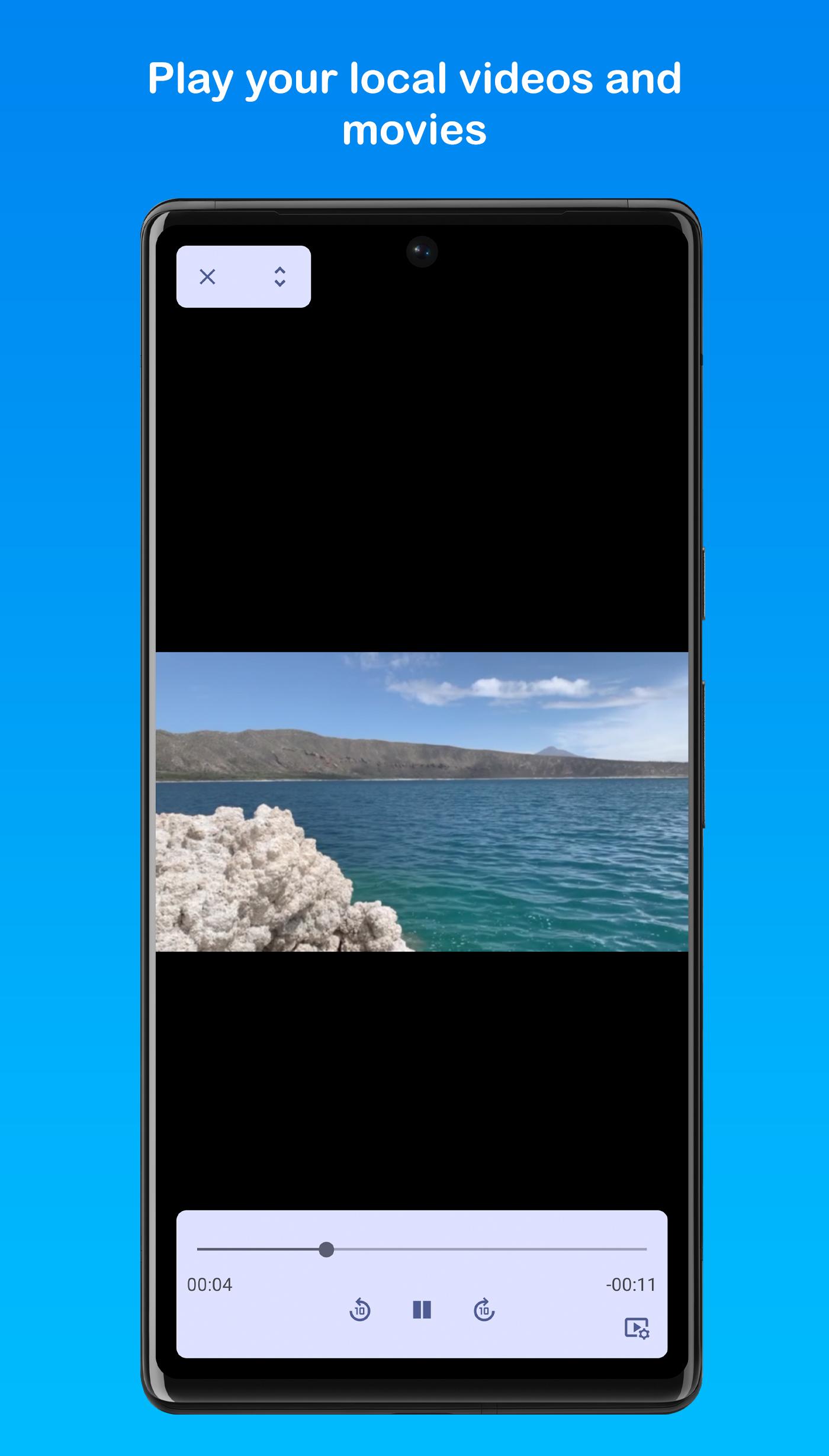
Fire Player is an video player with a simple interface and compatible with M3U lists and popular video formats, it can play content from local storage, external devices and the internet. Now also on Android TV.
ATTENTION! This application does not contain or sell any IPTV list, it is the user's responsibility to contact a service provider.
Characteristics:
-Automatic reconnection in case of error
-User Agent customization
-Easy channel change from the side menu
-Picture in Picture mode
-Support and customization of subtitles
-Support for multiple audio
-Video quality adjustment
-Compatible with Chromecast devices (Does not include local files)
-Support for AC3 audio
-Compatible with directional control.
Avance
Etiquetas
Video-PlayersInformación
Desarrollador
Firetech Mobile
La última versión
4.0.6
Última actualización
2023-06-03
Categoría
Video-players-editors
Disponible en
Google Play
Mostrar más
Cómo jugar Fire Player (IPTV & Video) con GameLoop en PC
1. Descargue GameLoop desde el sitio web oficial, luego ejecute el archivo exe para instalar GameLoop.
2. Abra GameLoop y busque "Fire Player (IPTV & Video)", busque Fire Player (IPTV & Video) en los resultados de búsqueda y haga clic en "Instalar".
3. Disfruta jugando Fire Player (IPTV & Video) en GameLoop.
Minimum requirements
OS
Windows 8.1 64-bit or Windows 10 64-bit
GPU
GTX 1050
CPU
i3-8300
Memory
8GB RAM
Storage
1GB available space
Recommended requirements
OS
Windows 8.1 64-bit or Windows 10 64-bit
GPU
GTX 1050
CPU
i3-9320
Memory
16GB RAM
Storage
1GB available space