FFmpeg Media Encoder para PC
SilentLexx UA
Descarga FFmpeg Media Encoder en PC con GameLoop Emulator
FFmpeg Media Encoder en PC
FFmpeg Media Encoder, proveniente del desarrollador SilentLexx UA, se ejecuta en el sistema Android en el pasado.
Ahora, puedes jugar FFmpeg Media Encoder en PC con GameLoop sin problemas.
Descárgalo en la biblioteca de GameLoop o en los resultados de búsqueda. No más mirar la batería o llamadas frustrantes en el momento equivocado nunca más.
Simplemente disfrute de FFmpeg Media Encoder PC en la pantalla grande de forma gratuita!
FFmpeg Media Encoder Introducción
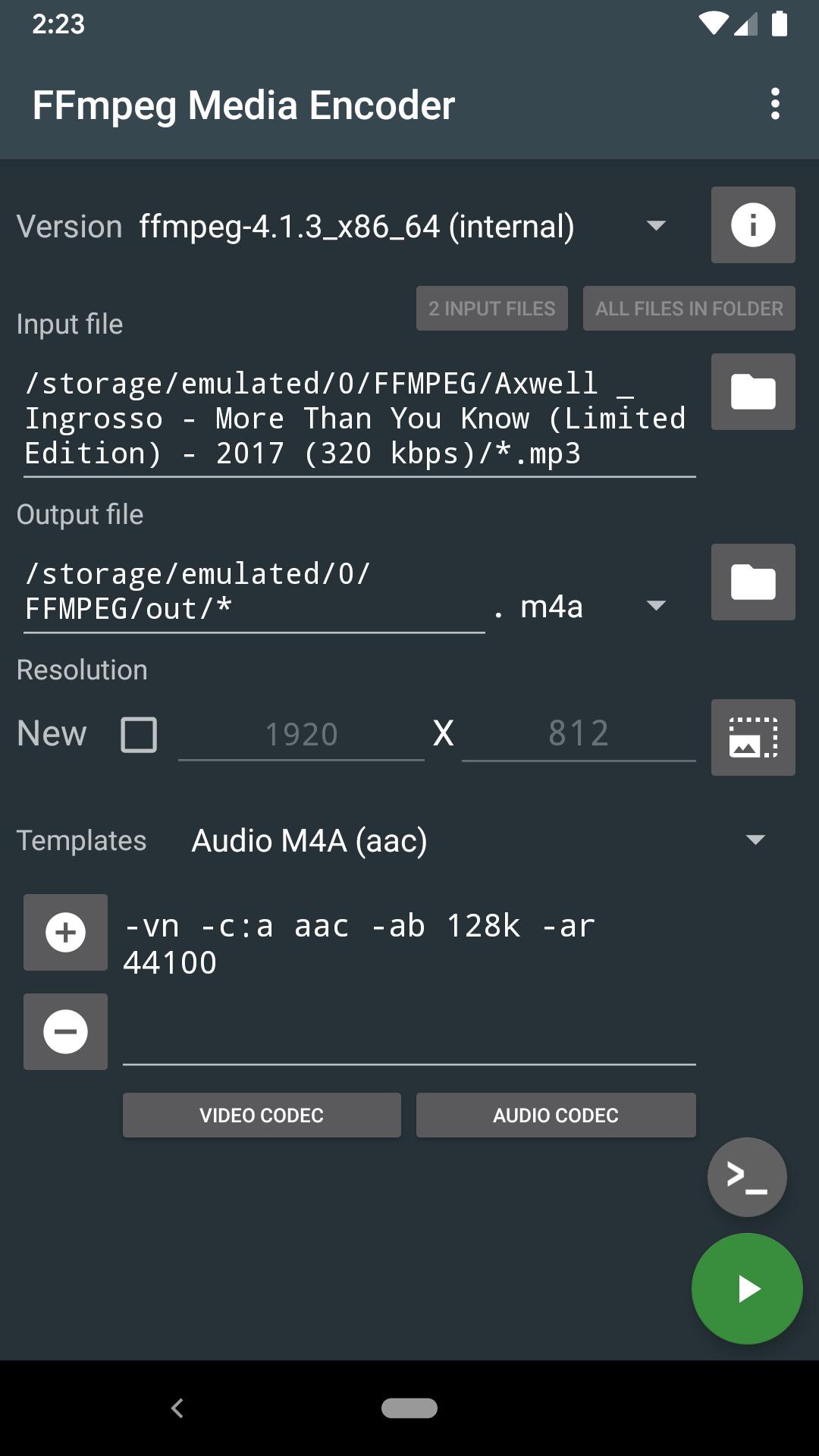
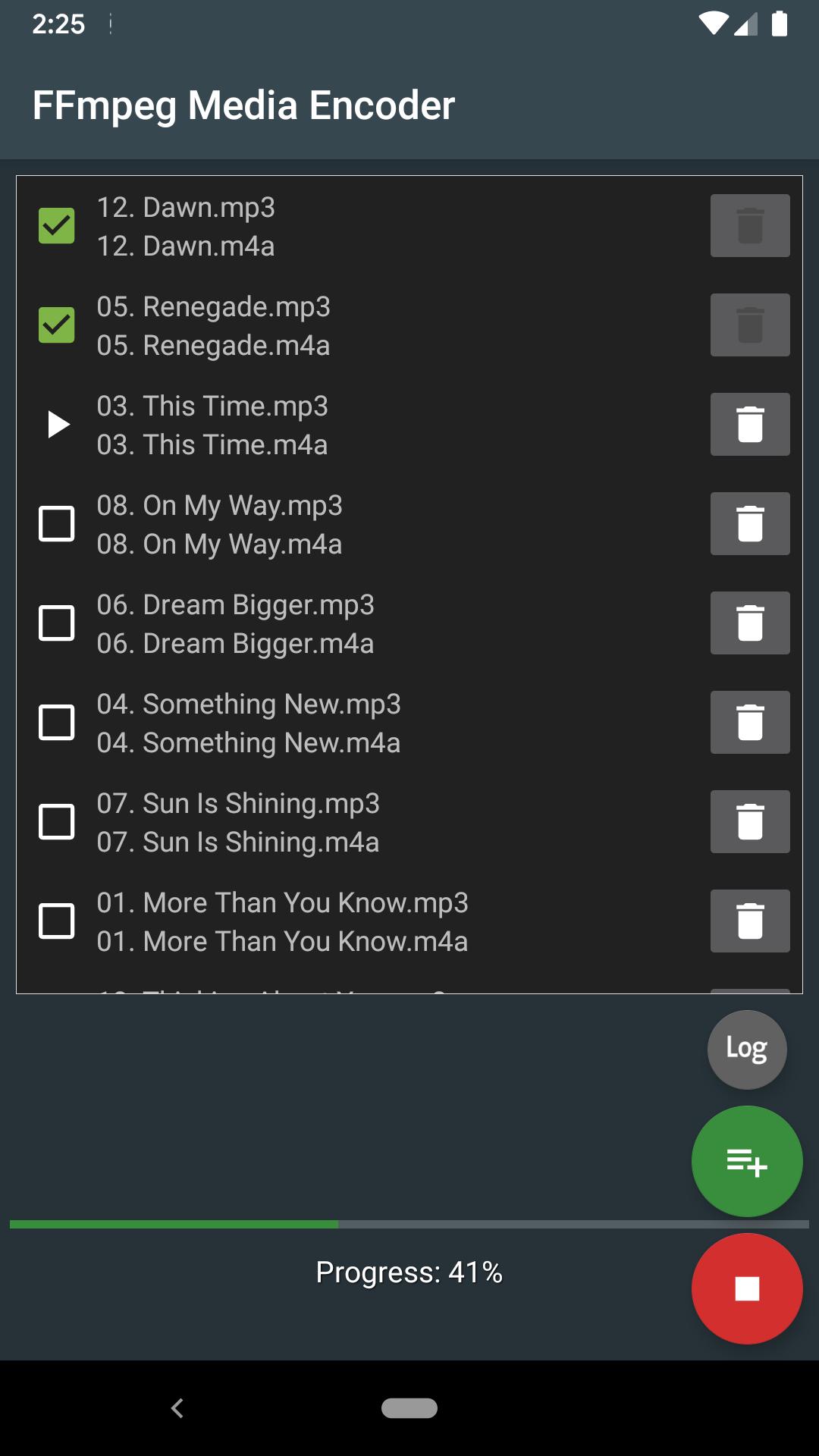
Convert audio and video directly on the device using FFmpeg http://ffmpeg.org/
FFmpeg is a set of open source libraries that allow you to record, convert digital audio and video recordings in various formats. It includes libavcodec, a library for encoding and decoding audio and video, and libavformat, a library for multiplexing and demultiplexing into a media container. The name comes from the name of the MPEG and FF expert group, meaning fast forward.
FFmpeg is already built into the program and does not require downloading additional codecs.
The conversion takes place directly on the device (the Internet is not required), and the conversion speed depends on the processor speed of the device.
Supports: MPEG4, h265, h264, mp3, 3gp, aac, ogg (vorbis and theora), opus, vp8, vp9 and many other formats (you will find the list in the app).
Requirements: Android 4.4 and the availability of the processor ARMv7, ARMv8, x86, x86_64.
FFmpeg with x264, x265, ogg, vorbis, theora, opus, vp8, vp9, mp3lame, libxvid, libfdk_aac, libvo_amrwbenc, libopencore-amr, speex, libsox, libwavpack, libwebp, librtmp
More options can be found in the help pages for FFmpeg.
For Android 11 users: New rules require the application to use more confidential methods of working with files on your device. You will have to copy/move the input files to a shared folder, such as DCIM, Movie, Music, Download. Sorry for the inconvenience
Avance
Etiquetas
Video-PlayersInformación
Desarrollador
SilentLexx UA
La última versión
6.0.0_11
Última actualización
2024-10-24
Categoría
Video-players-editors
Disponible en
Google Play
Mostrar más
Cómo jugar FFmpeg Media Encoder con GameLoop en PC
1. Descargue GameLoop desde el sitio web oficial, luego ejecute el archivo exe para instalar GameLoop.
2. Abra GameLoop y busque "FFmpeg Media Encoder", busque FFmpeg Media Encoder en los resultados de búsqueda y haga clic en "Instalar".
3. Disfruta jugando FFmpeg Media Encoder en GameLoop.
Minimum requirements
OS
Windows 8.1 64-bit or Windows 10 64-bit
GPU
GTX 1050
CPU
i3-8300
Memory
8GB RAM
Storage
1GB available space
Recommended requirements
OS
Windows 8.1 64-bit or Windows 10 64-bit
GPU
GTX 1050
CPU
i3-9320
Memory
16GB RAM
Storage
1GB available space