
Screen Recorder & Video Editor para PC
All Star - Live Stream Studio
Descarga Screen Recorder & Video Editor en PC con GameLoop Emulator
Screen Recorder & Video Editor en PC
Screen Recorder & Video Editor, proveniente del desarrollador All Star - Live Stream Studio, se ejecuta en el sistema Android en el pasado.
Ahora, puedes jugar Screen Recorder & Video Editor en PC con GameLoop sin problemas.
Descárgalo en la biblioteca de GameLoop o en los resultados de búsqueda. No más mirar la batería o llamadas frustrantes en el momento equivocado nunca más.
Simplemente disfrute de Screen Recorder & Video Editor PC en la pantalla grande de forma gratuita!
Screen Recorder & Video Editor Introducción
🎬 Screen Recorder & Video Editor — Record, Edit & Share in HD
AS Screen Recorder is a powerful screen recording and video editing app that lets you record your screen in high-quality HD with internal audio, facecam, and no watermark.
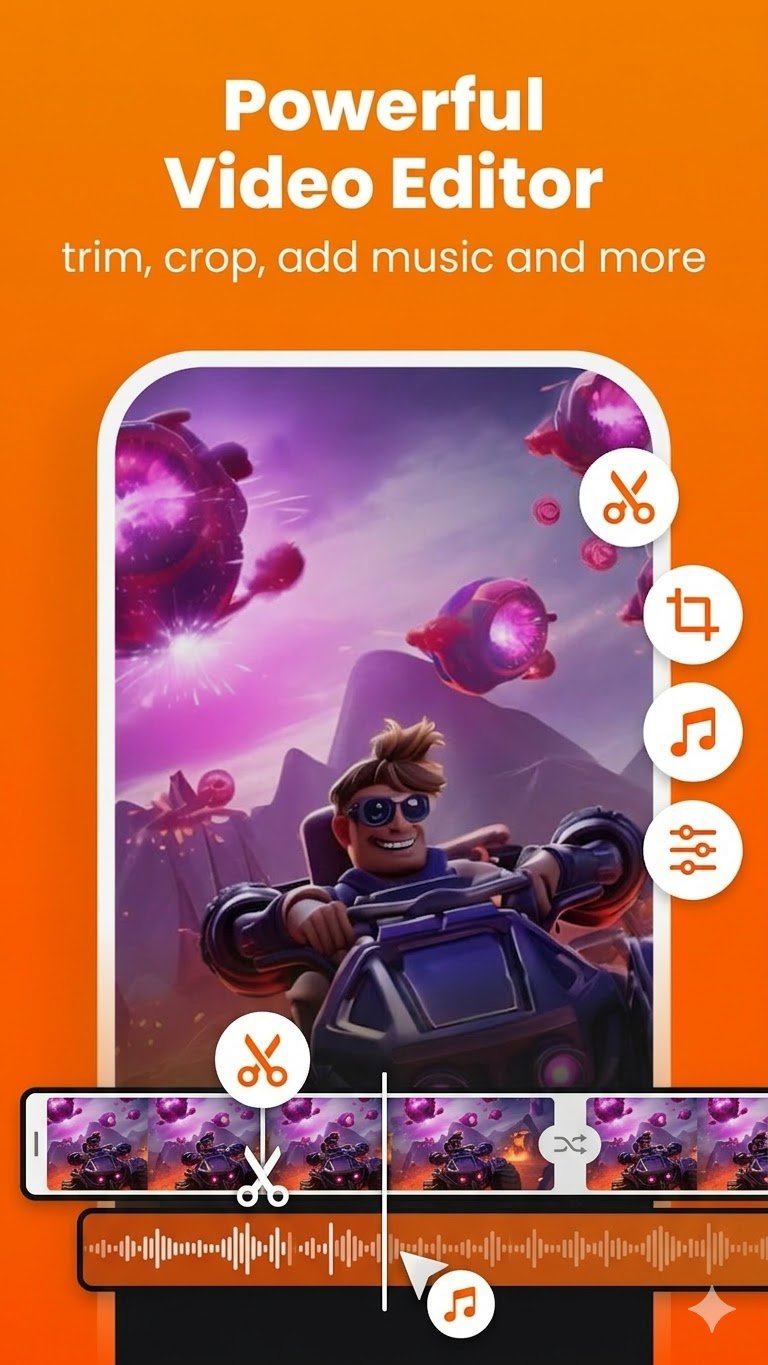
Record gameplay, tutorials, online classes, video calls, and presentations. After recording, you can instantly edit videos using the built-in video editor — trim, crop, add music, compress videos, and more.
Perfect for gamers, content creators, students, educators, and professionals who need an easy and powerful screen recorder.
📥 Download now and start recording and editing like a pro!
🔑 Why Choose AS Screen Recorder?
🌟 No Watermark Screen Recorder
Record clean and professional videos without logos or watermarks.
📽️ HD Screen Recording
Capture your screen in up to 1080p resolution with customizable bitrate and FPS.
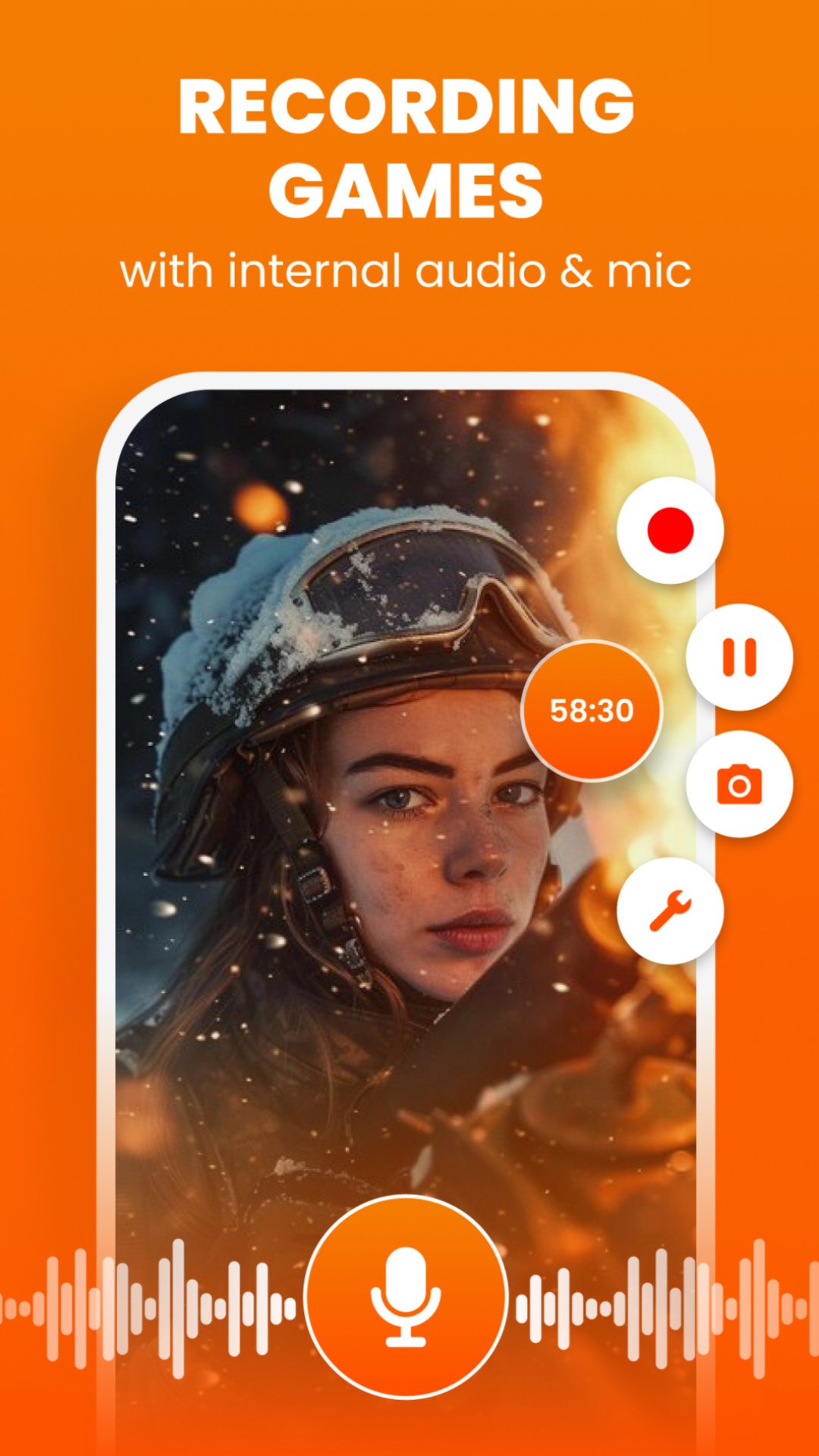
🔊 Internal Audio & Microphone Recording
Record system sound, gameplay audio, or voice commentary for tutorials and gameplay videos.
📸 Facecam Screen Recorder
Add a facecam overlay to record reactions, commentary, or explanations.
🎨 Drawing & Overlay Tools
Add text, logos, or drawings while recording.
📤 Instant Video Sharing
Share your recordings directly to YouTube, TikTok, Instagram, Facebook, and other platforms.
🎬 Powerful Built-in Video Editor
Edit your recordings easily with the all-in-one video editor.
✂️ Trim Video
Cut unwanted parts and keep the best moments.
⚡ Speed Control
Speed up or slow down your videos.
🔄 Rotate & Flip Video
Fix orientation or mirror your videos.
✂️ Crop Video
Crop your recording to highlight important areas.
🎨 Adjust Video Colors
Improve video quality with:
Brightness
Contrast
Saturation
🌫 Blur Video
Hide sensitive information or create stylish effects.
📝 Text Overlay
Add titles, subtitles, or captions to your videos.
🎵 Add Music to Video
Insert background music for engaging content.
🔇 Mute Video
Remove unwanted audio from recordings.
📦 Video Compressor
Reduce file size while keeping high quality.
✨ Features You'll Love
⏰ Unlimited screen recording time
🎮 Smooth gameplay recorder with lag-free performance
✂️ Video trimmer and video cutter built-in
📱 Easy-to-use interface
🚫 Hide recording controls for clean recordings
🔄 Portrait & landscape recording modes
🔒 Privacy-focused — no personal data collected
🎮 Perfect For Every Use Case
🎮 Gamers
Record gameplay, highlights, and walkthrough videos.
📚 Students & Educators
Create tutorials and record online classes.
💼 Professionals
Record presentations, demos, and meetings.
🎥 Content Creators
Create engaging videos with screen recording + video editing.
📞 Everyday Users
Record video calls, livestreams, and important moments.
📼 High-Quality Recording Settings
Customize your recording experience:
• Resolution up to 1080p HD
• Adjustable bitrate
• Smooth FPS for gameplay recording
• Internal audio recording support
🚀 Record, Edit & Share — All in One App
With AS Screen Recorder, you can record your screen, edit your videos, and share them instantly.
Whether you're creating gameplay videos, tutorials, online classes, or social media content, this powerful screen recorder and video editor gives you everything you need.
📥 Download AS Screen Recorder now and start creating amazing videos!
📩 Contact: admin@lilylive.app
Avance
Etiquetas
Video-PlayersInformación
Desarrollador
All Star - Live Stream Studio
La última versión
4.2.6
Última actualización
2026-03-24
Categoría
Video-players-editors
Disponible en
Google Play
Mostrar más
Cómo jugar Screen Recorder & Video Editor con GameLoop en PC
1. Descargue GameLoop desde el sitio web oficial, luego ejecute el archivo exe para instalar GameLoop.
2. Abra GameLoop y busque "Screen Recorder & Video Editor", busque Screen Recorder & Video Editor en los resultados de búsqueda y haga clic en "Instalar".
3. Disfruta jugando Screen Recorder & Video Editor en GameLoop.
Minimum requirements
OS
Windows 8.1 64-bit or Windows 10 64-bit
GPU
GTX 1050
CPU
i3-8300
Memory
8GB RAM
Storage
1GB available space
Recommended requirements
OS
Windows 8.1 64-bit or Windows 10 64-bit
GPU
GTX 1050
CPU
i3-9320
Memory
16GB RAM
Storage
1GB available space