
Fruits and Vegetables, Berries para PC
Educational quizzes
Descarga Fruits and Vegetables, Berries en PC con GameLoop Emulator
Fruits and Vegetables, Berries en PC
Fruits and Vegetables, Berries, proveniente del desarrollador Educational quizzes, se ejecuta en el sistema Android en el pasado.
Ahora, puedes jugar Fruits and Vegetables, Berries en PC con GameLoop sin problemas.
Descárgalo en la biblioteca de GameLoop o en los resultados de búsqueda. No más mirar la batería o llamadas frustrantes en el momento equivocado nunca más.
Simplemente disfrute de Fruits and Vegetables, Berries PC en la pantalla grande de forma gratuita!
Fruits and Vegetables, Berries Introducción
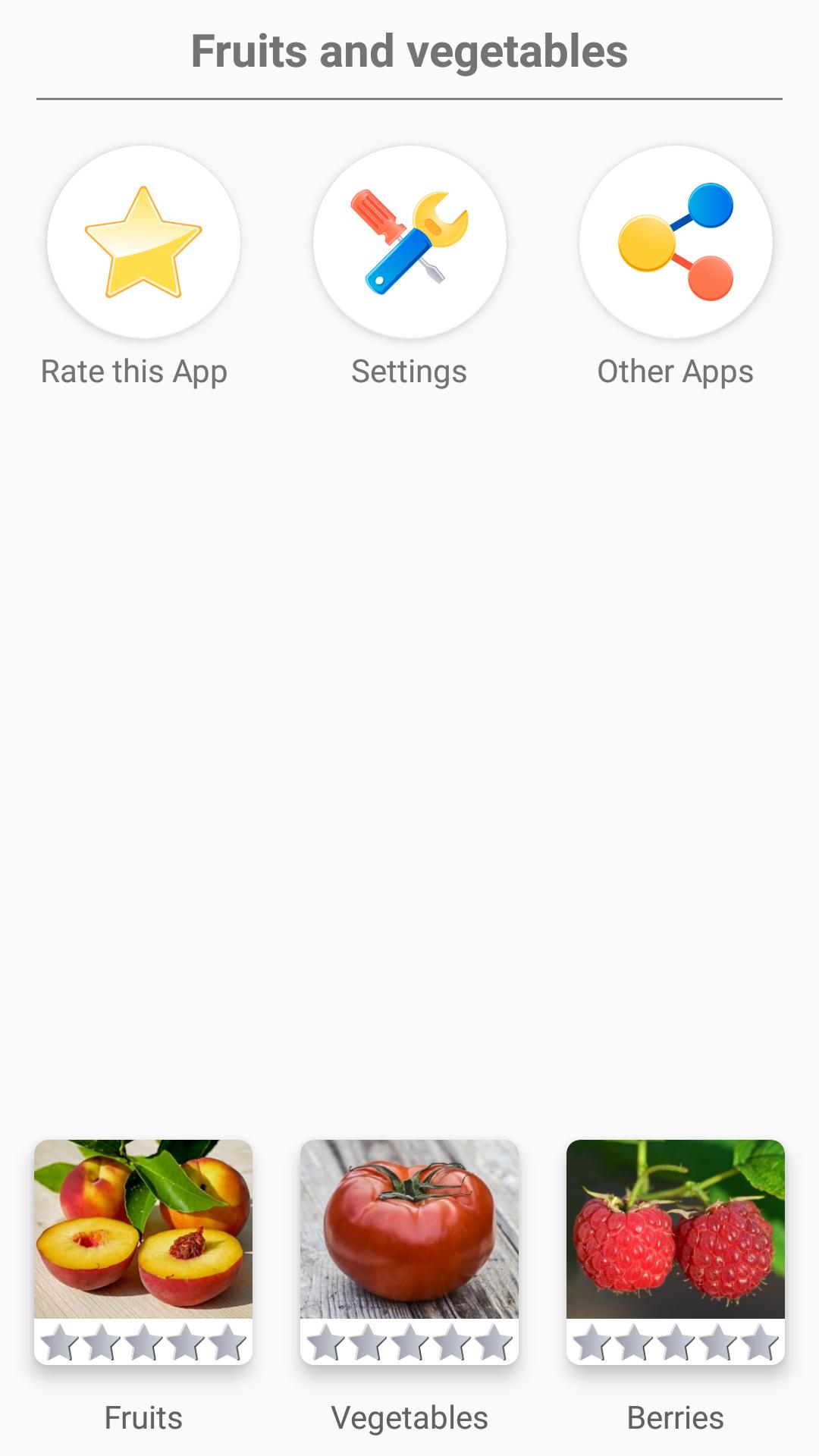
Guess 150 fruits, vegetables and berries: from Cherry plum and Orange to Amelanchier and Phytolacca.
The fruits and vegetables are divided into 3 levels. This is the whole encyclopedia of fruits and vegetables!
You can choose different game modes:
1) Multiple-choice questions - identify the fruit shown on the screen.
2) Time game - give more than 30 correct answers to get a star. You have only one minute.
3) Yes/No game – guess is the vegetable correctly signed in the photo
Two learning modes:
* Flashcards - browse all pictures of fruits and vegetables in the application.
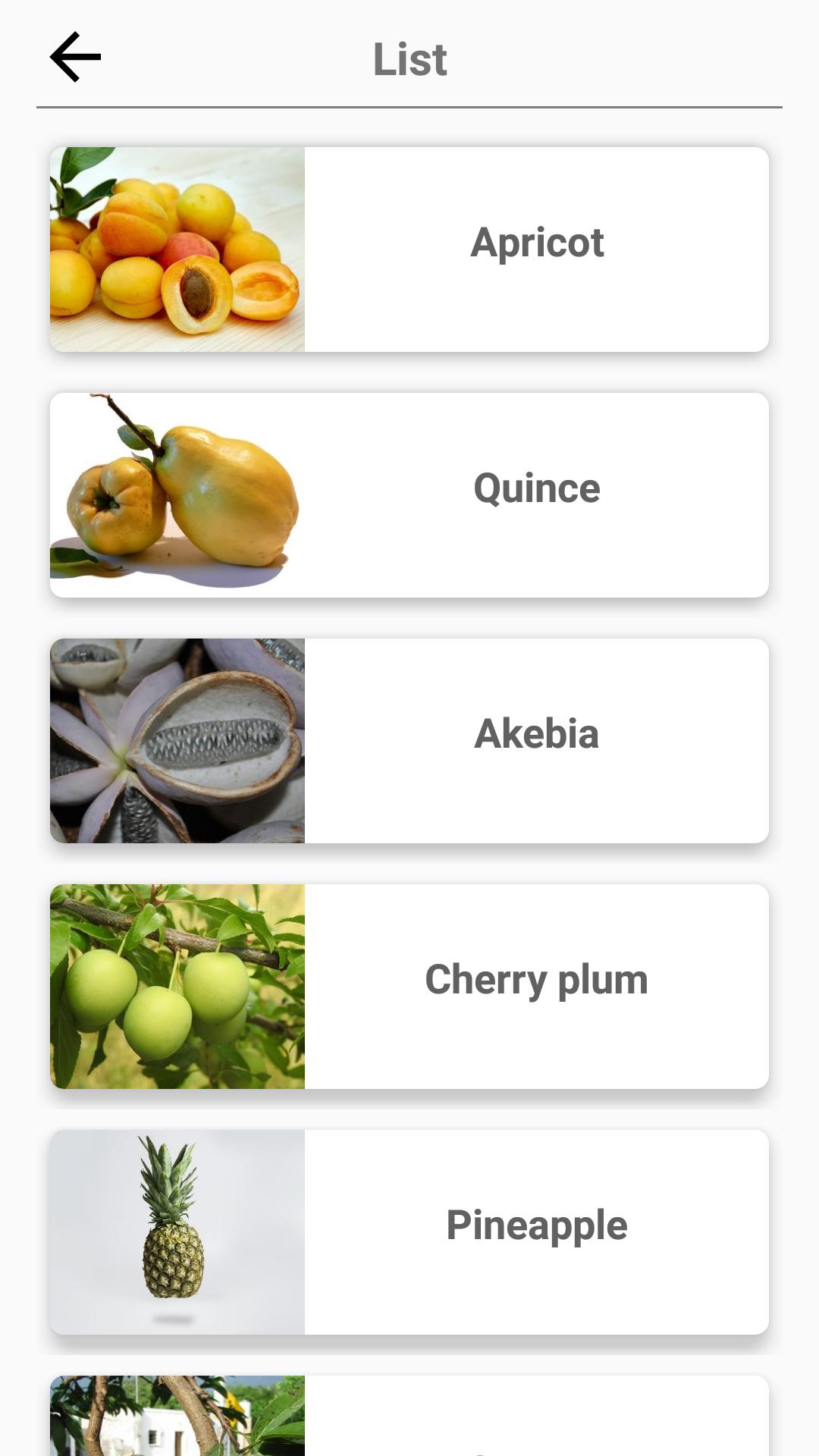
* List of all fruits, vegetables and berries in the app.
The app is translated into 6 languages. So you can learn the names of the fruits, vegetables and berries in any of them.
An educational game for all fruits, vegetables and berries lovers!
Avance
Información
Desarrollador
Educational quizzes
La última versión
1.2
Última actualización
2020-01-27
Categoría
Preguntas y respuestas
Disponible en
Google Play
Mostrar más
Cómo jugar Fruits and Vegetables, Berries con GameLoop en PC
1. Descargue GameLoop desde el sitio web oficial, luego ejecute el archivo exe para instalar GameLoop.
2. Abra GameLoop y busque "Fruits and Vegetables, Berries", busque Fruits and Vegetables, Berries en los resultados de búsqueda y haga clic en "Instalar".
3. Disfruta jugando Fruits and Vegetables, Berries en GameLoop.
Minimum requirements
OS
Windows 8.1 64-bit or Windows 10 64-bit
GPU
GTX 1050
CPU
i3-8300
Memory
8GB RAM
Storage
1GB available space
Recommended requirements
OS
Windows 8.1 64-bit or Windows 10 64-bit
GPU
GTX 1050
CPU
i3-9320
Memory
16GB RAM
Storage
1GB available space