
Swift on Mobile para PC
West Midlands Combined Authority
Descarga Swift on Mobile en PC con GameLoop Emulator
Swift on Mobile en PC
Swift on Mobile, proveniente del desarrollador West Midlands Combined Authority, se ejecuta en el sistema Android en el pasado.
Ahora, puedes jugar Swift on Mobile en PC con GameLoop sin problemas.
Descárgalo en la biblioteca de GameLoop o en los resultados de búsqueda. No más mirar la batería o llamadas frustrantes en el momento equivocado nunca más.
Simplemente disfrute de Swift on Mobile PC en la pantalla grande de forma gratuita!
Swift on Mobile Introducción
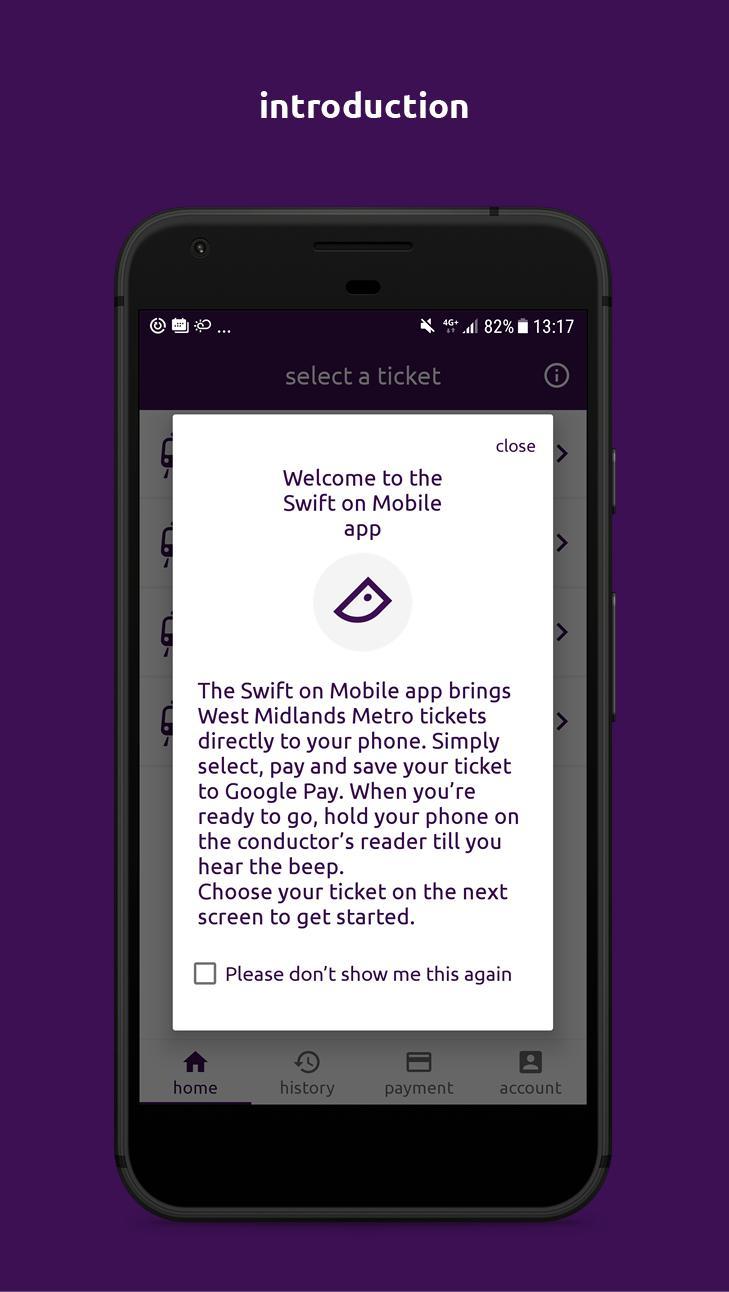
The Swift on Mobile app brings West Midlands Metro (tram) tickets directly to your phone. Simply select, pay and save your ticket to Google Pay.
When you’re ready to go, tap your phone on the conductor’s reader until you hear the beep.
No need to open up the Swift on Mobile app or Google Pay.
App features include:
• Purchase 1 day, 1 day off-peak, 1 week and 4 week West Midlands Metro tickets
• Pay with credit/debit card or Google Pay
• View purchase history
• Link with your Swift account
You will need to be able to access your ticket each time your travel. Meaning, if your phone has no battery and you are unable to present your ticket, you will need to pay the fare for your journey. Unfortunately, we are unable to refund you in this instance.
For this you will need Google Pay on a non-rooted Android device. Swift on Mobile is available on Android devices (Lollipop 5.0+) with Near Field Communication (NFC) capability.
Avance
Etiquetas
Travel-&Información
Desarrollador
West Midlands Combined Authority
La última versión
4.0.41
Última actualización
2019-10-08
Categoría
Travel-local
Disponible en
Google Play
Mostrar más
Cómo jugar Swift on Mobile con GameLoop en PC
1. Descargue GameLoop desde el sitio web oficial, luego ejecute el archivo exe para instalar GameLoop.
2. Abra GameLoop y busque "Swift on Mobile", busque Swift on Mobile en los resultados de búsqueda y haga clic en "Instalar".
3. Disfruta jugando Swift on Mobile en GameLoop.
Minimum requirements
OS
Windows 8.1 64-bit or Windows 10 64-bit
GPU
GTX 1050
CPU
i3-8300
Memory
8GB RAM
Storage
1GB available space
Recommended requirements
OS
Windows 8.1 64-bit or Windows 10 64-bit
GPU
GTX 1050
CPU
i3-9320
Memory
16GB RAM
Storage
1GB available space