
Private Browser, VPN- Zordo para PC
Zordo Technologies
Descarga Private Browser, VPN- Zordo en PC con GameLoop Emulator
Private Browser, VPN- Zordo en PC
Private Browser, VPN- Zordo, proveniente del desarrollador Zordo Technologies, se ejecuta en el sistema Android en el pasado.
Ahora, puedes jugar Private Browser, VPN- Zordo en PC con GameLoop sin problemas.
Descárgalo en la biblioteca de GameLoop o en los resultados de búsqueda. No más mirar la batería o llamadas frustrantes en el momento equivocado nunca más.
Simplemente disfrute de Private Browser, VPN- Zordo PC en la pantalla grande de forma gratuita!
Private Browser, VPN- Zordo Introducción
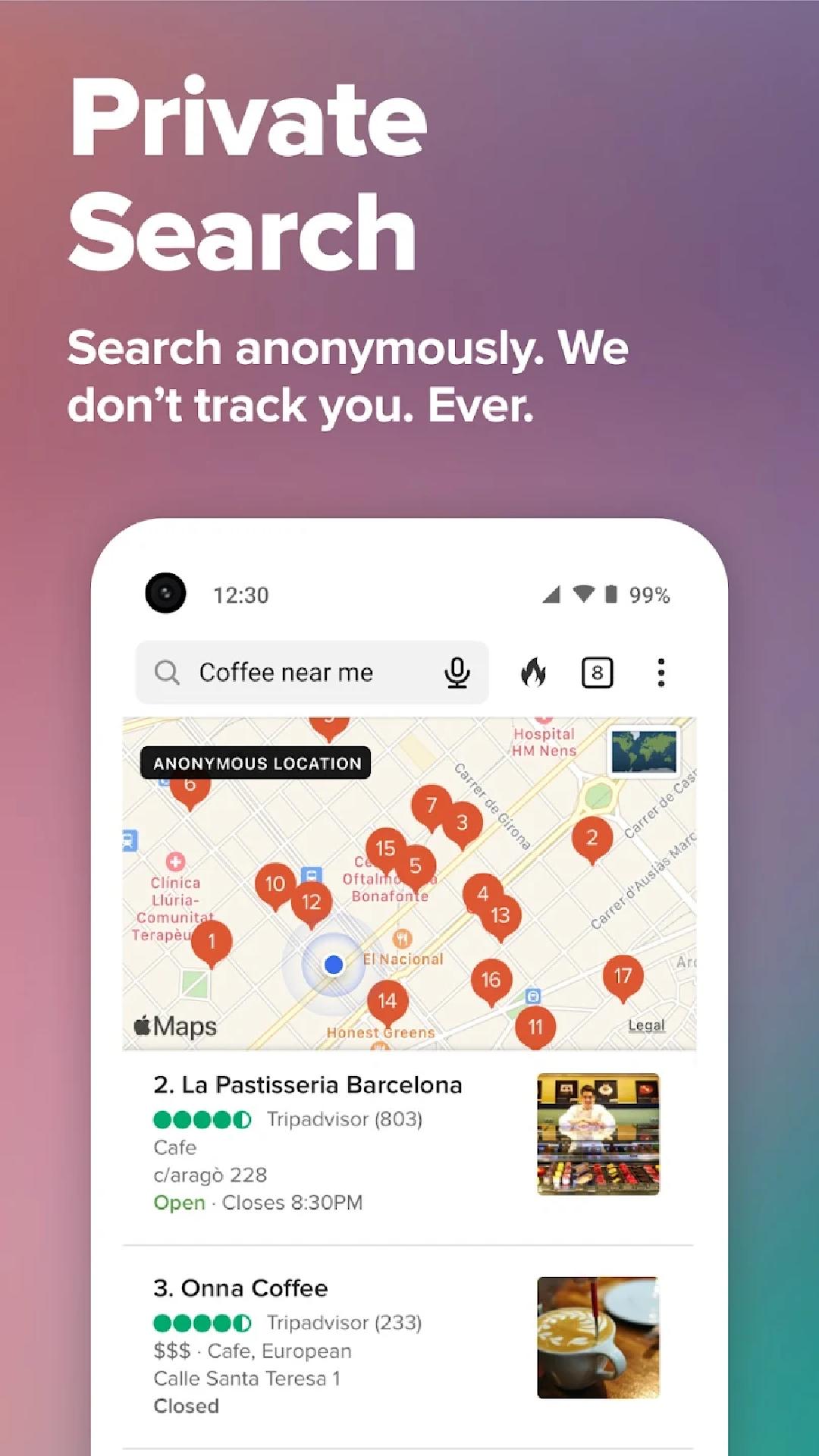
Zordo Browser is a Private Web browser that provides the most comprehensive online privacy protection in one app. Unlike most popular browsers, it has powerful privacy protections by default, including our search engine that doesn’t track your history and over a dozen other built-in protections. Millions of people use Zordo Browser as their go-to browser to protect their everyday online activities, from searching to browsing, emailing, and more.
FEATURE HIGHLIGHTS
Search Privately by Default: Zordo Browser Private Search comes built-in, so you can easily search online without being tracked.
Block Most Trackers Before They Load: Our 3rd-Party Tracker Loading Protection exceeds what most popular browsers offer by default.
Automatically Enforce Encryption: Shield your data from network and Wi-Fi snoopers by forcing many sites to use an HTTPS connection.
Protect Your Privacy in Other Apps: Block most hidden app trackers in other apps day or night, and prevent 3rd-party companies from invading your privacy with App Tracking Protection. This feature uses a VPN connection, but is not a VPN. It works locally on your device and does not collect personal data.
Escape Fingerprinting: Make it harder for companies to create a unique identifier for you by blocking attempts to combine info about your browser and device.
We feature many protections not available on most browsers, even in private browsing mode, including protection from link tracking, AMP tracking, and more.
EVERYDAY PRIVACY CONTROLS
Clear your tabs and browsing data in a flash with the Fire Button.
Banish cookie pop-ups and automatically set your preferences to minimize cookies and maximize privacy.
Signal Your Privacy Preference with Global Privacy Control (GPC) built into our app. GPC intends to help you express your opt-out rights automatically by telling websites not to sell or share your personal info. Whether it can be used to enforce your legal rights depends on the laws in your jurisdiction.
PRIVACY PRO
Subscribe to Privacy Pro for:
Our VPN: Secure your connection on up to 5 devices.
Personal Information Removal: Find and remove personal info from sites that store and sell it (access on desktop).
Identity Theft Restoration: If your identity is stolen, we’ll help restore it.
Privacy Pro Pricing & Terms
Payment will be charged automatically to your Google Account until you cancel, which you can do in app settings. You have the option to provide an email address to activate your subscription on other devices, and we will only use that email address to verify your subscription. For terms of service and privacy policy, visit https://www.zordo.net/p/privacy-policy.html
You don't need to wait to take back your privacy. Join the millions of people using Zordo Browser and protect many of your everyday online activities with one app. It's privacy, simplified.
Contact Us On support@zordo.in
Avance

Etiquetas
HerramientasInformación
Desarrollador
Zordo Technologies
La última versión
15.1
Última actualización
2025-10-21
Categoría
Herramientas
Disponible en
Google Play
Mostrar más
Cómo jugar Private Browser, VPN- Zordo con GameLoop en PC
1. Descargue GameLoop desde el sitio web oficial, luego ejecute el archivo exe para instalar GameLoop.
2. Abra GameLoop y busque "Private Browser, VPN- Zordo", busque Private Browser, VPN- Zordo en los resultados de búsqueda y haga clic en "Instalar".
3. Disfruta jugando Private Browser, VPN- Zordo en GameLoop.
Minimum requirements
OS
Windows 8.1 64-bit or Windows 10 64-bit
GPU
GTX 1050
CPU
i3-8300
Memory
8GB RAM
Storage
1GB available space
Recommended requirements
OS
Windows 8.1 64-bit or Windows 10 64-bit
GPU
GTX 1050
CPU
i3-9320
Memory
16GB RAM
Storage
1GB available space